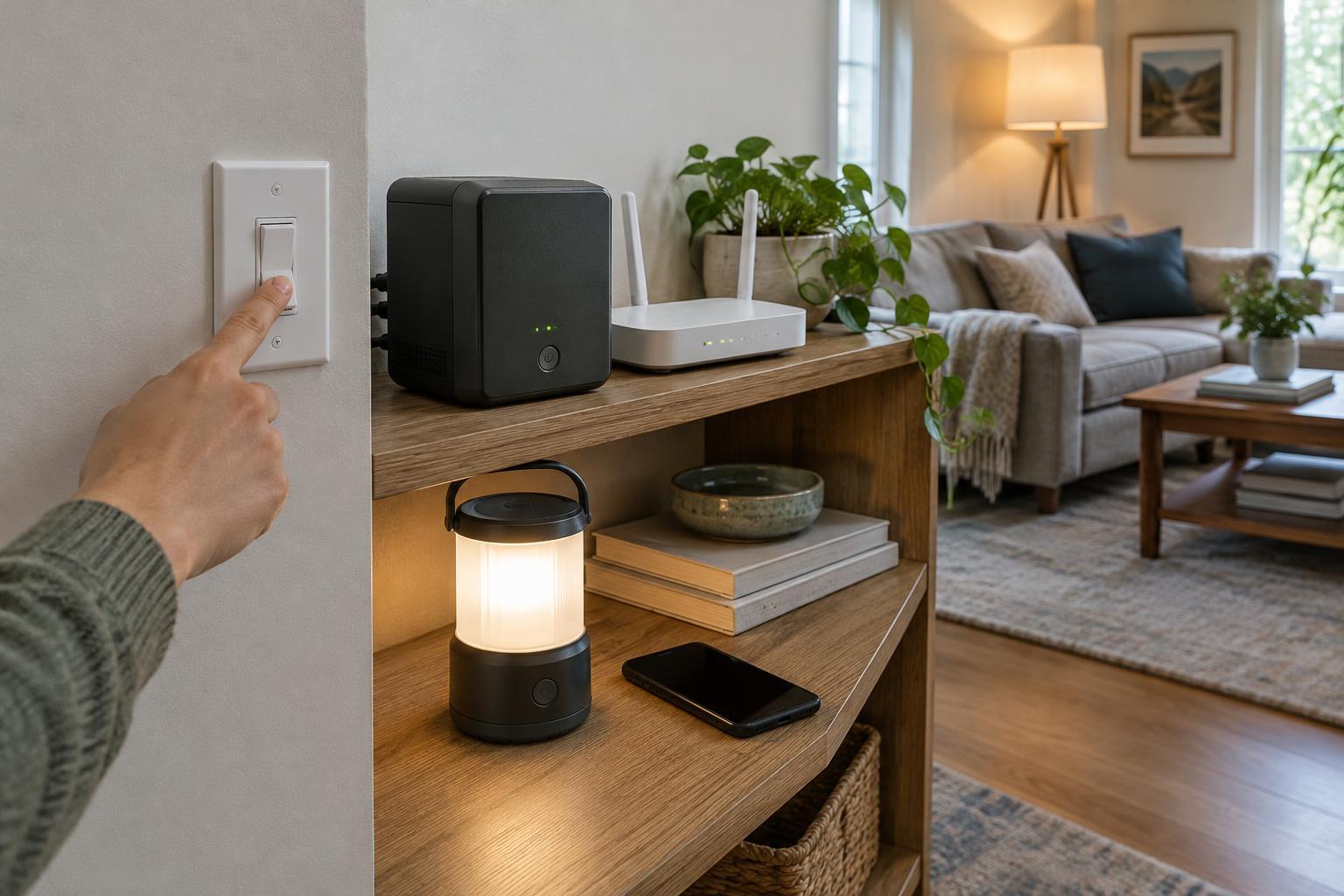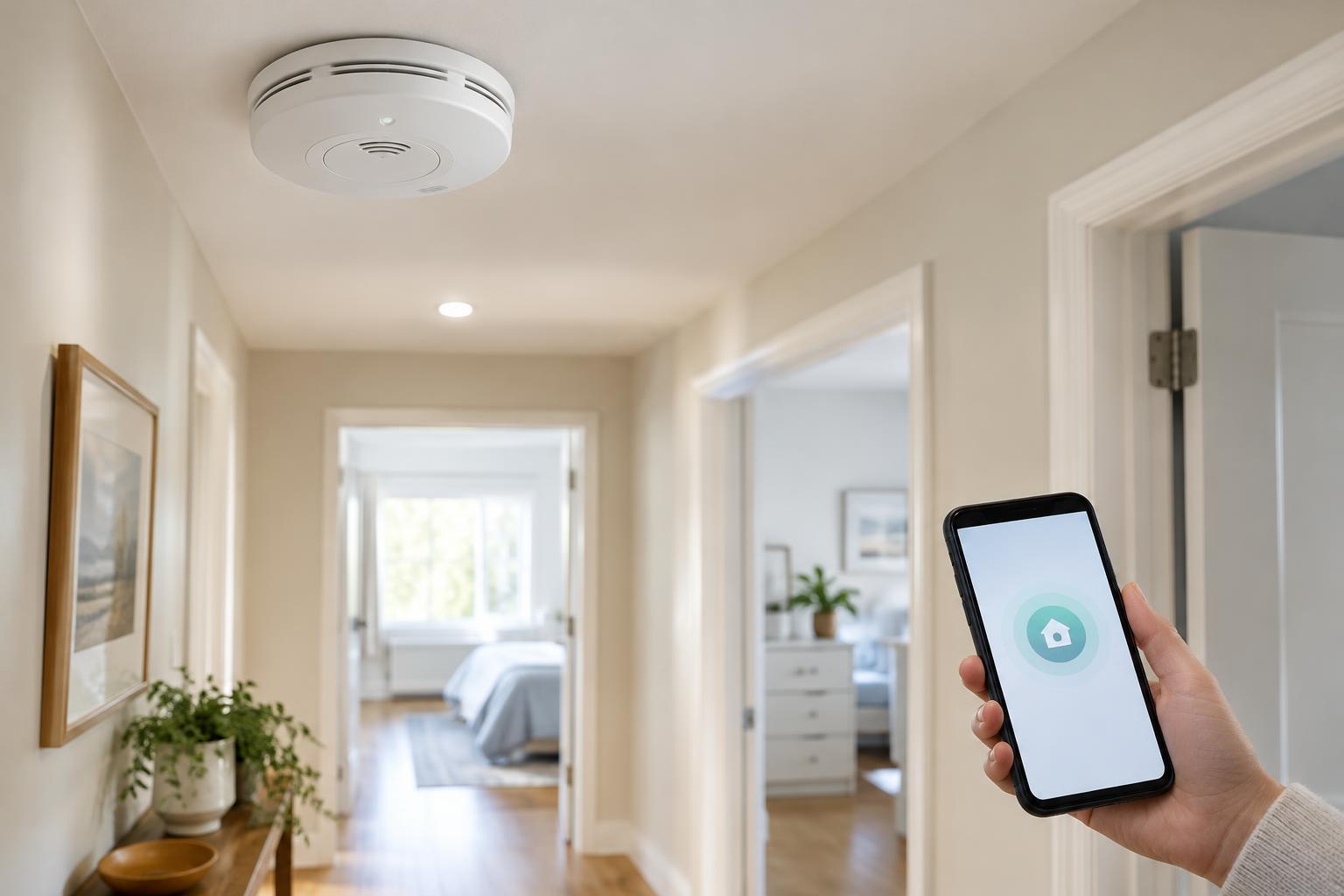
Connected HomesSmart smoke and carbon monoxide alarms can send phone notifications and identify which alarm has sounded, but their most important job is to warn people at home. Learn which features matter, how to plan placement, and what to check throughout an alarm’s working life.
Read article · 4 min↗

Connected HomesConnected leak sensors can warn you about water in places you rarely check. Learn where to put them, how to configure useful alerts, and what to consider before adding an automatic shutoff device.
Read article · 4 min↗

Connected HomesAn indoor camera can help you check on an entryway, pet or empty home, but its usefulness depends on where it points, what it records and who can access the footage. Use this guide to plan coverage, compare storage options and set boundaries everyone at home understands.
Read article · 4 min↗
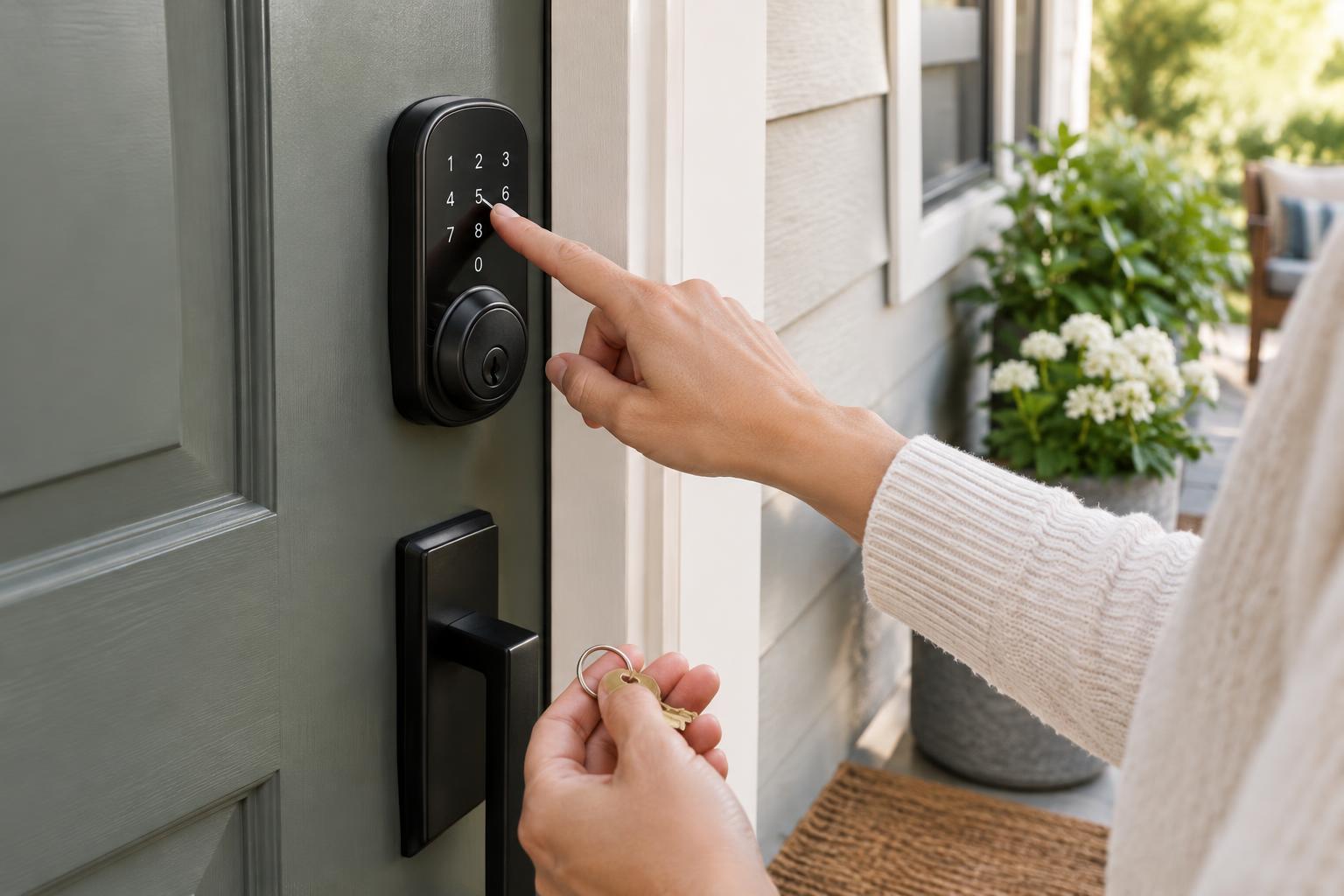
Connected HomesA smart lock is most useful when everyone who needs the door can open it—and you have a plan for when the battery, phone or network fails. Use this setup checklist to organize entry codes, give guests limited access and choose reliable backups.
Read article · 4 min↗
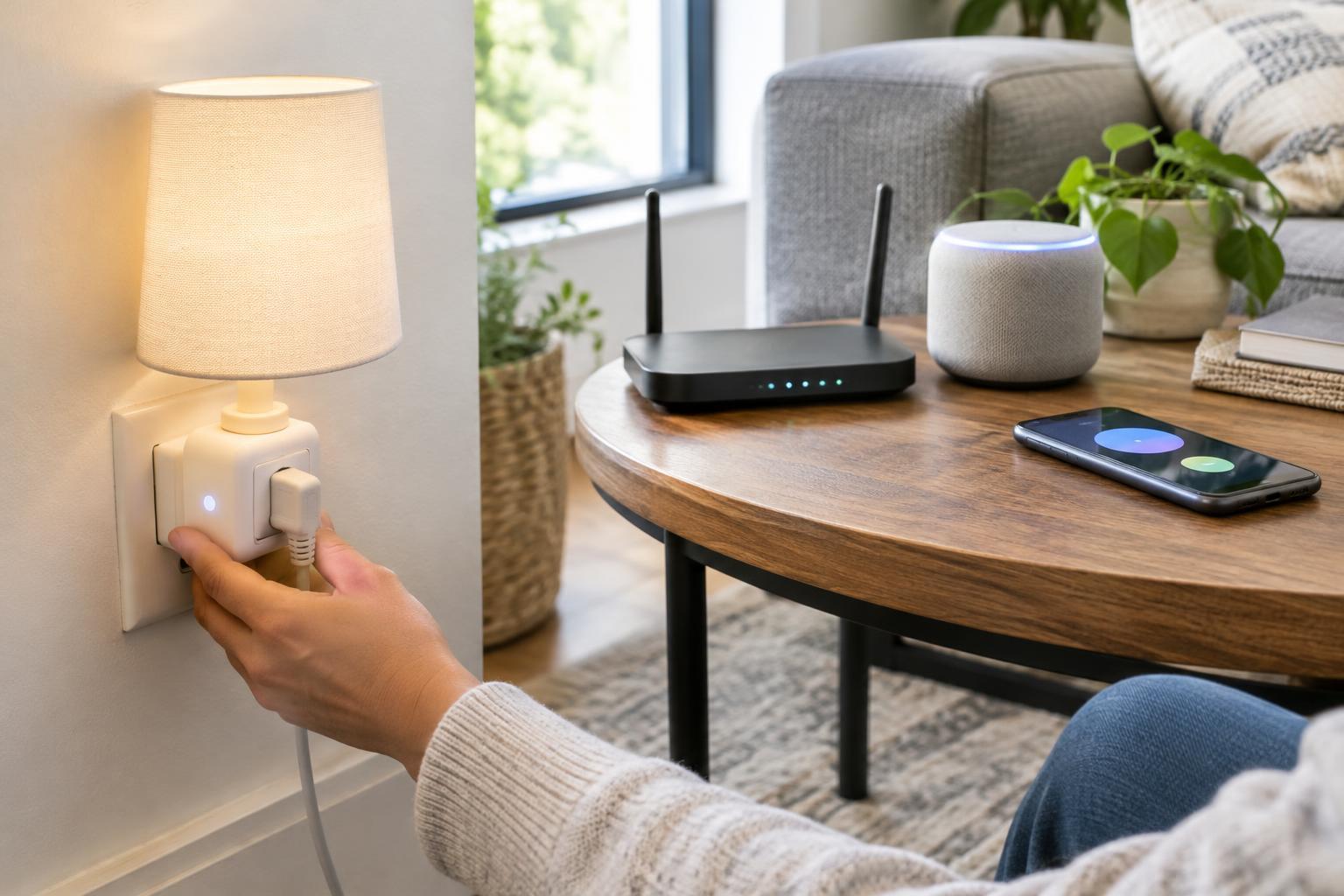
Connected HomesA smart light that goes offline or a plug that reacts seconds late does not always need replacing. Use a simple sequence to identify whether the problem lies with one device, your home network, a hub, or the service behind an app.
Read article · 4 min↗
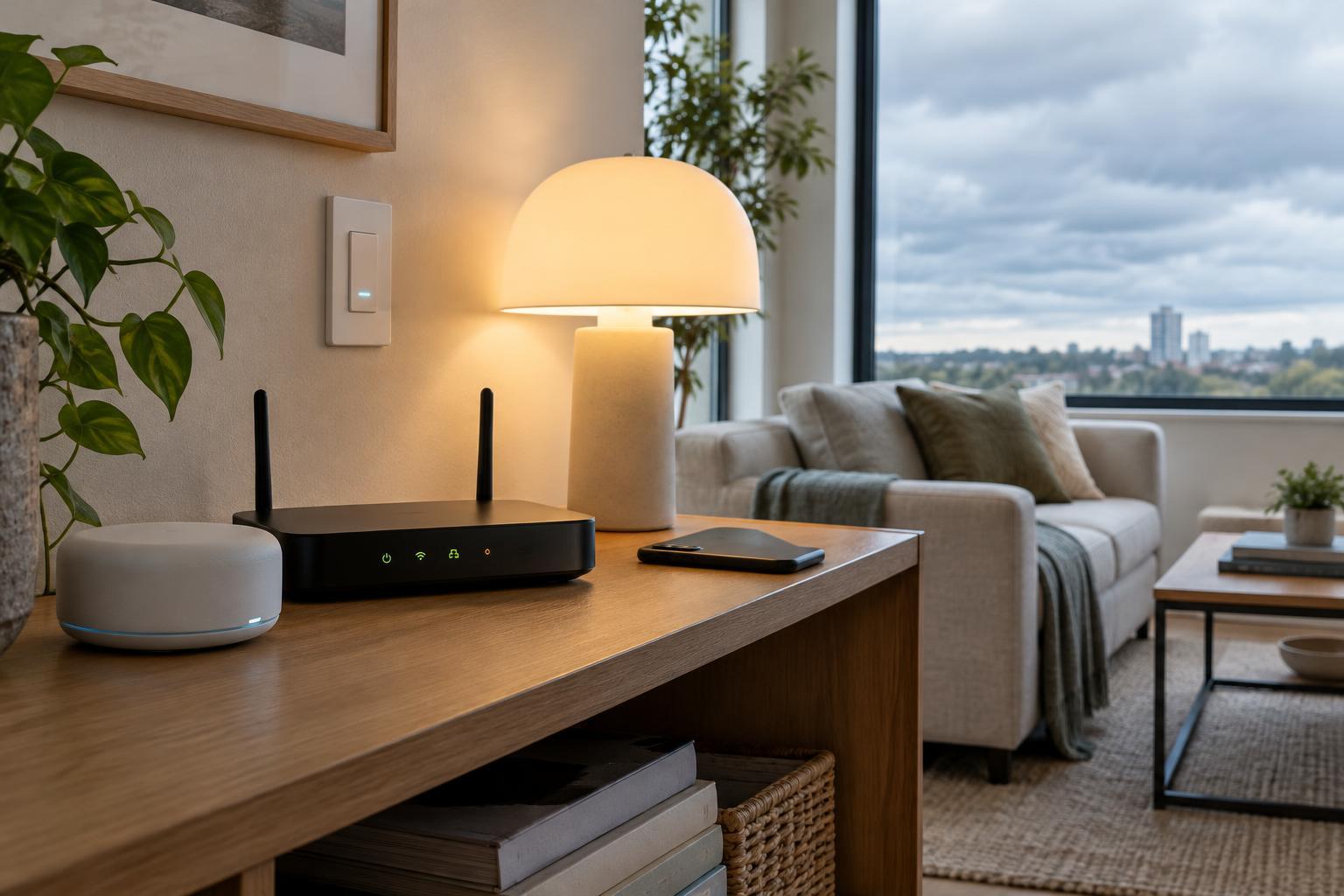
Connected HomesAn internet outage does not always make a smart home stop working. What survives depends on where each command and automation runs, whether the local network stays up, and how devices communicate. Here is how to understand those dependencies and check your own setup.
Read article · 4 min↗
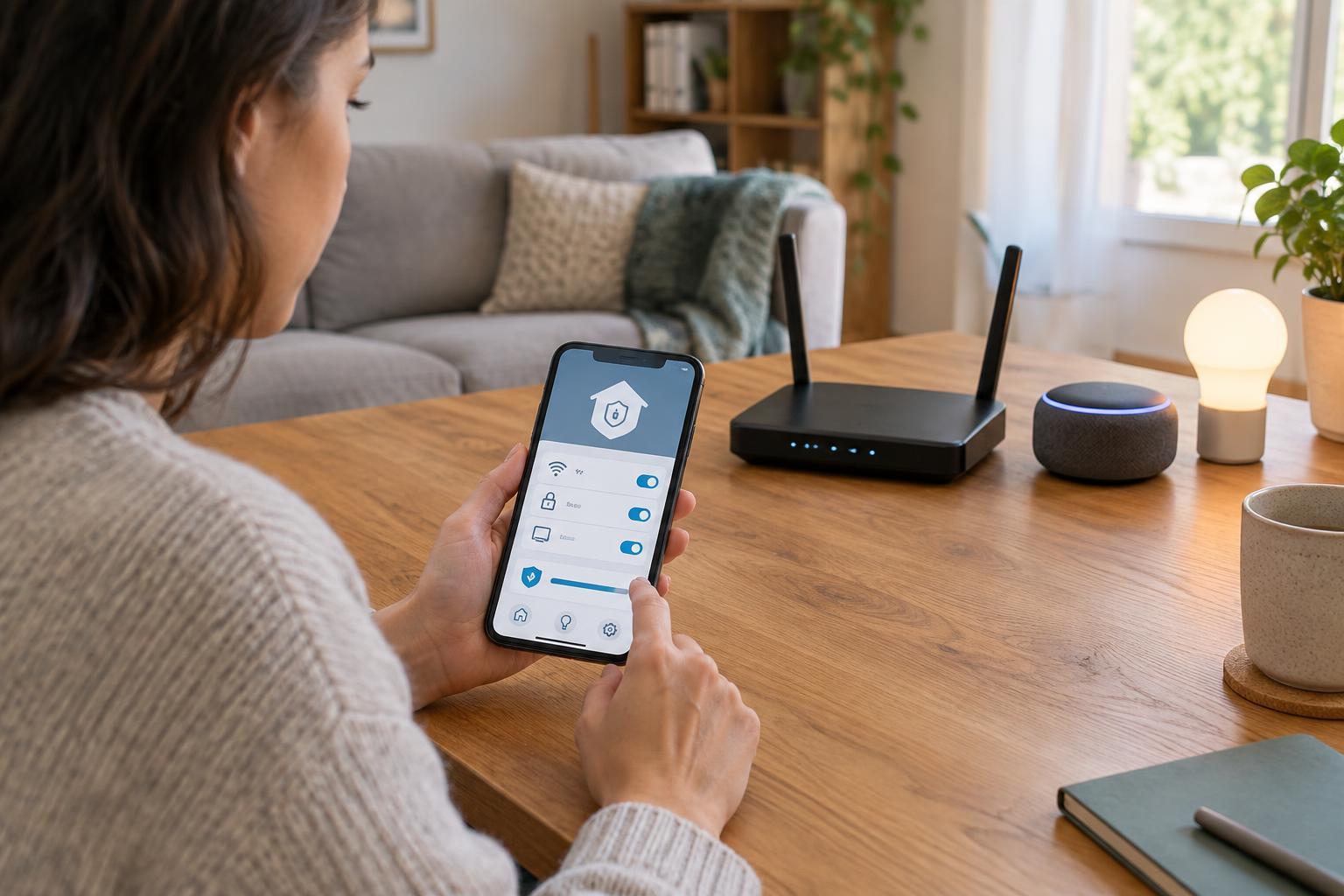
Connected HomesSmart home security starts with a few repeatable habits: keep devices and your router updated, protect accounts with unique passwords, and review which devices can reach your home network and the internet. This guide explains where to start and what to check when a setting affects everyday convenience.
Read article · 4 min↗
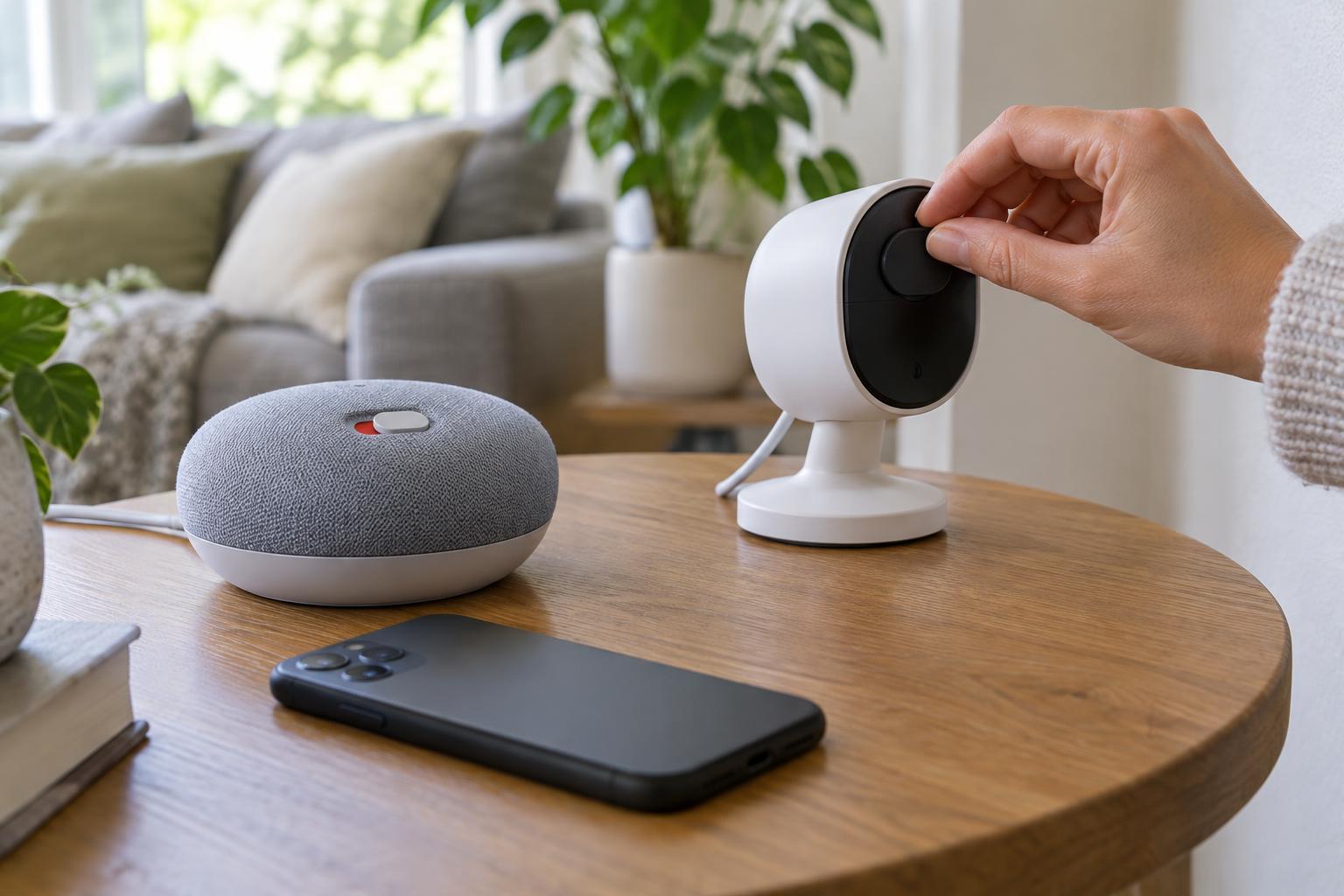
Connected HomesSmart home privacy is easier to manage when you review one setting at a time. Use this checklist to check accounts, app permissions, microphones, data sharing and what happens when a device leaves your home.
Read article · 4 min↗

Connected HomesA sensor can only trigger a useful automation when it detects the right event consistently. Learn how to choose locations for motion and contact sensors, avoid common placement problems, and test your setup before relying on it.
Read article · 4 min↗
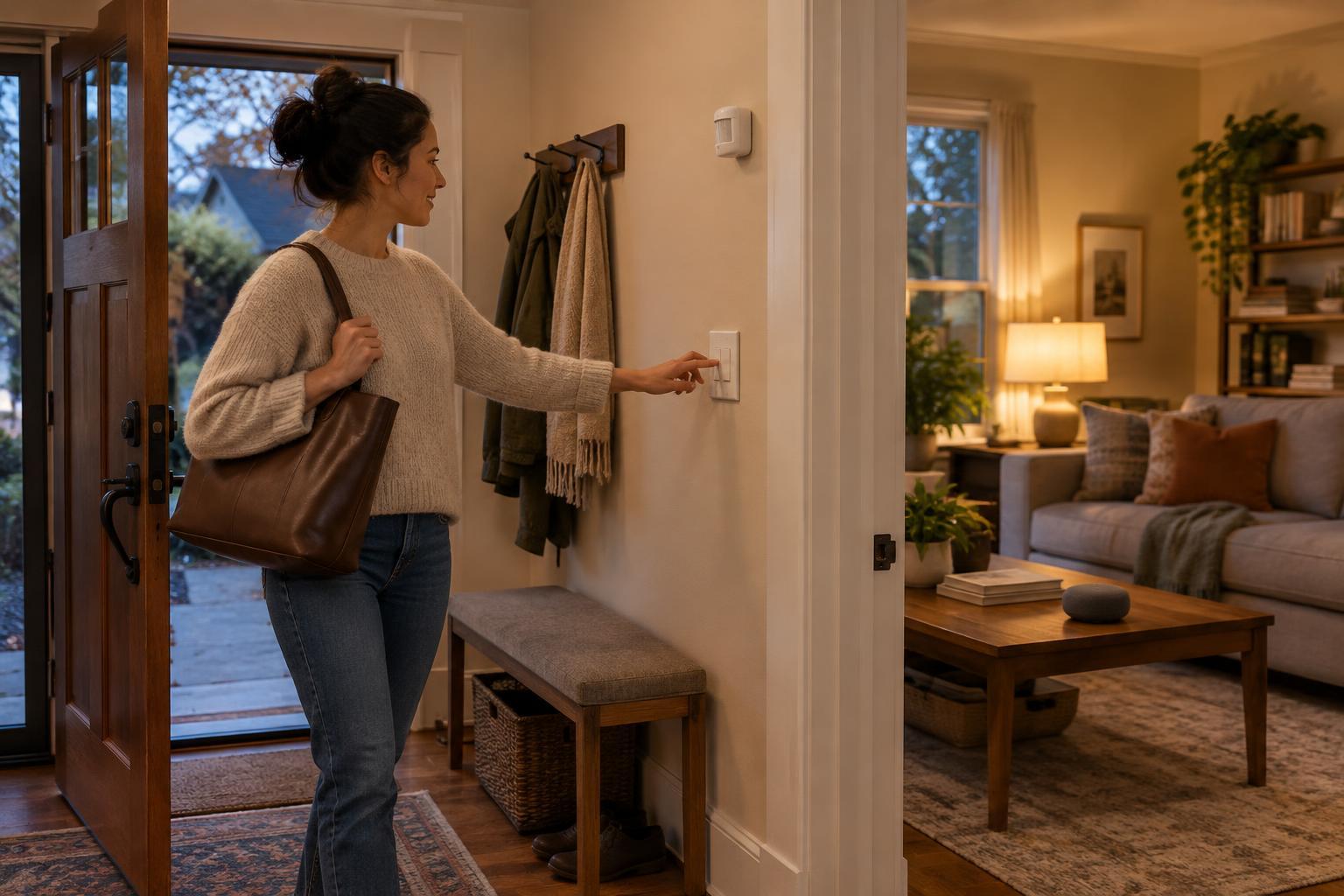
Connected HomesA good smart home routine saves a small amount of effort without making an ordinary task harder when a device, connection or service fails. Start with dependable triggers, keep essential controls available and test the routine under less-than-ideal conditions.
Read article · 4 min↗
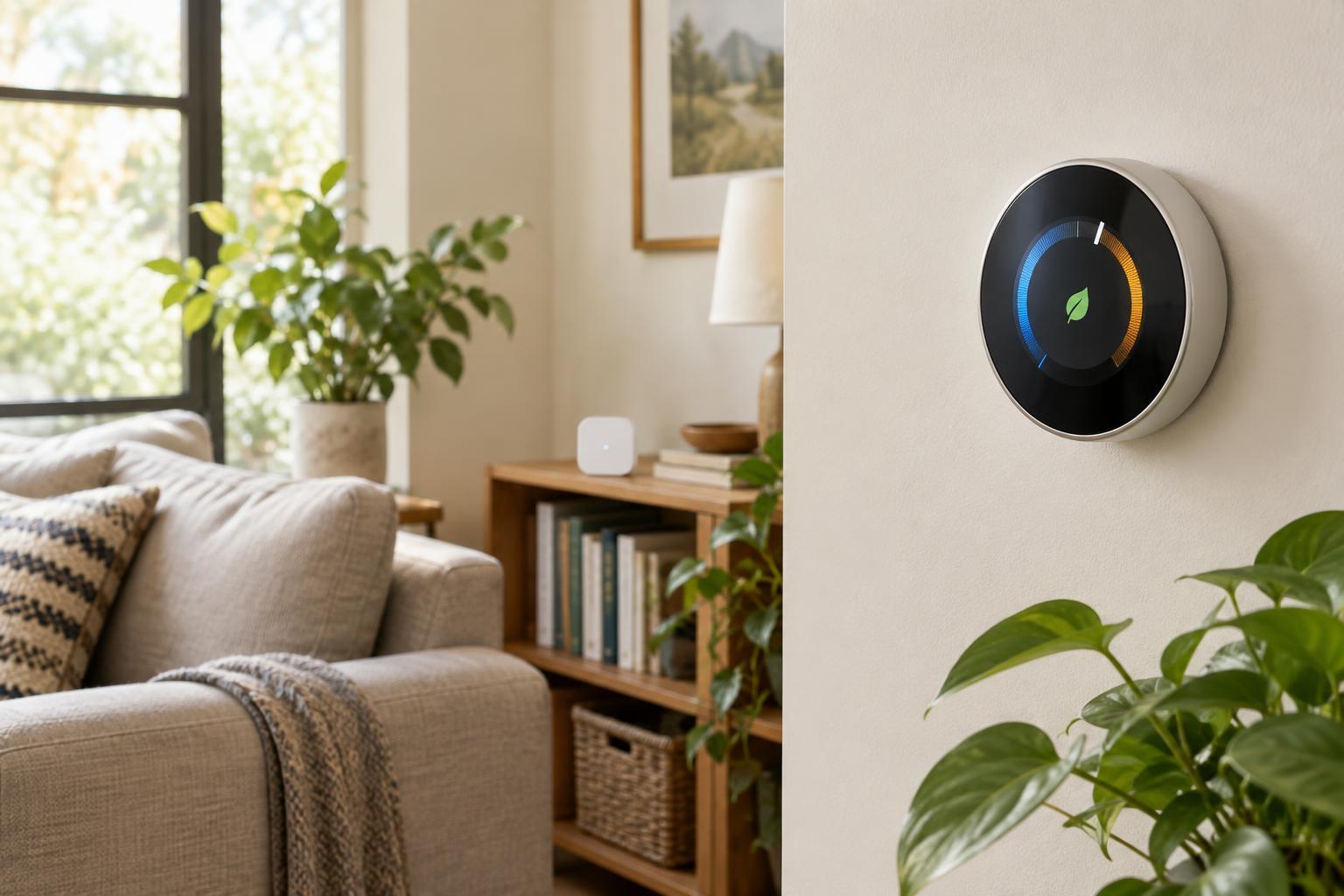
Connected HomesA smart thermostat can make home temperature control more convenient, but the right model depends on your heating and cooling system. Learn what to check before buying, how to build a useful schedule and when a remote temperature sensor might help.
Read article · 5 min↗
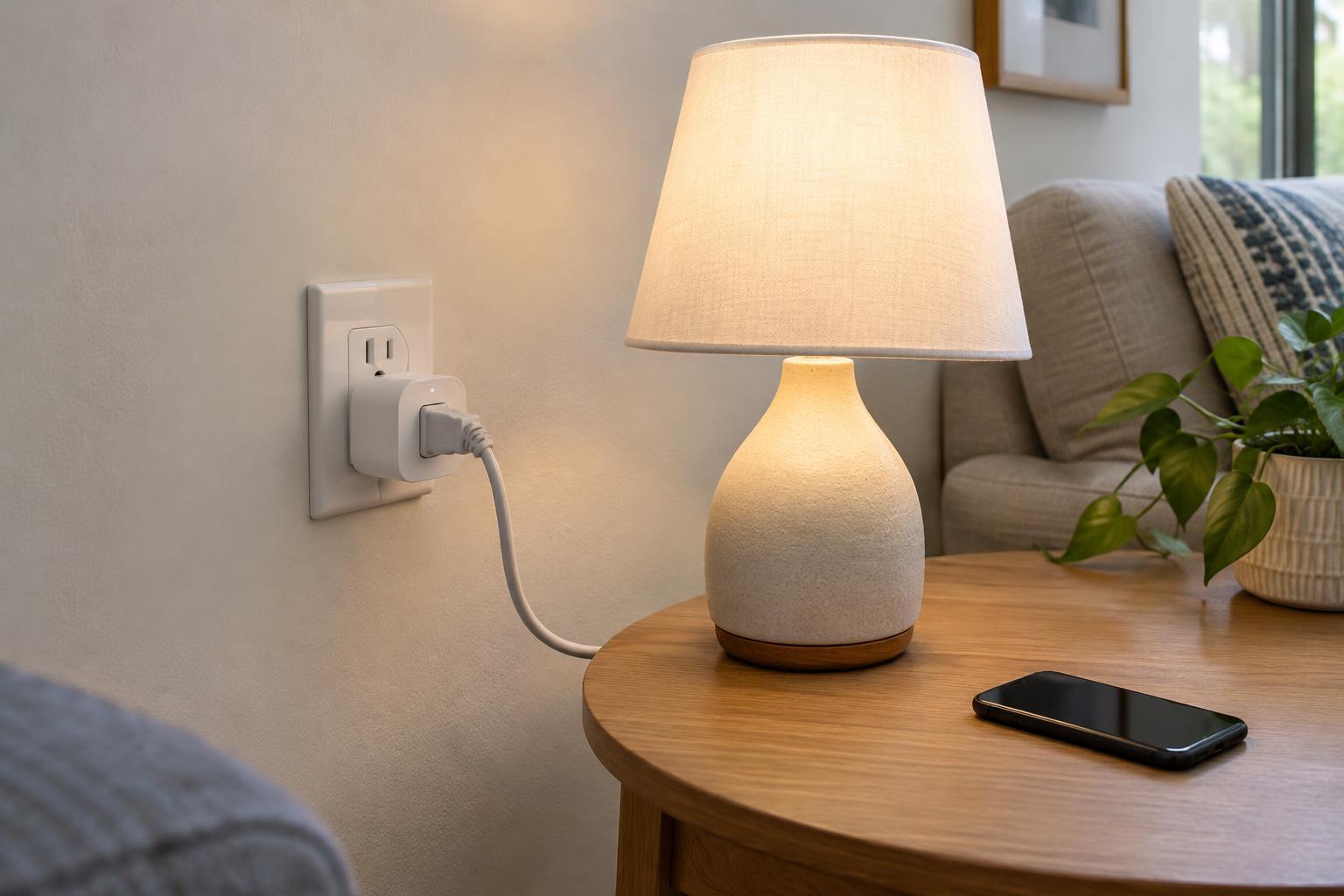
Connected HomesSmart plugs can put an ordinary lamp or small appliance on a schedule, but not every device belongs on one. Learn how to check compatibility, choose a safe location and set up controls that work as expected.
Read article · 4 min↗

Connected HomesSmart bulbs control individual lamps and colors, while smart switches control a whole lighting circuit from the wall. Learn how each option behaves in daily use, what to check before buying, and when a mixed setup makes sense.
Read article · 4 min↗

Connected HomesA mixed-phone household does not have to pick a smart home platform by majority vote. Start with the devices and controls everyone needs, then check compatibility, shared access, automation options and what happens when the internet is down.
Read article · 4 min↗
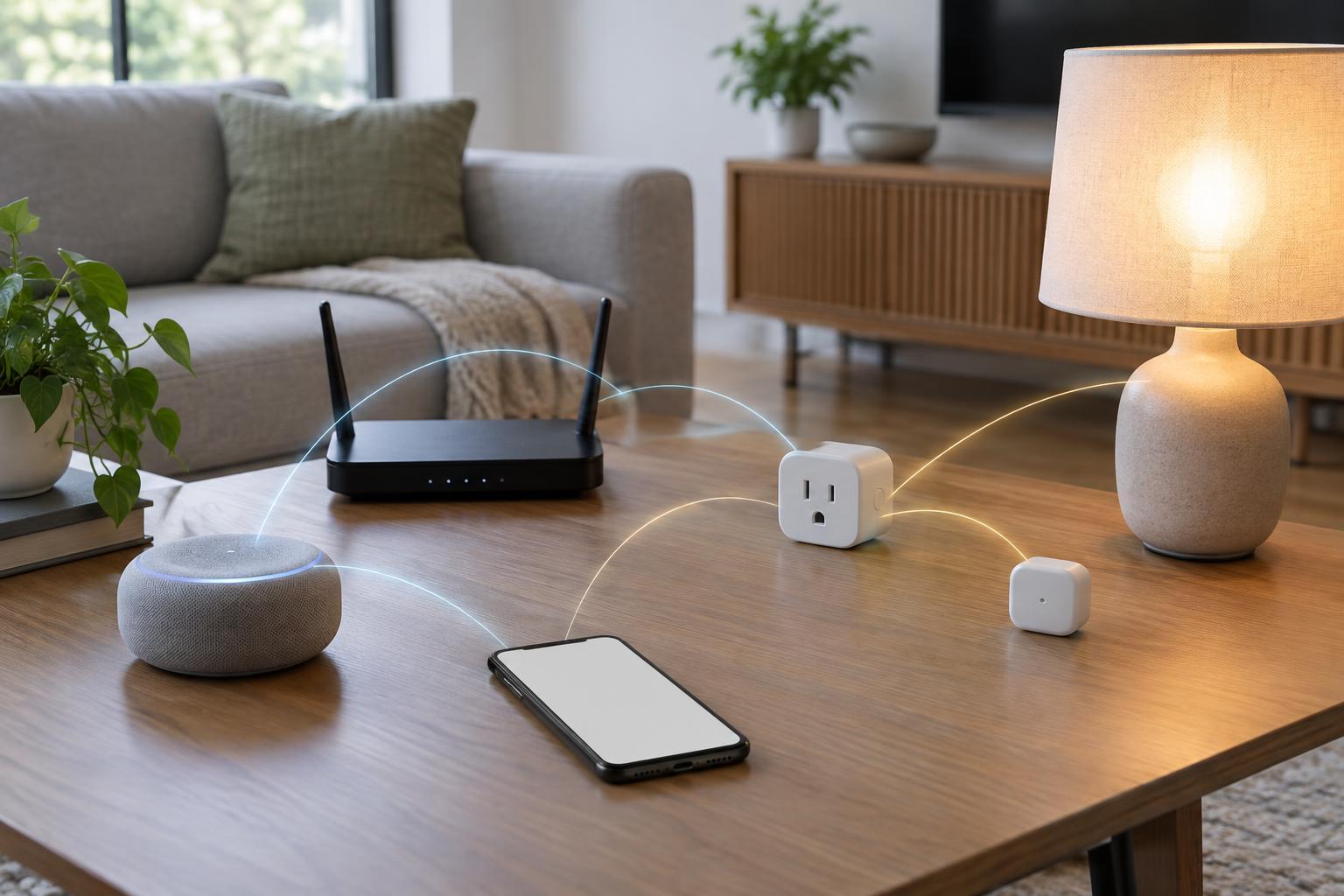
Connected HomesSmart home labels can describe different parts of a device’s setup. Matter helps compatible products work across platforms, while Thread, Zigbee and Wi-Fi describe ways devices communicate. Here is how to read those labels before buying.
Read article · 4 min↗

Connected HomesA smart home is easier to plan when you know what each part does. Learn how devices communicate, what apps and hubs add, and how to build automations that remain useful when a connection fails.
Read article · 5 min↗
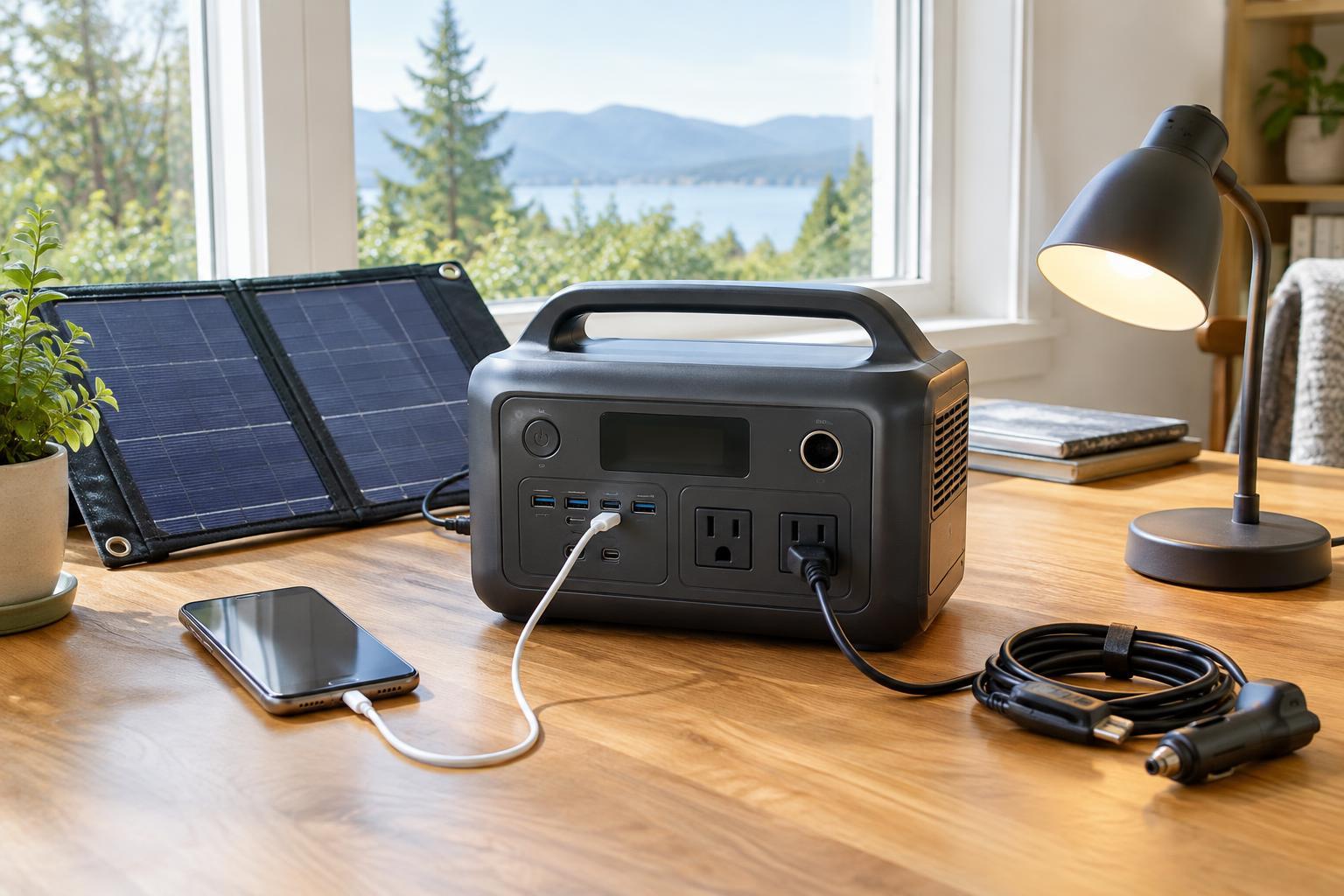
Buying GuidesA portable power station can keep small devices running away from an outlet or during a short outage, but the right model depends on more than its advertised capacity. Learn how to estimate runtime, check whether its outlets can handle your devices, and compare wall, car and solar charging before you buy.
Read article · 4 min↗
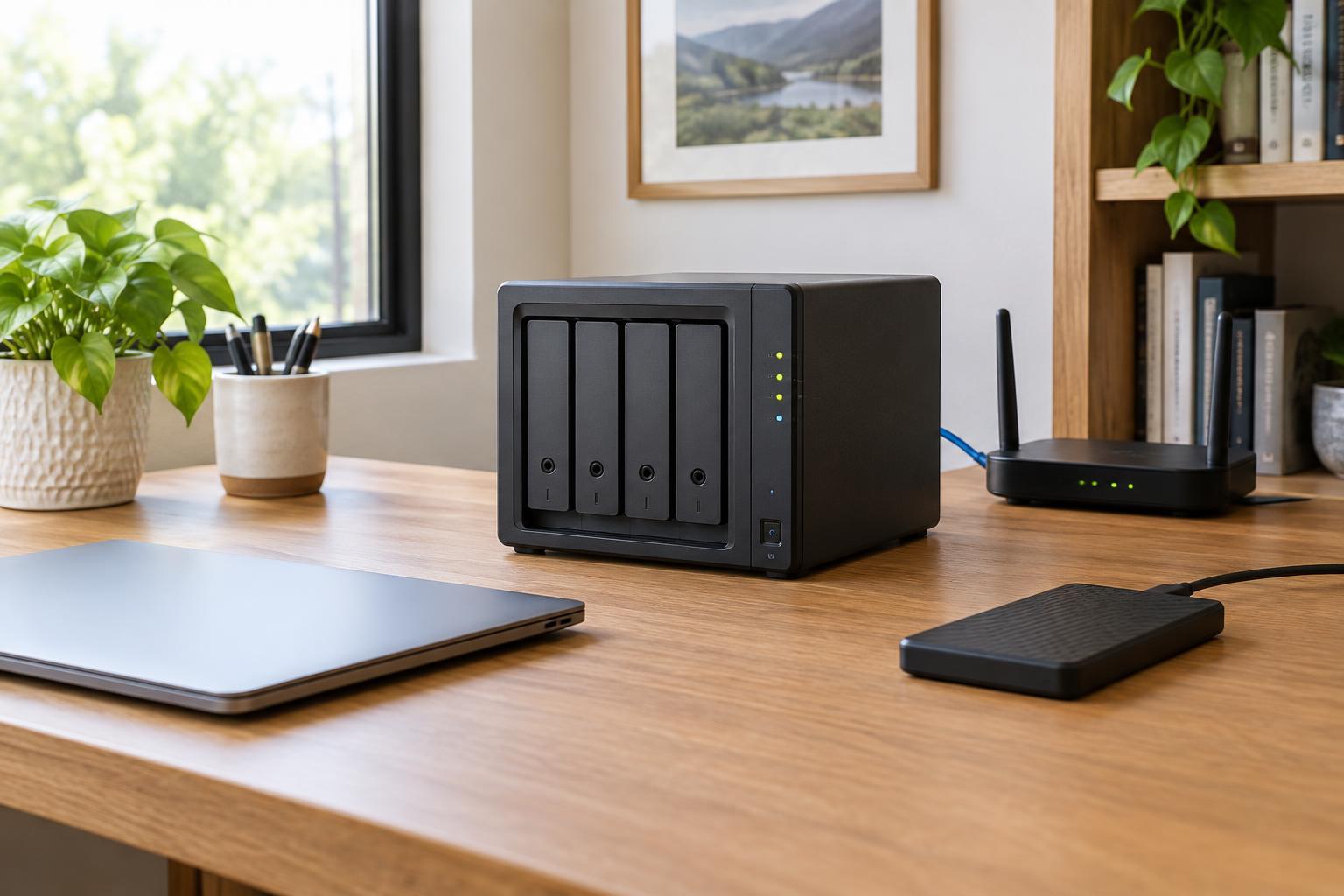
Buying GuidesA network-attached storage device can give a household one place for files and automated backups. Here is how to compare capacity, drive bays, network connections, software and ongoing costs—and why the NAS itself still needs a backup.
Read article · 4 min↗
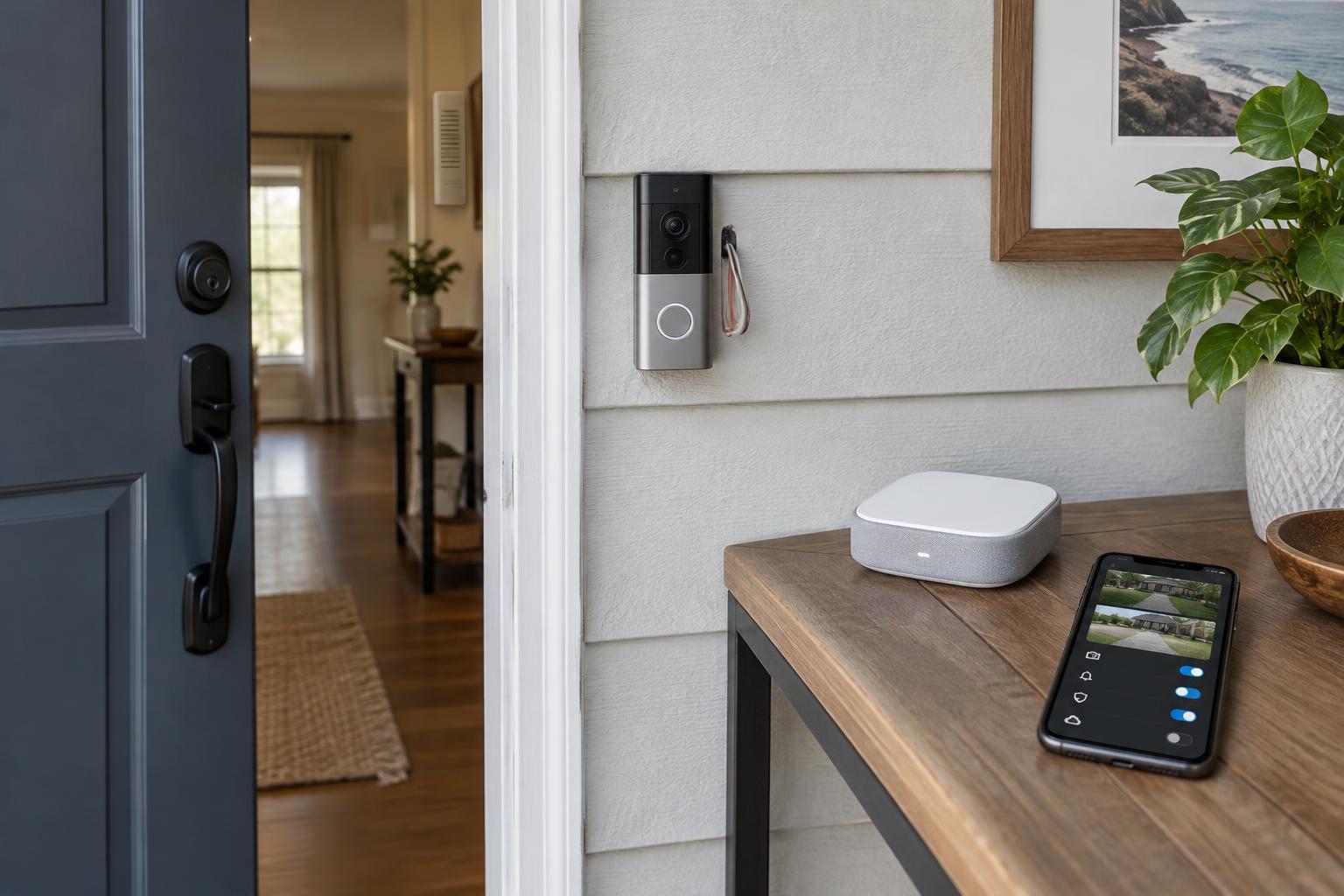
Buying GuidesA video doorbell is more than a camera beside the front door. Before buying, check how it will get power, whether it works with your existing chime, what happens to recordings without a subscription, and which privacy controls you can use every day.
Read article · 4 min↗

Buying GuidesA robot vacuum is easiest to choose when you start with your floor plan, flooring and tolerance for upkeep. This feature-based guide explains navigation systems, cleaning considerations and the maintenance costs worth checking before you buy.
Read article · 4 min↗
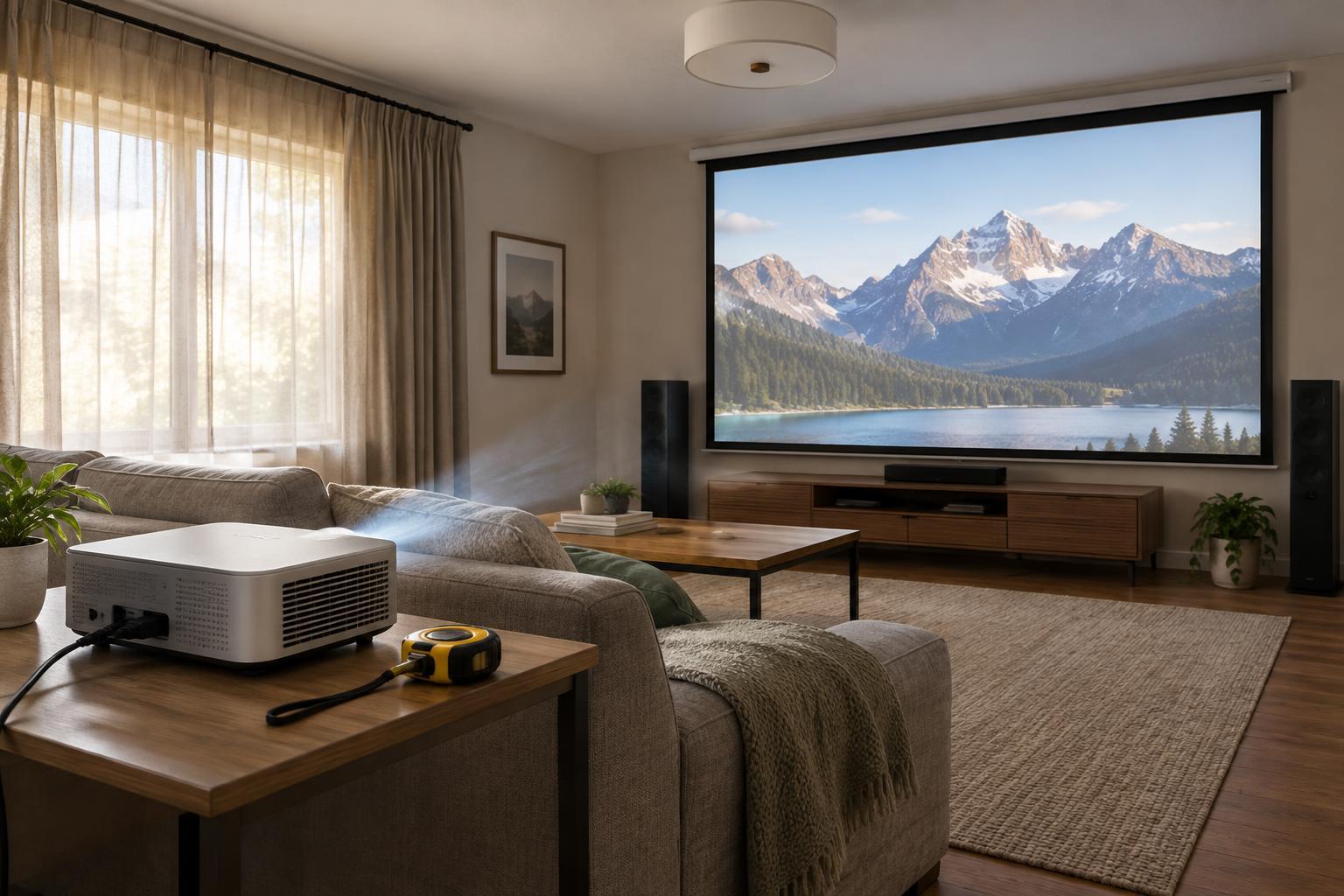
Buying GuidesA projector that looks impressive on a product page may not fit your room or viewing habits. Learn how to compare brightness claims, calculate image size from throw distance and budget for the equipment around the projector.
Read article · 4 min↗
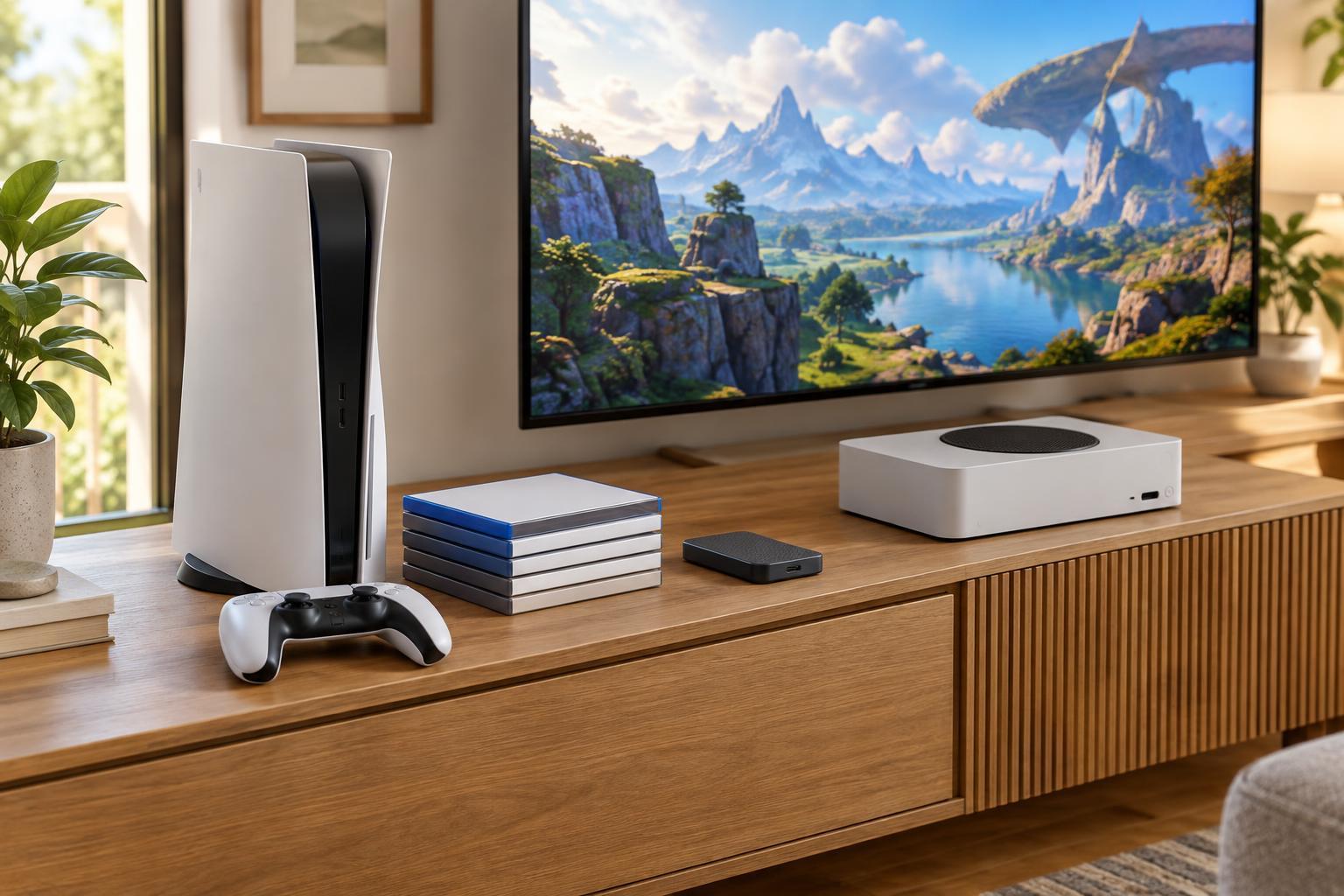
Buying GuidesThe best console is the one that fits the games you want to play and the way you want to buy them. Compare game libraries, subscription costs and usable storage before deciding which hardware belongs in your home.
Read article · 4 min↗
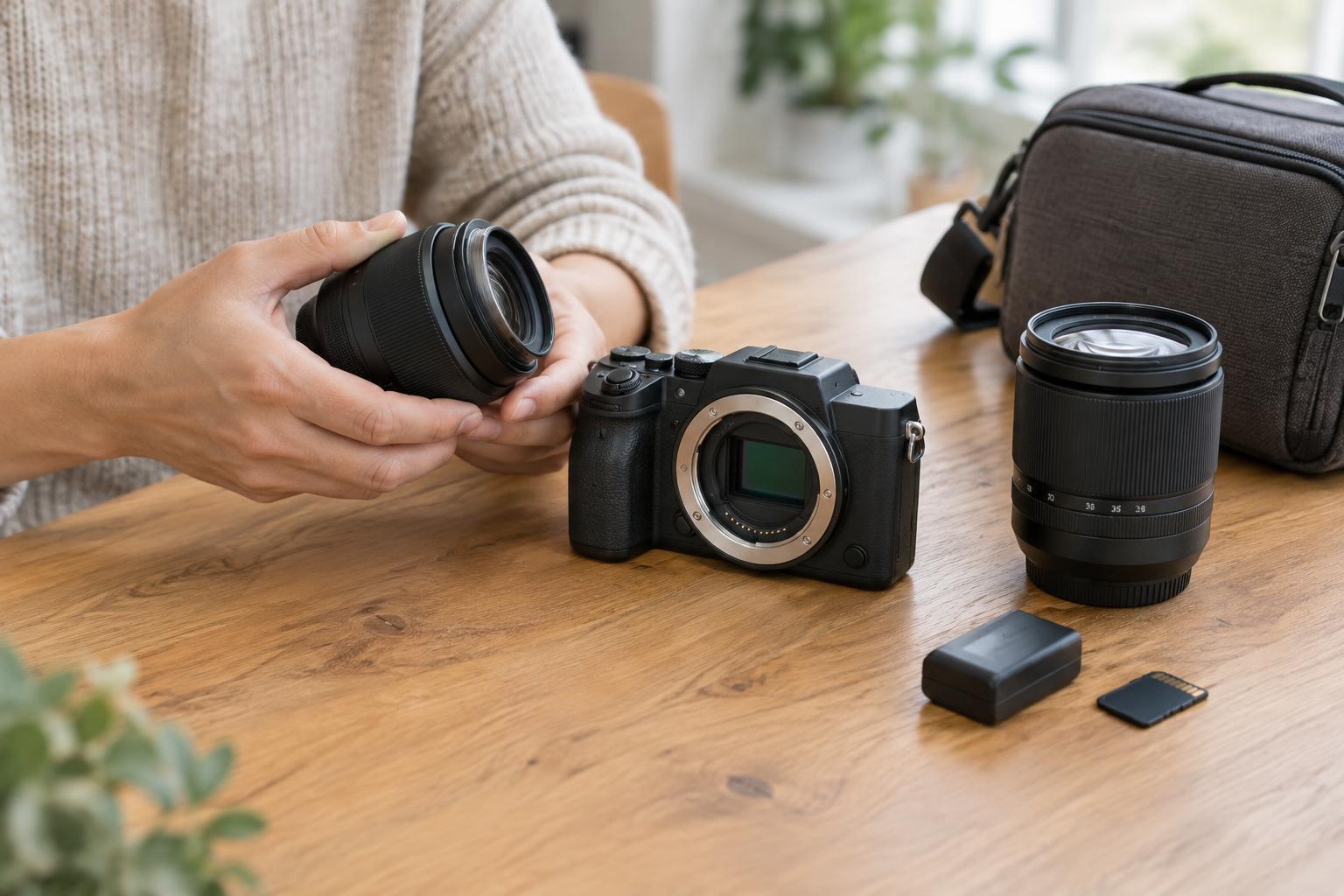
Buying GuidesA camera body is only the beginning. Learn how sensor size affects your lens choices, why the lens mount matters, and how to estimate the full cost of a mirrorless setup before you buy.
Read article · 4 min↗
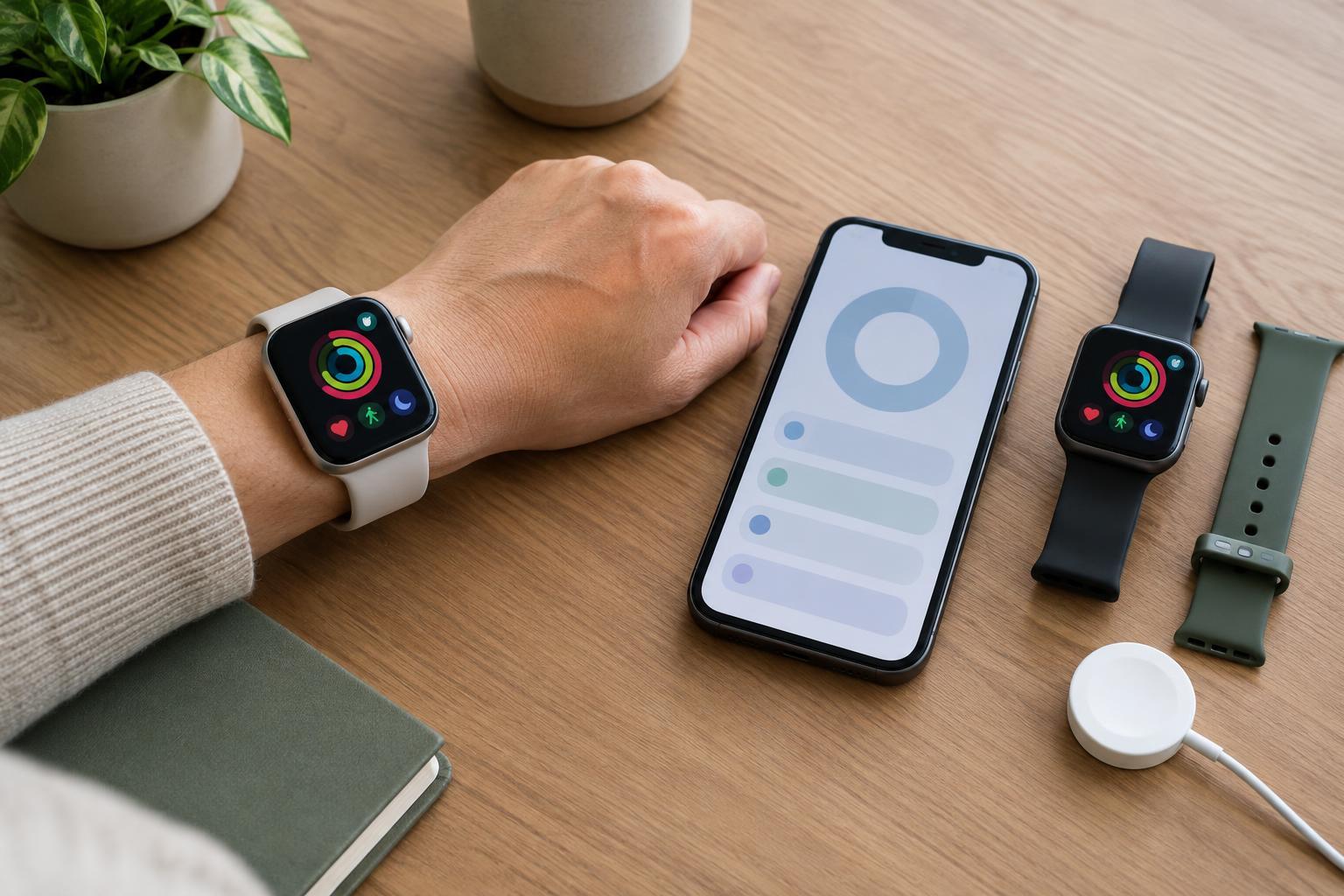
Buying GuidesA smartwatch is useful only if it works well with your phone and fits your routine. Learn how to check compatibility, distinguish health features from medical tools, compare battery claims and decide which extras are worth paying for.
Read article · 4 min↗

Buying GuidesA soundbar can make TV dialogue clearer and add impact without filling a room with speakers. Learn what channel labels mean, which connections to check and how to choose a setup that fits your space.
Read article · 4 min↗
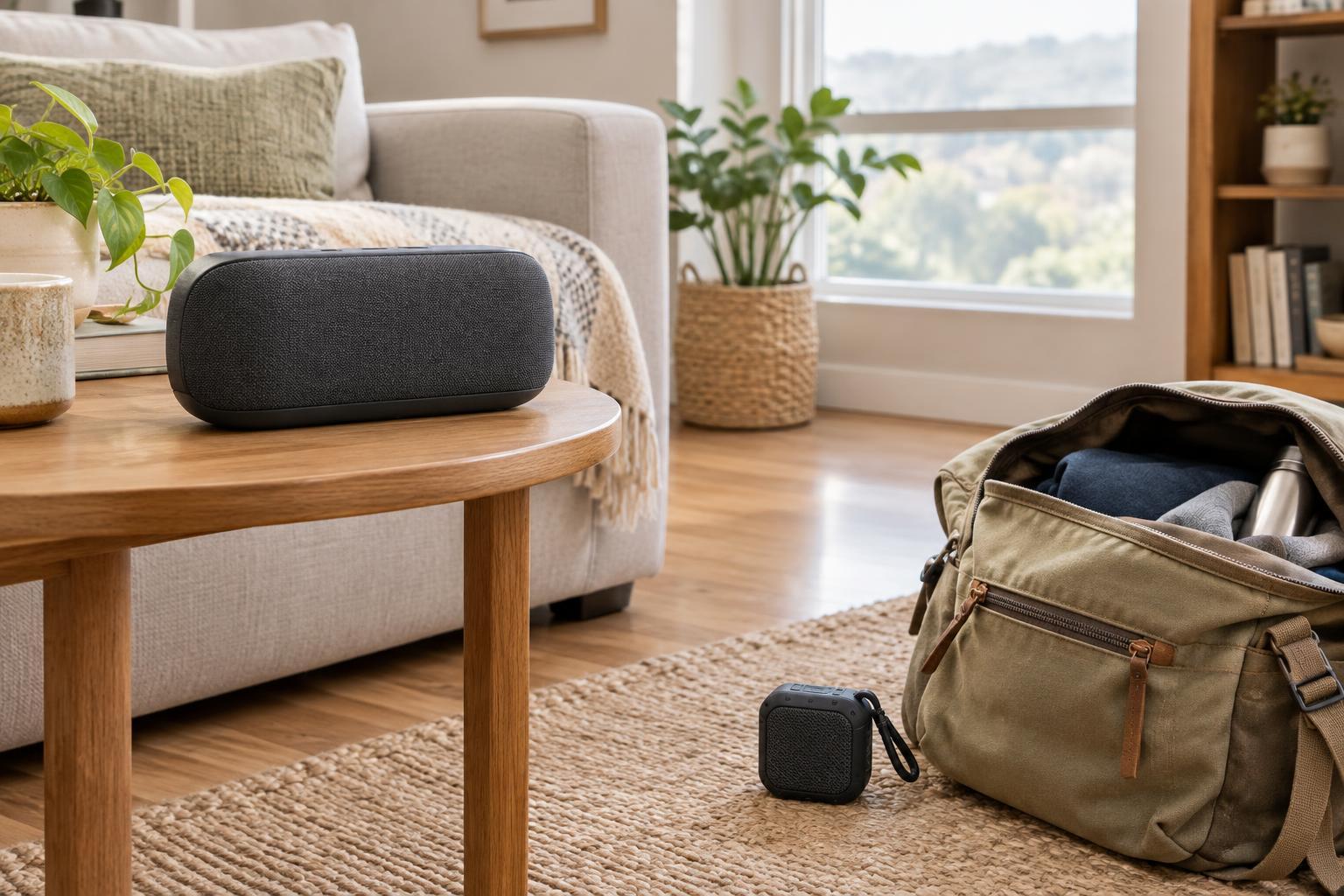
Buying GuidesThe best Bluetooth speaker for a living room may be awkward to pack, while a tiny travel model may struggle to fill a busy space. Compare size, sound, battery life, durability and connections according to where you will actually listen.
Read article · 4 min↗
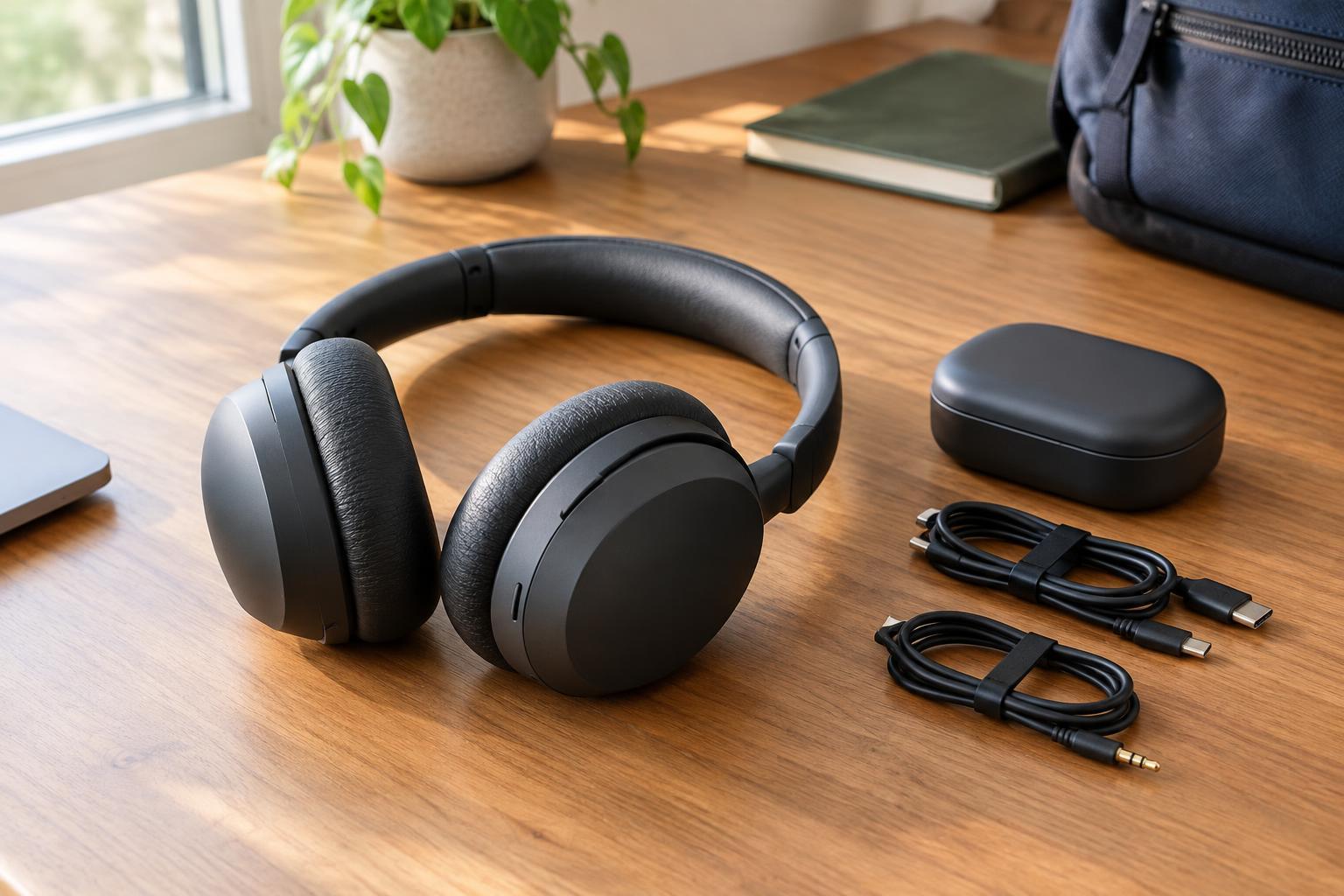
Buying GuidesNoise cancellation is only one part of a good headphone purchase. Use this feature-based guide to compare comfort, battery claims and connection options before choosing a pair for work, travel or everyday listening.
Read article · 4 min↗
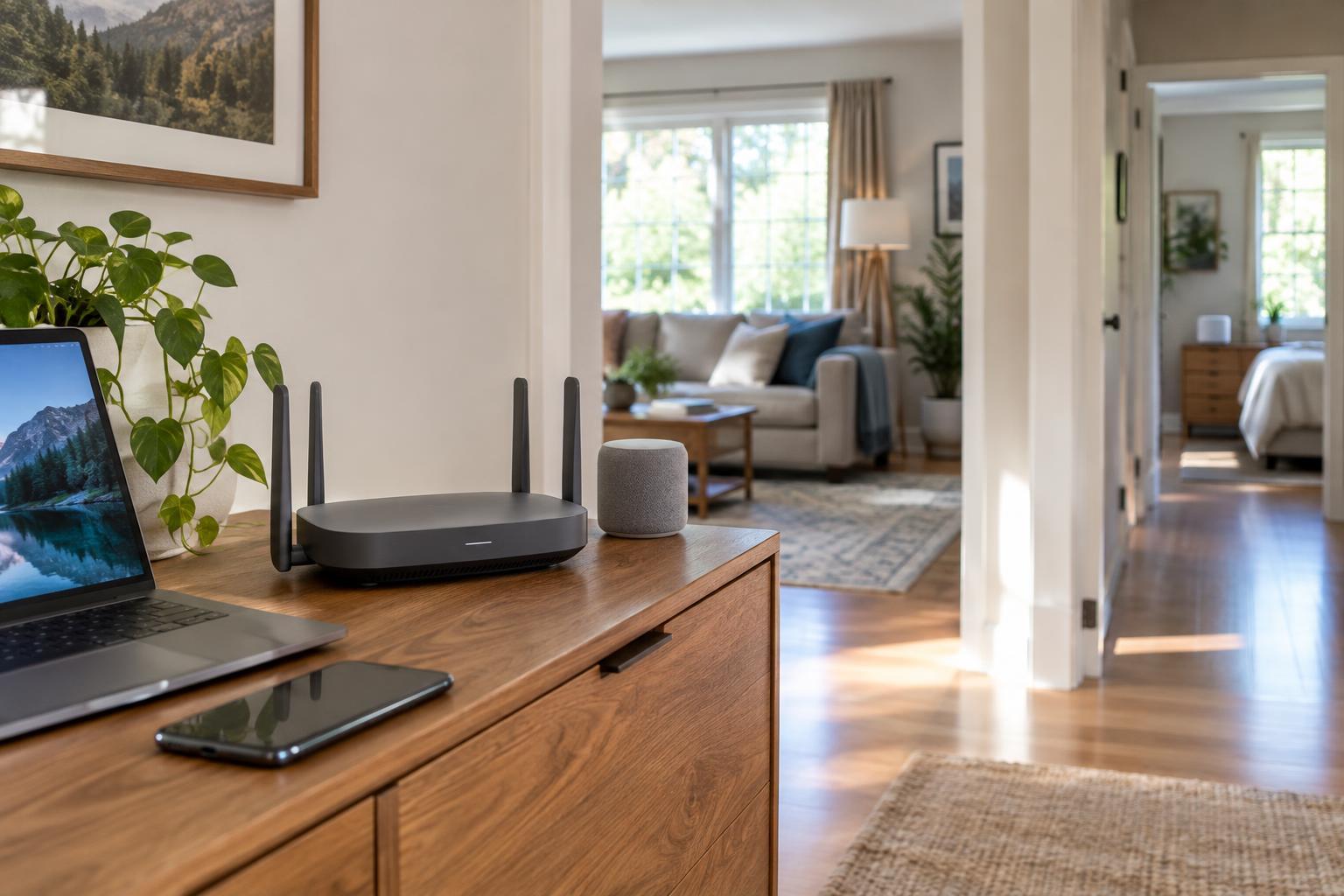
Buying GuidesA good router fits your home, your internet plan and the devices you actually use. Learn how to judge coverage claims, compare capacity and decide whether Wi-Fi 6, 6E or 7 is worth paying for.
Read article · 4 min↗
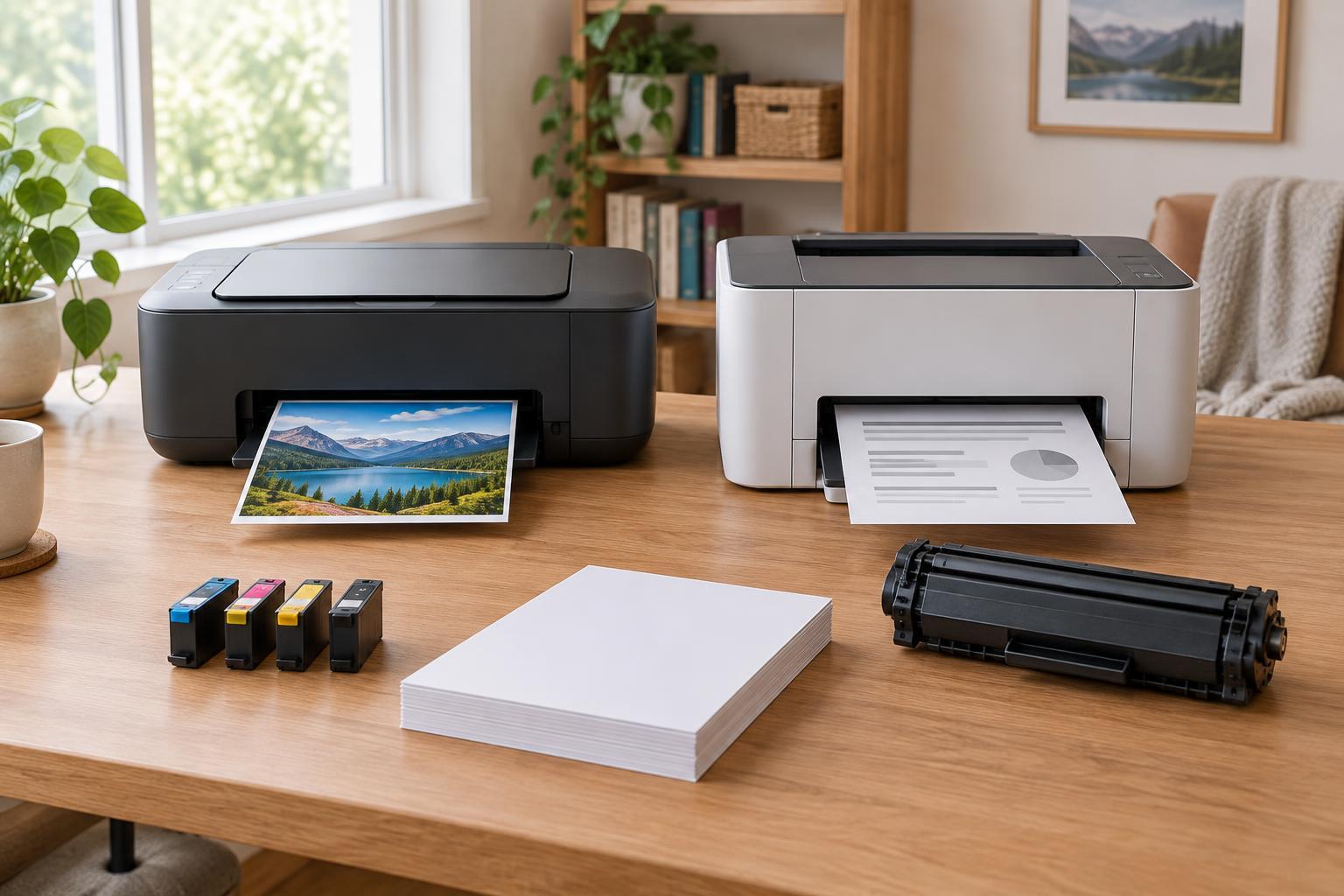
Buying GuidesThe cheapest printer to buy may not be the cheapest to keep. Learn how inkjet and laser printers differ, how to compare supplies and page yields, and which features matter for your mix of documents, photos and occasional jobs.
Read article · 4 min↗
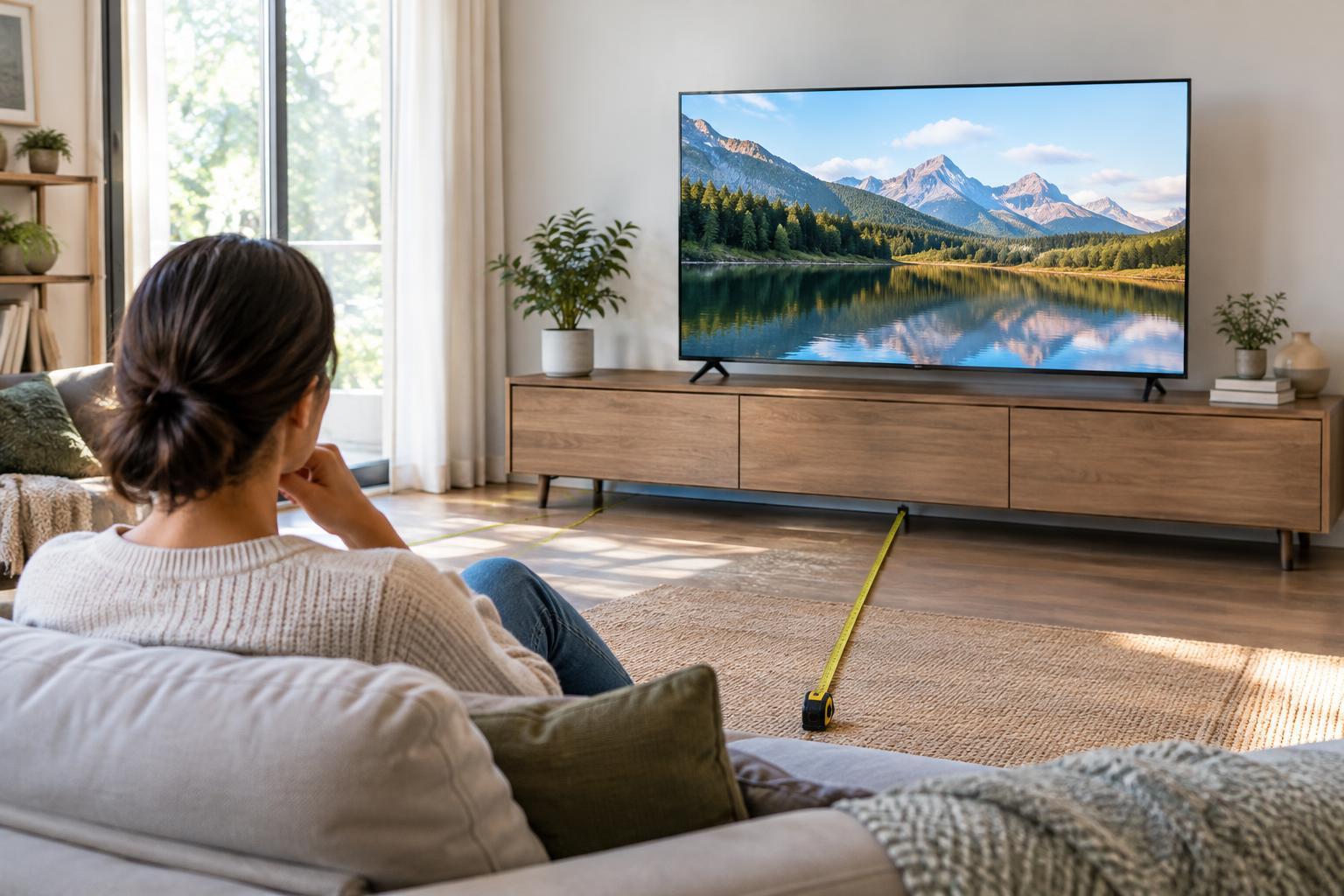
Buying GuidesA bigger TV is not always a better fit. Use your seating distance, room lighting and viewing habits to narrow down screen size, then compare OLED and LCD options by the features that matter to you.
Read article · 4 min↗

Buying GuidesA good monitor fits both your work and your desk. Learn how to compare screen size, resolution, panel type and refresh rate, then check the connections and stand before you buy.
Read article · 4 min↗
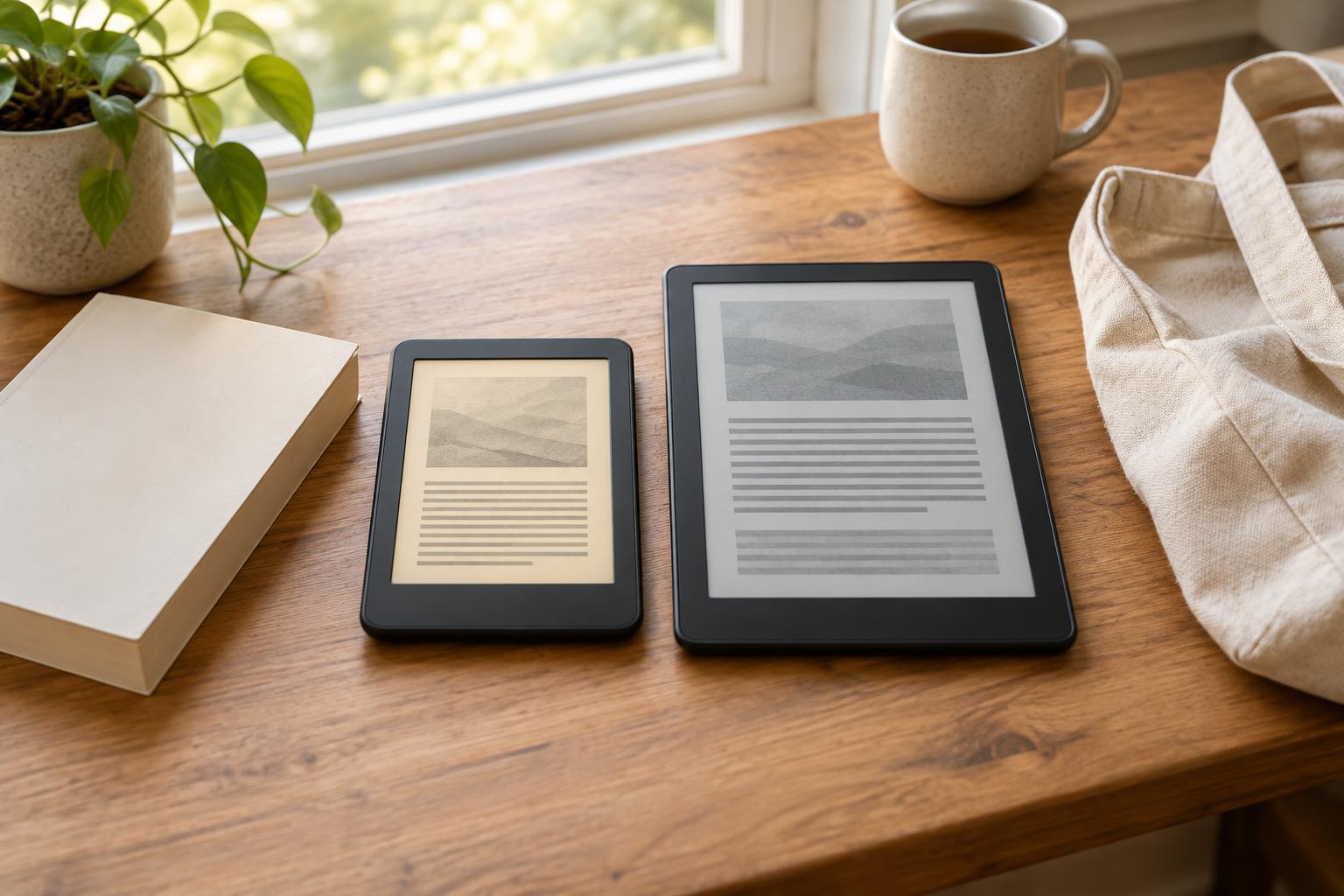
Buying GuidesThe best e-reader is the one that fits what you read and where you get your books. This guide explains the trade-offs behind screen size, front lighting, file support and library borrowing, with a practical checklist for comparing models.
Read article · 4 min↗

Buying GuidesThe right tablet depends less on the longest specification list than on what you do most often. Learn how to compare screens, stylus support, storage, accessories and software before you buy.
Read article · 4 min↗
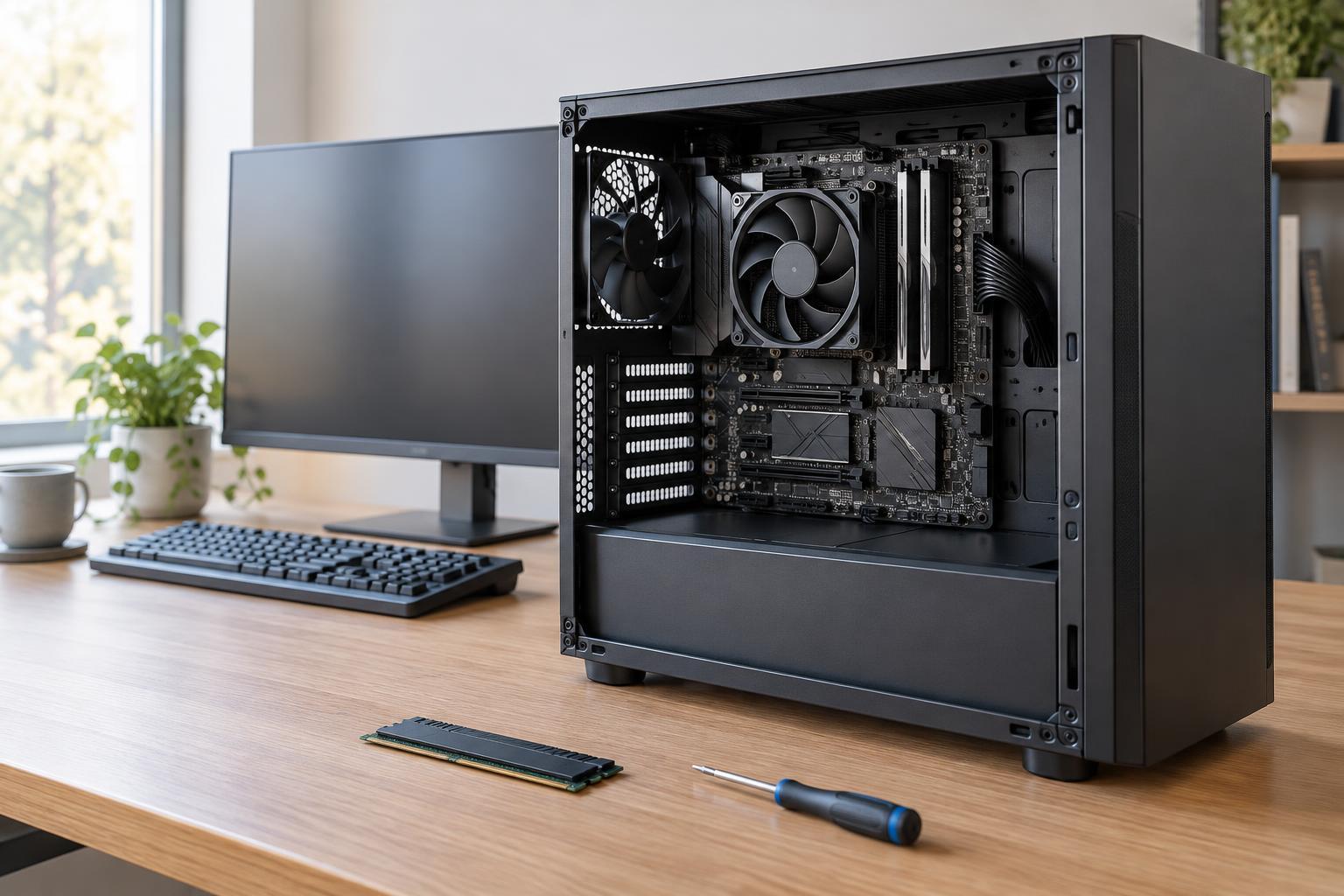
Buying GuidesA desktop PC is easier to choose when you start with the work it needs to do. Learn how to compare processors, decide how much memory to buy and check whether a system leaves room for practical upgrades.
Read article · 4 min↗

Buying GuidesA practical guide to choosing a laptop by workload, memory, storage, display, battery, ports and everyday usability—without paying extra for specifications you may not need.
Read article · 4 min↗

Buying GuidesA smartphone is easier to choose when you start with the tasks it needs to handle. Use this guide to compare software support, storage, battery life and camera features without getting distracted by headline specifications.
Read article · 4 min↗