Start with the home, not the feature list
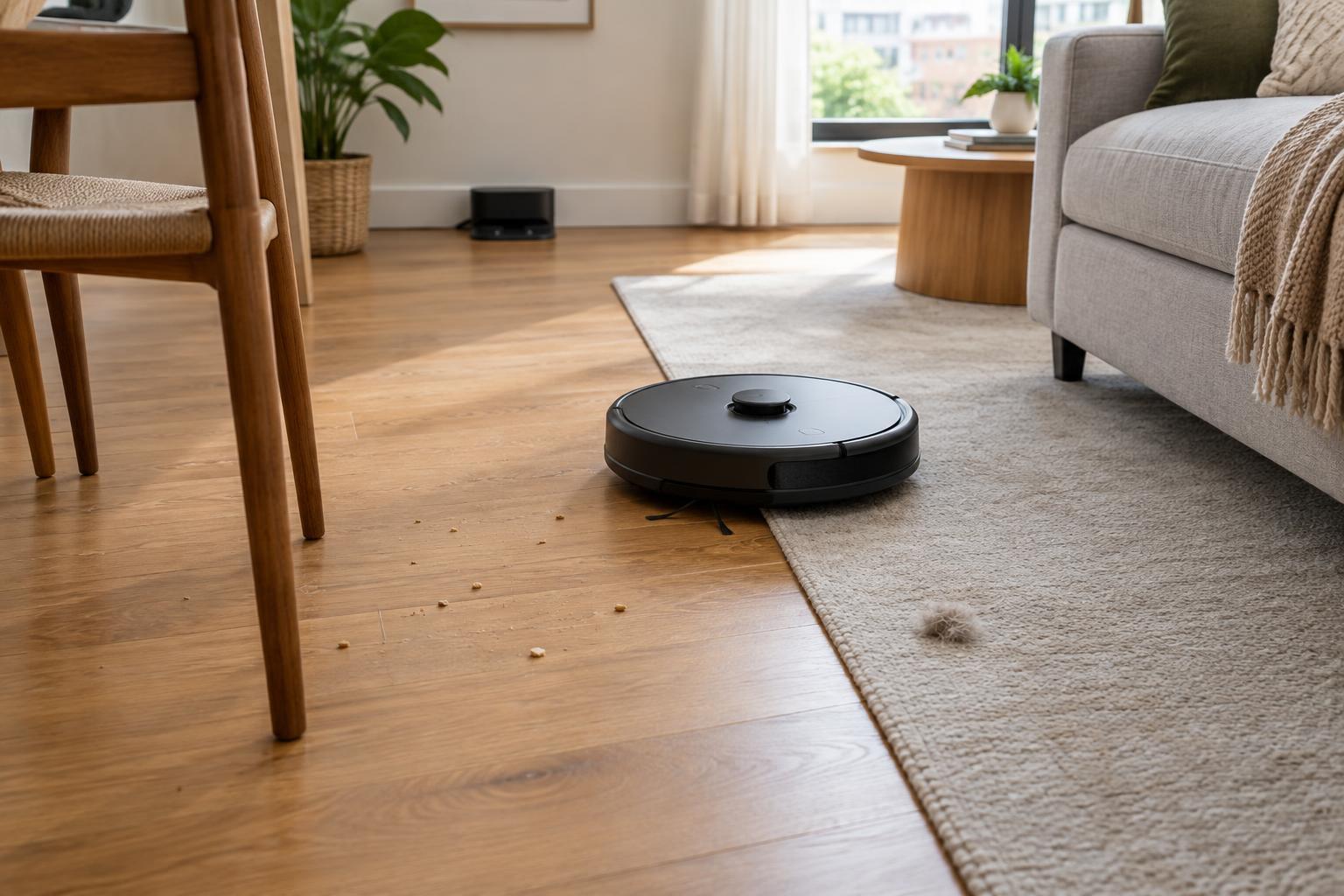
A robot vacuum can help keep everyday dust and crumbs under control, but it does not replace every part of a thorough clean. It works best when it can travel through the areas you want cleaned without frequent rescues. Before comparing models, note your floor types, room layout, thresholds, rugs, stairs and the amount of clutter normally left on the floor.
Think about the job you expect it to do. A small, mostly hard-floor apartment has different needs from a multilevel home with thick rugs and shedding pets. Measure tight spaces under furniture if you want the robot to clean there, and check that a charging dock has an accessible place to sit. If several people share the home, consider whether scheduled cleaning would be convenient or disruptive.
Product descriptions can tell you which features a vacuum offers, but they cannot guarantee how well it will handle your particular rooms. Treat this as a feature-based comparison, not a substitute for firsthand testing. A retailer’s return policy may matter as much as a long specification list when you are unsure about your layout.
Choose navigation for your layout
Basic robots may navigate by reacting to walls and obstacles, while mapping models create a layout they can use to plan routes. Mapping is particularly useful when you want to clean selected rooms, set no-go zones or manage a larger space. Check how a model creates its map and whether its room controls work without repeatedly editing the layout.
Obstacle avoidance is a separate consideration from mapping. A robot may know where a room is yet still catch a charging cable or push a small toy. If your floors are often busy, look at the kinds of objects a model says it can detect, and keep expectations modest: picking up cords, clothing and fragile items remains the safer habit. Sensors also do not make a robot safe to use on stairs; check its edge-detection features and keep the area around a stair edge clear.
Some navigation and avoidance features use cameras or connected apps. If that matters to you, review the manufacturer’s privacy controls, account requirements and options for storing or deleting maps before purchase. Also check whether the controls you want require an internet connection, particularly if you prefer to run devices locally.
Match cleaning features to your floors
On hard floors, consider how the robot reaches edges and handles fine dust as well as visible crumbs. For rugs and carpet, look beyond a headline suction figure: brush design, rug detection and whether the robot can cross the rug’s edge all affect how practical it will be. High-pile rugs, loose tassels and lightweight mats may still cause trouble, even for a model marketed for carpets.
Pet owners may want brushes that are easy to remove and clean, plus a bin or dock that is simple to empty. A claim that a brush resists tangles does not mean it never needs inspection. If noise is a concern, check whether the vacuum offers adjustable cleaning modes and whether you can schedule louder runs for a suitable time.
A vacuum-and-mop combination can be useful for routine hard-floor upkeep, but its mopping system deserves its own comparison. Check how it dispenses water, whether it can avoid or lift away from rugs, and what you must do with the pad after a run. Do not assume a damp pad will deal with dried-on spills or that every mixed-floor model can cross carpet safely while mopping.
Budget for the maintenance you will actually do
Every robot vacuum needs some hands-on care. Hair and thread can collect around brushes, filters need attention, and sensors and charging contacts may need cleaning. Check the manual for recommended routines and see how easily you can reach the parts. A larger dustbin may reduce interruptions, but it does not remove the need to inspect the machine.
A self-emptying dock can make day-to-day use easier, especially in a home with pets or frequent cleaning runs. It also takes up more space and may use replacement bags. More elaborate docks may wash mop pads or manage water, adding tanks and surfaces that need cleaning. Compare the cost and availability of bags, filters, brushes and pads before deciding that a dock is worth the extra equipment.
Battery life matters most in relation to the area being cleaned. For a larger home, check whether the robot can recharge and resume an unfinished run rather than relying only on a stated runtime. Give some thought to storage, too: a dock you have to move out of the way every day is less likely to make cleaning feel effortless.
Build a short list around likely friction points
Make three lists: features you need, features that would be pleasant, and tasks you are willing to do yourself. For example, room-by-room mapping might be essential in a large home, while a self-emptying dock may be optional if you do not mind emptying a bin. In a compact home with clear floors, simpler navigation could be enough.
Before buying, verify dimensions, supported floor types, threshold guidance, replacement-part availability and what is included in the box. Read the care instructions for any mop system you are considering. The best fit is not necessarily the model with the most automation; it is the one whose navigation, cleaning limits and maintenance routine make sense in your home.