Start with the doorway, not the camera specifications
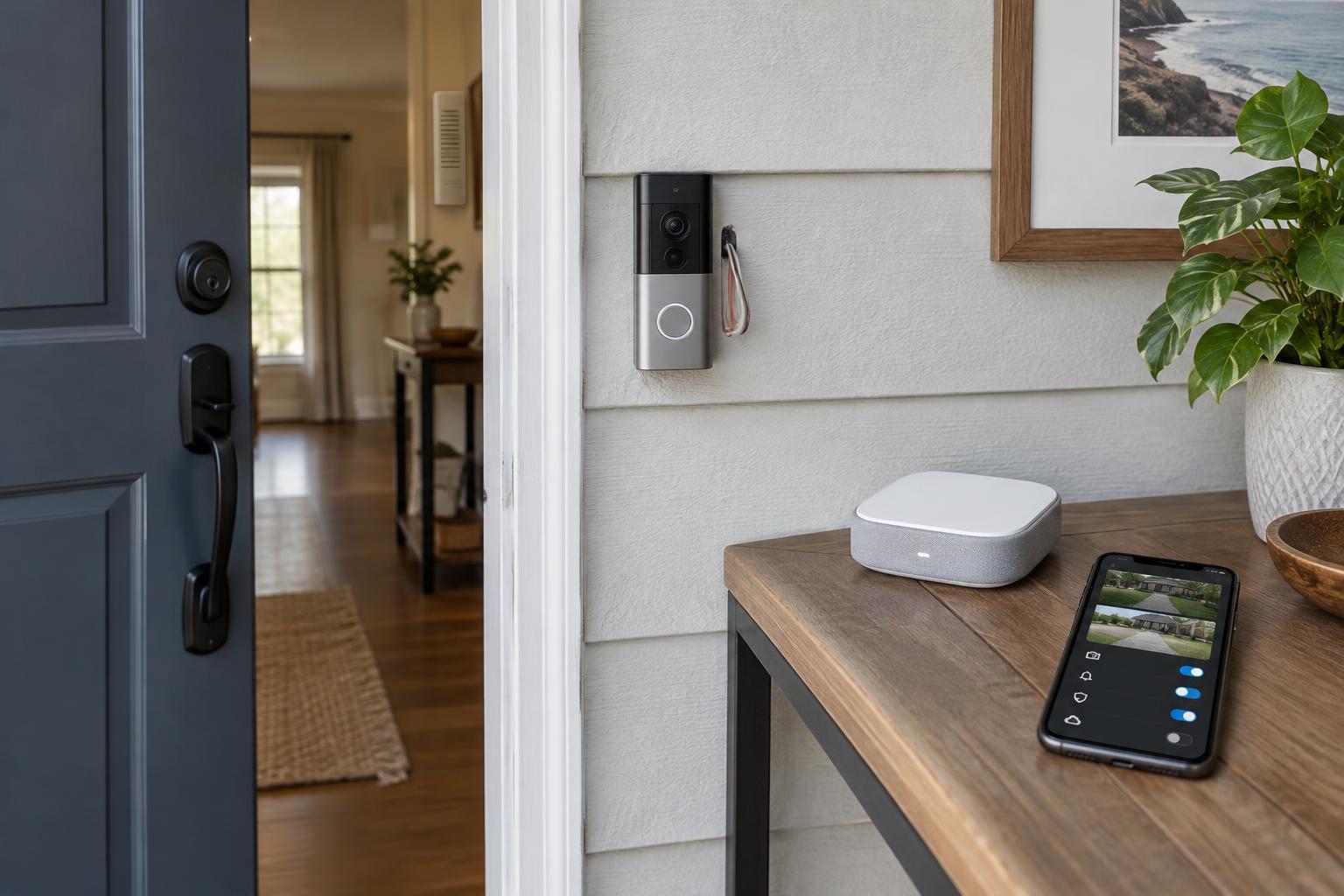
A video doorbell needs a clear view of visitors and a reliable way to reach your phone. Before comparing resolution or field-of-view figures, look at your entrance. Note where the current button sits, whether a wall or frame will block part of the image, and whether the doorbell would face direct sunlight. A wide view can help show parcels near the doorstep, but placement often matters as much as the number on a specification sheet.
Check your Wi-Fi signal at the mounting spot, not just inside the house. Walls, masonry and distance from the router can affect notifications and live video. If the signal is weak, consider whether you can improve coverage before installing a doorbell. Also check the product’s mounting dimensions and any included angled bracket, especially if your door frame is narrow.
Choose a power option that fits your home
A wired video doorbell commonly uses existing doorbell wiring, but “wired” does not mean universally compatible. Check the model’s stated voltage and power requirements against your transformer, and confirm whether it supports your existing mechanical or digital chime. Some models require a supplied chime connector or bypass the indoor chime entirely. If you cannot identify the wiring or safely verify compatibility, ask a qualified installer rather than guessing.
A battery-powered model can be simpler when there are no suitable wires or when you cannot alter the property. The trade-off is charging: battery life varies with motion activity, settings, temperature and Wi-Fi conditions. Check whether the battery is removable, how the unit is recharged, and whether taking it down leaves your entrance without a working bell. Some battery models can connect to existing wires for charging, but that does not automatically give them the same behavior as a fully wired model.
For a rental or shared entrance, review the mounting method and get any permission needed before drilling or changing wiring. A no-drill mount may solve one problem while creating another if it blocks the view or is easy to remove.
Work out what recording will cost
Separate live features from recorded-video features. A doorbell may let you answer a ring and watch a live feed without payment, yet require a subscription to save, review or share clips. Compare the free tier with the paid plan for the exact model you are considering. Look for limits on clip history, event types, number of cameras and household access. If reviewing an event the next day matters to you, make sure your chosen setup actually retains it.
Local storage can reduce dependence on a monthly plan, but it has its own requirements. Find out whether recordings go to the doorbell, a memory card, a separate hub or a network device. Check what happens if the internet goes down, the power fails or the doorbell itself is taken. A hub may add an upfront cost, and local storage may still rely on an app or account for viewing and alerts. Compare the likely total cost over the time you expect to keep the device, including any storage hardware and optional subscription.
Check privacy controls you will actually use
A front-door camera may capture neighbors, passersby or a shared hallway. Look for adjustable motion zones and privacy masks, and check whether they affect both alerts and saved footage. Some doorbells also let you disable audio recording, schedule motion detection or pause the camera. These controls are most useful when they are easy to find and apply consistently, so review the settings available for the specific model rather than assuming every camera in a product range works alike.
Account security matters too. Check for two-factor authentication, individual household accounts and a straightforward way to remove access when someone no longer needs it. Read how long recordings are kept and whether you can delete clips and close the account. If the doorbell uses cloud storage, its footage will depend on the provider’s service and policies; if it uses local storage, consider who can access the device or hub. Be mindful of people who share the entrance and any rules that apply to recording there.
Make a short final checklist
Before choosing, write down five answers: how the doorbell will be powered, whether the indoor chime will work, whether Wi-Fi reaches the entrance, where recordings will be stored, and which features require a fee. Then confirm that the mounting position gives you a useful view without recording more of the surrounding area than necessary.
Treat resolution, smart-home compatibility and package detection as tie-breakers once those basics are settled. Product specifications can show what a doorbell is designed to do; they cannot guarantee how well it will perform at your particular doorway. A model that fits your wiring, budget and privacy preferences is a better starting point than one chosen by its longest feature list.