Start with the devices you need to power
Before comparing models, make a short list of the devices you expect to use. A phone and laptop call for a different power station than a refrigerator or a power tool. Note each device’s power rating in watts, how long you want to run it, and whether several devices must run at once. Check the label, power adapter or manual rather than guessing from the device’s size.
Separate essentials from occasional uses. If your main goal is charging phones during a weekend trip, you may not need the weight and cost of a large station. If you want backup power at home, decide which loads truly need an outlet and which can use a USB port. A portable power station is a finite battery, not a replacement for household wiring or a fuel-powered generator.
Understand capacity and estimate runtime
Capacity is usually listed in watt-hours (Wh). It describes stored energy, while watts (W) describe how quickly a device uses energy. For a rough estimate, multiply a device’s watts by the hours you plan to use it. A 40 W device running for five hours would require about 200 Wh in an ideal calculation. Add the energy needs of any other devices you will use before choosing a capacity.
Do not treat the advertised watt-hours as fully available at every outlet. Converting battery power to AC, running the station’s electronics and powering devices through adapters all use some energy. Runtime can also change with operating conditions and the device’s actual power draw. Leave a margin rather than buying a station whose stated capacity exactly matches your estimate.
Consider how you will move and store the unit. Greater capacity generally means more weight, bulk and cost. Compare dimensions and carrying handles alongside watt-hours, especially if the station must fit in a vehicle or be carried regularly. Also check whether the battery capacity can be expanded; only plan around expansion if compatible batteries and their total cost make sense for your use.
Check continuous output, surge power and ports
A station’s continuous AC output, measured in watts, tells you how much power its inverter is designed to supply steadily. Add the wattages of devices you intend to run at the same time and choose a model with suitable headroom. Capacity alone does not tell you whether a station can run a particular appliance: a large battery paired with a modest inverter may still be unable to power it.
Some devices with motors or compressors draw extra power when they start. A station may list a separate surge or peak output for brief demands, but that number is not its continuous rating. Starting behavior varies by appliance, so check both the appliance’s requirements and the station’s specifications if that load matters to you. Be especially cautious with high-draw heating devices, which can use up stored energy quickly even when the inverter can run them.
Count the ports you will actually use, not just the total number on the product page. Compare AC outlets, USB-C power delivery ratings, USB-A ports and any DC outputs against your chargers and devices. A USB-C port may charge a phone well but lack the output needed for a laptop. If you need several ports at once, check whether the station limits their combined output.
Compare charging options with your routine
Wall charging is often the simplest way to prepare a station before a trip or an expected interruption. Compare the stated recharge time together with the required input power: faster charging may draw more from the wall and may generate more fan noise. If the station supports adjustable charging speed, that can be useful when sharing a circuit with other devices.
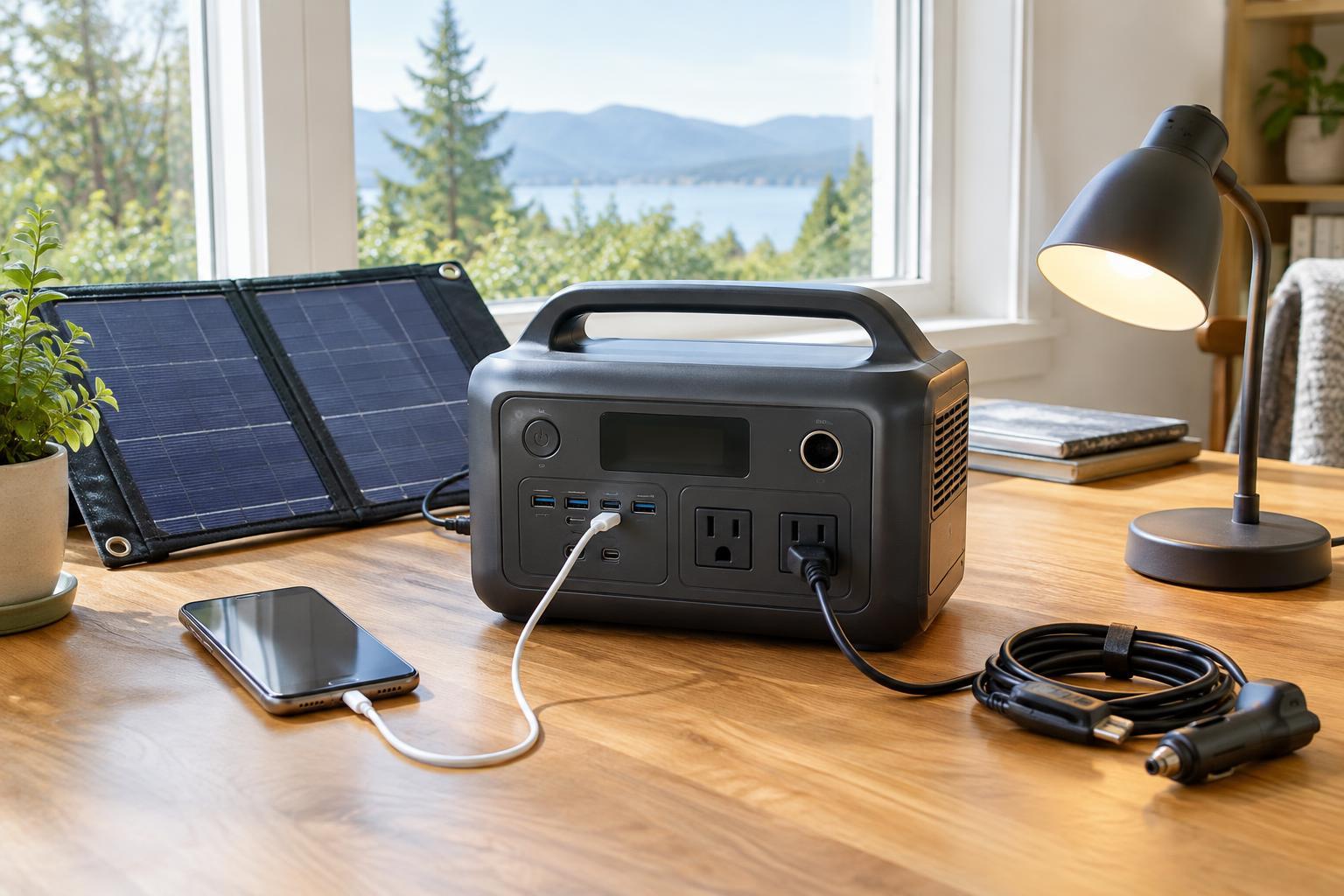
Car charging can help while traveling, but its speed depends on the vehicle outlet and the station’s supported input. Solar charging adds flexibility where a wall outlet is unavailable, yet panel output varies with sunlight, placement and conditions. Check the station’s supported solar input range, connectors and panel compatibility before buying accessories. A panel’s advertised wattage is not a promise of constant charging power.
If you plan to power devices while the station charges, confirm that the model supports that use and read its limitations. Likewise, do not assume every station works as an uninterruptible power supply for a desktop computer or other equipment that cannot tolerate a brief interruption. An advertised backup or transfer feature should be evaluated against the needs of the specific device.
Make the final comparison practical
Battery chemistry, warranty terms, repair options and replacement accessories can help distinguish otherwise similar stations. Lithium iron phosphate, often labeled LiFePO4 or LFP, is a common option for buyers who prioritize long service life, but compare the maker’s stated battery-life conditions rather than relying on chemistry alone. Include the cost of any panels, cables or expansion batteries in your comparison.
Finally, look at how the unit will be used day to day. Clear battery and power displays make it easier to track remaining energy; a manageable weight and accessible ports make setup less frustrating. Use the station only within its stated operating conditions, keep ventilation openings clear, and follow its charging and storage instructions. The best choice is the one that can comfortably supply your planned loads, recharge in ways you can actually use, and remain practical to handle.