Start with the jobs the NAS must do
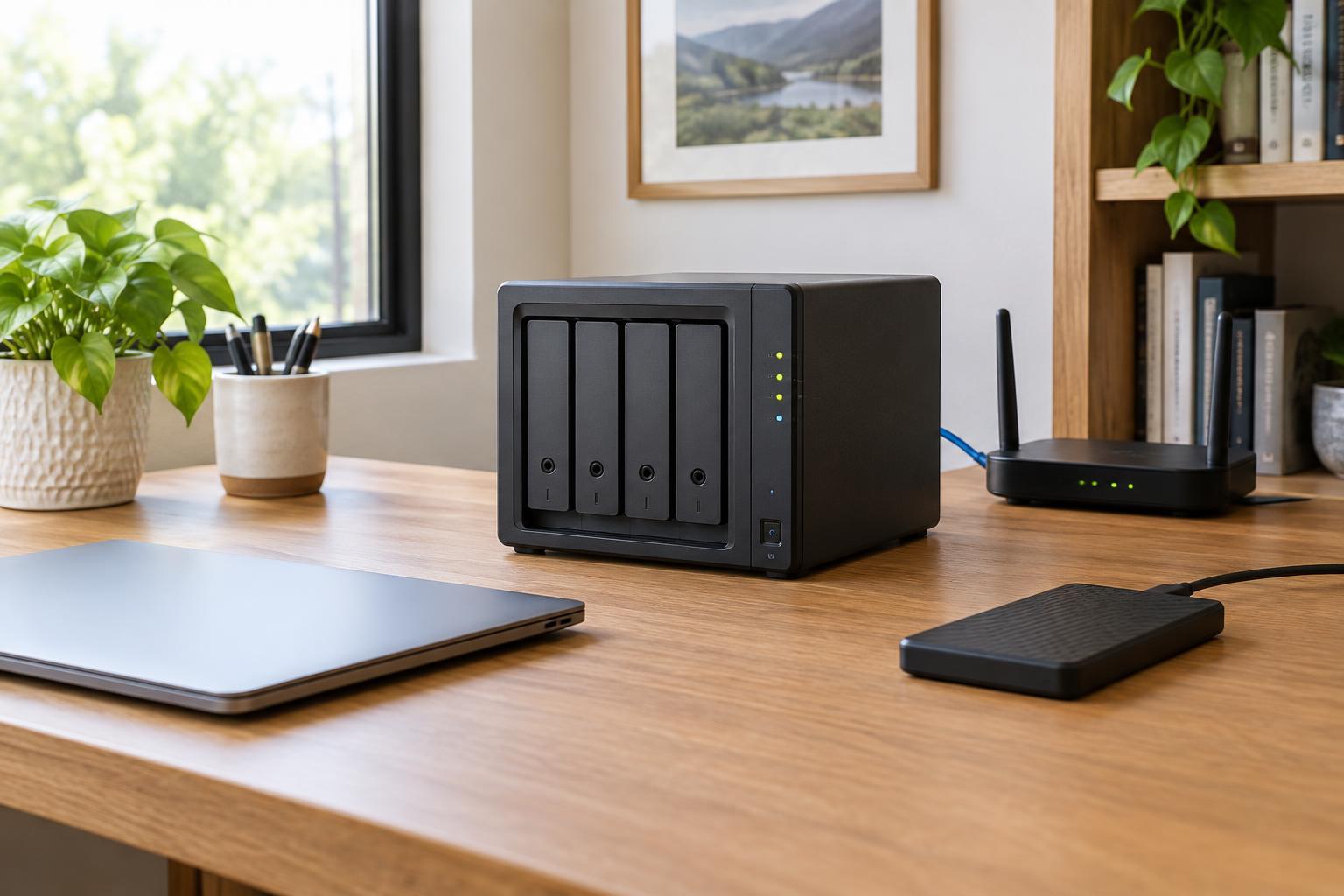
A network-attached storage device, or NAS, is a small computer that makes storage available to devices on your home network. It can hold shared photos and documents, receive backups from laptops, and provide a common place for files that several people use. Before comparing models, list the devices you want to back up, the files you want to share and who needs access. A household backing up two laptops has different needs from one keeping large video projects or a growing photo library.
Check how each device will send files to the NAS. Some computers have built-in network-backup options; others may need the NAS maker’s app or separate backup software. Phones can often upload photos automatically, but app behavior and background-upload limits vary. If automatic backup matters, verify support for your particular devices and operating systems rather than relying on a general claim that a NAS supports “backup.”
Choose capacity and drive bays together
Add up the storage currently used by the devices you plan to protect, then allow room for new files and older backup versions. Backup capacity is not necessarily equal to the total size of your drives: it depends on how much data is used, what you include and how many versions you retain. Think about likely growth over the next few years, but avoid paying for a much larger system without a clear use for it.
A one-bay NAS is simple, but it cannot keep a second internal copy through drive mirroring. A two-bay model can mirror one drive to another, so usable capacity is roughly the size of one drive when both drives are the same size. Models with more bays offer additional expansion and storage-layout choices, usually at a higher purchase and running cost. Check the manufacturer’s supported drive types and capacity limits, whether drives are included, and how the chosen drive layout affects usable space. If you may expand later, find out whether that layout can grow without starting over.
Match speed to your home network
For routine document storage and scheduled backups, a basic wired network connection may be enough. Large photo transfers or video files make faster connections more appealing, but a faster NAS port will not help much if the router, network switch, computer or cabling along the path is slower. Wi-Fi devices can use a NAS connected to the router by Ethernet, though their transfer speeds will depend on the wireless connection too.
Consider the processor and memory in relation to your intended use. Simple file sharing asks less of a NAS than running several apps, searching a large media collection or serving multiple users at once. Specifications can help narrow the field, but they do not guarantee a particular experience in your home. If a model advertises many optional features, decide which ones you will actually use before paying for more capable hardware.
Look closely at backup and security features
Drive mirroring helps a NAS stay available if one drive fails; it does not replace a backup. Accidental deletion, unwanted changes, malware or damage to the device can affect the files on both mirrored drives. Look for scheduled backups, file versioning or snapshots if you want a way to recover earlier copies. Check how restores work, how long versions can be kept and whether those features are available for the folders you plan to protect.
Plan a separate copy of important files, such as a backup to an external drive kept elsewhere or to a suitable cloud service. Make sure that copy is updated often enough for your needs, and try restoring a few files so you know the process works. For day-to-day security, look for regular software updates, individual user accounts, access controls and optional encryption. Remote access can be convenient, but if you do not need it, leave it disabled. If you do enable it, review the setup carefully and use strong, unique credentials.
Compare the full cost and living-with-it details
The NAS enclosure is only part of the price. Include compatible drives, any extra backup drive or service, and possible network upgrades in your comparison. Check whether useful software features require a subscription. A NAS also uses power and may make fan or drive noise, so its location matters. Put it somewhere with ventilation and a dependable wired network connection, not in a sealed cabinet.
To build a shortlist, compare models against a few essentials: enough usable capacity, a workable backup app for every device, a clear path for restoring files and update support you can manage. Then weigh optional features such as extra bays or faster networking. The best choice is not necessarily the model with the longest specification list; it is the one you can afford to set up, maintain and back up properly.