Start with what you want to control
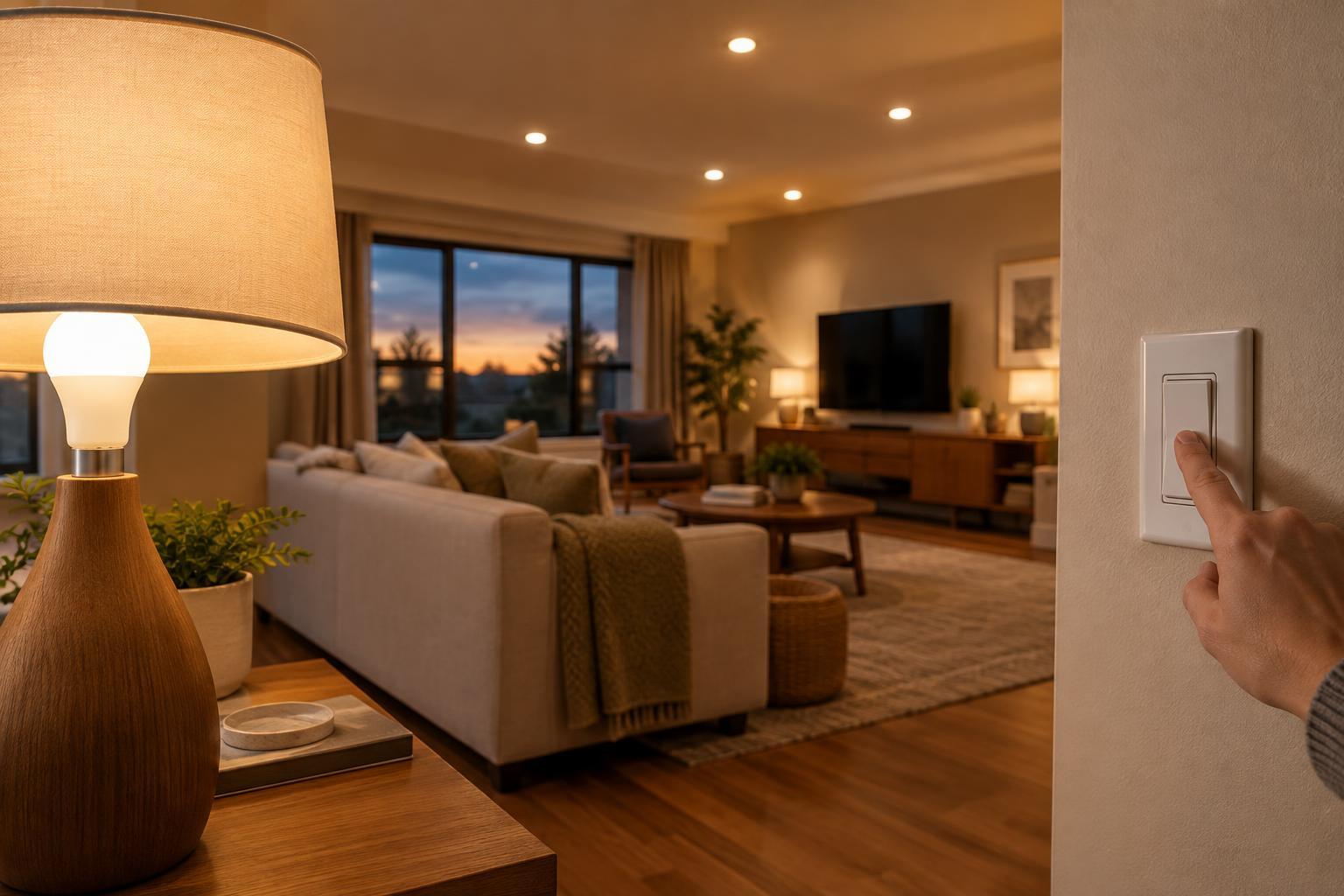
Smart bulbs and smart switches can both put lights on schedules, respond to an app, and take part in home automations. The important difference is where the control sits. A smart bulb replaces one bulb and controls that bulb’s brightness or color. A smart switch replaces a wall control and typically manages every compatible light on that circuit.
Think about the room before choosing a product. Do you want several ceiling lights to turn on together from the doorway? Do you want one table lamp to change color without affecting the rest of the room? The first goal often points toward a switch; the second points toward a bulb. Neither option is automatically better for an entire home.
When smart bulbs make more sense
Smart bulbs are a straightforward choice for lamps, especially where changing a wall switch would be impractical. They also suit rooms where you want different lights to do different things. A reading lamp can stay bright while a nearby accent light dims, even if both share a general room routine. If adjustable white light or color is the main attraction, bulbs usually provide that control directly.
The trade-off is that a smart bulb generally needs continuous power to remain reachable. If someone turns off its wall switch, the bulb may stop responding to an app or automation until power is restored. This can make bulbs awkward in a room where people naturally use the switch by the door. A compatible wireless button or scene controller can give people a familiar physical control without cutting power to the bulbs.
Bulbs can also become a more involved purchase when a fixture holds several of them: each bulb may need replacing and pairing. Check the fixture’s bulb shape, base, enclosure requirements, and dimmer compatibility before buying. A bulb that fits the socket is not necessarily suitable for every enclosed fixture or existing dimmer.
When a smart switch is the better fit
A smart switch is often the tidier option for a bank of ceiling lights or a fixture with multiple bulbs. One wall control can operate the group, and visitors can usually use it without learning an app. Depending on the switch, you may be able to schedule the lights or dim compatible bulbs while keeping ordinary replaceable bulbs in the fixture.
Switches require more planning than bulbs. Models differ in whether they need a neutral wire, which electrical boxes they fit, what lighting loads they support, and how they work with lights controlled from more than one wall location. A smart dimmer also needs to be compatible with the bulbs it controls; otherwise, flicker or an unsatisfactory dimming range may result. Check the manufacturer’s requirements against the exact circuit rather than assuming all switches in a home are wired alike.
Because replacing a wall switch involves household wiring, follow the product instructions and local requirements. If you cannot confirm that the wiring and installation are suitable, use a qualified electrician. Renters should also consider whether they are permitted to change a wall control and whether a simpler, removable bulb setup better fits their situation.
Account for connectivity and everyday behavior
Before comparing apps or automation features, decide what should happen when a phone is unavailable or the network is down. A wall switch should still be useful as a wall switch, but its remote features may depend on the chosen system. A smart bulb may still illuminate when power is restored, yet its behavior after an outage varies by product and settings. Look for documented power-restoration options if an unexpectedly bright bedroom would be a problem.
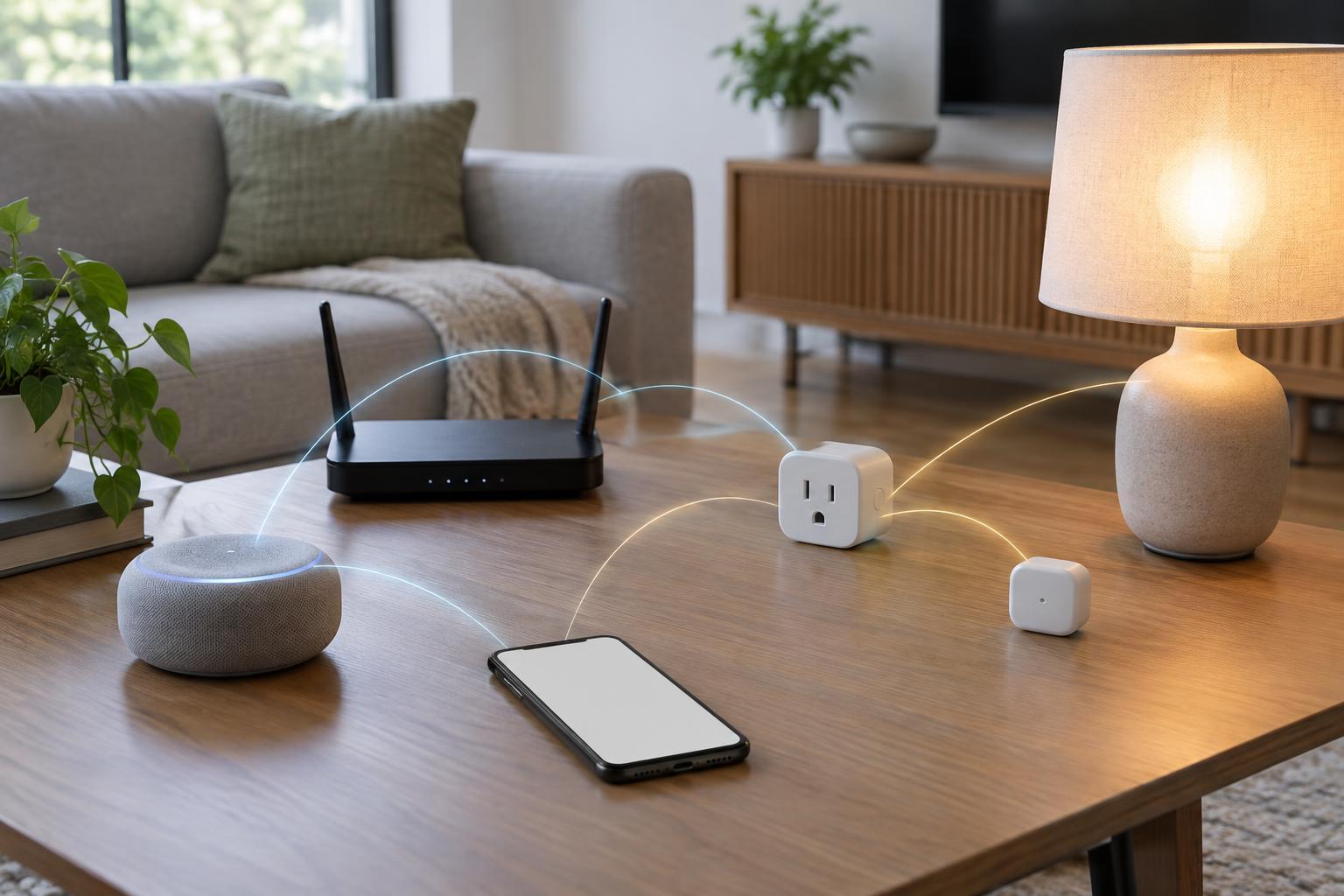
Smart lighting products may connect through Wi-Fi or through a hub or compatible controller. A hub adds another device to set up but can provide a way to organize many lights within one system. Check which controller, app, and voice platform a product actually supports; similar-looking compatibility labels do not always promise the same functions. If you prefer fewer accounts or less cloud dependence, examine the stated requirements for setup and remote access before committing.
Choose by room, then test a small setup
A practical plan can mix both approaches. Use a smart switch for a kitchen’s main ceiling lights, bulbs for two independently controlled living-room lamps, and ordinary lighting where automation offers little benefit. Be cautious about putting smart bulbs behind a smart switch that routinely cuts their power: the two controls may work against each other unless the products are designed to cooperate.
Start with one room and write down how people actually use its lights: which switch they reach for, whether they need dimming or color, and what should happen at bedtime or after a power interruption. Then check the fixture and wiring requirements, choose compatible products, and live with the controls for a while before expanding. The best setup is the one that remains easy to use when nobody wants to open an app.