Start with the distinction: compatibility versus connection
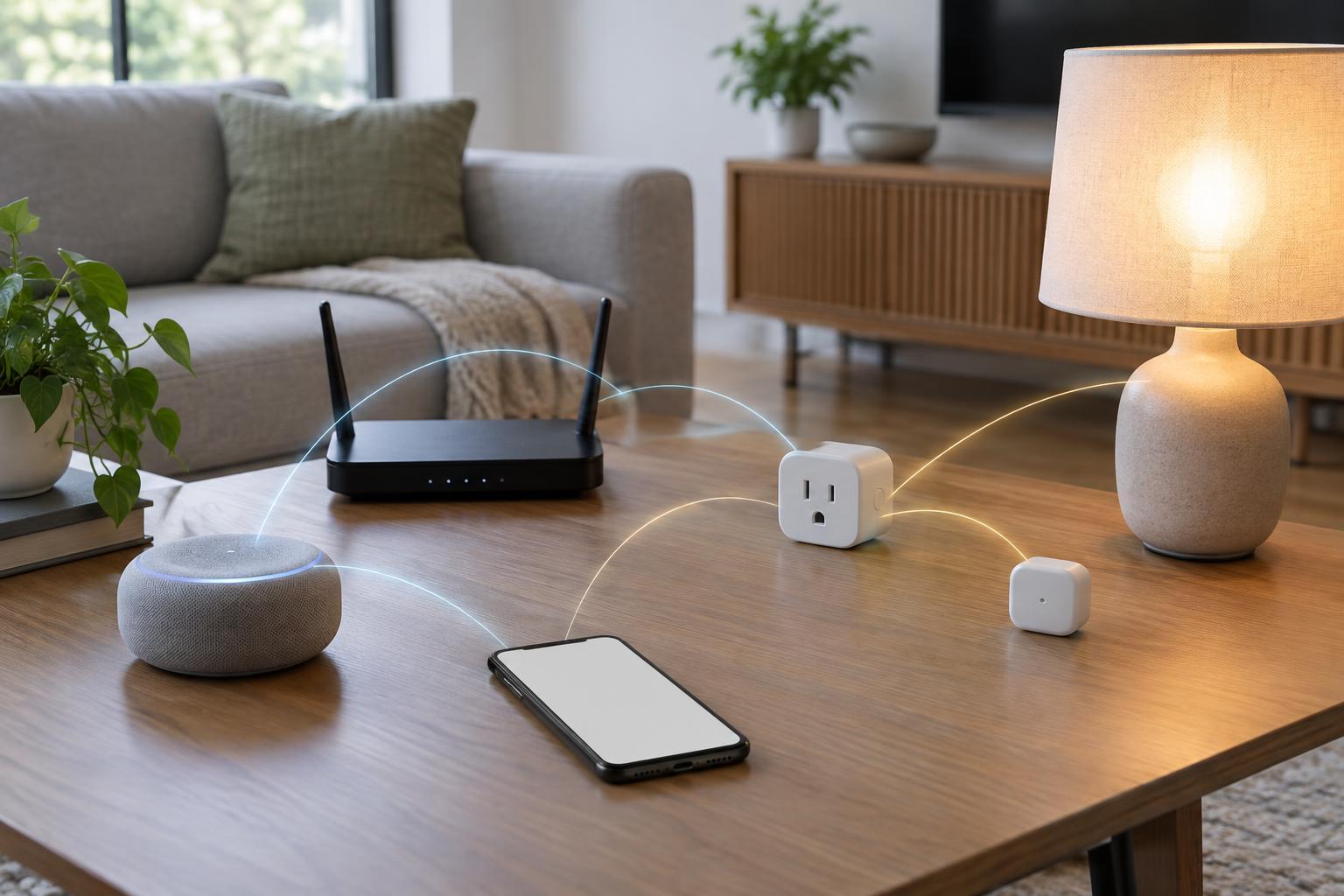
The names Matter, Thread, Zigbee and Wi-Fi often appear together on smart home packaging, but they do not all answer the same question. Matter is a standard intended to help compatible devices and smart home platforms understand one another. Thread, Zigbee and Wi-Fi are ways devices can communicate. A product can therefore use more than one of these technologies without the labels being interchangeable.
For example, a smart bulb might support Matter over Thread: Matter handles how it presents supported functions to a compatible platform, while Thread carries the communication. Another Matter device might use Wi-Fi instead. Seeing “Matter” on a box does not tell you which network connection the product needs, and seeing “Thread” does not, by itself, guarantee Matter support.
Matter: a common language, with limits
Matter’s main appeal is platform choice. A Matter-certified device can be set up with a compatible smart home system and may be shared with other compatible systems. That can make it easier to mix brands or change how you control your home without replacing every device. Depending on the product and platform, setup may involve scanning a code and using a phone to add the device.
Compatibility still has boundaries. Matter supports particular device types and functions, and a platform may not expose every feature offered in a manufacturer’s own app. A light’s basic on, off and dimming controls, for instance, may be easier to use across platforms than a brand-specific lighting effect. Before buying, check whether the exact device model supports Matter and whether the functions you care about work in your chosen smart home system.
Thread and Zigbee: two low-power mesh options
Thread is a low-power wireless network designed for devices such as sensors, locks and lights. Thread devices can form a mesh, allowing suitable powered devices to help carry messages through the network. Battery-powered devices can conserve energy rather than acting as constant relays. To connect a Thread network with the rest of your home network, you need a Thread border router. Some smart speakers, displays and dedicated hubs can serve this role, but you should verify the capability of the model you own.
Zigbee is also commonly used for low-power smart home devices and can form a mesh. Zigbee products usually connect through a compatible hub or bridge, which manages their network and links them to an app or smart home platform. A hub may support many Zigbee devices, but sharing the Zigbee label does not guarantee that every device will pair with every hub or offer all its features. Check the hub maker’s compatibility information for the particular product.
The two networks are not directly interchangeable. A Thread device cannot join a Zigbee mesh simply because both use low-power wireless technology. Some bridges can make connected Zigbee products available to a Matter platform, but that does not turn the Zigbee devices themselves into Thread devices.
Wi-Fi: familiar networking, different trade-offs
A Wi-Fi smart device joins your home Wi-Fi network, often without a separate Zigbee hub or Thread border router. That can make a single plug, camera or light straightforward to add. Wi-Fi also suits devices that need to transfer more data, such as cameras. It is not automatically the best fit for every small battery-powered sensor, where power use can be an important design consideration.
“Works with Wi-Fi” is not a complete setup guide. Products can differ in the Wi-Fi bands and security settings they support, and some rely on a manufacturer’s app or online service for certain functions. A Matter-over-Wi-Fi product uses Wi-Fi for its connection while using Matter for supported smart home controls. A non-Matter Wi-Fi product may instead depend on its maker’s integrations to work with your preferred platform.
How to choose without buying the wrong hub
Begin with the system you want to use to control your home, then check the exact product’s compatibility with it. Next, look for the connection label: Matter over Thread, Matter over Wi-Fi, Zigbee or a maker-specific Wi-Fi setup each points to different equipment requirements. If the device uses Thread, confirm that you have a suitable border router. If it uses Zigbee, confirm that you have a compatible hub or bridge. Also check whether setup needs a manufacturer’s app.
Finally, focus on the functions you will use every day. Find out whether your chosen platform supports the device’s key controls, whether it can work locally for those controls, and which features may require an internet connection or the maker’s app. The most useful label is not necessarily the newest one: it is the combination that works with your existing setup and gives you the controls you actually need.