Start with the device, not the app
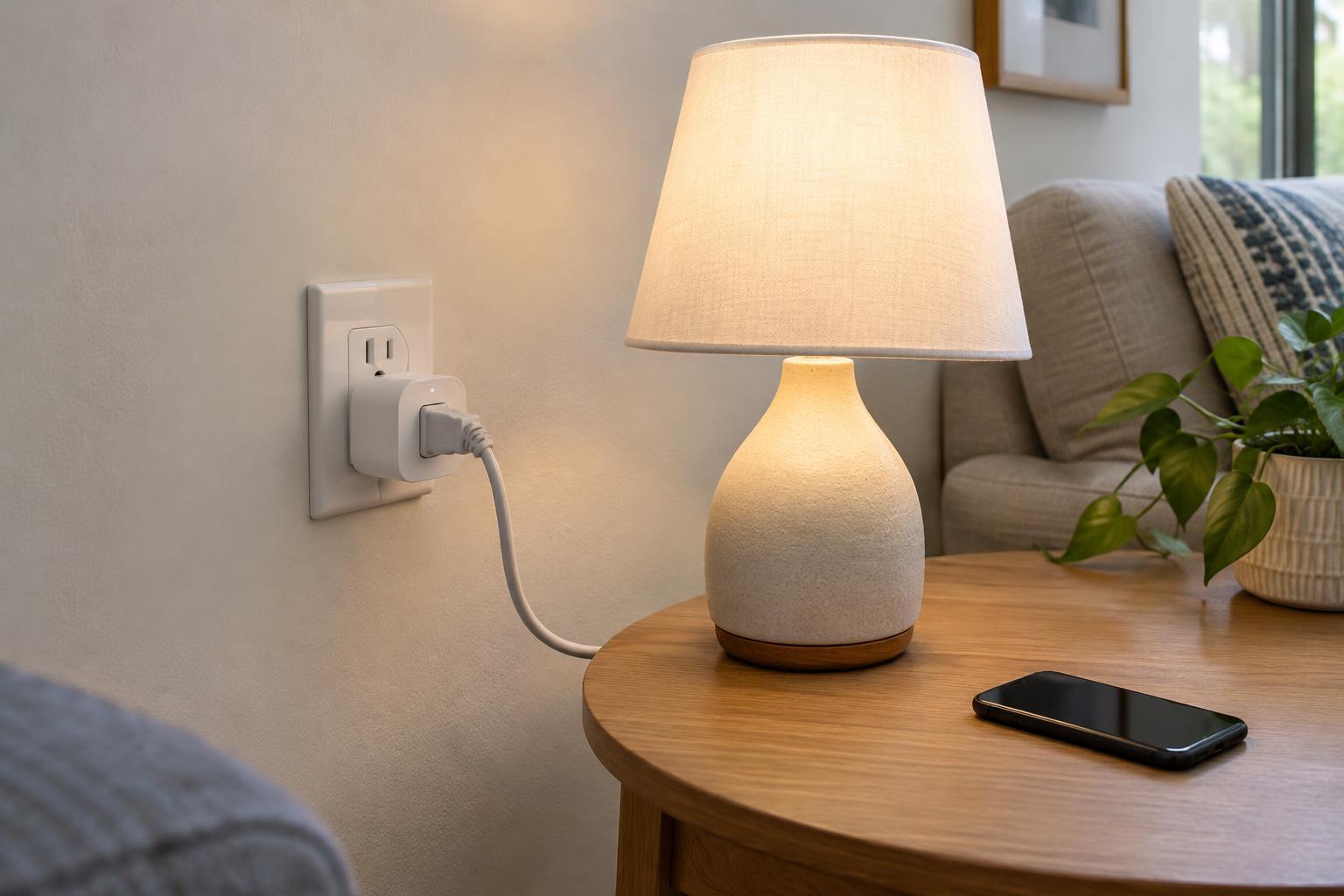
A smart plug switches power to whatever is plugged into it. Before buying one, check whether that is a useful way to control your device. A basic lamp with a physical on/off switch is often a good candidate: leave the lamp switched on, and the plug can turn it on and off. A lamp with touch controls or an electronic button may stay off after power is restored. Test this by unplugging the lamp, plugging it back in and seeing what it does.
For a small appliance, consider what happens when power returns unexpectedly. A fan or humidifier with a mechanical switch may restart after an outage or a scheduled activation. That behavior may be convenient, but only if you are comfortable with it happening while you are away or asleep. Avoid using a smart plug to automate a device that needs supervision, has a heating element, or could create a hazard if it starts without someone present. Follow the appliance maker’s guidance on unattended operation.
Match the plug to the electrical load
Read the smart plug’s label and instructions for its maximum voltage, current and power ratings. Then check the device label for its requirements. Stay within every applicable rating, not just the largest wattage number on the package. Motors and other equipment can draw more power when starting than while running, so a plug advertised for a certain load is not automatically suitable for every appliance below that number. If either label is unclear, choose a simpler use, such as a low-power lamp, rather than guessing.
Check whether the plug is intended for indoor or outdoor use and use it only in the stated environment. A bulky plug should sit securely in the outlet without blocking a neighboring socket in a way that strains either connection. Plug it directly into a suitable wall outlet unless the manufacturer explicitly permits another arrangement. Avoid stacking adapters or placing it where fabric, furniture or clutter can cover it.
A standard smart plug provides on/off control, not dimming. Use a model specifically designed for dimming only with lamps and bulbs the manufacturer lists as compatible. Do not assume an on/off plug can safely vary a lamp’s brightness.
Set up the connection and basic controls
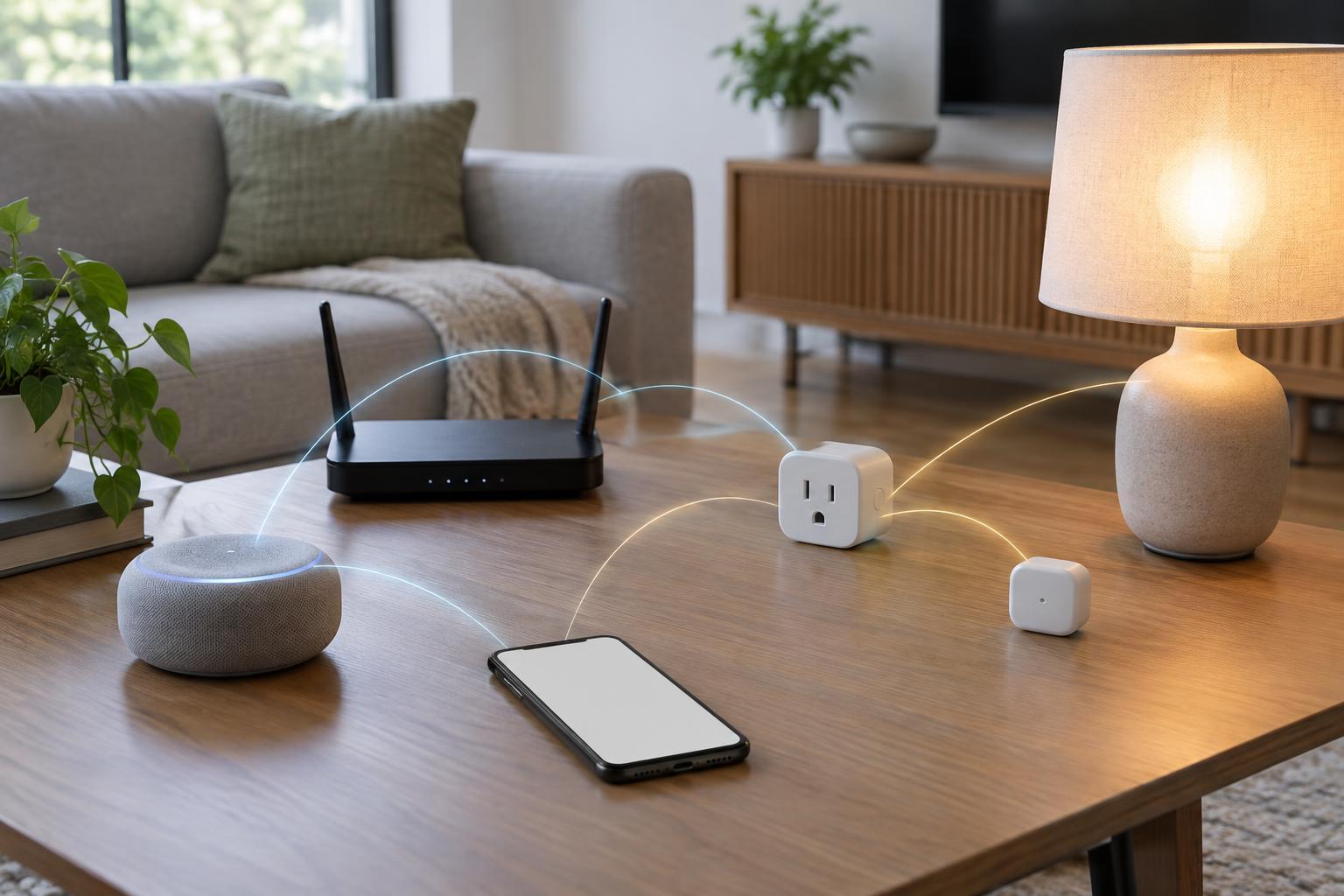
Install the manufacturer’s app from your device’s official app store, then follow its pairing steps. Many smart plugs use 2.4 GHz Wi-Fi; check the product requirements before you begin. Pair the plug close enough to your router for a reliable connection, and give it a clear name such as “Desk lamp” rather than “Plug 1.” If it will be used with a voice assistant, a specific name also makes accidental commands less likely.
Update the plug’s firmware if an update is offered, and protect the account that controls it with a strong, unique password. Turn on multi-factor authentication if available. Review household sharing settings so you know who can operate the plug. These steps matter because the plug may be controllable remotely as well as from a button on its case.
Once paired, test the physical button and app controls with the intended device. Unplug and reconnect the smart plug to check what it does after power is restored. Some models offer a choice between staying off, turning on or returning to the previous state; select the behavior that makes sense for the connected device.
Make schedules predictable
Start with one simple schedule, such as turning a living-room lamp on in the evening and off before bedtime. Watch it run before adding more rules. If you also use a voice assistant or another home automation app, keep track of where each schedule lives. Two overlapping routines can make a plug seem unreliable when it is actually following conflicting instructions.
Treat timers and away modes as conveniences, not safeguards. A missed Wi-Fi connection, changed account setting or power outage can affect when a rule runs. For devices where timing matters, check their status in person rather than relying solely on an app indicator. Make sure everyone in the household knows which devices may turn on automatically, especially if an appliance has moving parts.
Check the setup as your home changes
After setup, take a moment to inspect the plug during normal use. It should remain firmly seated and should not show damage, discoloration or an unusual smell. If something seems wrong, stop using it and follow the manufacturer’s instructions. Keep the plug and outlet accessible so you can disconnect the device when needed.
Revisit your setup when you replace a lamp, move an appliance or change your Wi-Fi network. A device with a similar purpose may have different power needs or restart behavior. Removing old schedules and renaming plugs after a move helps prevent a command meant for one corner of the house from controlling another. The safest smart-plug setup is one you can understand at a glance: a compatible device, a suitable outlet and a small number of intentional controls.