Start with the people, not the platform
When one person uses an iPhone and another uses an Android phone, the most familiar app is not necessarily the best choice for the whole home. Begin by listing what each person needs to do: turn lights on and off, adjust the thermostat, answer the doorbell, manage schedules or change automations. Separate everyday controls from administrative tasks such as adding devices and inviting household members.
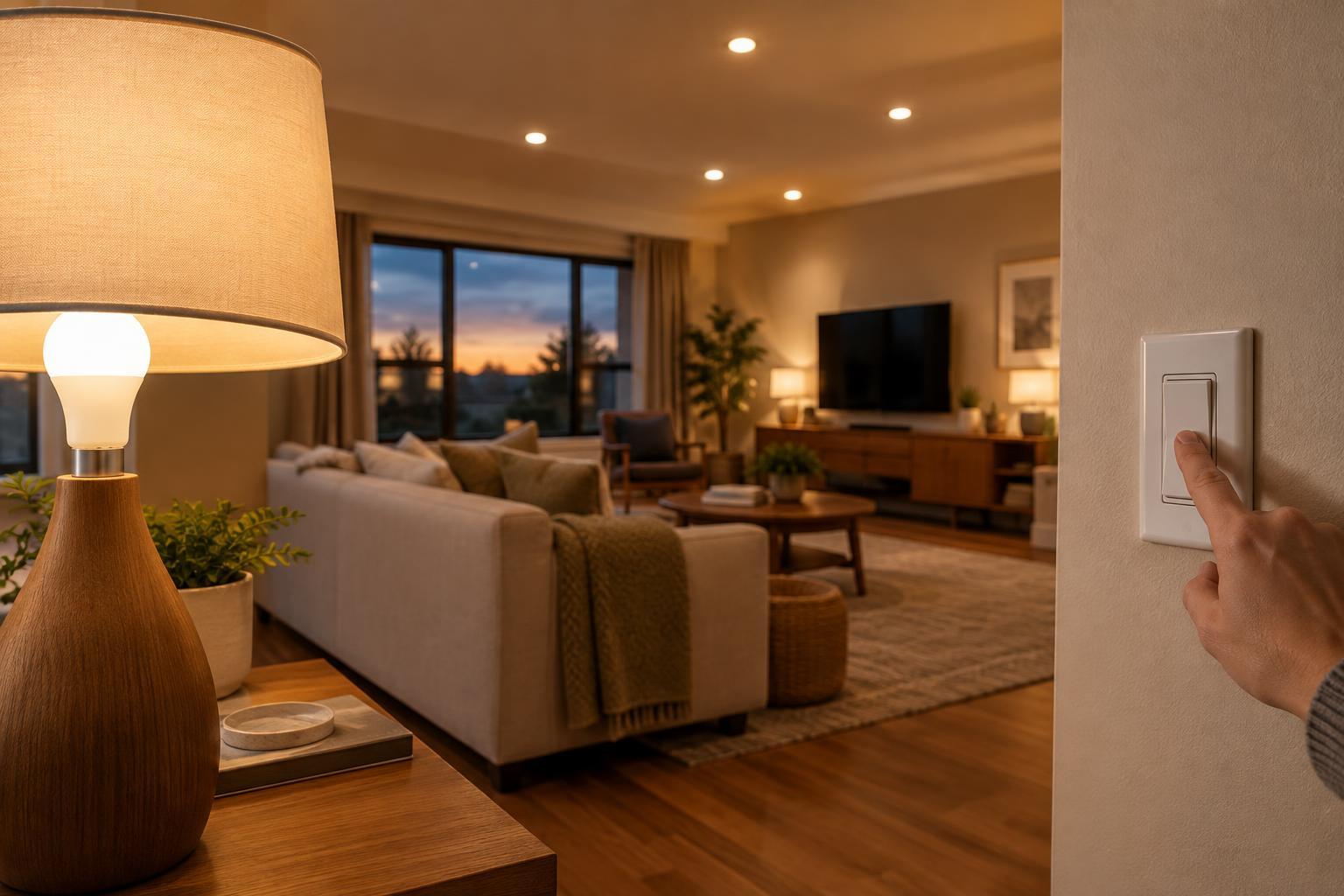
Then decide which controls should work without anyone reaching for a phone. Physical switches, buttons and familiar thermostat controls can make a connected home easier for guests, children and anyone who does not want another app. A platform should improve those shared routines rather than make one person the permanent operator of the house.
Check compatibility at the device level
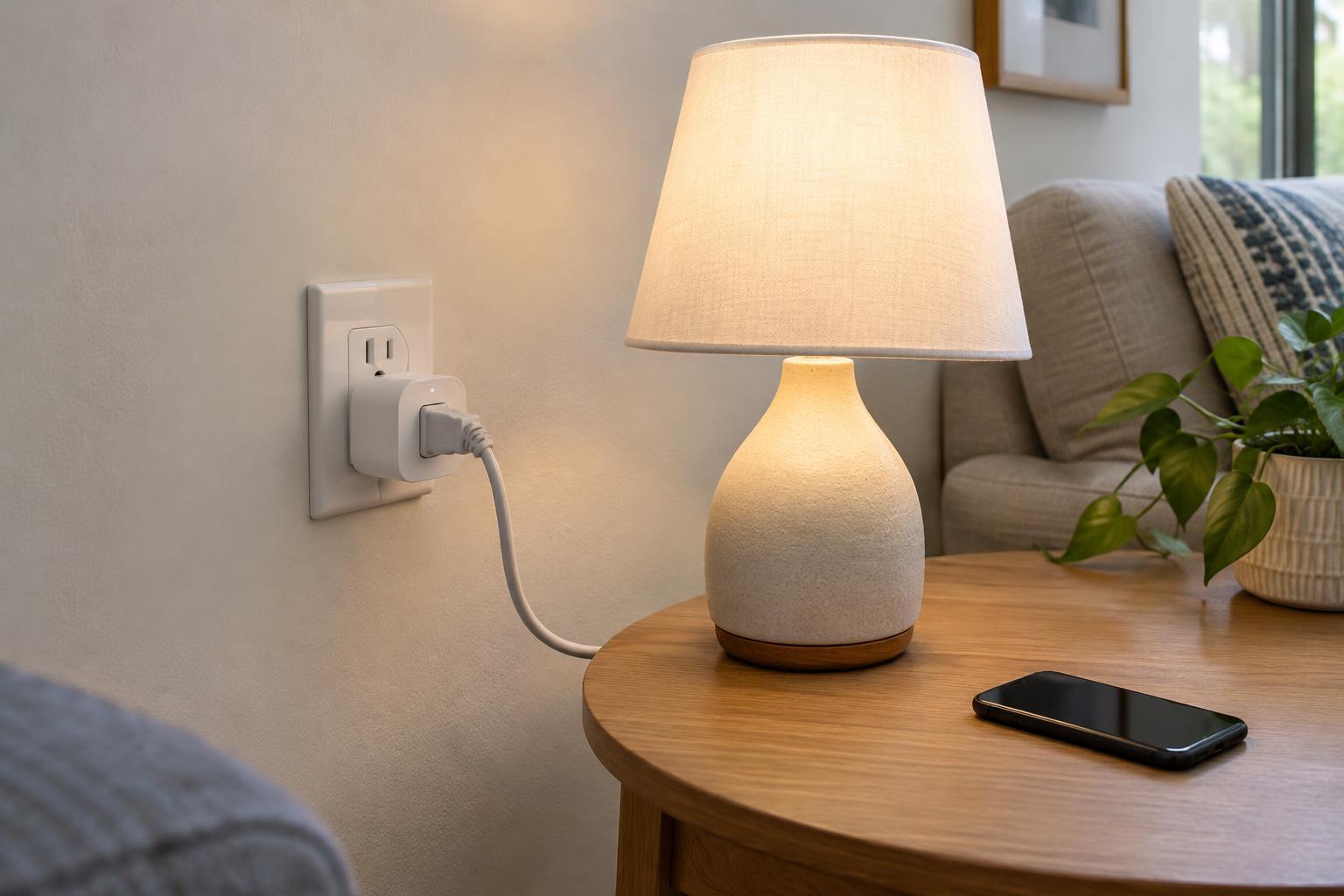
Compare platforms against the devices you own and those you are likely to buy next. Look up each model, not just its brand, because support can differ across product lines. Confirm both the features you need and where they work. A light may support basic on-off control in one app while offering extra settings only in the manufacturer’s app.
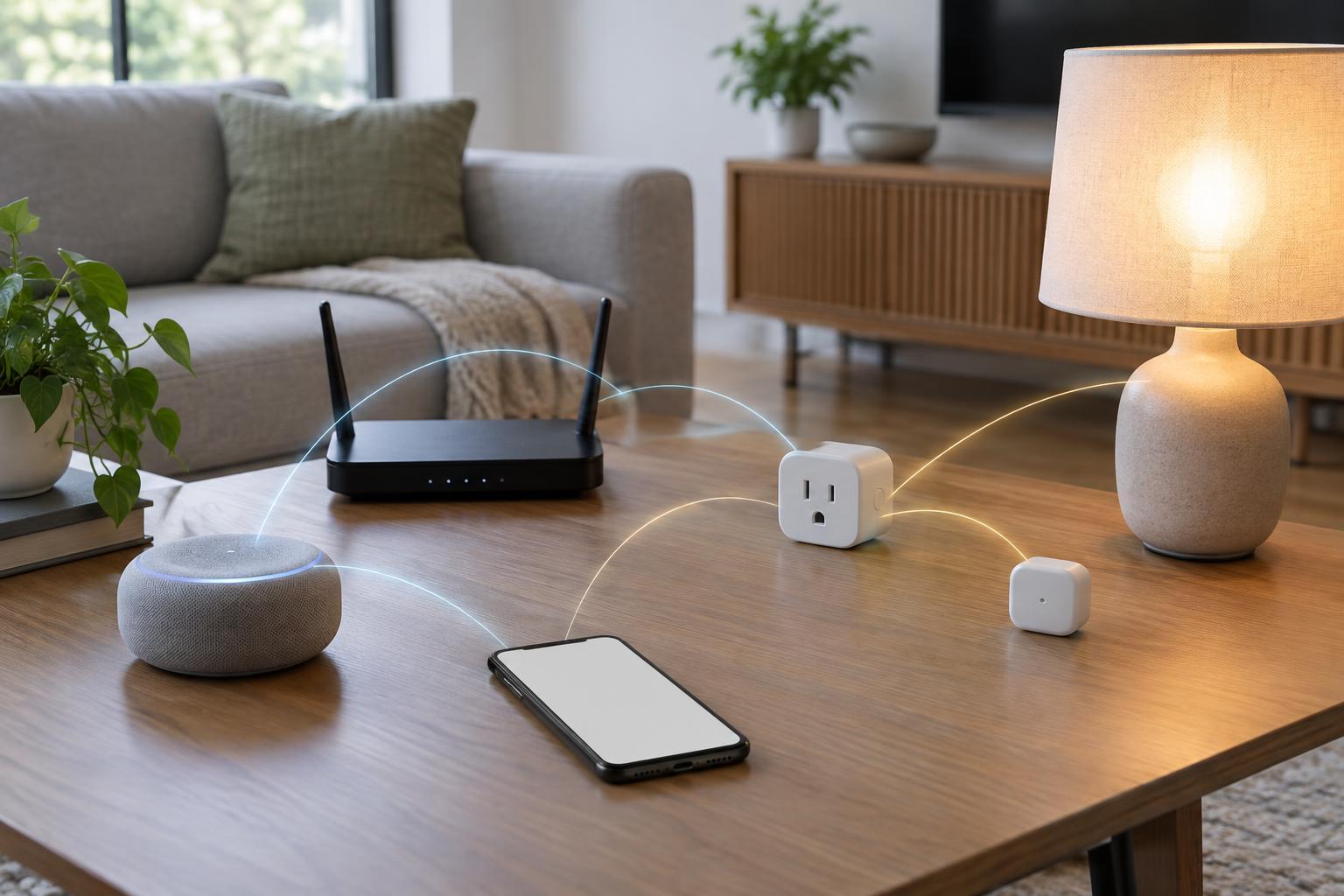
Matter can make it easier for some compatible devices to work across major smart home platforms, which is useful in a mixed-phone household. It is not a promise that every feature, device category or setup step will be identical everywhere. Some devices also need a suitable hub or Thread border router, depending on how they connect. Check the product’s stated requirements before treating a compatibility logo as a complete setup plan.
If you already have cameras, a doorbell or a security system, examine those early. Features such as video history, notifications and access for multiple users may depend on a particular app, account or subscription. Choose based on the functions your household will actually use, not the length of a platform’s device list.
Make shared access part of the comparison
A good household setup lets each regular user have their own account where supported, rather than sharing one password. Check how invitations work on both phone types, what permissions invited members receive and whether everyone can see and control the same rooms. Also check who can add devices, edit automations and remove a member.
Think about voice control separately from phone support. If your household wants voice commands, consider where speakers would go, whether everyone is comfortable using them and what happens when a command is misunderstood. Phone widgets, watch controls and notifications may vary between operating systems even when the main app is available on both. Have each person try the controls they expect to use most often before committing the entire home.
Plan for routines, outages and privacy
Write down two or three useful automations, such as turning on hallway lights at a set time or switching off selected devices at bedtime. Check whether your preferred platform can create those routines with your chosen devices. An automation that relies on one person’s phone location may be less suitable for a shared home than a schedule or a physical button. Keep manual controls available so a failed routine is an inconvenience, not a barrier.
Ask what still works if the internet connection is unavailable. The answer can depend on the device, hub and type of command, so check individual requirements rather than assuming that every action is local or cloud-based. Review how the platform handles household accounts, cameras, microphones and stored activity. Choose settings everyone understands, use unique passwords and keep devices updated.
Try a small setup before expanding
If you are starting from scratch, test the platform with one room or one simple device type. Set it up using the account that will manage the home, invite another household member and try common tasks from both kinds of phone. Note any features that require a second app, a hub or an extra purchase. This small trial is more revealing than comparing feature lists alone.
Choose the platform that handles your essential devices and shared routines with the fewest awkward exceptions. You can still keep a manufacturer’s app for occasional advanced settings. Document which account owns the setup, where hubs are connected and how members are invited. That record will make future phone upgrades, device replacements and household changes easier to manage.