Start with a few jobs worth doing by voice
Voice assistants are most useful when they save a trip to a switch or screen. Start with a short list of repeatable tasks: setting a kitchen timer, turning off a named light, checking a calendar or playing audio. Try each command in the room where you expect to use it. A phrase that works beside the speaker may be less reliable across a noisy kitchen.
Give connected devices names that are distinct when spoken aloud. “Desk lamp” and “hall lamp” are easier to tell apart than “light one” and “light two.” If your system supports rooms or groups, use them to make ordinary requests such as turning off the bedroom lights. Keep a note of the phrases your household actually remembers rather than building a long list of clever commands that no one uses.
Routines can combine steps, but begin with simple ones. A bedtime routine might dim selected lights and stop audio. Check every step before making the routine available to everyone, especially if it controls locks, heating or other devices with wider consequences.
Decide who gets a profile
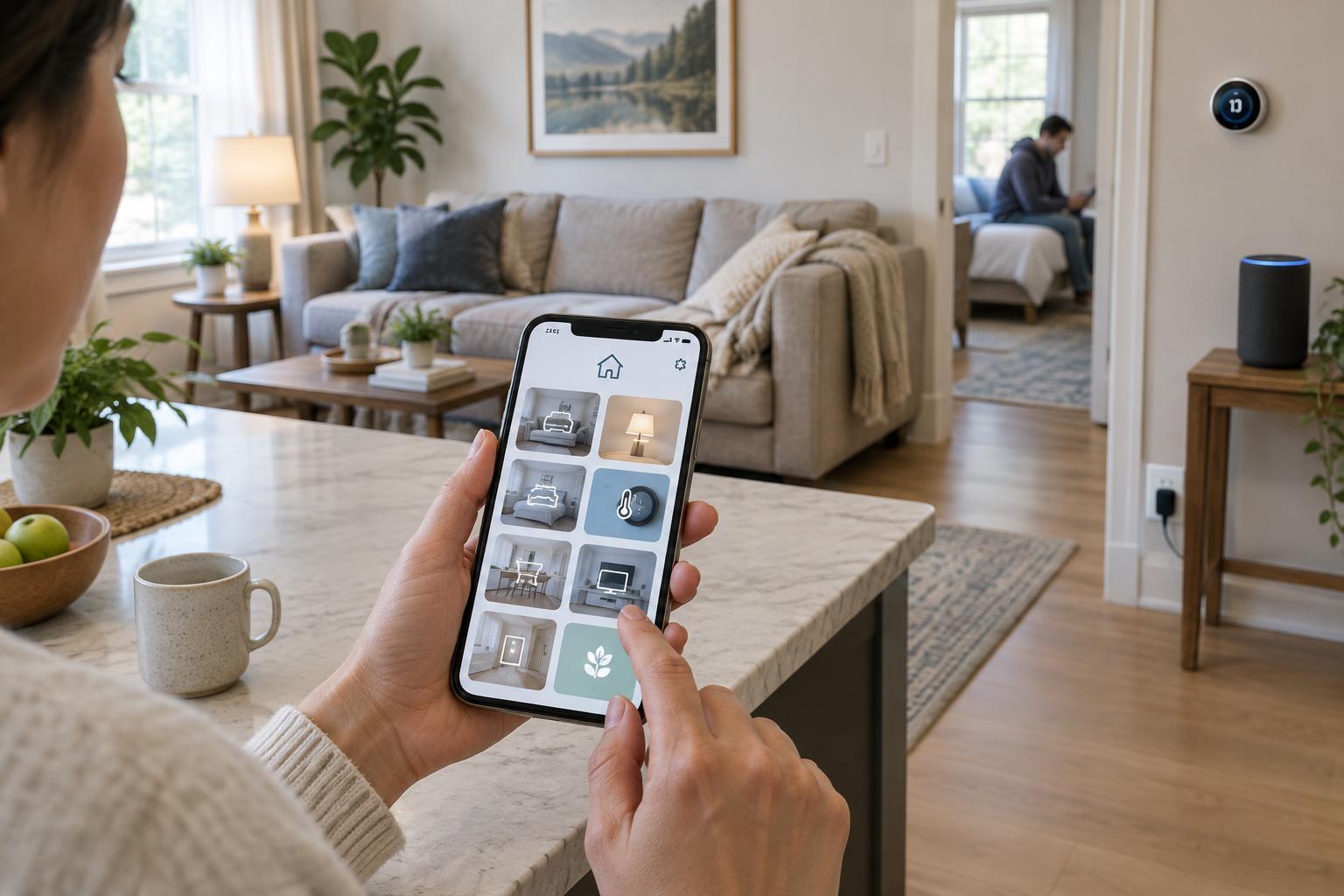
A shared speaker and a personal profile serve different purposes. A profile may help an assistant distinguish calendars, music preferences, contacts or reminders, depending on the service and its settings. Without that separation, a household member might receive someone else’s results or add an item to the wrong list.
Create profiles for people who regularly use personalized features, then test what happens when each person makes a request. Voice recognition is not a secure identity check: similar voices, background speech and recognition mistakes can affect the result. Treat it as a convenience for tailoring responses, not as the only barrier protecting private information or sensitive actions.
Think separately about guests and children. Guests may need basic controls without access to personal calendars or contacts. For children, review any available content filters and communication settings, and consider whether shared devices should answer personal questions aloud. The exact controls vary by assistant, so inspect the settings on the device and any linked account.
Put limits around actions that matter
Not every voice request carries the same risk. Asking for a timer is different from buying an item, placing a call, opening a door or changing a thermostat. Review which actions your assistant and connected services allow from a shared speaker. Disable features you do not use, and enable available confirmations, passcodes or other approval steps for actions you want to keep.
Pay particular attention to linked accounts. A shopping account, contact list or smart-home service can expand what a simple spoken request can do. When you add a new integration, check its permissions and try a harmless command to see which device or account responds. If a feature cannot be limited in a way that suits your household, using its app instead may be the better choice.
Routine names deserve the same care as device names. Avoid a trigger phrase that might come up in ordinary conversation or on the television. Choose a specific phrase and test it a few times before attaching actions you would not want to start by mistake.
Reduce false starts and mistaken responses
Placement affects reliability. A speaker close to a television, an open window or a busy work area may hear more competing sound. Moving it a short distance can make commands easier to hear and may reduce unwanted responses. If a device has a physical microphone control, learn how to use it for times when you do not want it listening for a wake phrase.
When an assistant responds unexpectedly, look at its activity history or notification, if available, to understand what it heard and which action followed. Correcting a device name, changing a routine trigger or moving the speaker may solve a repeated problem. Review options for storing and deleting voice activity as well; these settings can affect what remains associated with an account, though their details vary by service.
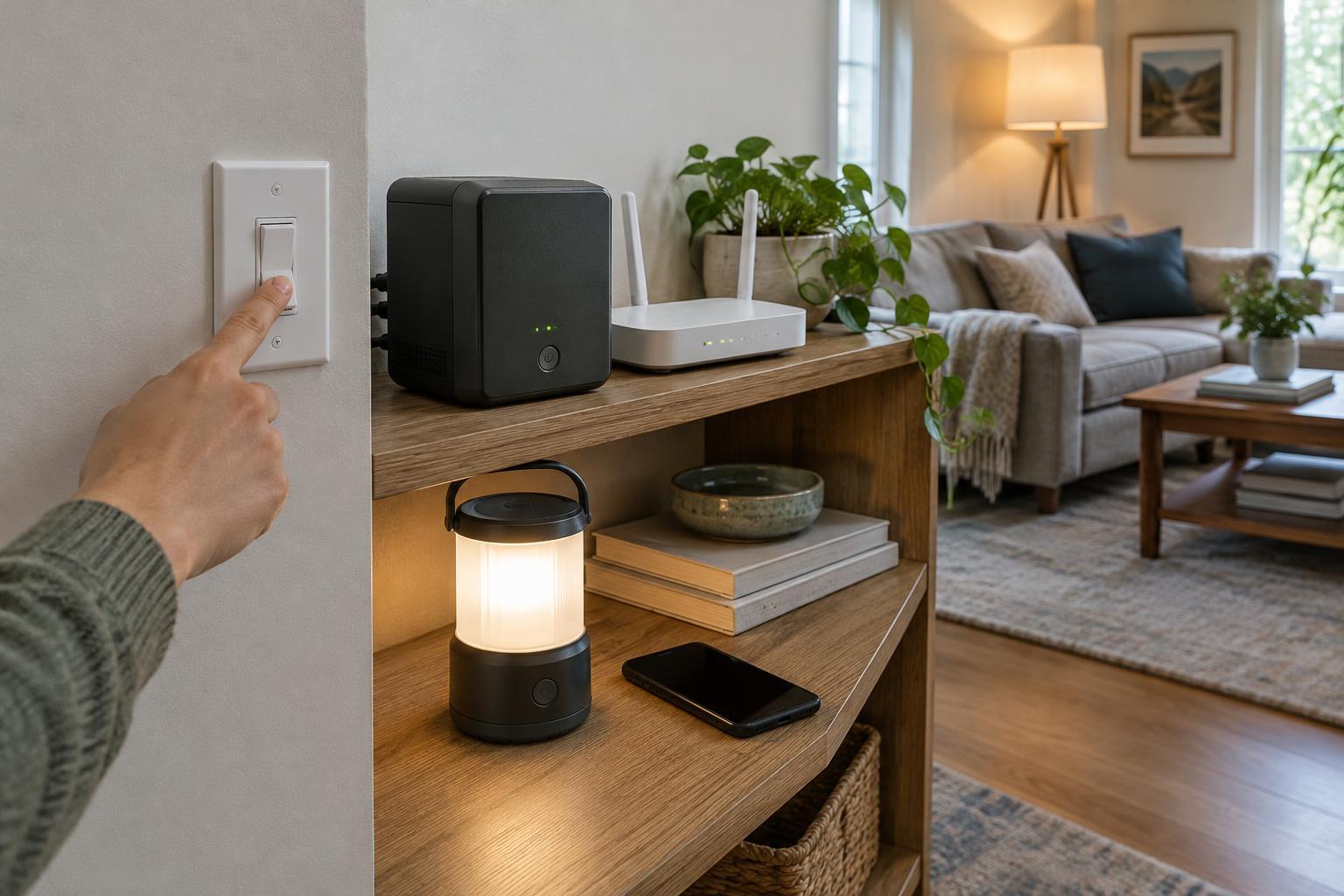
For important controls, keep a non-voice alternative. A light switch, device button or app gives household members another way to act when the room is loud, the internet connection is unavailable or the assistant misunderstands a request.
Make the setup easy to maintain
After the basics work, write a short household command list: a few device names, useful phrases and the routines people are meant to use. Put it somewhere accessible to the people who live there. This is more helpful than expecting everyone to remember how each connected product was configured.
Revisit the setup when someone joins or leaves the household, a device moves rooms or an account is no longer needed. Remove old profiles and integrations, then test the commands that remain. A small, predictable set of voice controls is easier to trust than a large collection of automations whose effects nobody remembers.