Start with the question you want to answer
An energy monitor is most useful when you give it a specific job. You might want to know whether a computer setup uses much electricity while idle, how often a dehumidifier runs, or why household use rises at a particular time of day. That question helps you choose a device and decide what to measure, rather than collecting numbers without a clear purpose.
Keep two measurements in mind. Watts describe the power a device is drawing at a moment in time. Kilowatt-hours (kWh) describe energy used over time and are the unit commonly used on electricity bills. A device can draw a lot of power briefly without using as much energy as a lower-power device that runs for hours. To understand its contribution to a bill, look at energy over a representative period, not just its highest watt reading.
Choose a monitor that matches the scale
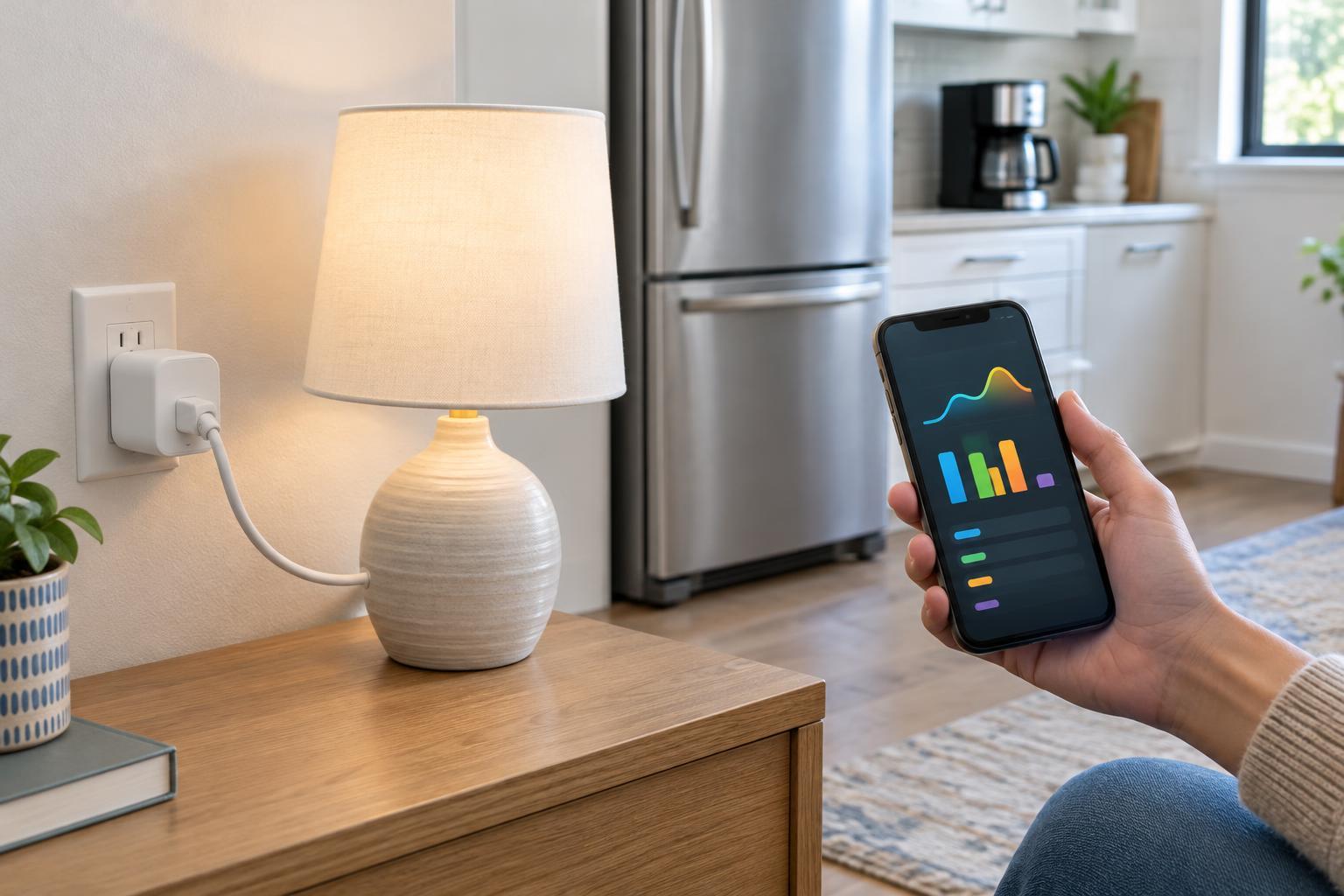
A plug-in energy monitor or an energy-monitoring smart plug is a practical starting point for a single appliance that plugs into a wall outlet. It can show how consumption changes between operating modes and, depending on the product, record usage over time. Check the plug’s electrical rating and the appliance’s requirements before connecting them. Some appliances and power strips may not be suitable for a particular smart plug.
Whole-home and circuit-level monitors provide a broader view. Some obtain readings from the utility meter; others use sensors fitted near the electrical panel. They can help reveal daily patterns or compare circuits, but a whole-home reading does not automatically identify which device caused a change. Installation requirements vary. Do not open an electrical panel or fit sensors around wiring unless you are qualified to do so; choose a professionally installed option where needed.
You may already have useful information through your utility account or meter, although the detail and update frequency vary. Reviewing that data before buying hardware can show whether your main question is about overall timing, a particular circuit or one plug-in device.
Measure a normal routine before changing anything
Start by recording a baseline. For a plug-in device, note its energy use across several ordinary days if the monitor supports it, including both active and idle periods. For a household monitor, compare weekdays and weekends or other routines that differ in meaningful ways. Keep brief notes about activities such as laundry, cooking or working from home so that peaks have context.
Change one thing at a time when possible. For example, measure a desk setup as you normally use it, then turn it off fully when finished and compare similar days. If several habits change together, the monitor may show a difference without telling you which change mattered. Weather, guests and unusual schedules can also affect comparisons, especially where heating or cooling uses electricity.
A smart plug’s total may include everything connected through it. That is useful for measuring a group of devices, but not for assigning consumption to each one. Likewise, an apparent overnight baseline in whole-home data may combine refrigeration, networking equipment, ventilation and many other loads. Treat the graph as a clue about what to investigate next, not proof about a particular appliance.
Turn readings into useful decisions
Look first for repeated patterns: a device that stays on when nobody uses it, equipment that runs longer than expected, or a cluster of appliances used at the same time. Then consider a change that fits your household. That might mean adjusting a device’s sleep settings, using a built-in timer, switching off an unneeded accessory or revisiting when you run an appliance. Comfort, convenience and the appliance’s intended operation matter too; not every watt needs to be eliminated.
If you want a rough cost estimate, multiply the energy used in kWh by your electricity price per kWh. Your bill may also include fixed charges, taxes or prices that vary by time of use, so the result may not match the change on your bill exactly. Monitoring apps may offer cost estimates, but check what price they assume before relying on those figures.
Recheck after making a change. A small reduction visible over one hour may matter little across a month, while a modest change to something used every day may be more worthwhile. Measurements help you prioritize without guessing from an appliance’s size or its advertised power rating alone.
Know the limits of the data
Consumer monitors are tools for understanding patterns, not perfect accounting systems. Readings can differ between devices, and a monitor may miss short events or report updates less often than you expect. Product features also vary: some store detailed history, while others show only current power or a limited summary. Decide how much history and detail you need before choosing one.
Connected monitors can also create a record of household activity. Review what data an app stores, whether an account or internet connection is required, and who in the household can see the readings. The best setup is one you can use safely and consistently: begin with a clear question, gather a representative baseline, test a manageable change and let the longer-term pattern guide your next step.