Plan for two different kinds of outage
An internet outage and a power outage affect a smart home in different ways. If electricity is still on, lights, switches, sensors and a home network may continue running, but features that depend on a remote service can stop responding. During a power cut, most mains-powered devices will not work at all, even if their apps normally offer local control. Planning for both situations keeps you from relying on a feature that solves only half the problem.
Start by listing what must remain usable in each case. That might include entering the home, turning on a light, adjusting heating or cooling, and receiving an alert from a critical sensor. Separate these needs from conveniences such as scenes, voice commands and remote access. The aim is not to keep every automation running indefinitely. It is to make sure a failed connection does not prevent an ordinary task.
Keep essential controls simple and reachable
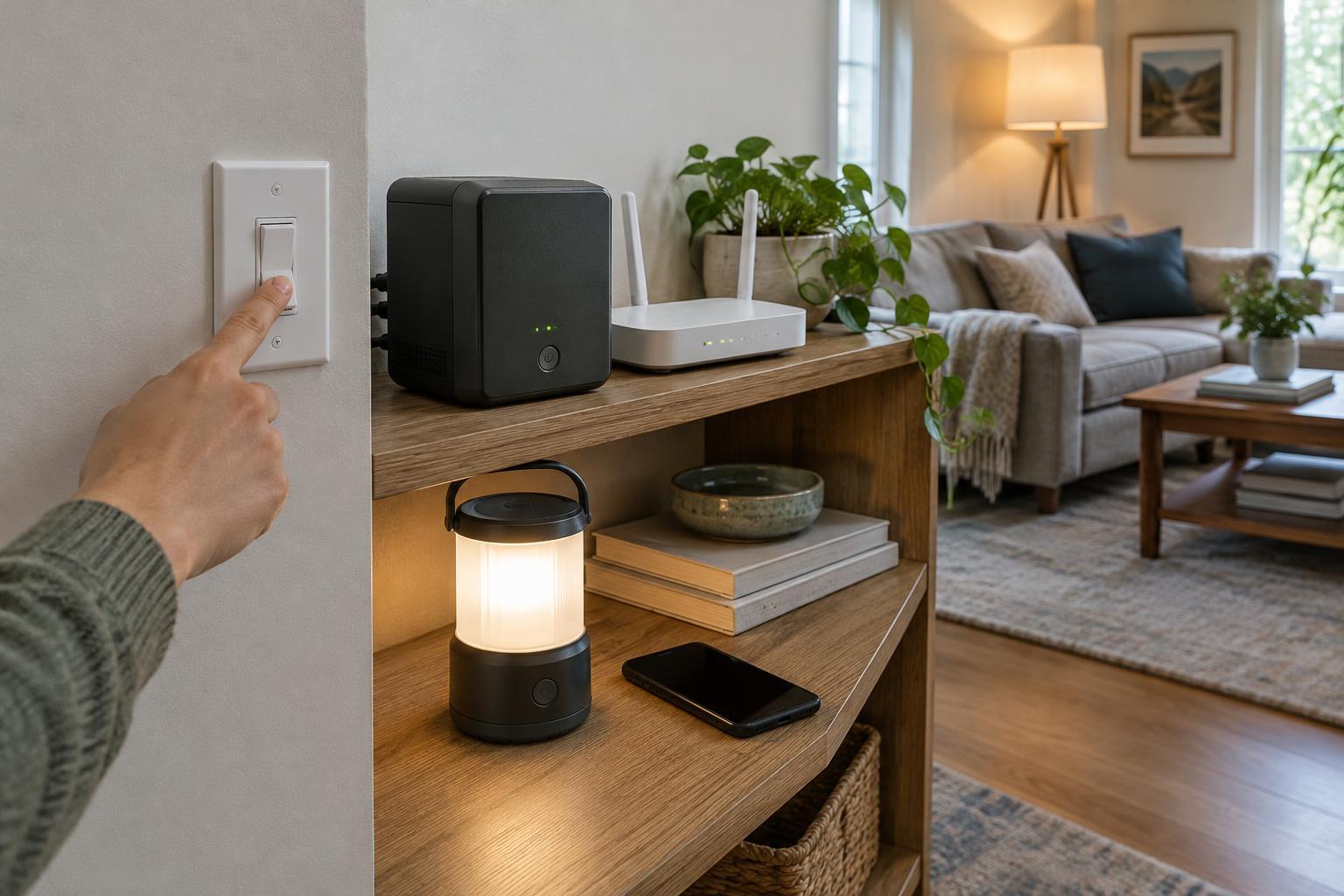
For each essential device, identify a way to operate it without a phone or internet connection. A wall switch, physical button, key or manual control is easier to use under pressure than a routine hidden in an app. Before buying a smart lock, for example, check how its keypad, key or other entry method behaves when batteries run low. For smart lighting, consider whether a familiar switch can still turn on a useful light.
Think about everyone who uses the home, including guests. If a switch must remain in a particular position for an automation to work, label it or choose a less fragile setup. Keep a conventional flashlight where it is easy to find; a phone light is a helpful backup, but it is less useful when the phone battery is low.
Manual operation should also be part of your normal routine occasionally. Trying it only during an outage is a poor way to discover that a key is missing, a battery compartment is hard to open or a device needs an app for an unexpected step.
Check what works locally before buying
Smart-home products differ in how much they can do without their maker’s cloud service. A device may allow local control through a hub or home network while still requiring internet access for setup, voice commands, notifications or remote viewing. “Works offline” is therefore too broad a promise to rely on. Look for specific answers: Can a physical control operate the device? Will a scheduled action run without internet? Does an automation run on a local hub, or does it need a remote service?
Also consider the path between devices. If a command depends on a hub and Wi-Fi router, both need power and a working local connection, even when no internet connection is required. Wireless devices may have batteries of their own, but that does not keep an unpowered hub or router running. A local-first design can reduce dependence on the internet; it does not make the system immune to a power cut.
When comparing products, write down the behavior you need rather than choosing by a broad compatibility badge alone. Product documentation may distinguish local device control from cloud-dependent extras. If the offline behavior is unclear, treat it as an open question rather than assuming it will work.
Back up a small number of important devices
A battery backup, often called an uninterruptible power supply or UPS, can keep selected low-power equipment running for a limited time. A router and smart-home hub are common candidates. If continued internet access matters, check the entire connection path: powering your router will not help if the modem or other required equipment has no power, or if the service outside your home is unavailable.
Choose backup capacity around a specific goal, such as keeping local controls available long enough to get through a short interruption. Device power use and battery capacity affect runtime, so avoid treating a quoted runtime as a guarantee for a different collection of equipment. Follow the backup unit’s instructions, leave its outlets accessible and test the setup after connecting your devices.
Some functions are better protected with independent battery-powered equipment than with a complex smart-home chain. Keep essential safety devices maintained according to their instructions, whether or not they connect to an app. For larger power needs or changes to household wiring, use appropriate qualified help rather than improvising an electrical connection.
Test the plan and keep it easy to maintain
Run a simple internet-outage drill by temporarily disconnecting your home network from the internet while leaving local network equipment powered. Try the tasks on your essentials list, using both app-based and physical controls. Then check what happens when the router or hub itself is off. These tests reveal different dependencies, and they can be done without waiting for a real outage.
Record the results in a short note: which controls work, which features stop, where spare batteries and keys are kept, and how to restore normal operation. Review the note when you replace a device, change your network setup or move an automation to a new platform. A resilient smart home is not one that never loses a feature. It is one whose essential tasks remain understandable and manageable when a feature does fail.