Start with a quick inventory
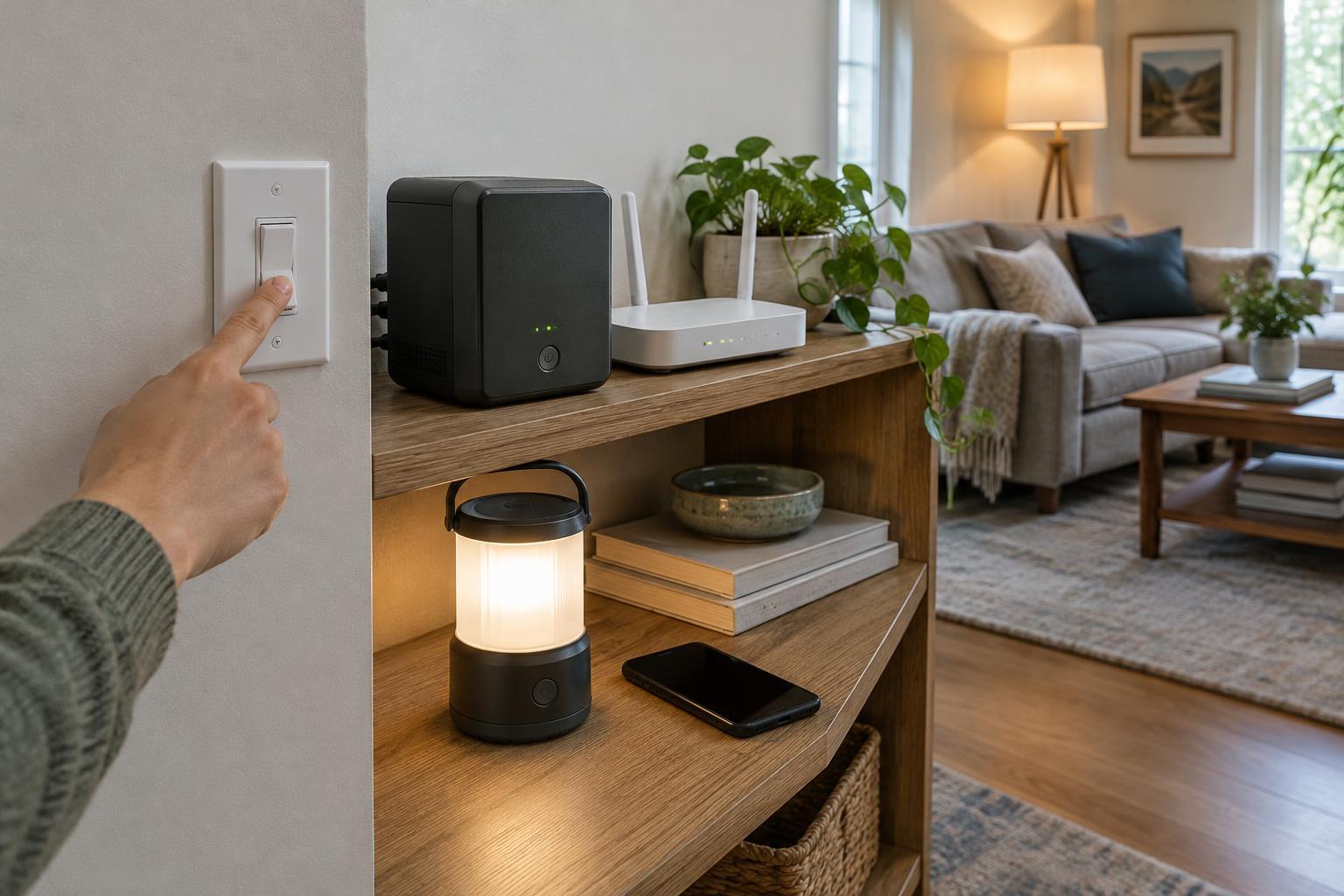
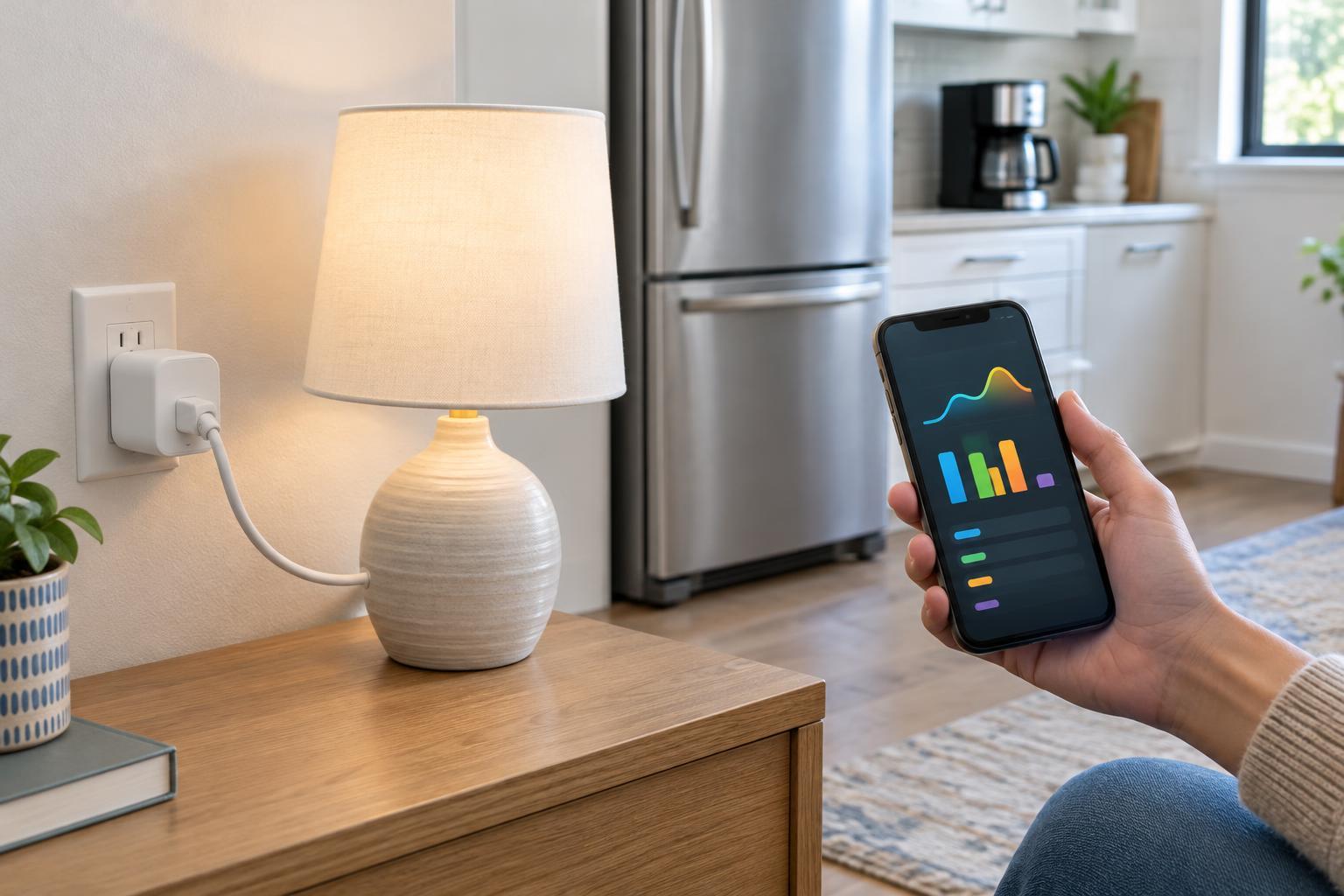
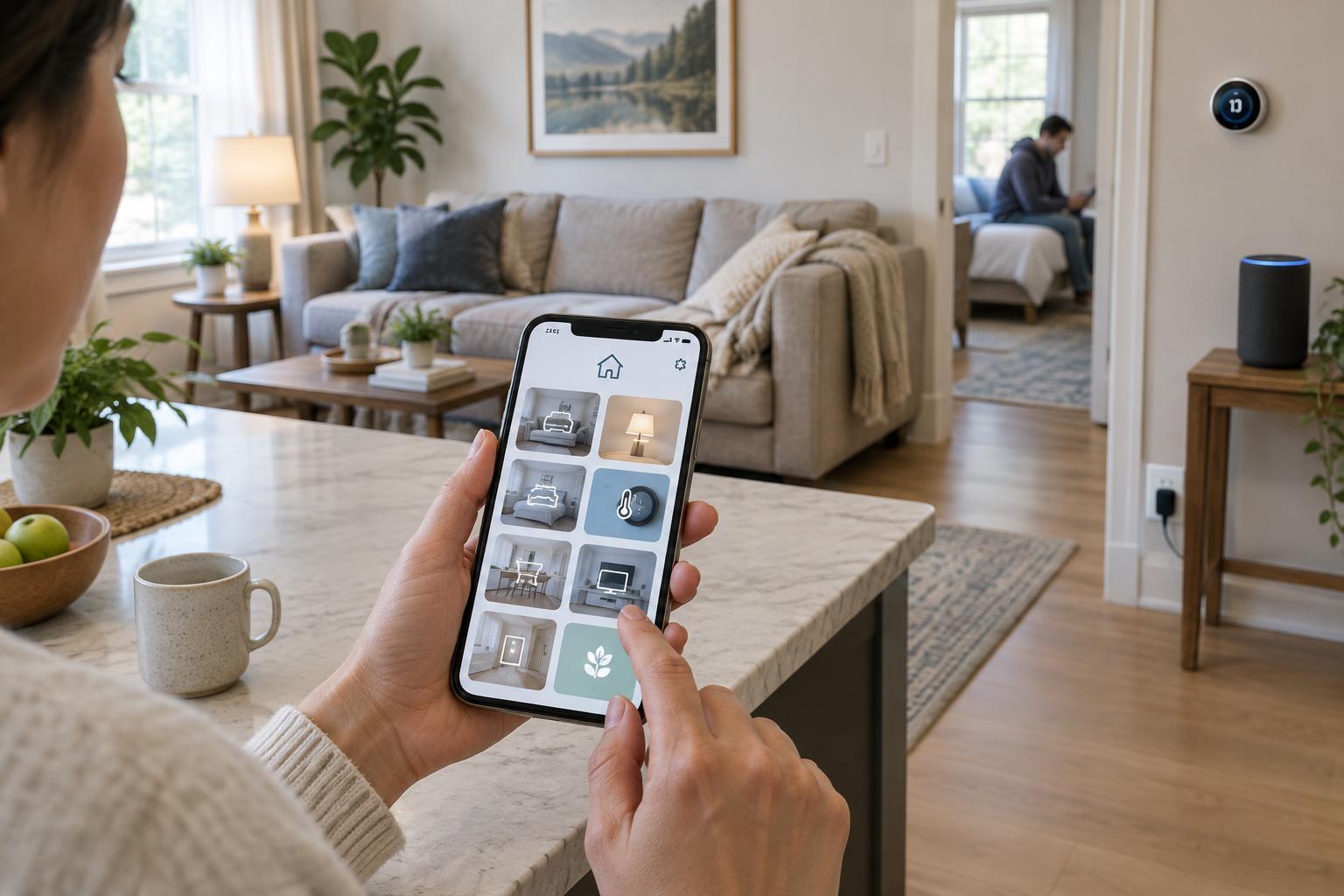
Before rearranging anything, open your smart home app and list the devices it contains. Include lights, plugs, speakers, thermostats, cameras and sensors, as well as any hubs that appear as separate devices. Note where each item is physically located and what it controls. A smart plug behind the sofa, for example, is more useful to identify as the lamp it powers than as a plug with a model number.
Also look for duplicate entries, disconnected devices and products you no longer own. Check what an unfamiliar entry is before removing it: deleting a device may affect routines or other household members. This inventory gives you a clear starting point and helps you spot names that will become confusing once devices are sorted into rooms.
Make rooms match how people use the home
Create rooms based on recognizable spaces rather than every possible device category. Kitchen, Main Bedroom and Hallway are usually easier to scan than broad labels such as Upstairs or narrow ones such as Window Wall. If a large space has genuinely separate uses, such as an open-plan kitchen and living area, two rooms may make controls easier to find. The best test is whether another person could locate a device without asking where you filed it.
Place each device in the room where someone would expect to control it. A plug that powers a bedroom lamp belongs with the bedroom controls, even if its outlet is on the other side of a wall. For devices that serve several spaces, such as a hallway thermostat, choose the location that makes the most sense to the household and keep that choice consistent.
Many apps also offer groups, zones or favorites. Use these for controls that cross room boundaries, such as all downstairs lights, instead of distorting the room layout. Features vary by app, so a simple room structure is a reliable foundation even if grouping options are limited.
Choose names that work on screens and by voice
A useful device name tells you what an item does and distinguishes it from similar items. “Sofa Lamp” and “Desk Lamp” are clearer than “Light 1” and “Light 2.” When two rooms contain the same type of device, add the room to the name where needed: “Kitchen Counter Light” and “Bedroom Counter Light” are less likely to be mistaken for one another. Avoid long strings of brand names, serial numbers or technical abbreviations unless they solve a real identification problem.
Keep names distinct from room and group names, especially if you use a voice assistant. Calling an individual bulb “Living Room” can make a request to control the room ambiguous. Short, pronounceable names are also easier for household members to remember. After renaming a device, try the commands people actually use and adjust any name that leads to the wrong result.
Names should describe stable roles rather than temporary arrangements. If a plug always powers the reading lamp, “Reading Lamp” is helpful; if you move that plug between appliances, “Corner Plug” may age better. Review routines and shortcuts after renaming, since some apps update references automatically while others may need attention.
Share access deliberately
A shared home works best when each regular user has their own account or invitation, if the app supports it. This avoids passing around one password and may let you remove one person’s access without disrupting everyone else. Before inviting someone, check what their role permits. Apps differ: some distinguish administrators from members or guests, while others offer little control beyond full household access.
Give people the access they need for their role in the home. Someone who lives there may need routine control of lights and heating; a temporary visitor may only need a limited way to operate a door or other specific device. Treat cameras, locks, alarms and entry controls with particular care. Check whether an invitation provides live viewing, recordings, settings changes or control of other devices—not just the feature you had in mind.
Make access reviews part of household maintenance. Remove old invitations when someone moves out or no longer needs them, and check which phones, assistants and linked services still have access. Use a unique account password and available sign-in protections. If you are unsure what a shared role exposes, pause and inspect its permissions before sending the invitation.
Keep the setup understandable over time
After the cleanup, ask someone else in the home to find a few common controls without guidance. If they cannot quickly locate the dining light or identify which plug powers the fan, the structure or name needs another pass. Keep favorites focused on frequent actions rather than filling them with every device.
When you add or move a device, assign its room and name it immediately. A brief check after larger changes—such as rearranging furniture or replacing a hub—can catch misplaced devices, broken routines and access that is no longer appropriate. The goal is not a perfect catalog; it is an app that people can understand and use without having to remember how the setup was built.