Start with the games you will actually play
A console’s technical specifications matter less if it cannot play the games that interest you. Make a short list of games you expect to start within the next year, then check which consoles support them. Distinguish between games available on several platforms and games limited to one. If most of your list is available everywhere, you can make your decision on price, convenience and other features instead of treating any one exclusive game as decisive.
Check the details of how each game runs, not just whether its name appears in a store. Some releases have different editions or features across platforms. If you plan to play with friends, confirm both where they play and whether each game supports cross-platform multiplayer. Sharing a console brand does not guarantee you can play together if you own incompatible game versions. Likewise, cross-platform play does not necessarily mean purchases or saved progress move between systems.
Think about how you prefer to buy games
Your choice between a console with a disc drive and a digital-only model affects more than the initial price. A disc drive may let you buy eligible physical games, borrow or share them where permitted, and shop for used copies. A digital-only console depends on its online store for game purchases. Physical copies can still require downloads, updates or installation, so a disc does not eliminate the need for an internet connection or storage space.
If you already own games from an older console, investigate backward compatibility title by title. Owning a disc or a digital license does not automatically make it playable on a newer system. Also consider who will use the console: household accounts, parental controls and rules for sharing digital purchases can affect how convenient a game library feels. Check the platform’s current policies before counting shared access as a reason to buy.
Price subscriptions as an ongoing choice
Subscriptions can provide access to a rotating game catalog, online multiplayer for certain games, cloud saves or other benefits. These features are often divided among different membership tiers. Write down the benefits you would genuinely use, and compare the cost over a period that reflects how long you tend to keep a console. A low console price can be less compelling if your preferred way to play adds a recurring fee.
Catalog access is different from owning a game. Games may enter or leave a subscription library, and access generally depends on an active membership. If you mostly play a few favorites for years, buying those games individually might suit you better. If you enjoy trying many titles, a catalog could be useful. Check whether the specific games on your list are included in the tier you are considering rather than assuming every subscription offers the same library.
Plan for storage before the drive fills up
Compare usable storage, not only the capacity printed on the box. The system software takes up space, while game installations, updates, downloadable content and captured clips use more over time. Game sizes vary widely, so think about how many large games you want installed at once. A household with several players may need more room than someone who finishes one game before downloading another.
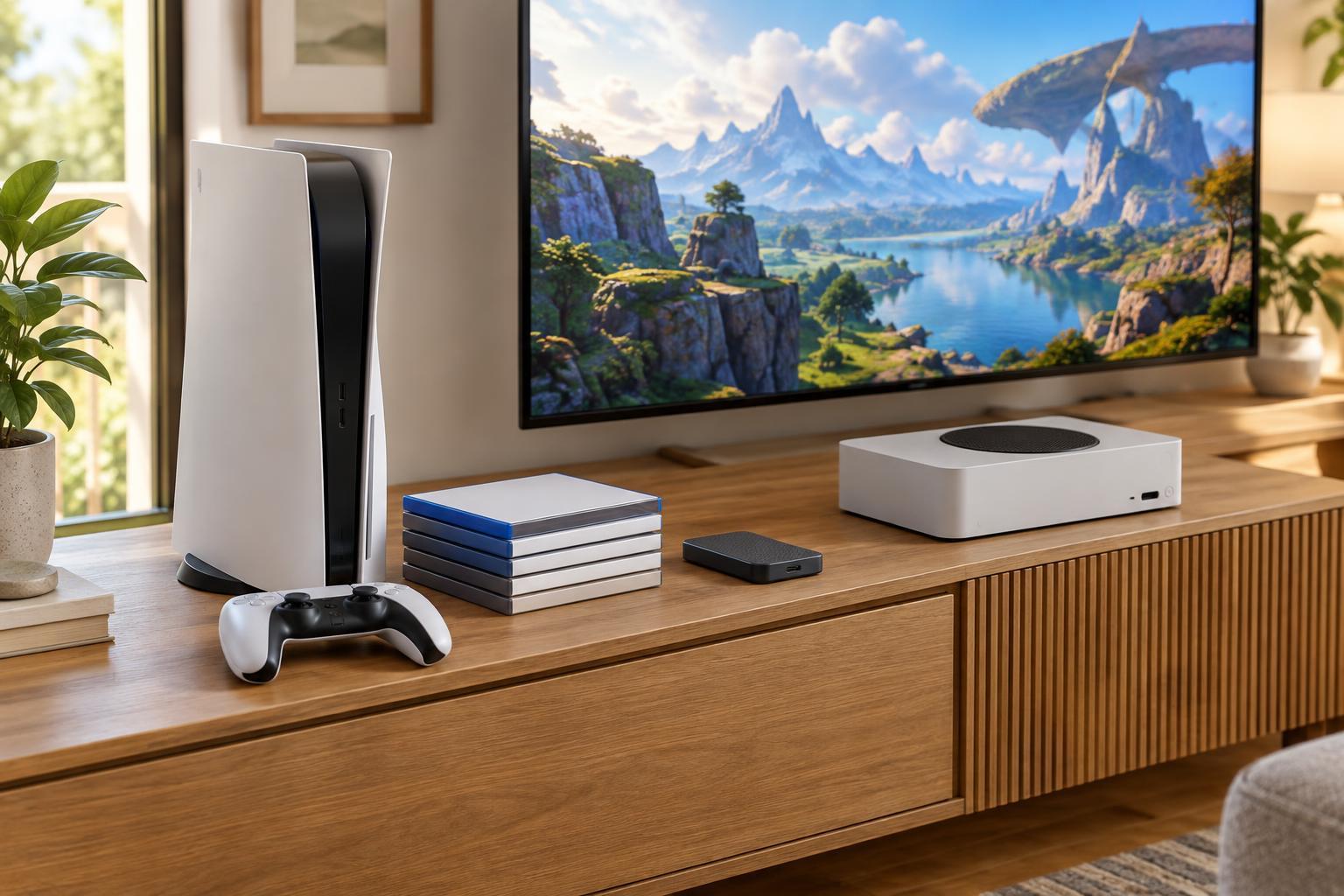
Find out how that console expands storage before buying an extra drive. Some systems accept particular internal expansion devices, some use proprietary options, and external USB storage may have limits on which games can run directly from it. Cloud saves usually protect compatible save data; they are not a substitute for space to install games. If your internet connection is slow or limited, repeatedly deleting and redownloading large games may be inconvenient, making expansion more valuable.
Make a final comparison around your setup
Once you have a shortlist, compare the full cost of getting started: console, games, likely subscription tier, an extra controller if needed and any storage expansion you expect to buy. Then check practical fit. Consider space near the TV, controller comfort, accessibility settings, available ports and whether the console supports the display features you care about. A higher specification is only useful when your screen, games and preferences let you benefit from it.
A simple decision rule is to choose the console that plays the most important games on your list at a total cost you are comfortable with. Use subscriptions and storage as tie-breakers, or as reasons to rule out a setup that would be frustrating to maintain. Before paying, verify game availability, membership benefits and expansion compatibility for the exact console model you intend to purchase. That final check is more reliable than choosing by brand reputation alone.