Start with the device and its connection
A smart bulb, plug, thermostat or sensor does a physical job: it produces light, switches power, controls heating or detects a change. Its “smart” features come from a connection that lets it receive commands or report its status. That connection is the first detail to check when deciding whether a product will fit your home.
Some devices connect directly to your Wi-Fi network. Others use a short-range wireless connection, such as Bluetooth, Zigbee or Thread, and may need a compatible hub or controller to link them to the rest of your setup. A phone app can make initial pairing feel similar across products, even when the underlying connections differ. Check the product requirements rather than assuming that every device connects to a router in the same way.
Connection method affects where a device can go and what it depends on. A sensor at the far end of a home may need better network coverage or a suitably placed hub. A device that relies on an online service may lose some controls when the internet is down, while one that supports local control may continue to work on the home network. The exact behavior varies by product and setup.
Know what the app controls
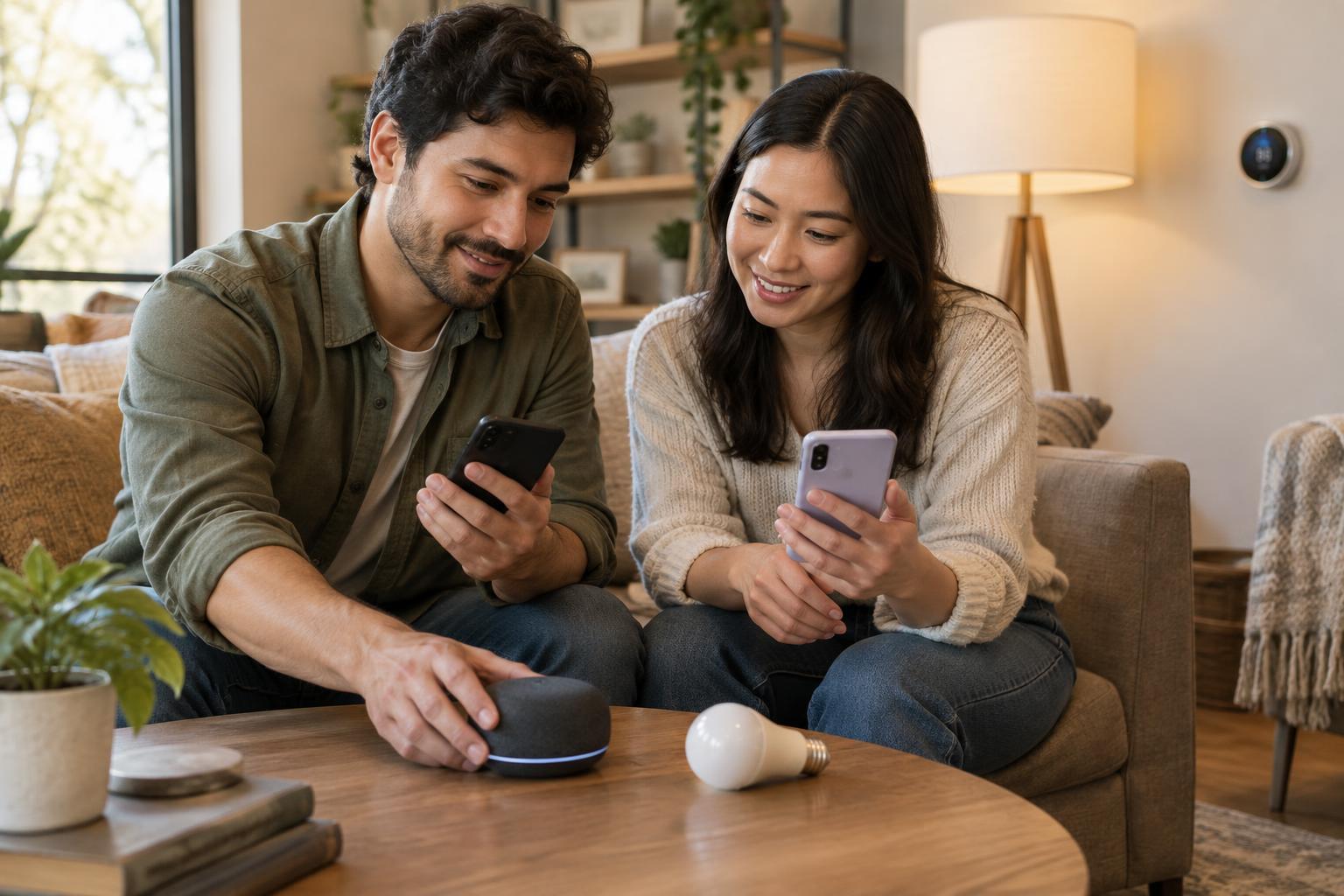
A manufacturer’s app usually handles setup, firmware updates and product-specific settings. It may also offer schedules, notifications and access when you are away from home. If you buy devices from several brands, you could end up with several apps, each with its own account and controls.
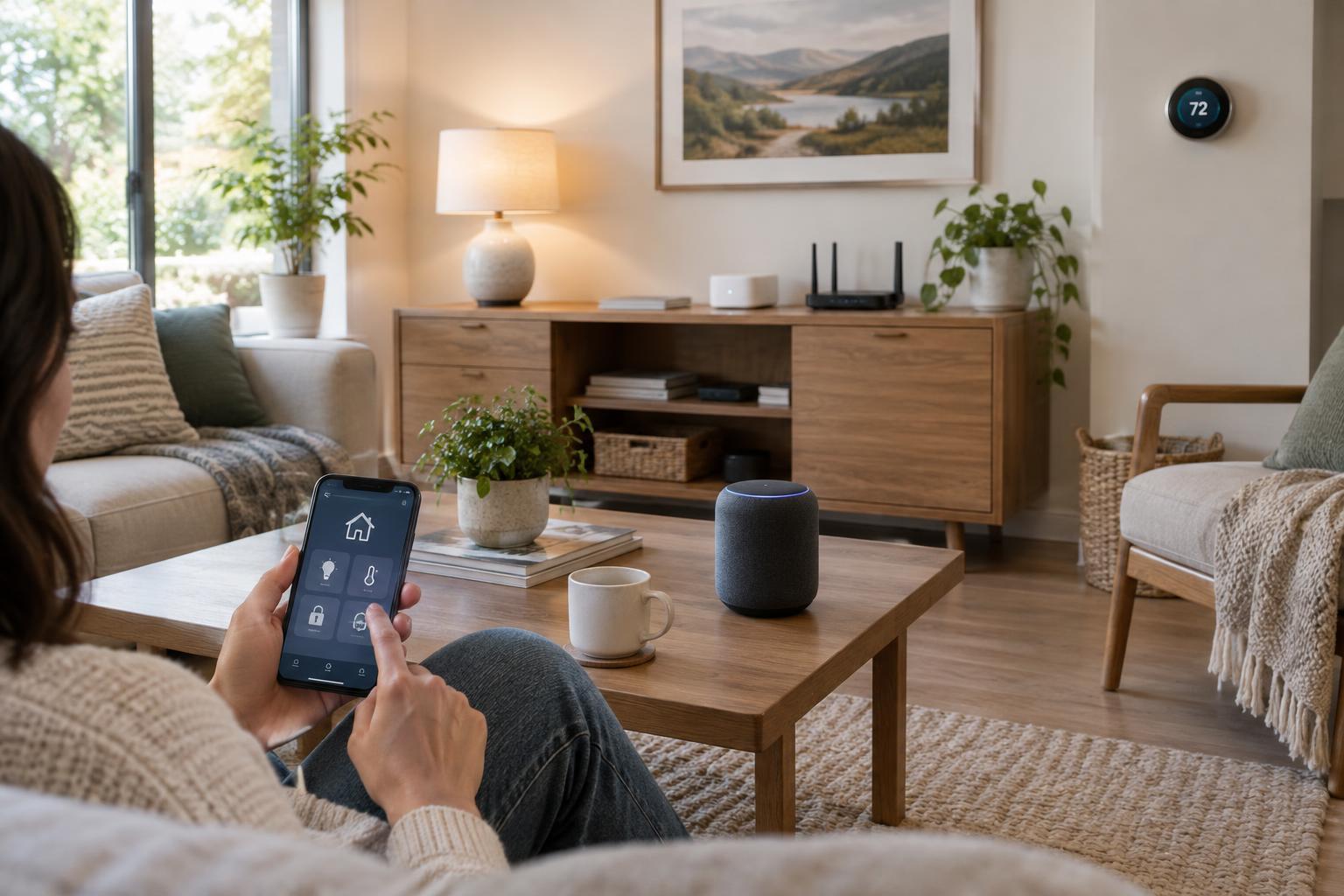
A shared smart home app can bring compatible products into one view. It may let you put lights, plugs and sensors in named rooms, control them together, or use one device to trigger another. Compatibility is not always all-or-nothing: a device might expose basic on/off controls to a shared app while keeping a special feature in the manufacturer’s app. Before buying, check that the controls you care about are supported in the app you plan to use.
Set up rooms and device names clearly from the beginning. “Hall lamp” is easier to recognize than a model number, especially when you create routines or use voice control. Keep the manufacturer’s app available even if you use a shared app day to day; you may need it later for updates or troubleshooting.
Understand when a hub helps
A hub is a device that helps other devices communicate or coordinates their controls. Depending on the system, it might connect a particular wireless network to your home network, run automations, or allow remote access. A smart speaker, display or dedicated box can serve as a hub in some setups, but the word “hub” does not guarantee that it supports every connection type.
For example, a product that needs Zigbee support will not necessarily work with a hub that supports only Wi-Fi and Thread. Matter, a smart home compatibility standard, can make it easier for supported products and platforms to work together, but you still need to check the device’s connection requirements and which features its chosen platform supports. Some Matter devices need a compatible controller, and Thread-based devices also need a Thread border router to connect their network to the rest of the home.
If you are starting small, you may not need a separate hub. One or two Wi-Fi devices controlled through their own apps can be enough. A hub becomes more useful when you want a shared control system, devices using a connection your router does not support, or automations designed to run within the home. Choose it for a specific requirement, not simply because it appears on a smart home checklist.
Build automations around everyday actions
An automation links a trigger to an action. A schedule can turn a lamp on at a chosen time; a motion sensor can switch on a hallway light; a door sensor can send a notification. More involved automations add conditions, such as acting only after dark. The app or hub running the automation needs to receive the trigger and be able to control the target device.
Start with one action you already repeat. Decide what should trigger it, when it should not run, and how you will override it manually. A motion-activated light, for instance, needs a sensible timeout and an easy way to keep it on when you want to. Test the routine while you are at home, then adjust its timing before depending on it.
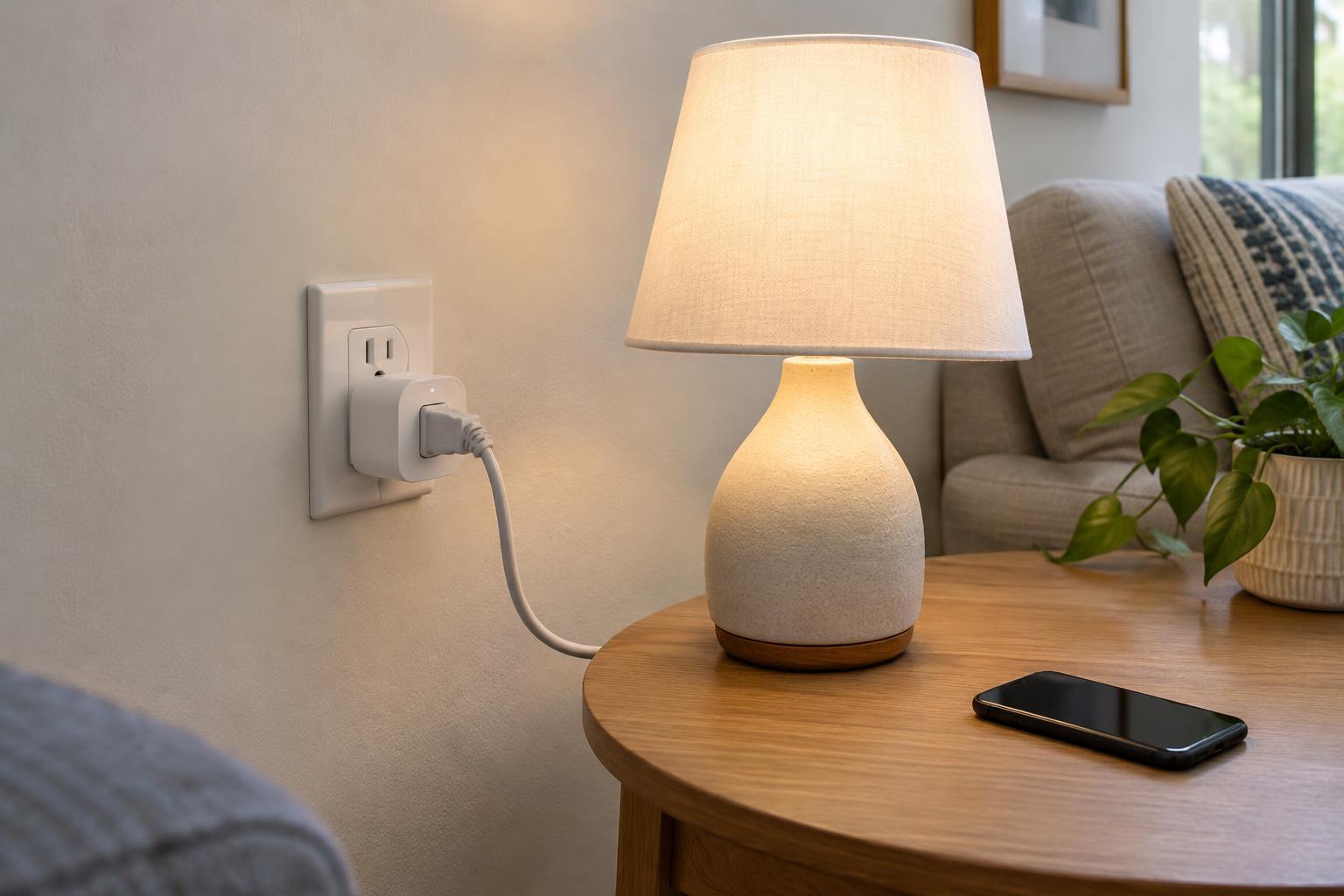
Consider failure cases too. Ask what happens if the internet is unavailable, a battery runs low or someone turns off a wall switch that supplies power to a smart bulb. Keep essential tasks possible without an app wherever practical. Automations should remove small points of friction, not make a room difficult to use.
Keep the setup manageable
Before adding more devices, make a short list of what you own, which app controls each item, and whether it needs a hub, internet access or batteries. Install available device updates, use strong and distinct account passwords, and enable extra account protection where offered. Review who can access the home so that a shared device does not depend on one person’s phone alone.
The most useful smart home is rarely the one with the most devices. A few compatible products, clear names and predictable routines are easier to maintain. Add one device or automation at a time, confirm that it solves a real problem, and use what you learn to guide the next purchase.