Check the door before setting up the app
Before choosing codes or inviting anyone, make sure the door closes and latches smoothly. A smart lock cannot reliably secure a door that needs to be lifted, pushed or pulled hard to engage the bolt. Check the lock’s installation instructions, confirm that the deadbolt moves freely, and test it several times with the door both open and closed.
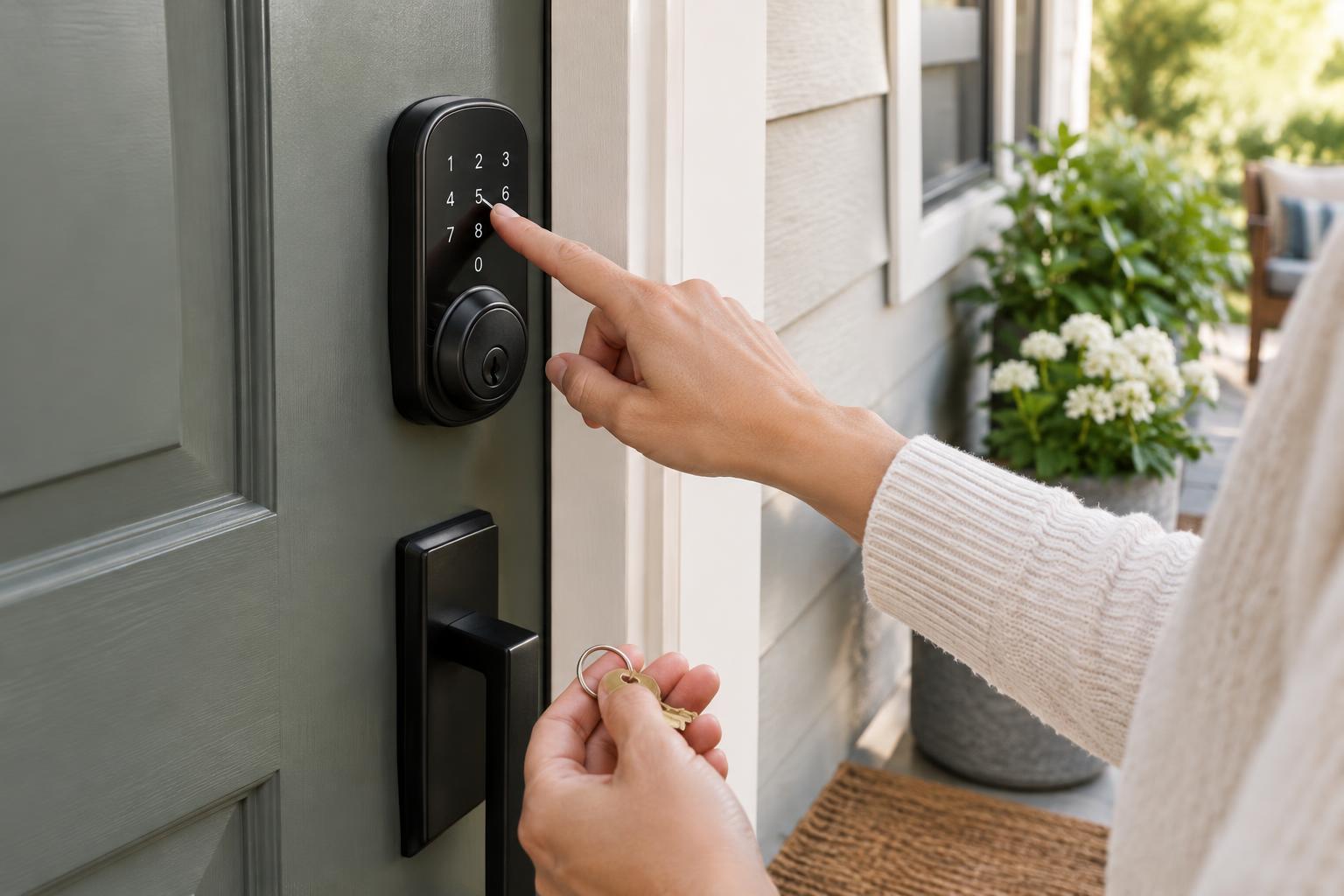
Decide which household members need everyday access and which visitors need occasional access. Also check which controls your model supports: a keypad, physical key, phone app, fingerprint reader or some combination. Features such as scheduled codes and remote unlocking vary by lock and may depend on a separate hub or network connection. Set up the options your household will actually use rather than assuming every advertised feature is available in your installation.
Give each regular user a separate way in
If the lock supports multiple entry codes, create a separate code for each person who uses the door regularly. Individual codes are easier to change than one shared household code. Choose codes that are not obvious to someone who knows the household, and avoid reusing a PIN from another device or account. Follow the lock’s rules for code length and any limits on repeated digits.
Some locks offer app-based invitations instead of, or alongside, keypad codes. Send each invitation to the intended person’s own account, then help them test access while someone else is home. Give household members only the permissions they need; an administrator role may allow them to add users or change lock settings.
Check whether your lock can show who unlocked it and whether notifications are enabled. An activity log can help you spot a forgotten code, but it is not a substitute for checking that the door is shut. Agree on a simple household habit: close the door fully, wait for the lock to finish, and confirm that it latched before leaving.
Make guest access temporary and easy to remove
A guest code can be useful for a house sitter, cleaner or relative, especially when you cannot be there to hand over a key. If the lock supports scheduled access, set a window that matches the visit and allow a little room for ordinary changes of plan. If scheduling is unavailable, create a separate guest code and set a reminder to remove it afterward.
Share a guest code privately with the person who needs it. Tell them which door it operates, how to wake the keypad if necessary, and whom to contact if it does not work. Avoid posting a code in a shared group where it may remain visible long after the visit. For repeat visitors, decide whether a lasting individual code is more manageable than frequently issuing temporary ones.
Review the user list occasionally, particularly after a move, a change in household members or the end of a recurring visit. Remove access that is no longer needed instead of relying on memory. If a code has been shared more widely than intended, replace it and let the people who still need access know about the change.
Plan for battery, phone and network problems
Find out what your lock can do without Wi-Fi or internet service. A keypad may continue to work locally even when remote app controls do not, but this depends on the model. Test the methods you expect to rely on, including unlocking when your phone has no connection. Do not assume a voice assistant or home automation routine will serve as your only fallback.
Follow the manufacturer’s guidance for batteries and low-battery warnings. Know how to open the battery compartment and keep suitable replacements somewhere accessible outside the locked room. Some locks offer an external emergency power contact; others have a physical keyway. Check the instructions for your model so you know which backup it actually provides.
If there is a physical key, place a spare with a trusted person or in another secure location you can reach when locked out. If the lock has no keyway, consider what you will do if its electronics fail and how another authorized person could get in. A backup plan should work without the same phone, account or network used for everyday entry.
Test the whole routine before relying on it
While the door is open, test every code, app invitation and physical backup you have set up. Then test normal locking and unlocking with the door closed while someone remains inside. Confirm that guests can use only the access you intended and that an expired or removed code no longer works. If anything behaves unexpectedly, consult the lock’s instructions before making it your primary entry method.
Keep the lock’s app and your phone’s operating system updated, and protect the account that manages access with a strong, unique password and an additional sign-in factor if offered. Check settings after a phone replacement or network change. The goal is not to use every smart feature: it is to make everyday entry simple while ensuring there is still a dependable way in when something goes wrong.