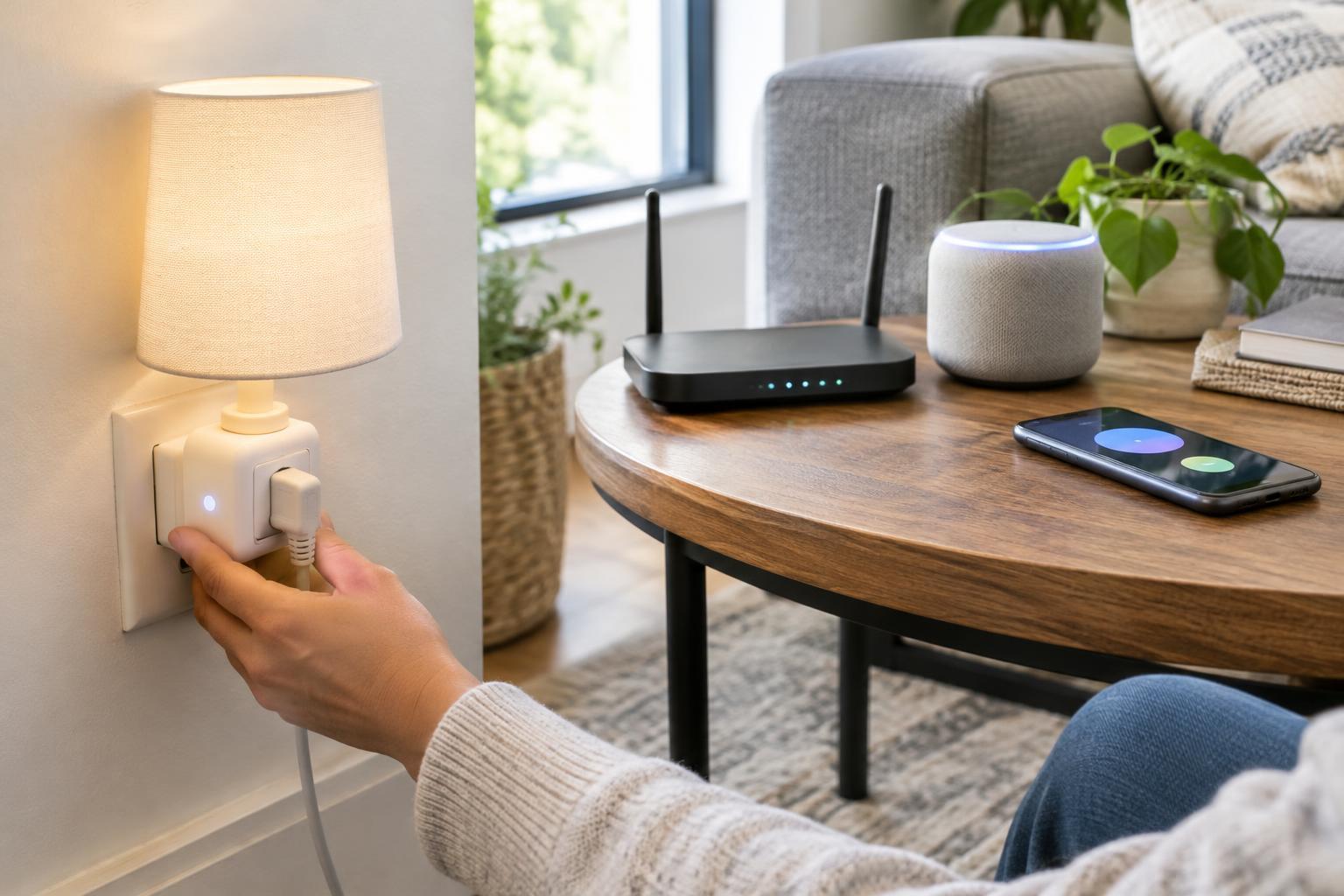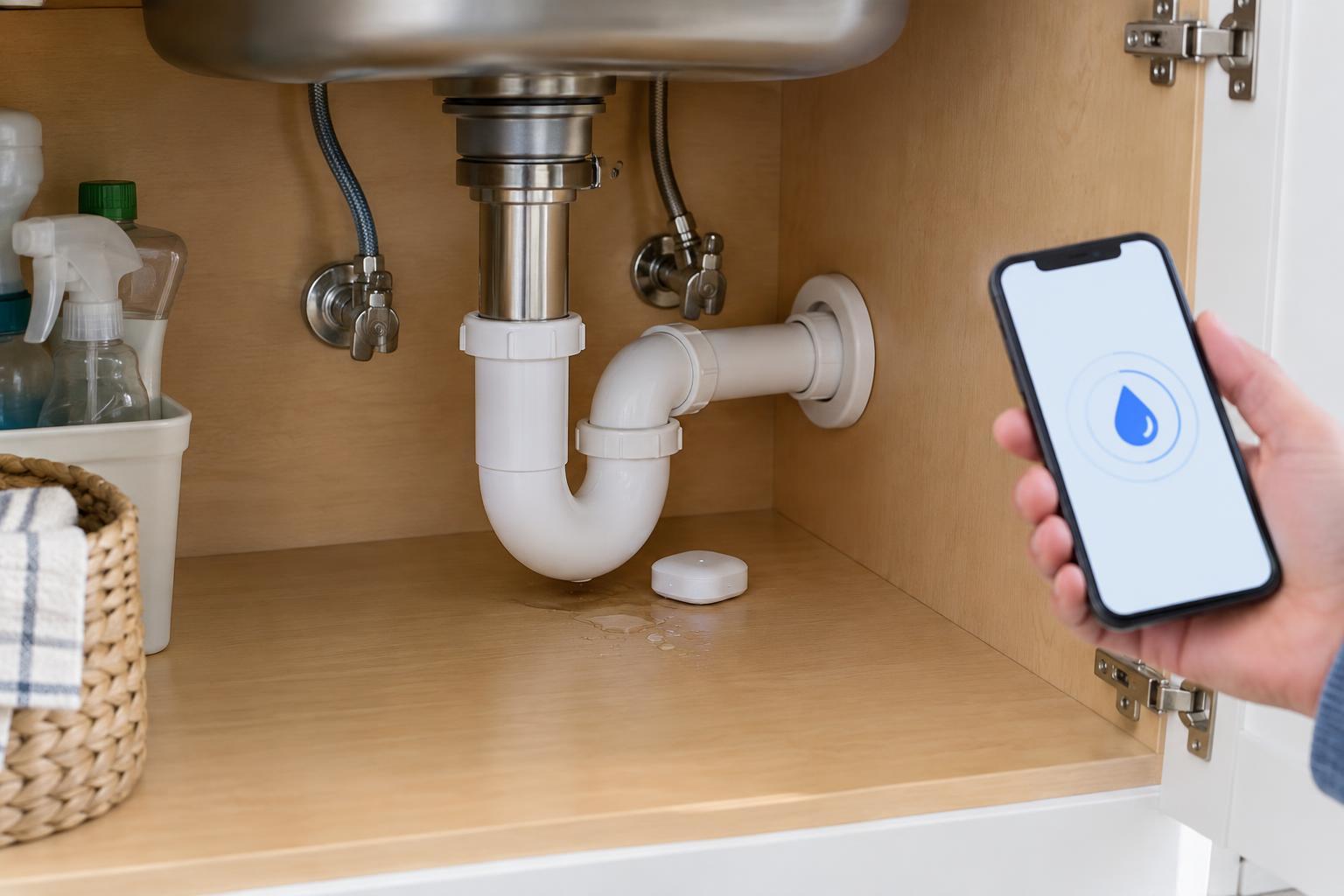
Decide what you want the system to do
A connected leak sensor detects water at its contacts or along a sensing cable, then sends an alert through an app or hub. It can help you notice a leak under a sink or behind an appliance before your next routine check. A basic sensor does not stop the water; it only tells you that water has reached the sensing point.
Automatic shutoff requires additional equipment. Some systems use a device on the main supply line, while others use a compatible controller on a particular valve. Check which sensor and shutoff products work together, whether a hub is required, and what triggers the valve to close. An alert saying a leak was detected is not the same as confirmation that the water was turned off.
Start with the response you need. If someone can usually check the home promptly, alerts may be enough. If the home is often empty, automatic shutoff may be worth considering, but it adds installation, cost, and maintenance decisions. Work involving the main water supply may be best handled by a qualified installer.
Choose locations where water will reach the sensor
Put sensors on the floor or another low surface where escaping water is likely to collect. Common starting points include under kitchen and bathroom sinks, beside the washing machine, near a water heater, and under a dishwasher if there is an accessible spot. Think about the likely path of a drip: a sensor several feet away may remain dry while water damages a cabinet.
Keep the sensing contacts exposed and follow the product's placement instructions. Do not put a sensor where routine splashes or mopping will repeatedly wet it unless you are prepared to investigate those alerts. In a wide area, a model with a sensing cable may cover more of the likely water path than one small sensor. Avoid trapping a sensor where it cannot be retrieved to change a battery or check its status.
Before buying several units, confirm how each model connects. Some use Wi-Fi directly; others need a nearby hub or rely on another smart-home network. Check the stated requirements against the locations you have chosen, especially rooms far from the router or hub.
Set up notifications for a useful response
Pair and name each sensor by its actual location, such as “Laundry floor” rather than “Sensor 3.” A clear name makes an alert easier to act on. Enable leak notifications in both the device app and your phone's operating-system settings. If the system supports multiple household members, send alerts to people who can respond rather than relying on one phone.
Review any available alerts for low battery, a sensor going offline, and a shutoff device changing state. Those messages matter because a silent sensor may be disconnected rather than sitting in a dry room. If your system lets you choose which alerts are critical, reserve the most noticeable setting for water detection so routine status messages do not become easy to ignore.
If you add automatic shutoff, check whether it acts locally when internet service is unavailable or needs a cloud connection to receive a command. Also find out how to operate the valve manually and restore water after a closure. The answers depend on the equipment, so use its documentation rather than assuming every system behaves alike.
Test the full chain, then make a response plan
Once installed, use the manufacturer's test method to trigger each sensor without soaking the surrounding area. Confirm that the correct location appears in the app and that notifications arrive on the phones you expect. For a shutoff system, follow its instructions to verify valve operation safely; a notification test alone cannot prove that a valve will close.
Write down the first steps to take when an alert arrives: identify the location, check for visible water, and turn off the appropriate supply if it is safe and you know how. If you are away, decide who has access to check the home. Treat an unexpected shutoff as a reason to investigate, not merely as an inconvenience to reset. Avoid restoring water until you understand why the system acted.
Keep the system dependable
Connected sensors need occasional attention. Set a reminder to check battery status, connectivity, sensor position, and any sensing cable for dust or displacement. Repeat a controlled test after changing a router, moving a hub, replacing a phone, or updating who receives alerts. A sensor that was correctly paired at installation may no longer be able to reach the network after changes at home.
Leak sensors are a useful layer of warning, not a substitute for checking hoses, fittings, and areas that have leaked before. Their coverage is limited to the places where water can reach them, and any connected alert depends on the system working as configured. A few thoughtfully placed sensors, clear notifications, and a practiced response plan are more useful than a larger setup nobody knows how to handle.