Start with a list of what is connected
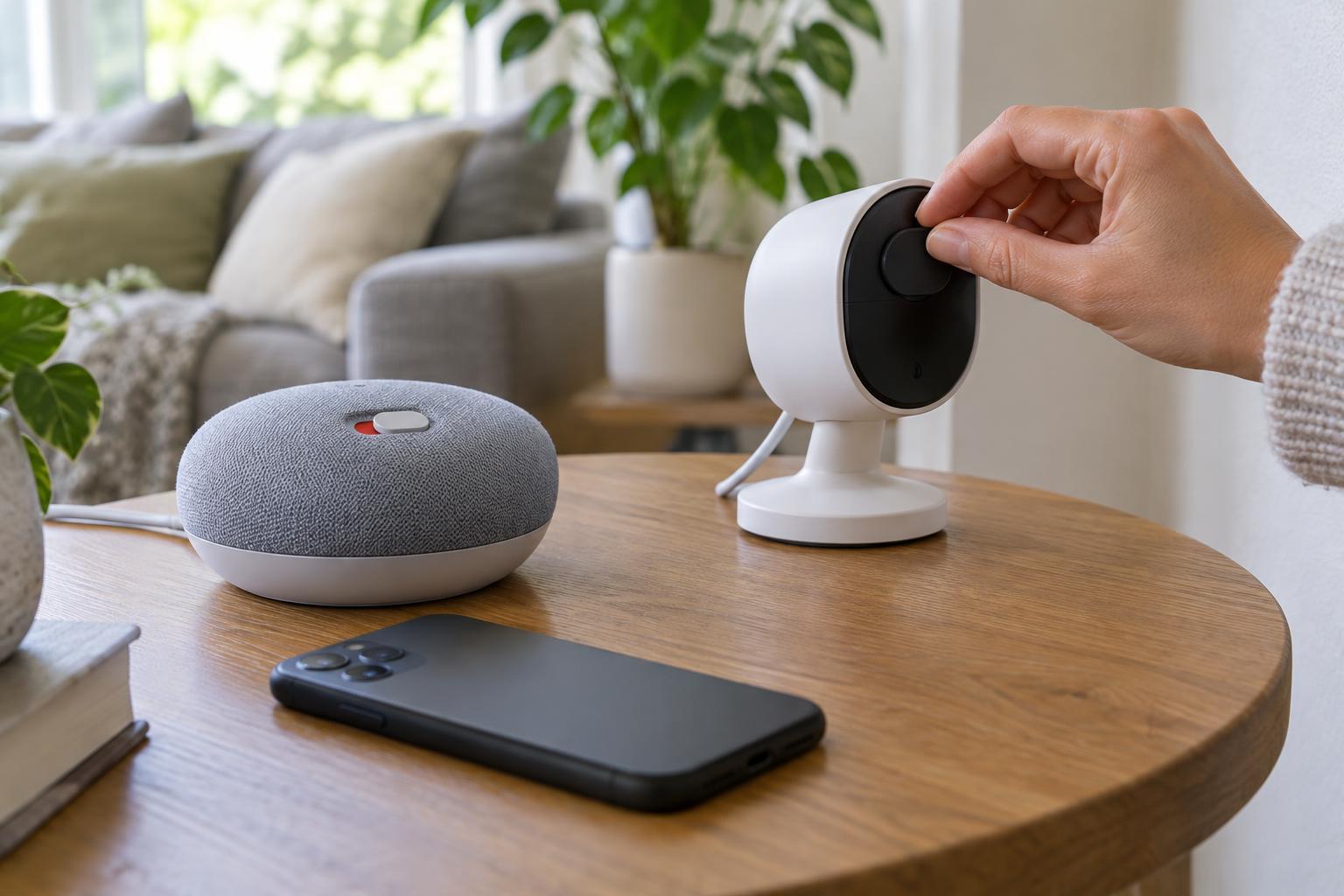
A smart home may include obvious devices, such as cameras and speakers, alongside less visible ones, such as plugs, bulbs, thermostats and hubs. Make a simple list of each device, its companion app, the account used to manage it and whether it connects through Wi-Fi or a hub. Your router’s connected-device list can help, although device names are not always recognizable.
This inventory gives you a way to spot equipment you no longer use and check whether each device still receives software updates. A device that is unplugged but still listed in an app may also have old permissions or account access worth removing. Before resetting or giving away a device, follow its instructions for removing it from your account and clearing its settings.
Keep device, app and router software current
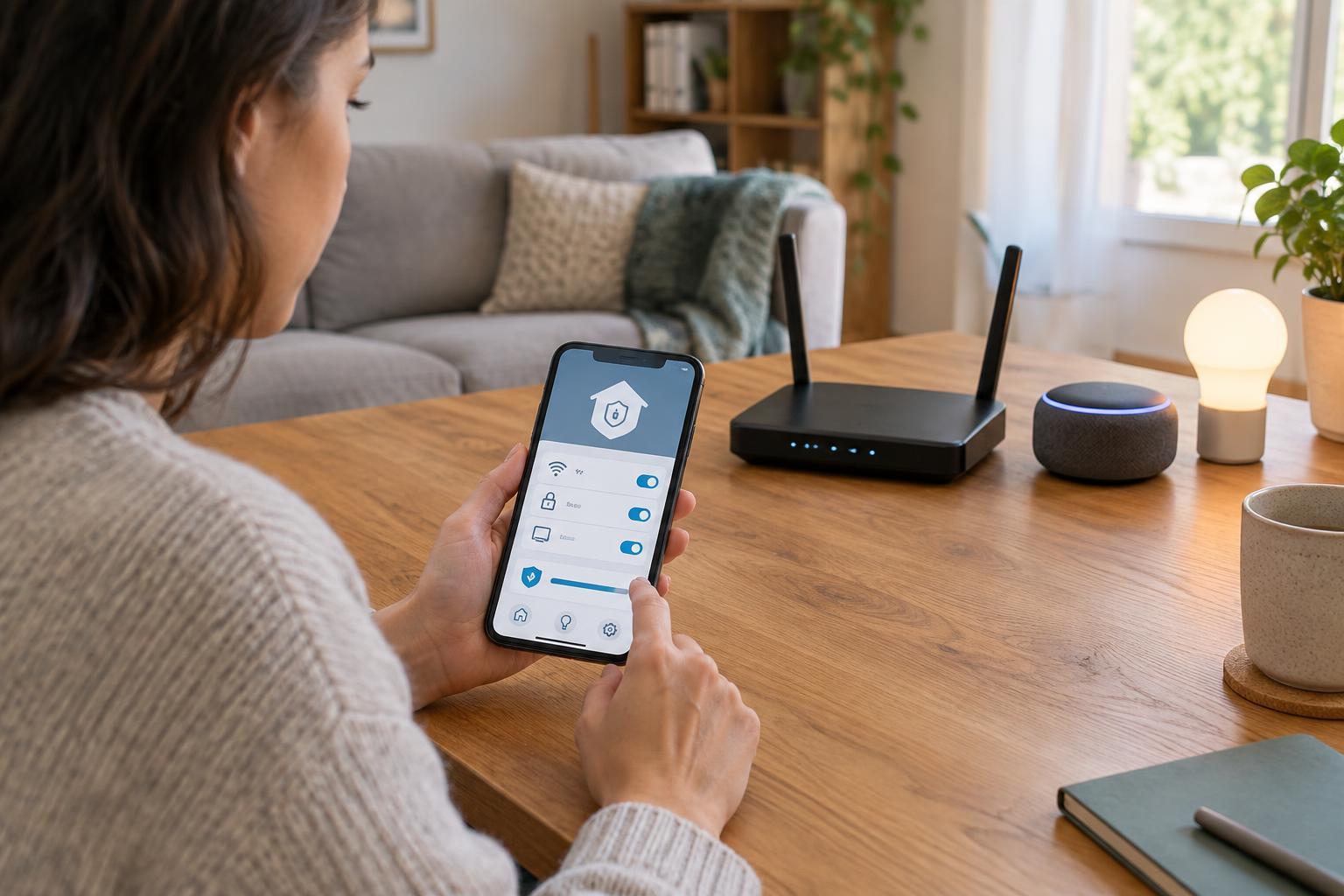
Smart home updates can fix security weaknesses as well as improve reliability. In each device app, look for firmware updates and enable automatic updates when the option is available and suits your setup. Keep the companion app and your phone or tablet updated too: they are part of the path you use to control the device.
Check your router separately. Its settings page or app may offer automatic firmware updates, but some routers require you to approve or install them. If an update needs a restart, choose a convenient time and confirm afterward that important devices have reconnected.
When shopping for a new device, check whether the maker explains how it provides updates and what happens when support ends. If a device you own no longer receives security updates, consider replacing it, particularly if it has a camera, microphone or access to a door. Until then, limiting its network access or turning it off when unnecessary may reduce exposure, though those steps do not replace a security fix.
Protect the accounts behind the devices
Many smart home controls live in an online account. Use a unique, strong password for each device maker’s account and for the email account used to recover it. A password manager can create and store those passwords so you do not have to reuse a memorable one across services. Change any factory-set device or administrator password that the setup process leaves in place.
Turn on multi-factor authentication where it is offered, especially for accounts that control cameras, locks or alarms. If an app supports shared household access, give each person their own account rather than sharing your sign-in. That makes it easier to remove access later without changing a password everyone uses.
Review account sessions, linked services and third-party integrations from time to time. A connection between two apps can be useful, but it may also retain access after you stop using it. Remove integrations and household members that no longer need control.
Use your router settings deliberately
Protect your main Wi-Fi network with a strong, unique password. Use WPA3 security if your router and devices support it; otherwise, WPA2-AES remains a practical option for many older devices. Avoid older security modes when possible. Set a separate strong password for the router’s administrator account, since that account can change settings for the whole network.
A guest or dedicated smart-device network can help separate compatible devices from computers and phones holding personal files. Check how your router implements that separation before moving everything: some smart home devices rely on local discovery or a hub and may stop working if they cannot communicate across networks. Move a few devices first, test their everyday functions and keep track of which network each one uses.
Review optional router features rather than switching them all on by default. Disable WPS if you do not need its push-button or PIN-based connection method. Consider turning off remote router administration unless you actively use it. UPnP can help some devices connect automatically, but if nothing you rely on needs it, disabling it may reduce unwanted automatic port changes. After changing any setting, test the devices and services your household uses.
Make security a small recurring task
Smart home security is easier to maintain as a short routine than as a one-time setup. Every so often, open your device apps and router dashboard to check for updates, unfamiliar connected devices and features you no longer use. Pay particular attention after replacing a router, changing your Wi-Fi password or removing a household member’s access.
If you find a device you do not recognize, first check whether it is one of your own products using an unexpected name. If you still cannot identify it, remove its access using your router controls, change the relevant passwords and review your account activity where available. Keeping an inventory and making changes one at a time will help you improve security without losing track of what makes your home work.