Start with a task, not a list of devices
The most useful smart home routines solve a specific, repeated problem. “Turn on the hallway light when someone comes home after dark” is easier to design and judge than “automate the house.” Before opening an app, write down what should happen, when it should happen and what you would do if it did not. If the manual alternative is easy, the routine can be a convenience rather than a dependency.
Begin with one or two actions. A bedtime routine might dim a lamp and turn off a decorative light. It does not need to control every outlet, lock and thermostat at once. Smaller routines are easier to understand when something behaves unexpectedly, and you can expand them after they work consistently.
Choose triggers that match real life
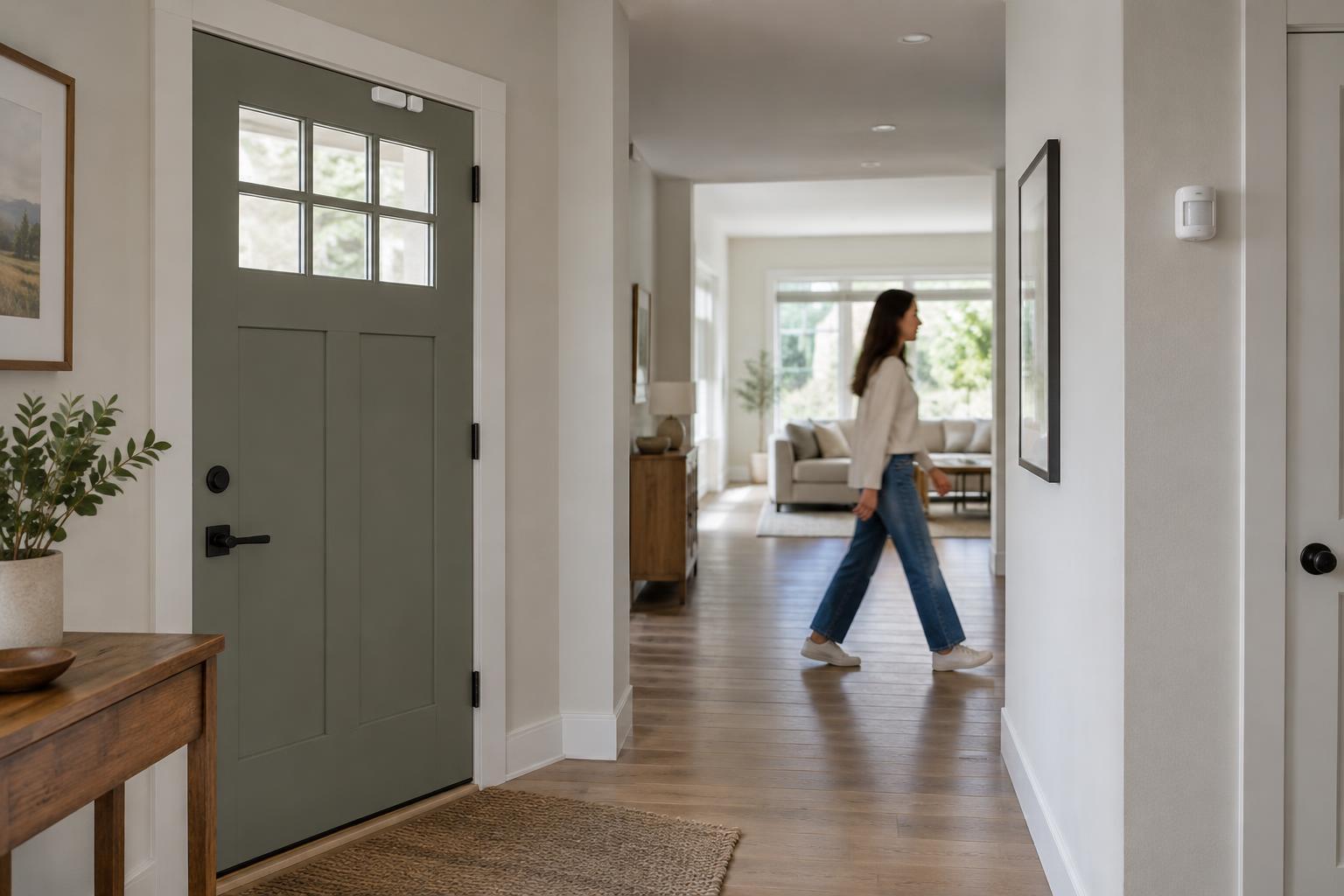
Schedules are straightforward, but they can be a poor fit for activities that move around. A light set to switch off at 10 p.m. may be annoying if someone is still using the room. Motion, a button press or a door sensor may better reflect what is happening. Presence-based triggers can be convenient, but consider what happens when a phone is left at home, its battery dies or location access is unavailable.
Add conditions only when they prevent a likely nuisance. For example, a motion-triggered lamp may need a condition that keeps it off during daylight. Too many overlapping conditions, however, can make a routine hard to predict. Give each routine a clear name and keep a short note of its trigger, conditions and actions so you can tell which automation to check later.
Keep essential controls independent
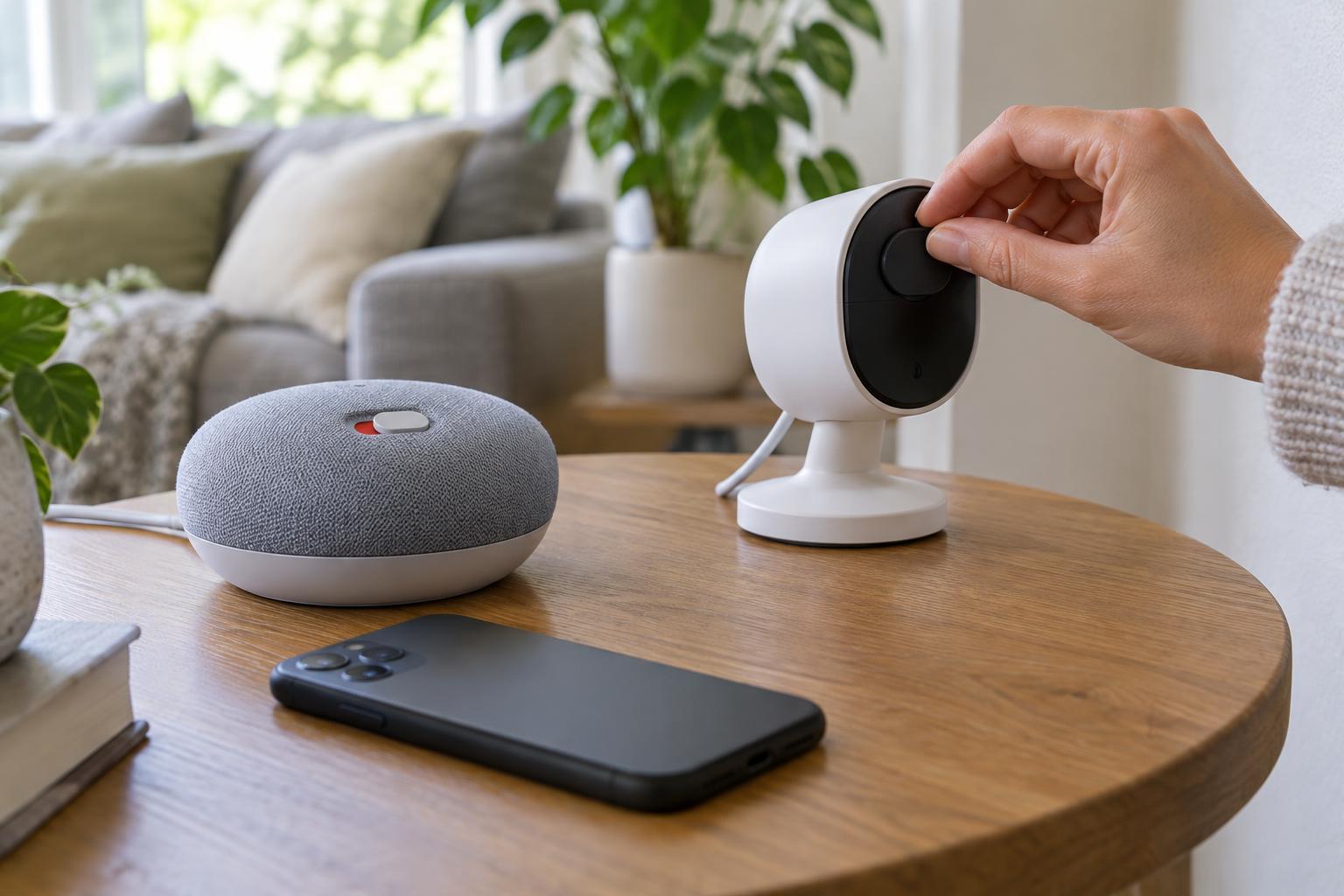
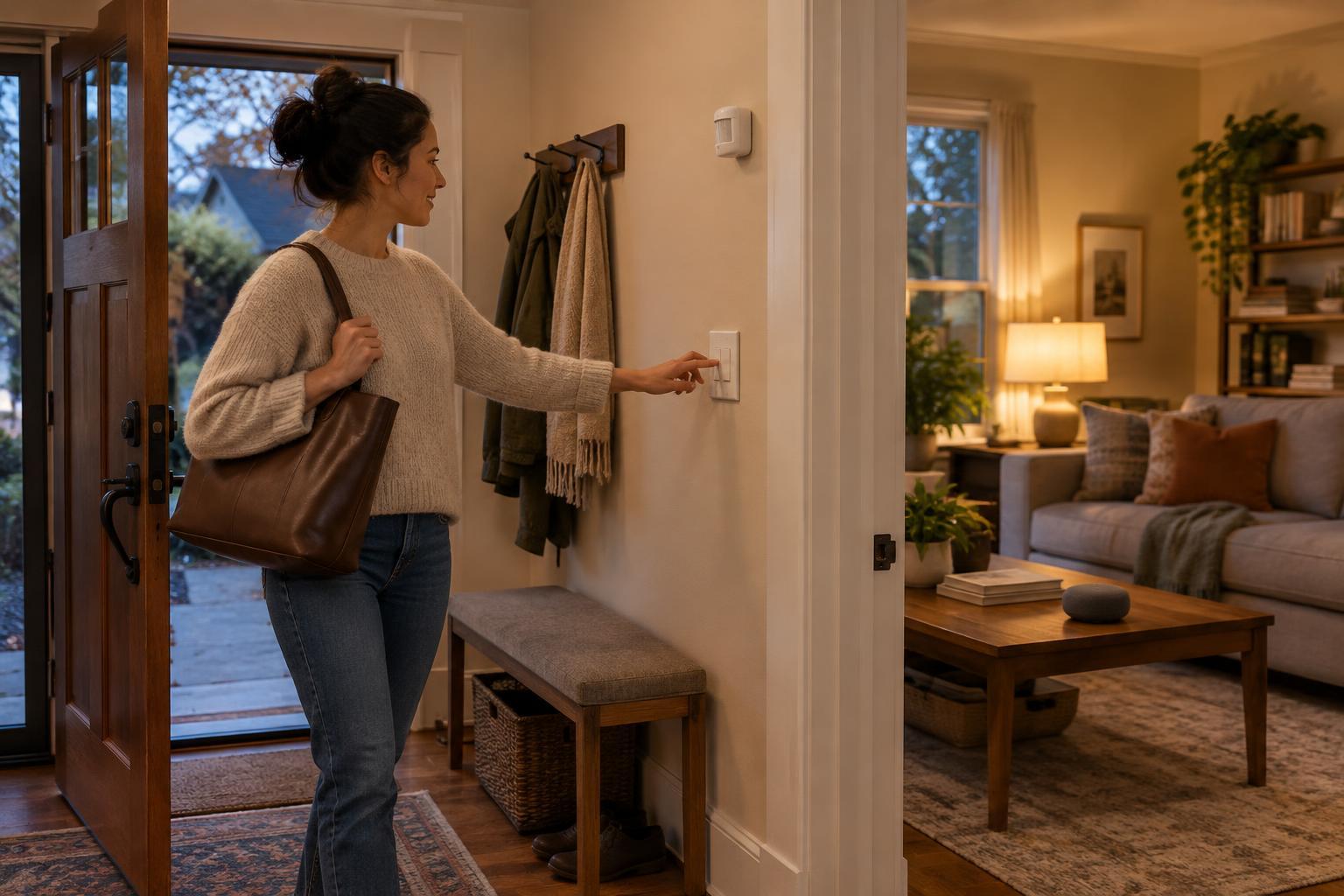
A routine is less fragile when the room still works without it. Keep a practical way to operate important lights, heating or access devices directly, whether that is a physical control, a device button or another control that does not depend on the same automation. Avoid arrangements where using a familiar wall switch cuts power to a smart device that must stay powered for the routine to work.
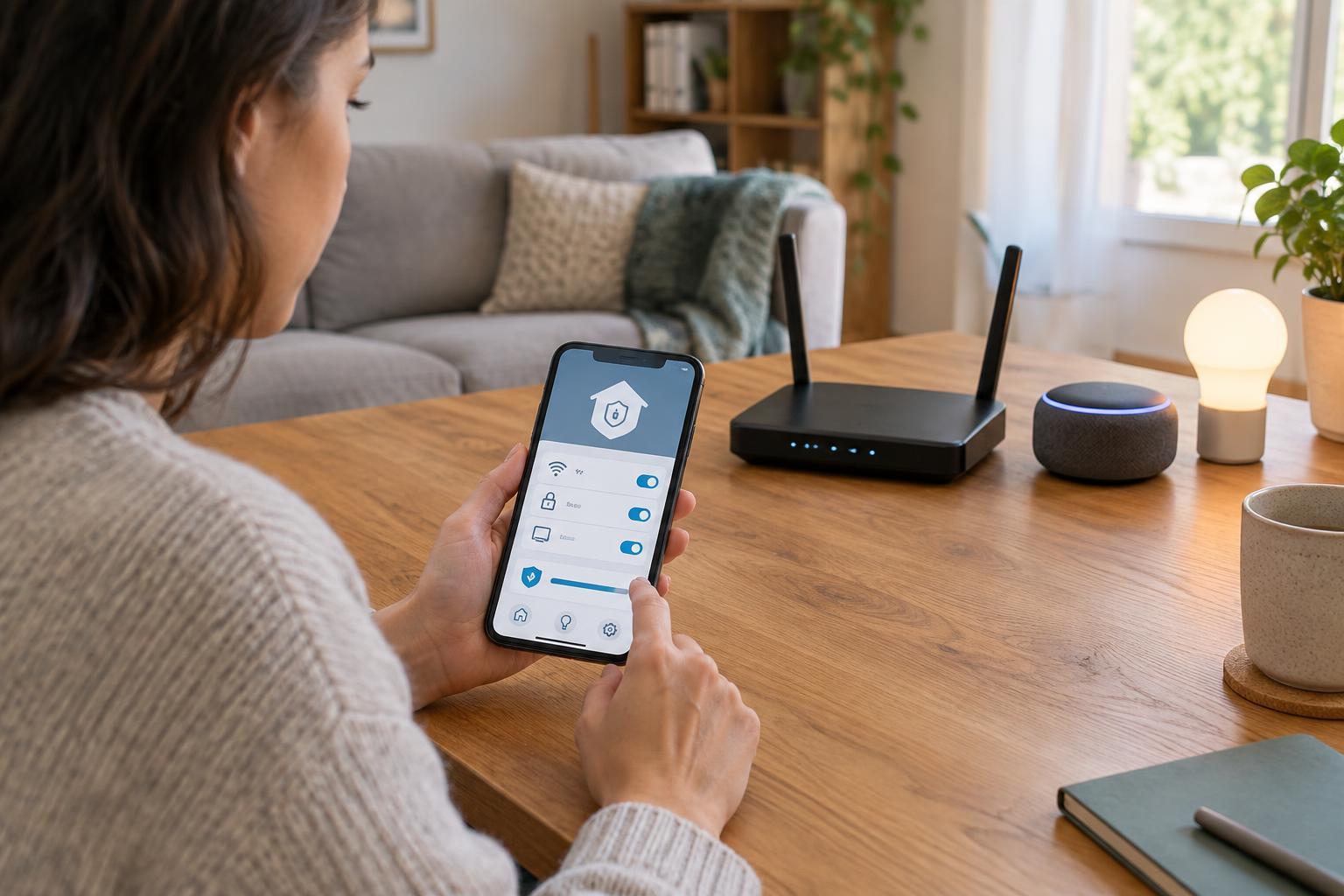
Before combining products, check what each one needs to run. Some devices communicate through a hub, while others rely on a home network or an online service for particular features. A routine that crosses several apps or services may have more points of failure than one handled within a single compatible system. That does not make cross-platform routines unusable; it means the manual fallback matters more.
Treat safety and access with extra care. An automated notification can be a helpful reminder, but it should not be your only way of noticing an important condition. Likewise, think through who can unlock a door or change a setting manually if an app is unavailable.
Make failures quiet and recoverable
Decide what a failed action should look like. If an arrival routine cannot turn on a lamp, being able to use the lamp normally is a reasonable fallback. If a sensor briefly reports motion, repeatedly switching lights on and off is not. Delays, minimum on-times or a single well-chosen condition can sometimes prevent rapid changes, depending on the controls your system offers.
Avoid chains in which one routine triggers another unless the relationship is easy to trace. Two routines that each try to set the same light differently can produce confusing results even when both are working as configured. If an automation misbehaves, temporarily disable one routine at a time and check the device directly before changing several settings at once.
Test the routine as a household tool
Test more than the ideal case. Try the routine at the edge of its schedule, with someone already in the room and after operating the device manually. Where practical, check what happens when the internet connection is unavailable. The aim is not to guarantee that every feature works offline, but to learn which actions stop working and whether the room remains usable.
Other people in the home should know what the routine does and how to override it. Ask whether it helps them rather than assuming that fewer taps always means less effort. If guests, children or housemates are regularly surprised by a light turning off, adjust the trigger or remove the automation.
Review routines when you replace a device, change your schedule or notice repeated overrides. Delete those that no longer solve a real problem. A dependable smart home is not one that automates the most actions; it is one whose helpful actions are predictable, understandable and easy to work around.