Start with the task you will do most
A tablet that feels excellent for sketching may be heavier or more expensive than you need for reading. A compact reading tablet may feel cramped when you arrange documents side by side. Before comparing models, name your primary use: reading, drawing or a mix of browsing, video calls, email and other everyday tasks. Then list the things you would like to do occasionally. This keeps a nice-to-have feature from deciding the whole purchase.
Think about where you will use it, too. If you often hold a tablet on a commute or in bed, weight and grip matter as much as screen size. If it usually sits on a desk, a larger display and a stand may be more valuable. There is no universally ideal size: a bigger screen gives your content more room but takes up more space in a bag and can be less comfortable to hold for long periods.
Match the display to reading and viewing
For reading, consider both the content and the setting. A smaller tablet can work well for novels and articles that reflow to fit the screen. Magazines, comics, sheet music and PDFs with fixed layouts are often easier to navigate on a larger display. If you read outdoors, check the screen’s stated brightness and look for a chance to view it in strong light; reflections can make a bright-looking indoor display harder to use.
Resolution tells you how many pixels the screen has, but it does not describe the whole reading experience. Text rendering, contrast, glare, brightness controls and your preferred font size all affect comfort. A high refresh rate may make scrolling and pen movement look smoother, though it need not be a priority if you mostly turn pages. If you mainly read text and rarely need video, colour or general-purpose apps, a dedicated e-reader may be worth comparing with a tablet.
For drawing, check the complete pen setup
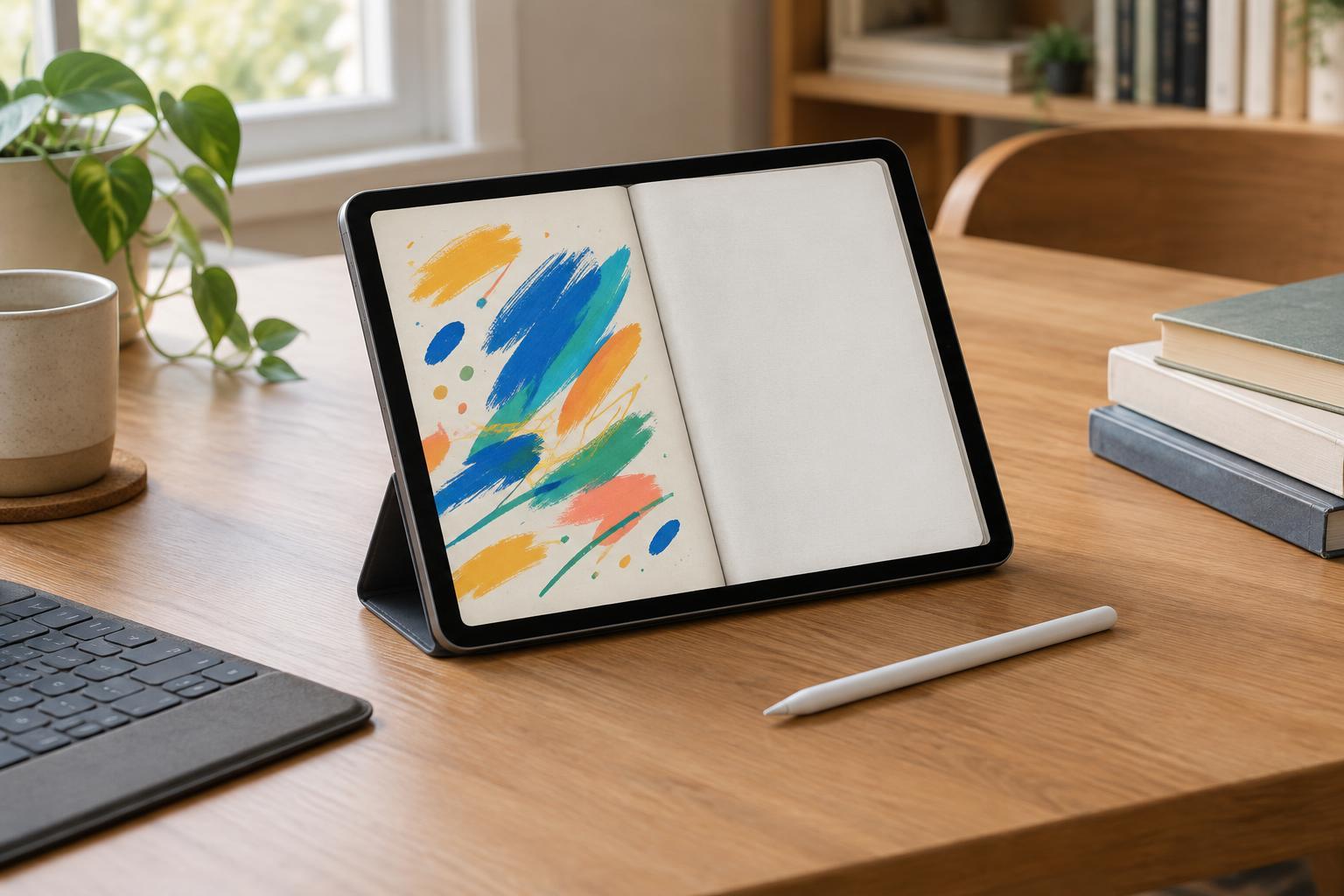
Do not assume that a touchscreen supports a precise drawing stylus. Look for explicit compatibility with the pen you intend to use, and check whether that pen is included or sold separately. Features such as pressure sensitivity, tilt support and palm rejection can matter to artists, but specifications alone cannot tell you whether the pen feels comfortable in your hand. If possible, try a few strokes in a drawing app before buying.
The app ecosystem is just as important as the hardware. Check that your preferred drawing or note-taking app runs on the tablet and supports the tools and file formats you need. Consider how you will export your work, where you will store it and whether you need to move files to a computer. A screen protector with a paper-like texture may change how the pen feels, but it can also alter the look of the display, so treat it as a preference rather than a requirement.
Buy enough performance and storage for your routine
For web browsing, streaming, messaging and simple documents, smooth software and a comfortable screen may be more useful than the fastest available processor. More demanding drawing projects, large files and frequent multitasking can make memory and processing power more important. Compare the requirements of the apps you actually plan to use rather than choosing by processor name alone.
Storage deserves a practical check. Downloaded films, offline books, photos and layered artwork can accumulate, while the space available to you may be less than the advertised capacity once the system and apps are installed. Decide what must stay on the device and what you are willing to keep in cloud storage or on an external drive. Also check the charging port, wireless connectivity and any options for connecting a monitor or other accessories; support can differ between models.
Compare the full cost and the everyday fit
Set a budget for the usable setup, not just the tablet. A protective case, keyboard, stylus, replacement pen tips or extra storage may change the total substantially. A keyboard is useful if you write long emails or documents, but it adds bulk and may not replace the comfort of a laptop. Check accessory compatibility carefully, particularly when products have similar names or multiple generations.
Finally, look at how the tablet fits with devices and services you already use. File sharing, photo syncing, messaging and app purchases can be easier when your devices work well together, but those conveniences should not override your main needs. A useful shortlist has two or three models, each compared on the same points: screen and weight, supported apps and pen, storage, ports, accessories and total cost. Those are feature-based comparisons; only hands-on use can settle personal questions such as grip, glare and writing feel.