Start with your books, not the device
Before comparing specifications, list the kinds of material you read most: novels, illustrated books, comics, PDFs, articles or library loans. A compact e-reader can be comfortable for text that reflows to fit the screen. Fixed-layout pages, such as manuals and some textbooks, are harder to navigate on a small display. If those make up much of your reading, prioritize a larger screen or check whether a tablet would serve you better.
Also note where your books come from. A device may work smoothly with purchases from its own store but require extra steps for files from elsewhere. Library borrowing may depend on your library’s lending service, your location and the device’s supported account or file-transfer methods. Identifying these needs first will narrow the field more effectively than choosing by storage capacity or a long feature list.
Choose a screen size you will actually carry
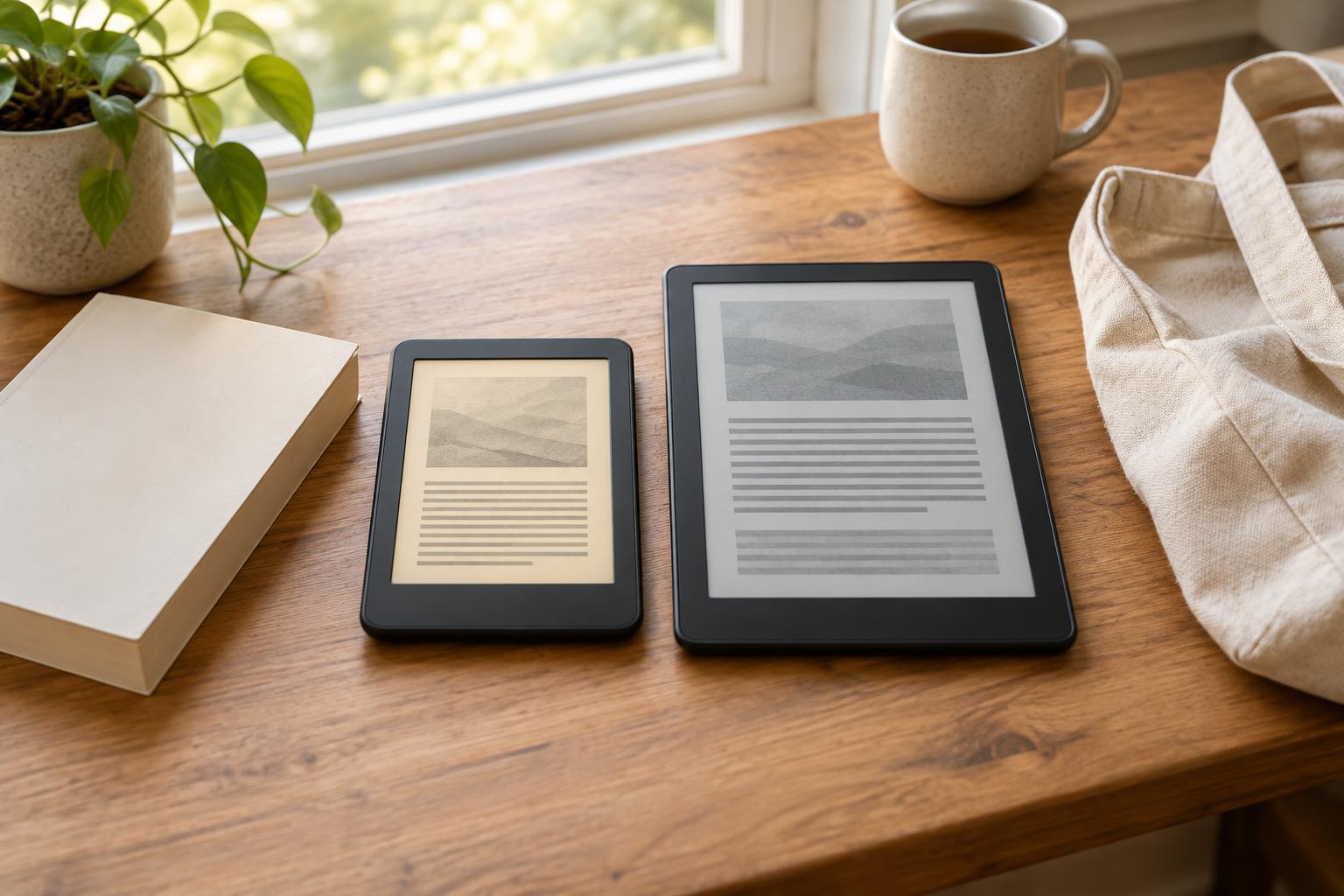
Smaller screens make for lighter, easier-to-pack readers that are often comfortable to hold in one hand. Because most ebooks let you change the font size and margins, a modest screen can still work well for long-form text. Increasing the font size will mean more page turns, but it need not make the text less readable.
A larger screen shows more text at once and gives PDFs, diagrams and comics more room. The trade-off is a device that may be less convenient to carry or hold for a long session. If possible, compare dimensions and weight as well as the screen measurement: a narrow bezel, case and grip can change how a reader feels. Check whether the screen supports the orientation you prefer and whether you need color for charts or illustrations. Color e-paper can be useful for some material, but it is not necessary for most novels.
Understand front lighting and reading controls
Most dedicated e-readers use e-paper, which displays a page differently from a typical phone or tablet screen. A front light illuminates the display for reading in dim surroundings; it is worth distinguishing this from a device that has no built-in light. If you often read at night, look for adjustable brightness and consider whether adjustable warm and cool tones matter to you. Automatic brightness is a convenience, not a substitute for checking that manual controls are easy to use.
Reading controls deserve as much attention as lighting. Confirm that you can adjust font size, font style, line spacing and margins in the books you expect to read. Those options may be limited in fixed-layout files. Touchscreens are common, while physical page-turn buttons can be appealing if you read one-handed or with gloves. Water resistance, a case and a screen that is comfortable in your usual reading position may be more valuable than features you rarely use.
Check formats, purchases and library loans
A supported-format list does not tell the whole story. An e-reader may open a particular file type only after conversion, and copy-protected books may be restricted to approved apps or devices. If you already own ebooks, check a few representative titles: where you bought them, whether they have digital rights management (DRM), and what transfer method the prospective reader supports. Do the same for PDFs if you rely on annotations, bookmarks or searchable text; those functions can vary by file and device.
For library access, start with your library’s website or app and follow its instructions for compatible e-readers. Some loans can be sent directly to a device, while others may need a computer or may only open in an app. Confirm the process for your library rather than assuming that a device advertised as supporting library books will handle every loan. If you buy from several stores, consider how much effort you are willing to spend managing accounts and moving files.
Make a short, useful comparison
Once you know your reading sources, compare two or three candidates against the same checklist: screen dimensions and weight; front-light controls; compatible purchases and library loans; file-transfer options; and reading controls. Add storage if you keep many large illustrated files or audiobooks on the device. For mainly text-based ebooks, workflow and comfort are usually better starting points than maximizing a storage number.
Finally, consider the complete setup. A case adds protection but also weight and cost; a charging cable, account setup and any computer-based transfers affect day-to-day convenience. Product specifications can establish what a model claims to support, but they cannot guarantee that its menus, grip or page turns will suit you. If you can handle a device in person, try changing the font, adjusting the light and turning a few pages. Choose the reader that makes your own books easiest to obtain and pleasant to read.