An internet outage is not the same as a home-network outage
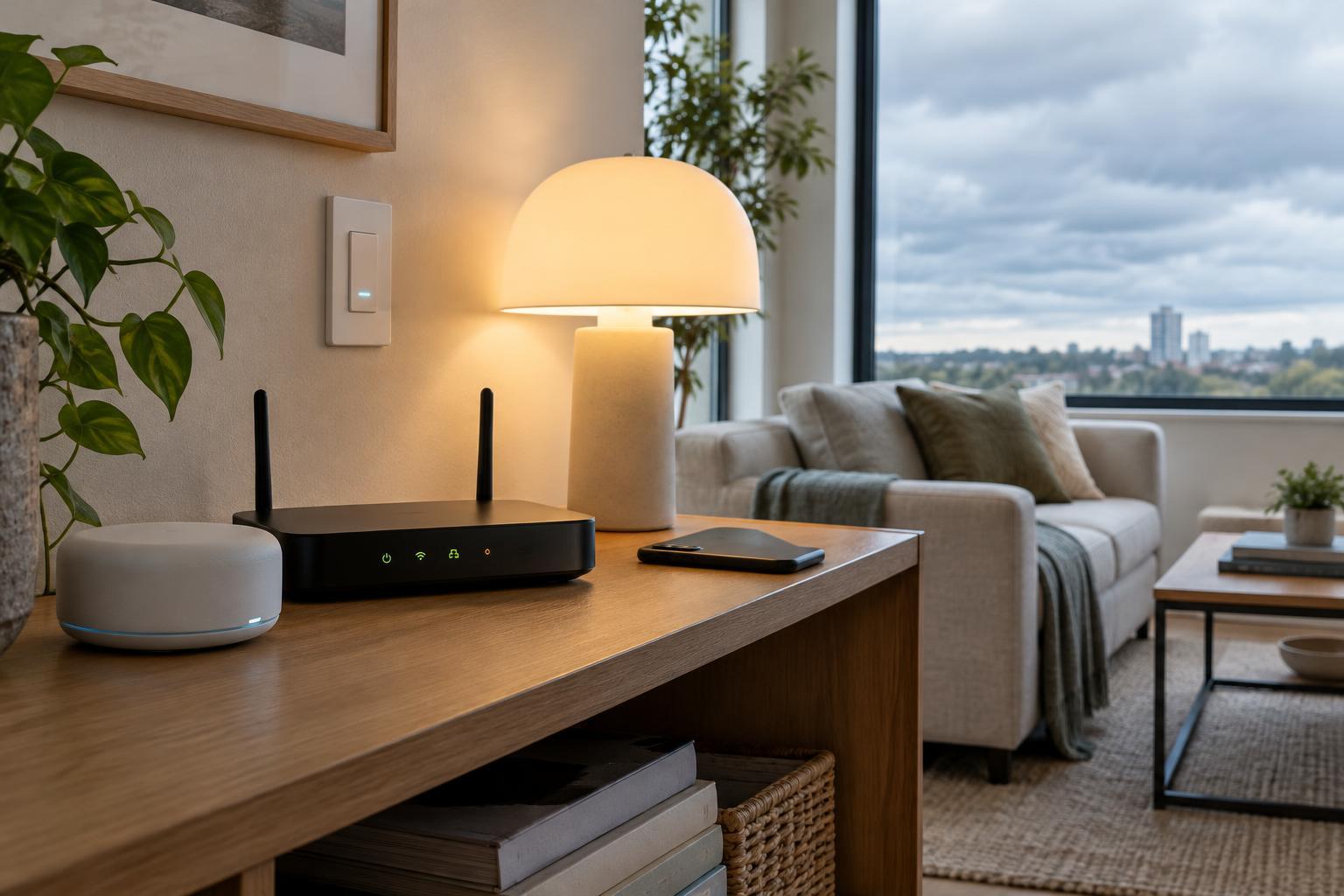
When your internet connection fails, your router may still provide a working local network. Phones, hubs and smart devices connected to that network can potentially communicate with one another even though they cannot reach online services. A power cut is different: unless your network equipment and devices have backup power, neither local nor cloud control will be available.
That distinction explains why two devices in the same room can behave differently during an outage. A wall switch may continue to operate a bulb directly, while an app command to another bulb may time out because it has to travel through a manufacturer’s cloud service. Being connected to Wi-Fi does not, by itself, mean a device accepts local commands.
Follow the path a command takes
Cloud control sends a command from your app or another service to an online server, which then relays it to the device or its hub. This approach can make remote access and service integrations convenient, but it usually depends on both an internet connection and the relevant online service being available.
Local control keeps the command within your home. A phone might talk to a device over the local network, or a hub might send a command using a short-range connection. A local setup can keep working without internet access, provided the controller, network equipment and receiving device remain powered and connected. Some products use both paths: basic on-off commands may be local while account sign-in, remote access or advanced features still depend on the cloud.
When comparing products, look for specific descriptions of offline operation rather than relying on the word “local.” Ask whether the app controls devices while the internet is disconnected, whether a hub is required, and whether setup or sign-in needs an online connection. A product can support local commands after setup without being fully usable offline from the moment it comes out of the box.
Automations depend on where the rules live
A schedule or motion-triggered routine needs something to store its rules and decide when to run them. If that decision happens on a powered local hub or device, the routine may continue during an internet outage. If the rule runs on an online service, it may pause until connectivity returns. The trigger and action also matter: a locally run rule cannot finish if one of its devices requires the cloud to receive commands.
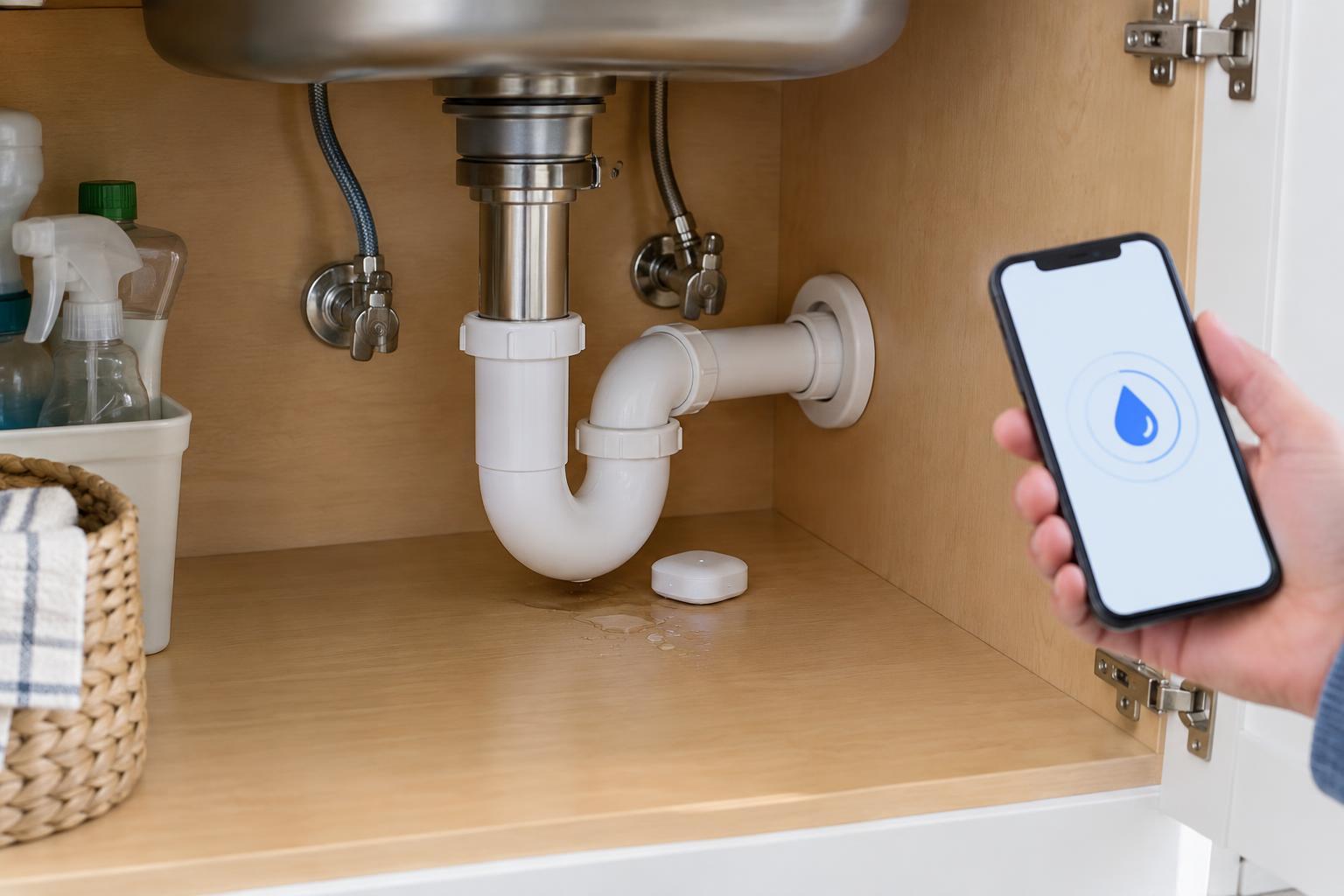
Voice assistants, phone notifications and remote access often have separate dependencies. A physical button might still turn on a light while a voice request for the same action fails. A sensor might still trigger a local alarm but be unable to send an alert to your phone away from home. Think of these as separate features to check, not a single yes-or-no answer for the whole device.
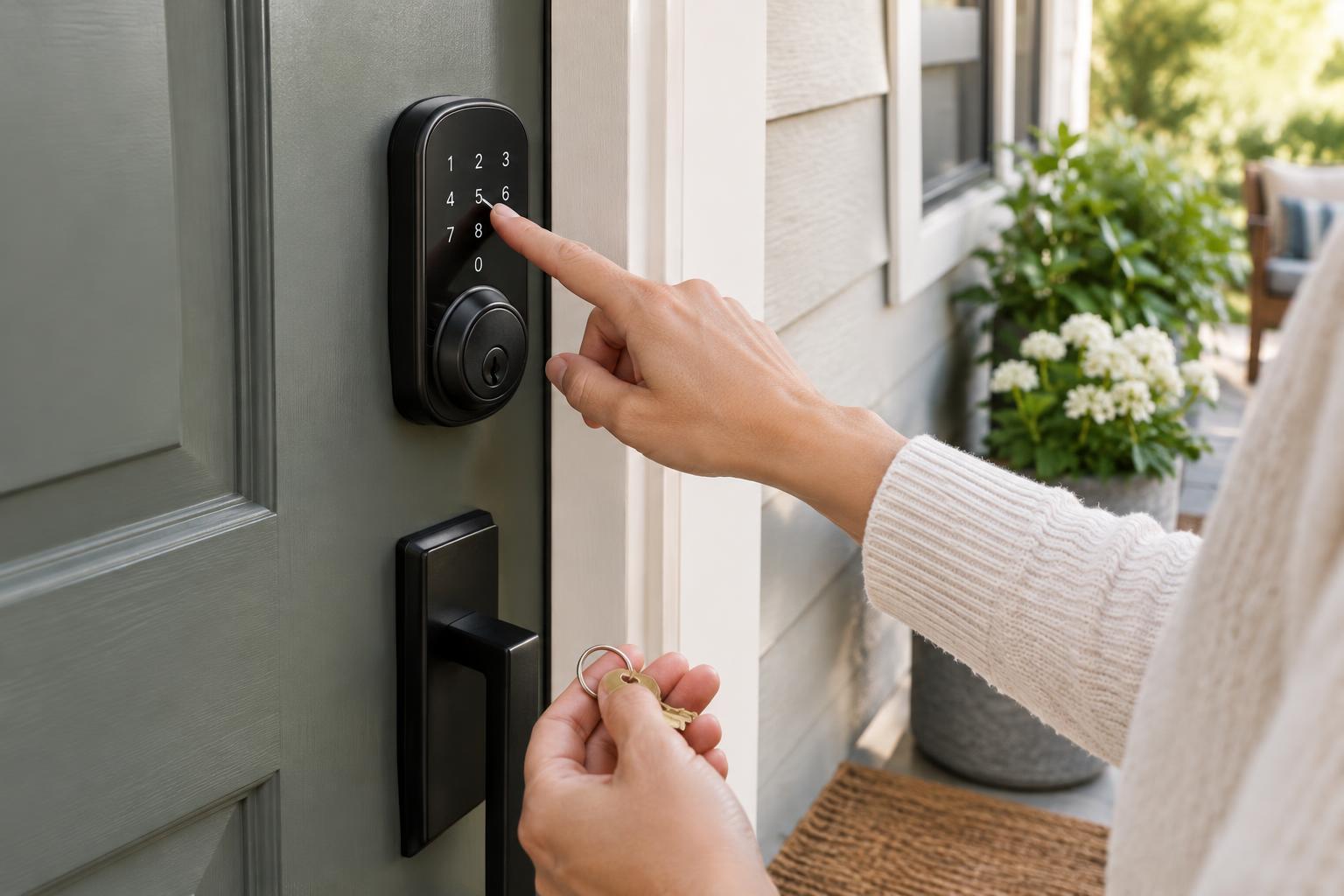
Manual controls provide a useful fallback. Switches, buttons and device controls that work without an app can make essential lighting and other everyday functions easier to use when connectivity is unreliable.
Make a simple outage checklist for your setup
Start with the functions you care about most, such as turning on lights, unlocking a door, adjusting heating or receiving a leak alert. For each one, note how you normally activate it, which hub or network it uses, and whether you have a manual alternative. This is more useful than labeling an entire brand or home as “local” or “cloud.”
You can check many features by temporarily disconnecting your router’s internet connection while leaving the router, hubs and devices powered. Confirm that your phone is on your home Wi-Fi, then try app controls, physical controls and a few automations separately. Restore the connection afterward and confirm everything reconnects. Avoid testing an essential safety or access function in a way that could leave you locked out or unable to receive an important alert.
Record what actually worked. If a routine fails, the cause might be its online rule engine, a cloud-dependent device or an app that cannot operate without signing in. Testing one function at a time makes the result easier to interpret.
Choose resilience by feature, not by label
For a more outage-tolerant setup, favor devices with documented offline behavior for the functions you need, and keep critical controls usable without a phone. A compatible local hub can help coordinate devices, but it also becomes equipment that must stay powered and functioning. Backup power for a router and hub may help during a short power interruption, though it will not power lights, appliances or other devices connected to ordinary outlets.
Cloud features can still be valuable for remote access, alerts and convenient setup. The practical goal is not necessarily to avoid them; it is to know which everyday actions depend on them. Once you have tested your own devices, you can decide where a local control path or a simple manual fallback would make the biggest difference.