Start with the heating and cooling system
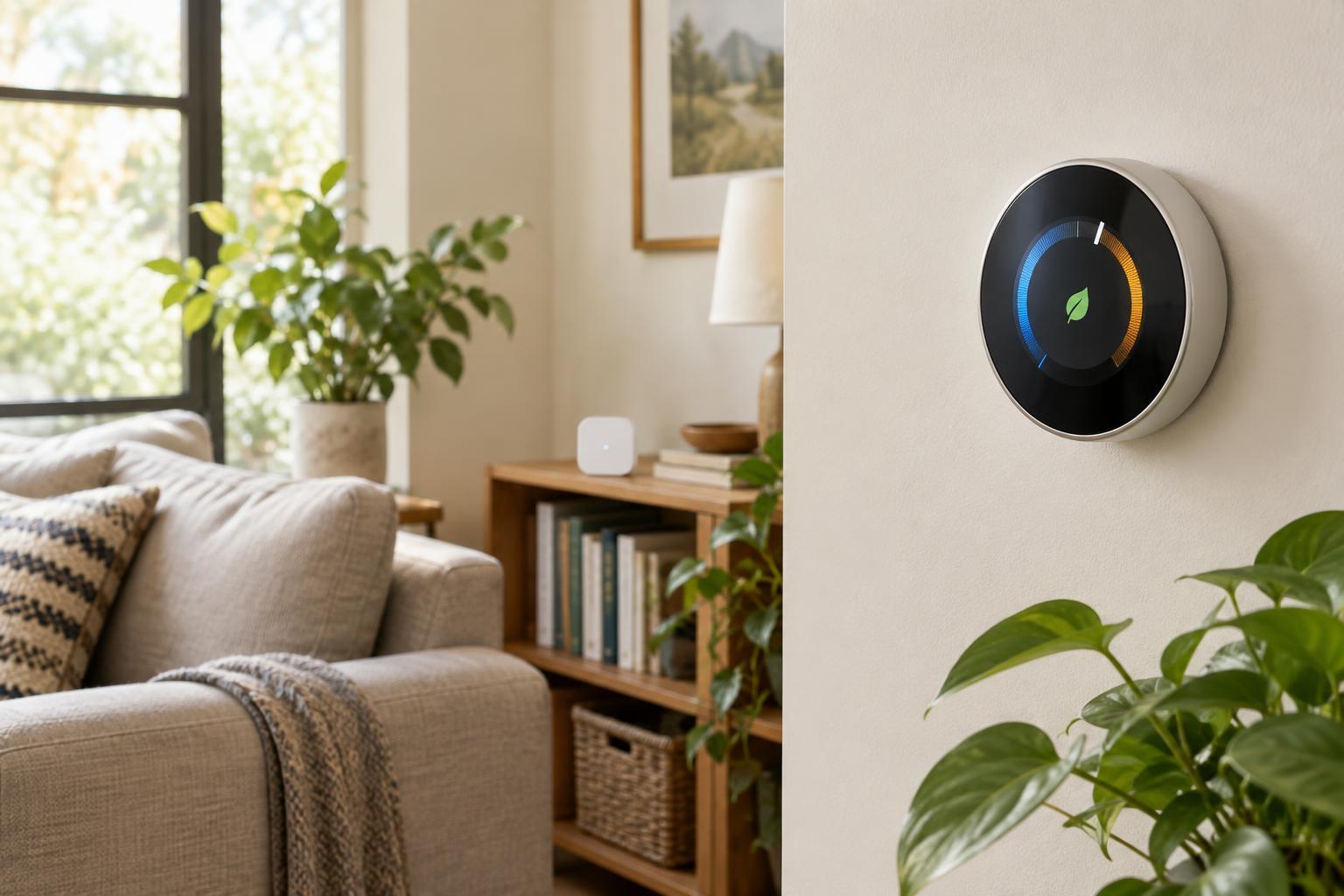
A smart thermostat replaces a control for your heating or cooling equipment; it does not make incompatible equipment work differently. Before comparing apps or displays, identify what your current thermostat controls. A home might have a furnace and central air conditioner, a heat pump, a boiler, electric baseboard heaters or separate systems for different areas. The same-looking wall thermostat can serve different equipment, so its appearance alone is not enough to establish compatibility.
Most consumer smart thermostats are designed for particular low-voltage systems. Line-voltage controls, often used with electric baseboard heating, generally need a thermostat designed for that application. Heat pumps can have additional requirements, including support for auxiliary or emergency heat. If your home has more than one thermostat, check each zone separately rather than assuming one compatible unit means all of them are compatible.
Use the manufacturer’s compatibility checker for the exact model you are considering. Note the terminals used on your existing thermostat and, if you can safely access the information, the type of equipment they connect to. Wire colors are not reliable substitutes for terminal labels. If the setup is unclear, have a qualified installer identify it before you buy or change any wiring.
Check power, controls and everyday requirements
Many smart thermostats use a C wire, or common wire, for continuous power. Others may support certain systems without one or offer an approved adapter. Do not assume that an unused wire behind the thermostat is connected at the equipment end, or that every adapter works with every system. Power requirements are part of compatibility, not a minor installation detail.
Think about how you want to control the thermostat after it is installed. Wi-Fi commonly enables app access, alerts and software updates, but a model’s features may depend on an account or an internet connection. Check what you can still do using the controls on the wall if Wi-Fi is unavailable. If voice control or a particular smart-home platform matters to you, confirm support for that combination of thermostat, platform and feature rather than relying on a general compatibility badge.
It is also worth checking what comes in the box. A trim plate can cover marks left by an older thermostat, while an extra sensor or power accessory may be sold separately. These practical details can affect the total purchase and the finished look more than a long list of app features.
Build a schedule around routines, not perfect predictions
A schedule tells the thermostat which temperatures to aim for at different times. Start with a comfortable setting for the hours when people are usually home and a different setting for sleep or regular absences. Keep the first version simple: a few dependable time blocks are easier to understand and adjust than many short ones. After living with it, change the blocks that consistently feel too warm or too cool.
Setbacks during an absence may reduce heating or cooling demand, but the result depends on the home, weather and equipment. A very large change can leave the house uncomfortable when you return. With some heat-pump setups, recovery behavior and auxiliary heat settings deserve particular attention. Use the equipment and thermostat guidance for your system instead of assuming the biggest possible setback is best.
Automatic features such as occupancy detection or location-based adjustments can be useful when routines vary. They can also make unexpected changes if someone stays home without the usual phone or if household members have different schedules. Make sure everyone knows how to override the schedule, and decide whether an automatic feature solves a real problem before turning it on.
Understand what a remote temperature sensor changes
The thermostat measures temperature where it is mounted, which may not reflect a bedroom, upstairs office or sunny living room. A compatible remote sensor gives the system another reading. Depending on the model, you may be able to choose which room matters at a particular time, combine readings or use a sensor’s occupancy information. Check the exact behavior: a sensor does not necessarily provide independent temperature control for that room.
Placement matters. Put a sensor where it represents the space people actually use, away from direct sun, drafts, vents and heat-producing electronics. If it reads an unusual hot or cold spot, the thermostat may run the system longer or shorter than intended for the rest of the home. Sensor range, battery needs and room-selection options also vary by product.
A sensor can improve which temperature the thermostat responds to, but it cannot by itself fix poor airflow or make one heating and cooling zone deliver a different temperature to every room. If rooms are consistently uneven, treat sensor-based control as one possible adjustment, not a substitute for understanding the underlying comfort problem.
Choose the simplest setup that meets your needs
A good shortlist begins with confirmed equipment and power compatibility, followed by the features you will use: a clear on-wall interface, a manageable schedule and, if needed, support for remote sensors. Compare those capabilities model by model. Feature lists can show what a thermostat is designed to do, but they do not establish how well it will work in a particular home.
Once installed, start with basic temperature control and a straightforward schedule before adding automations. Check that the displayed mode and setpoints match what you intended, and learn how to make a temporary change at the wall. That approach makes the thermostat easier for everyone in the household to use—and makes later adjustments easier to understand.