Start with the alarm, not the app
A smart alarm is still a safety device first. Its audible warning must work for people inside the home even if the internet is down, a phone is silent, or an app account is unavailable. Phone alerts are useful when you are away, but they are a supplement to the alarm, not a replacement for it. Before comparing connected features, check that a model is intended for your region and carries the safety certification required there.
Smoke alarms and carbon monoxide (CO) alarms detect different hazards. Some devices combine both functions; others cover only one. Read the product description carefully so you do not mistake a smoke-only alarm with a connected app for a combined smoke and CO alarm. Also check whether the device uses replaceable batteries, a sealed battery, or household power with backup power. Those choices affect installation and upkeep.
Choose connected features that solve a real problem
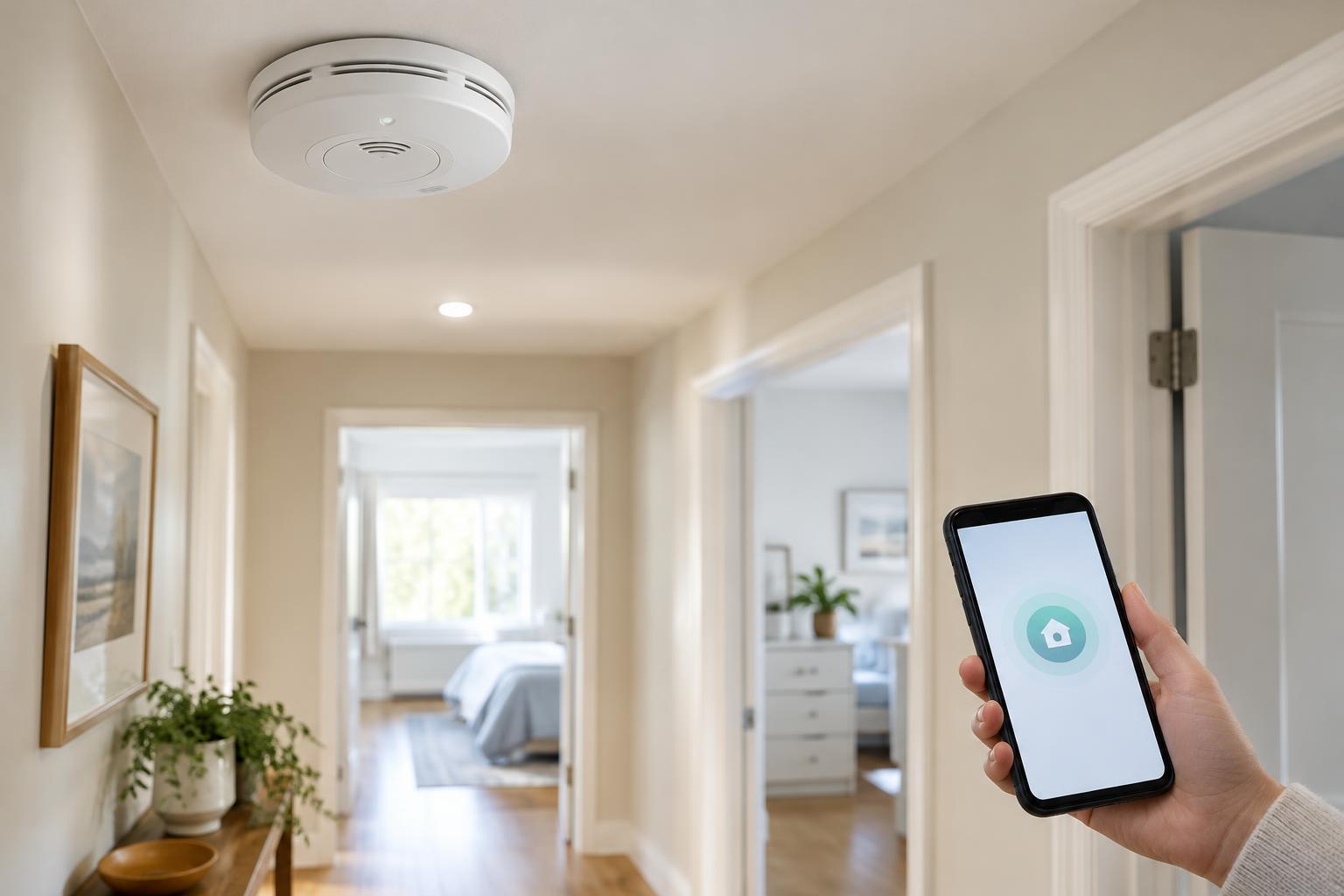
Smart models may send notifications, announce whether they detected smoke or CO, identify the room where an alarm started, or let compatible units sound together. These features can make a warning easier to understand, especially in a larger home. Interconnected alarms deserve particular attention: if one sounds, the others can sound too, helping alert people farther from the hazard. Confirm exactly which models can interconnect and whether that function depends on wiring, a local wireless connection, or another component.
Review what happens when Wi-Fi fails. A useful product description should make clear which functions continue locally and which require a network or cloud service. If phone alerts matter to you, consider who will receive them, whether each person needs an account, and how easily you can update those settings when someone moves out. Convenience features such as app-based silencing should never encourage you to dismiss an alarm before checking for danger.
Plan placement before buying
Make a list of your home’s levels, sleeping areas, existing alarms, and possible CO sources. This helps you work out how many devices you need and whether a combination unit is appropriate for each location. Placement requirements vary by location and by device. Follow local requirements and the manufacturer’s installation instructions rather than relying on a generic diagram or placing every alarm in the same kind of spot.
Location also affects how well an alarm can do its job. The instructions may specify distances from cooking appliances, vents, windows, bathrooms, or corners to reduce nuisance alarms and support proper detection. Check mounting requirements before purchase, particularly if you are replacing hardwired units or hoping to reuse an existing mounting plate. If a home has an existing interconnected system, do not assume a new smart model will work with it simply because the connector looks similar.
Build a maintenance routine you can keep
Testing and maintenance are not optional extras that an app handles for you. Use each alarm’s test control at the interval specified in its instructions, and make sure you can hear the result where it matters. Keep the device clean as directed by the manufacturer, respond promptly to low-battery or fault warnings, and avoid painting over or covering it. If a replaceable battery is required, use the specified type.
Record the installation date and the replacement date or service-life limit shown in the instructions. Sensors and other components do not last indefinitely, even if an alarm still powers on. When replacing a device, check whether it needs to be removed from an app and whether other household members still receive alerts from the remaining alarms. A simple list of device locations, models, and replacement deadlines can be more dependable than trying to remember them all.
Know what to do when an alarm sounds
Agree on a household response plan before there is an alert. Everyone should know the alarm sounds, how to leave the home, and where to meet outside. Treat a smoke or CO warning as a possible emergency rather than waiting for a phone notification to confirm it. Get to safety and contact local emergency services as appropriate; do not re-enter until responders say it is safe.
After a nuisance alarm or fault, investigate the cause and follow the device’s instructions instead of disabling it permanently. An alarm that repeatedly sounds, reports a fault, or cannot be maintained as directed may need replacement or qualified help. The best connected setup is one that gives clear warnings, fits the home’s requirements, and remains ready even when nobody opens the app.