Start with where and how you will use it
A webcam for occasional family calls does not need the same controls as one used for presentations or streaming. Before comparing models, note where the camera will sit, how far you will be from it and whether you need to show just your face or part of the room. A narrow frame can keep the background out of view; a wider one may be more useful when two people share the camera or you demonstrate something at your desk.
Check your computer and calling apps before paying for advanced features. A camera may offer settings in its own software that your usual app does not preserve or expose. If you regularly switch between computers, a webcam that produces a pleasing image without custom settings may be more convenient than one that requires frequent adjustments.
Look beyond the resolution number
Resolution describes how many pixels a camera captures, but it does not tell you whether skin tones, exposure or fine details will look natural. A higher-resolution camera can give you room to crop the image, provided your computer and app support that use. For a typical call window, steady exposure and a clear image in your actual lighting may matter more than the largest number on the box.
Frame rate is another specification to put in context. Higher frame rates can make movement appear smoother, while lower-light conditions may lead a camera to favor brightness over smooth motion. Autofocus is helpful if you move toward the lens or hold objects up to it, but it can also shift attention at an awkward moment. If you usually stay in one position, a camera with a dependable fixed focus may suit you. Product specifications can narrow your choices; they cannot establish how a particular camera will perform at your desk.
Treat lighting and framing as part of the purchase
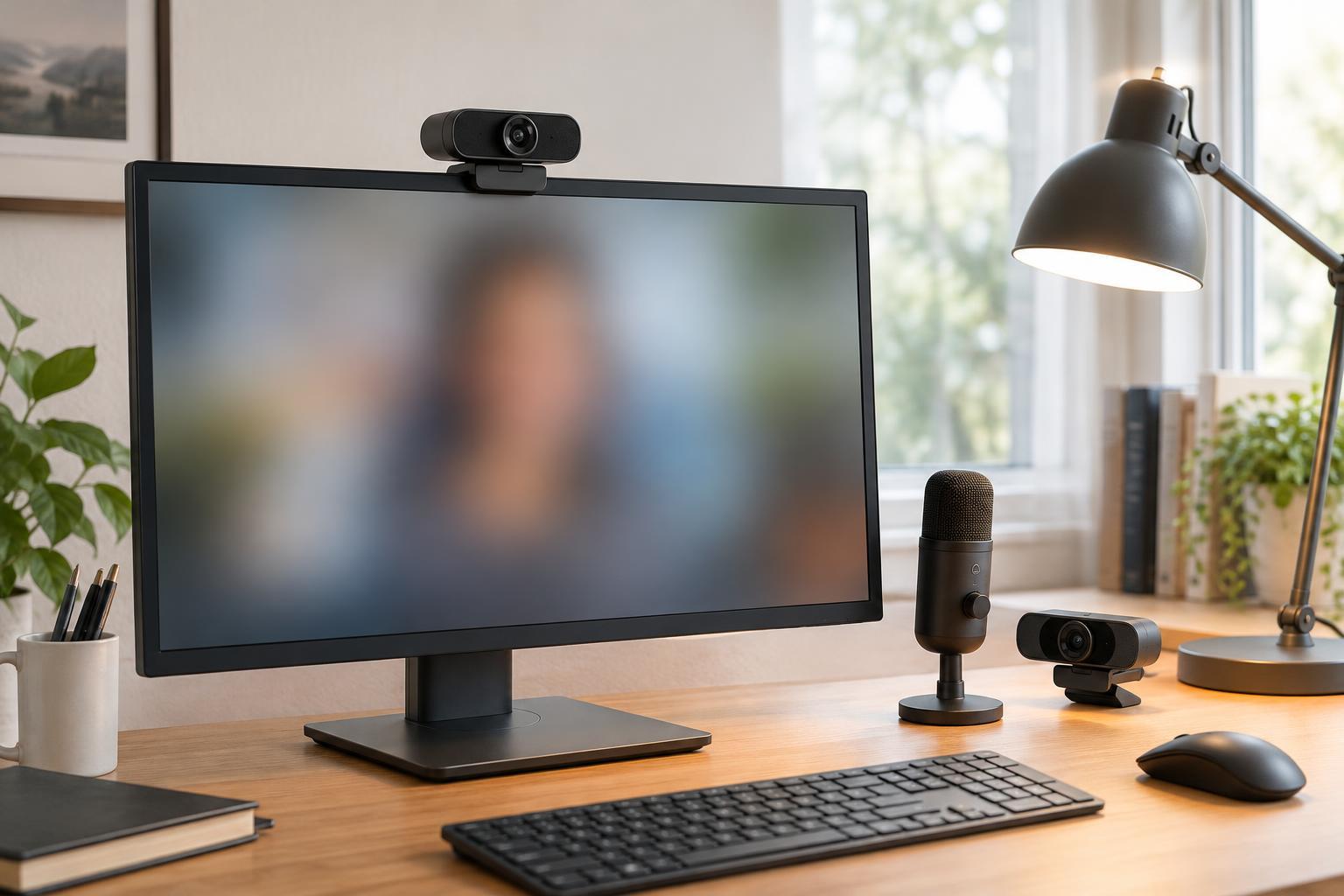
Even an expensive webcam may struggle if a bright window sits behind you or a ceiling light leaves your face in shadow. Before replacing a working camera, try facing a window or placing a soft light in front of you. This can help you decide whether the camera itself is the limitation. If you often call after dark, consider whether you have room for a small desk light as well as the webcam.
Compare field-of-view descriptions with your setup. A wide view can show more of a small room than you intend, while a tight view may crop your shoulders when the monitor is close. Some cameras offer adjustable framing or a digital crop, but cropping may reduce the detail available in the final image. Think about where you can position the camera, not just the angle listed in its specifications.
Check sound, mounting and everyday controls
Built-in microphones are convenient, especially for a laptop used in different places, but they are not automatically the best choice for clear speech. Distance from your mouth, keyboard noise and room echo all affect what others hear. If you already use a headset or separate microphone, you may not need to prioritize webcam audio. Otherwise, check whether your calling app lets you choose the webcam’s microphone independently of its video feed.
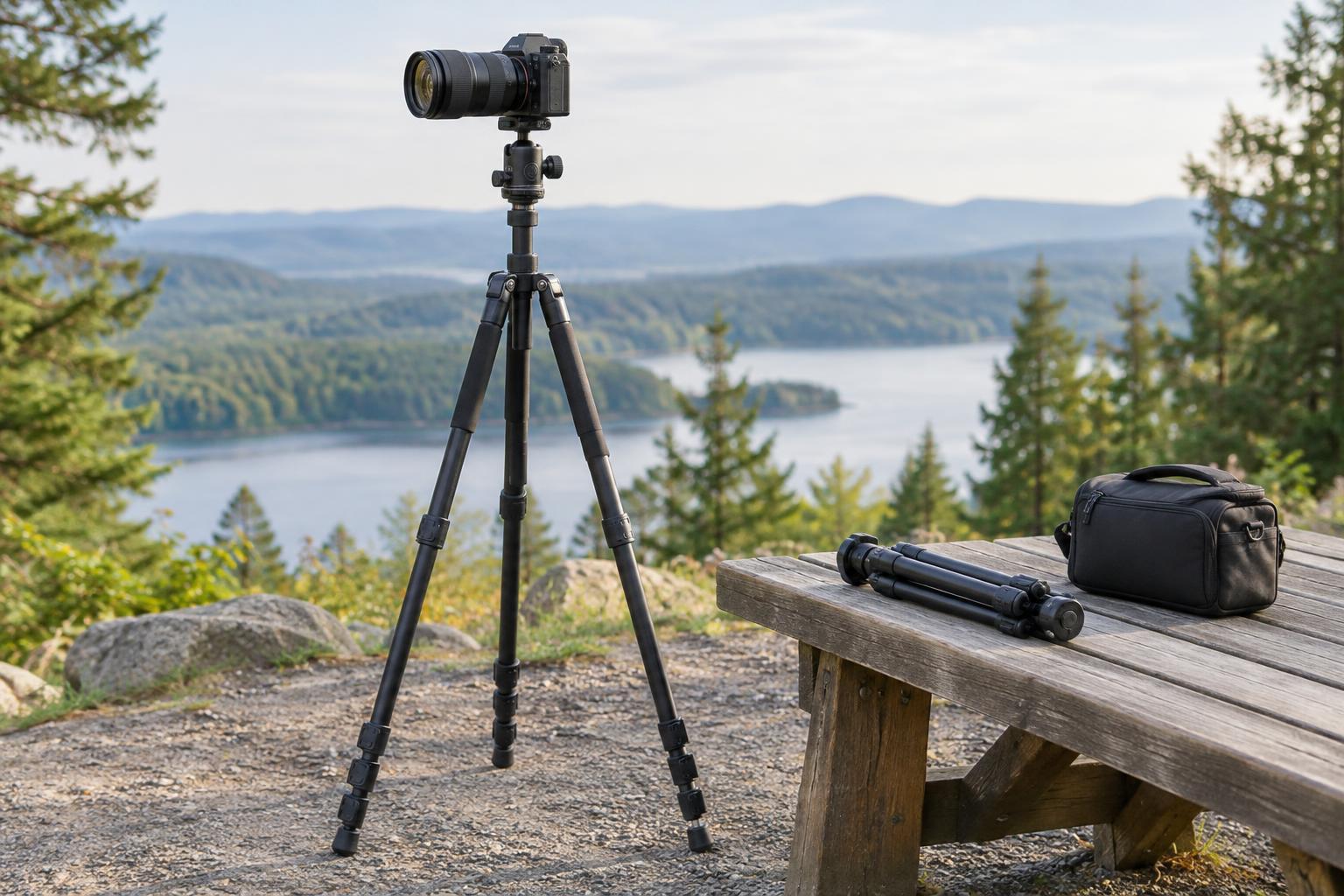
A stable mount matters every time you adjust your monitor. Look at the clip design and check whether it will sit securely on your screen without covering part of the display. A tripod socket gives you another placement option. Also consider the cable length, connector type and whether you will need an adapter. A physical privacy shutter is useful if you prefer a visible way to cover the lens; it does not replace checking app permissions.
Make a shortlist you can actually compare
Choose two or three models that meet your connection, mounting and framing needs, then compare the features relevant to your routine. For regular work calls, prioritize easy positioning, consistent exposure and straightforward controls. For showing objects on camera, look more closely at focus behavior and placement flexibility. For streaming, consider whether the camera’s software gives you useful control over the image without complicating the rest of your setup.
Finally, account for the full cost. An adapter, tripod, light or microphone may do more for your setup than moving to a pricier webcam. Review the return policy if you can: specifications cannot guarantee a good fit with your lighting, screen and software. The best choice is the camera that is simple to place, reliable in your usual conditions and suited to the way you communicate.