Start with the TV, not the mount
A wall mount can free up furniture space and put a screen at a comfortable height, but the mount must match the TV before you consider where it will go. Find the TV’s model number and check its documentation for the mounting pattern, weight and any guidance about approved mounts. If the stand is already attached, look for four threaded mounting holes on the back; they may be recessed or hidden by covers.
A mount’s advertised screen-size range is a starting point, not proof of compatibility. Check its stated weight capacity against the TV’s weight without its stand, and confirm that the mounting holes and hardware will fit. Also look at the back of the TV. A recessed panel, curved housing or downward-facing ports may affect how brackets and cables fit, even when the basic specifications match.
What a VESA pattern tells you
VESA mounting patterns describe the spacing between the TV’s mounting holes in millimeters. The first number is the horizontal distance between hole centers; the second is the vertical distance. A 200 × 200 pattern, for example, has holes 200 millimeters apart in both directions. Many mounts support several patterns through a plate or adjustable rails, so compare the TV’s exact pattern with the mount’s supported list.
Matching the pattern does not settle every fit question. Check whether the mount includes screws of the size and length specified for your TV, and whether spacers are needed to clear a recessed or uneven back. Screws that are too short may not engage properly; screws that are too long may damage the TV. Do not force hardware that does not fit. Follow the TV and mount instructions for screw selection and assembly.
Choose movement to suit the room
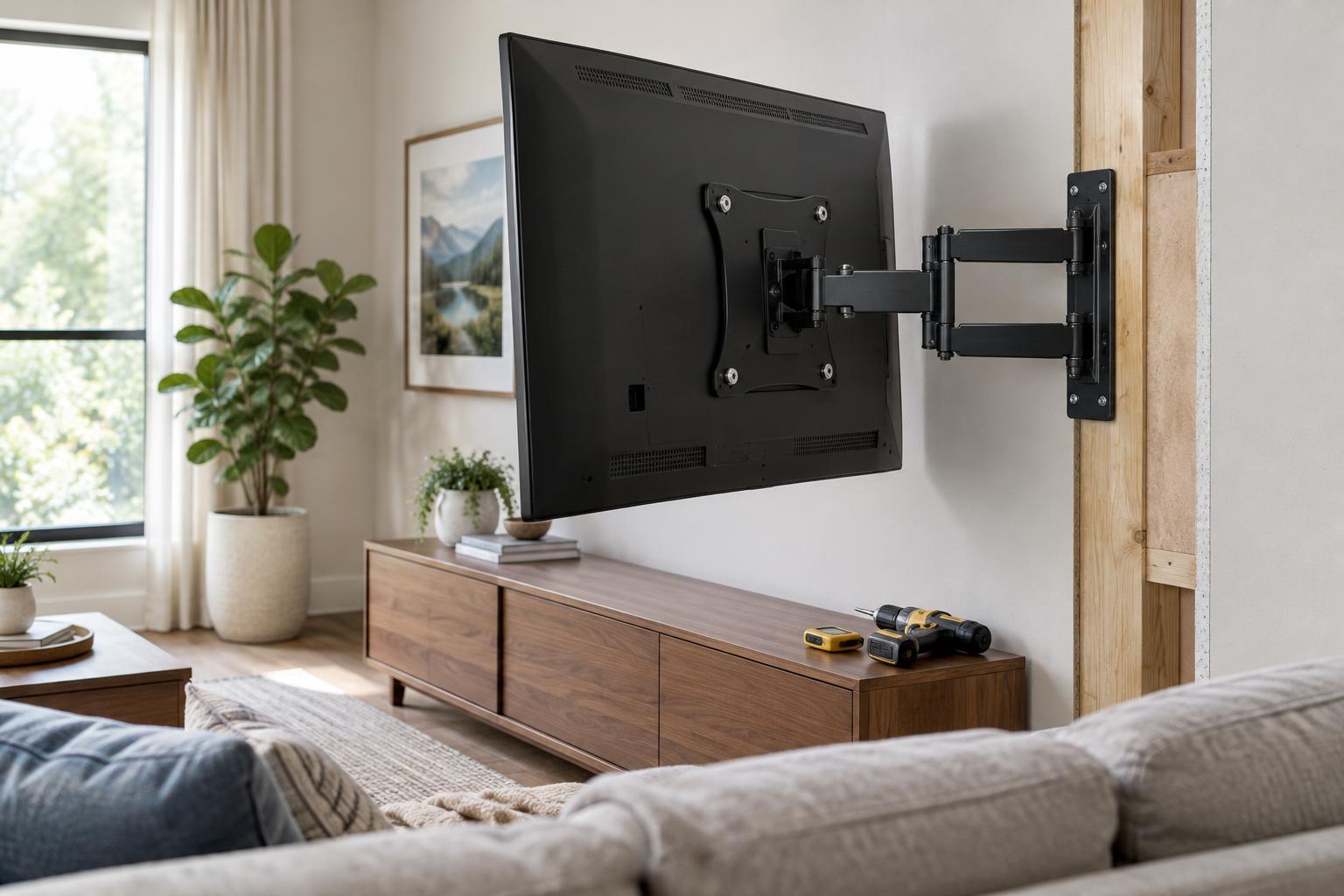
A fixed mount holds the TV close to the wall and works well when the seating position is straightforward and you can view the screen nearly head-on. A tilting mount lets you angle the screen downward, which can help when it must sit above seated eye level. A full-motion mount can swivel or extend the TV, making it useful for seating spread across a room or for easier access to rear ports.
More movement also means more space to plan around. An extended TV needs room to turn without hitting a wall, shelf or nearby object, and its cables need enough slack to move without being pulled. Check the mount’s extension and swivel limits rather than assuming the TV can face every seat. A full-motion mount also places changing forces on its attachment points, making wall suitability and correct installation especially important.
Plan the viewing position before drilling
Sit where you normally watch and consider where the center of the screen will fall. A position near seated eye level is often comfortable, though furniture, room layout and personal preference may call for an adjustment. If the TV will be higher, check whether a tilt mount gives you a comfortable view rather than relying on tilt to correct a placement that feels too high.
Check the proposed spot at different times you typically use the room. Windows and lamps may create reflections, while a swivel or modest change in position may help. Mark out the TV’s full dimensions on the wall, not just the mounting plate, and confirm that doors, cabinets and speakers will still have clearance. Finally, plan how power and signal cables will reach the TV without being stretched or trapped behind the bracket.
Match the mounting method to the wall
Wall compatibility is more than finding a flat surface. Stud-framed walls, masonry and other wall constructions require different fastening methods. On a stud-framed wall, the mount generally needs to be secured to suitable structural framing rather than drywall alone. For masonry, use fasteners specified for that wall material and the mount. The mount instructions should identify acceptable surfaces, fasteners and placement requirements.
Before drilling, confirm what is behind the proposed location, including possible wiring or pipes, and check that the mounting points line up with the bracket’s requirements. If the wall type, framing or fastener choice is uncertain, ask a qualified installer to assess it. Once the mount is installed according to its instructions, verify that all specified connections are secure before attaching the TV. A few careful checks at the planning stage can prevent a poor viewing position or an unsafe fit.