Start with where and how you take calls
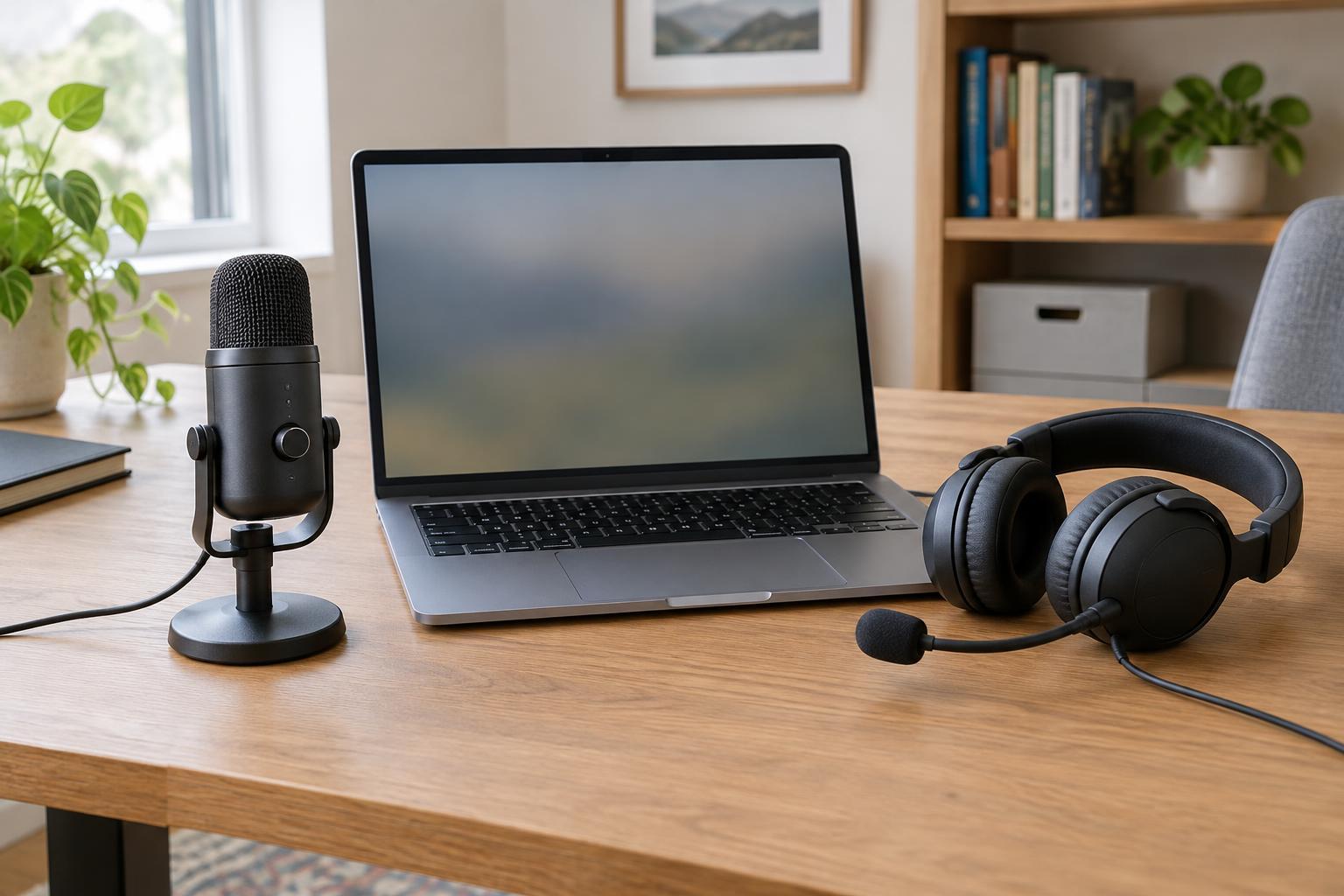
The best microphone for a video call is not necessarily the one with the longest list of specifications. It is the one you can position consistently, connect reliably and use comfortably for the length of your calls. A USB microphone usually sits on a desk or arm and works alongside your choice of speakers or headphones. A headset combines headphones and a microphone in one wearable device, keeping the mic near your mouth as you turn your head.
Think about your usual setting before comparing products. Do you stay at one desk, or move between rooms? Do other people share your space? Do you need to hear a doorbell or a colleague nearby? Your answers may matter more than small differences in advertised audio quality.
What a USB microphone does well
A USB microphone can be a convenient choice for a fixed workspace. You can use it with comfortable headphones, switch to speakers when appropriate, and place the mic where it does not obstruct your face on camera. Many models offer a physical mute control, a headphone connection or adjustable pickup settings, though these features vary by product. Check what a model actually includes rather than assuming every desktop mic works the same way.
Placement is the main trade-off. A mic positioned far across the desk may pick up more room sound relative to your voice. Moving it closer can help, but an arm or stand takes space and may bring the mic into the camera frame. If you use speakers, their sound can also reach the microphone. Call software may reduce echo, but headphones are usually a simpler way to keep other callers’ voices out of your mic.
Where a headset mic has the advantage
A headset mic travels with your head. That makes it useful if you lean back, look at a second screen or work at a desk where there is little room for another device. Because the microphone stays relatively close to your mouth, it can help your voice remain more consistent as you move. The headphones also keep call audio private and prevent it from playing into the microphone.
The drawback is that you have to wear the headset throughout the call. Fit, ear pressure and warmth are worth considering if you spend hours in meetings. A boom mic also needs sensible positioning: aim it near the side of your mouth rather than directly in front of your breath. If you prefer wireless freedom, account for charging and check whether the headset’s connection method works with your computer and calling apps.
Compare features that affect everyday use
Start with compatibility. Confirm that your computer has the required USB port, audio jack or wireless connection, and check whether the device supports your operating system. For a USB microphone, look at its stand, mounting options and whether you need a separate pair of headphones. For a headset, consider whether it connects to one device at a time or makes switching between a computer and phone straightforward.
Controls deserve attention too. A physical mute button can be reassuring, but its indicator may not always match the mute status shown in your call app. Test both before relying on either. Microphone pickup patterns, noise-reduction features and sample-rate figures can be useful specifications, but they do not tell you everything about performance in your room. Position and background noise remain important with either type of gear.
Make a choice, then check the setup
Choose a USB microphone if you mostly call from one desk, want to select your headphones separately and have room to place the mic close enough for clear speech. Choose a headset if you move around, share a workspace, need compact gear or want a single device for listening and speaking. Neither choice requires an elaborate setup for ordinary calls; a well-positioned basic option may be more useful than extra features you rarely use.
Once connected, record a short sample or use your calling app’s audio test. Speak at your normal volume, move as you would during a meeting and listen for changes in level, keyboard noise or echo. Check that the app selected the intended microphone and speakers, then make a small placement adjustment if needed. That quick check tells you more about your own setup than a specification sheet alone.