Start with the calls and space you have
A webcam does not need the longest specification list to be a good fit. Begin with where it will sit, how far you sit from the screen and whether you usually appear alone or with someone else. A camera for one person at a compact desk has different needs from one meant to show a small meeting area.
Also check the basics before comparing extra features: the connection your computer can use, compatibility with your operating system and the video resolution supported by your usual calling apps. A higher advertised resolution may not be visible to other people if an app reduces video quality. Good room lighting and a stable camera position can make more difference to an everyday call than a specification upgrade.
Field of view: decide what belongs in the frame
Field of view describes how much of a scene the camera captures, often expressed as an angle in degrees. A narrower view can keep attention on your face and show less of the room behind you. A wider view can make it easier to include two people or a whiteboard, but it may also reveal more clutter and make a single person look smaller in the frame.
Do not compare angle numbers without considering distance. A webcam placed close to you on a laptop may frame you differently from the same camera set farther back on a monitor. If you work near the screen, look for sample framing information or a return policy that lets you check the fit at your desk. Some webcams offer selectable viewing angles or software cropping, but confirm whether those controls work with your computer and calling setup. Cropping can tighten the frame; it cannot capture a person or object outside the camera’s original view.
Mounting: check stability and camera height
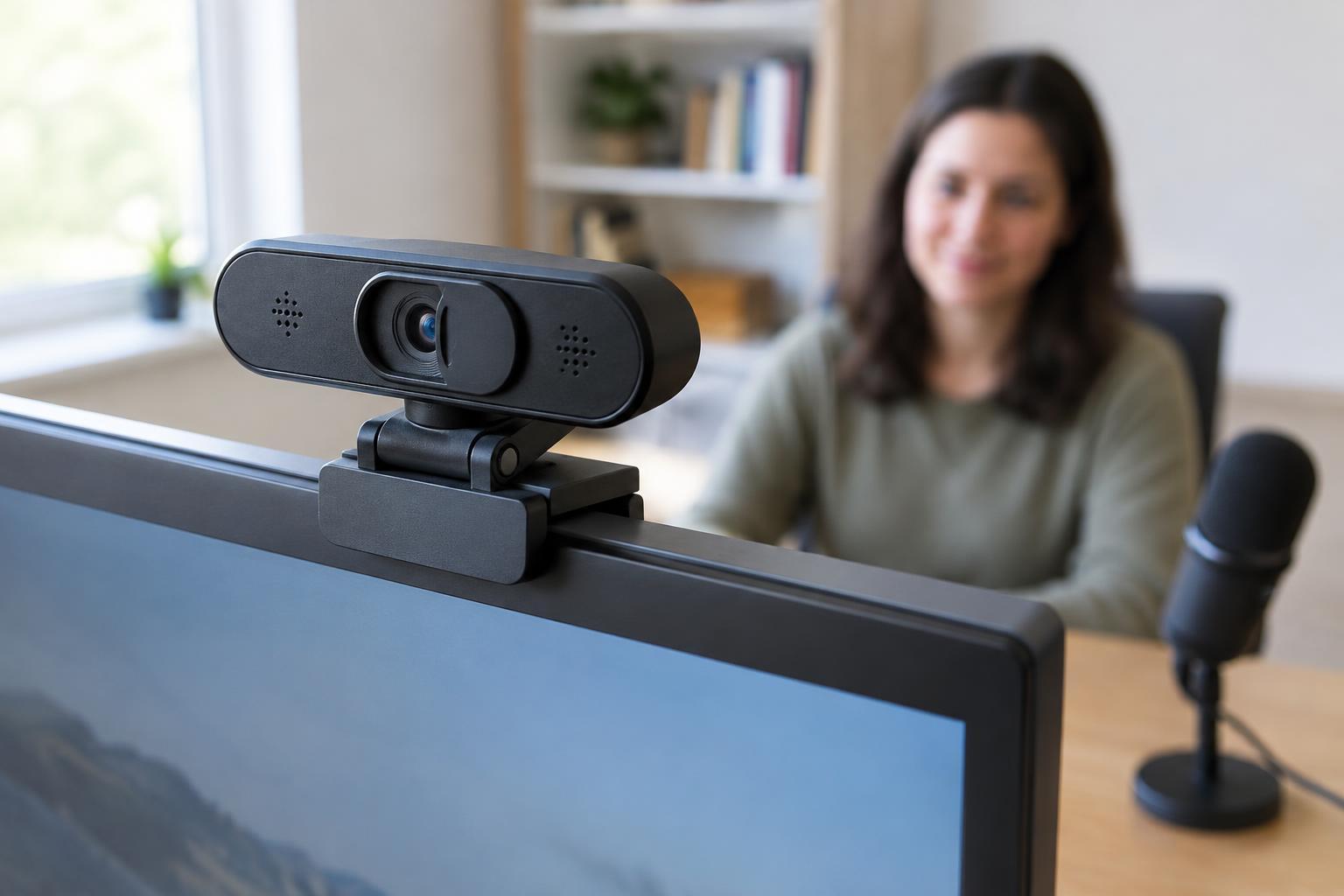
Many webcams use a folding clip designed to rest on the top edge of a laptop or monitor. Check whether that clip can sit securely on your display’s thickness and shape without covering part of the picture. A flexible hinge can help aim the lens, but the mount should also stay put when you adjust the screen. If you use an external monitor, remember that a camera mounted on it will move whenever you reposition it.
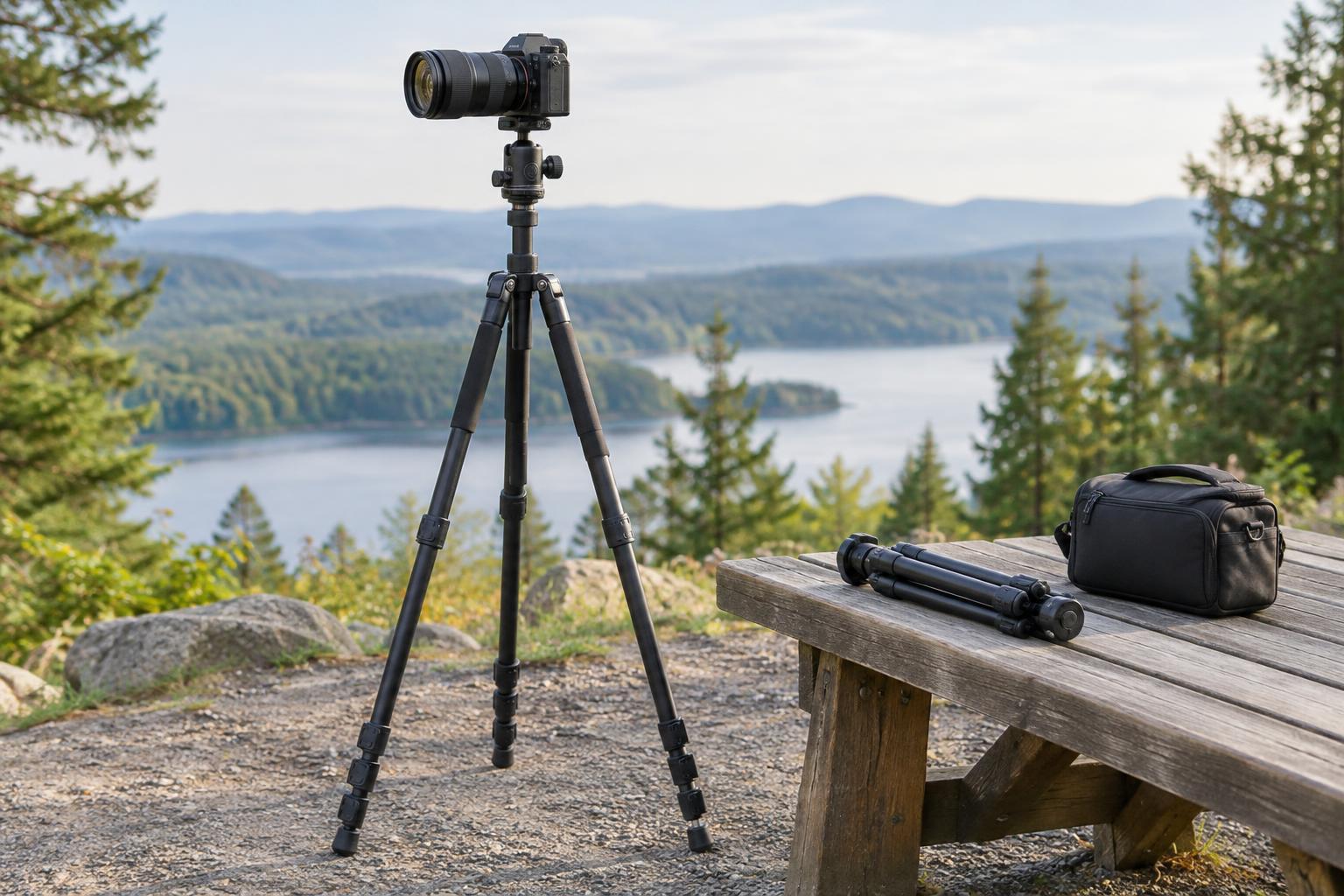
Some models include a threaded socket for a tripod or desk stand. That option is useful when your monitor has an unusual edge or you want the camera at eye level without changing the screen’s position. Account for the cable too: it needs to reach the computer without pulling on the mount or crossing the part of the desk you use. A simple mounting check can prevent a capable webcam from becoming awkward to use every day.
Microphone: convenience is not the same as clarity
A built-in microphone keeps a setup simple, especially for occasional calls. Its performance will depend partly on how far you sit from the webcam and how noisy or echo-prone the room is. Labels such as “noise reduction” describe a feature, not a guarantee that callers will hear you clearly in every environment.
If you often join meetings in a shared room, use a mechanical keyboard or need your voice to be especially consistent, a headset or separate microphone may be a better choice. You can still use the webcam for video and choose another device for audio in your calling app. Before buying, check that the app lets you select the intended microphone, and consider whether you are willing to wear or position another accessory for each call.
Privacy shutter: know what it does
A physical privacy shutter covers the lens when you are not using it. It is a straightforward visual check that the camera cannot show an image while the cover is closed. Look at how the shutter operates: you should be able to open and close it easily without shifting the camera, and it should not partly block the image when open.
A shutter does not mute the microphone or replace your computer’s camera permissions. If you want to limit both video and audio, review the app’s device settings and your operating system’s permissions as well. For a final buying comparison, prioritize the features you will notice on every call: a frame that suits your space, a mount that stays steady, an audio arrangement you will actually use and a privacy routine that is easy to remember.