Start with the difference
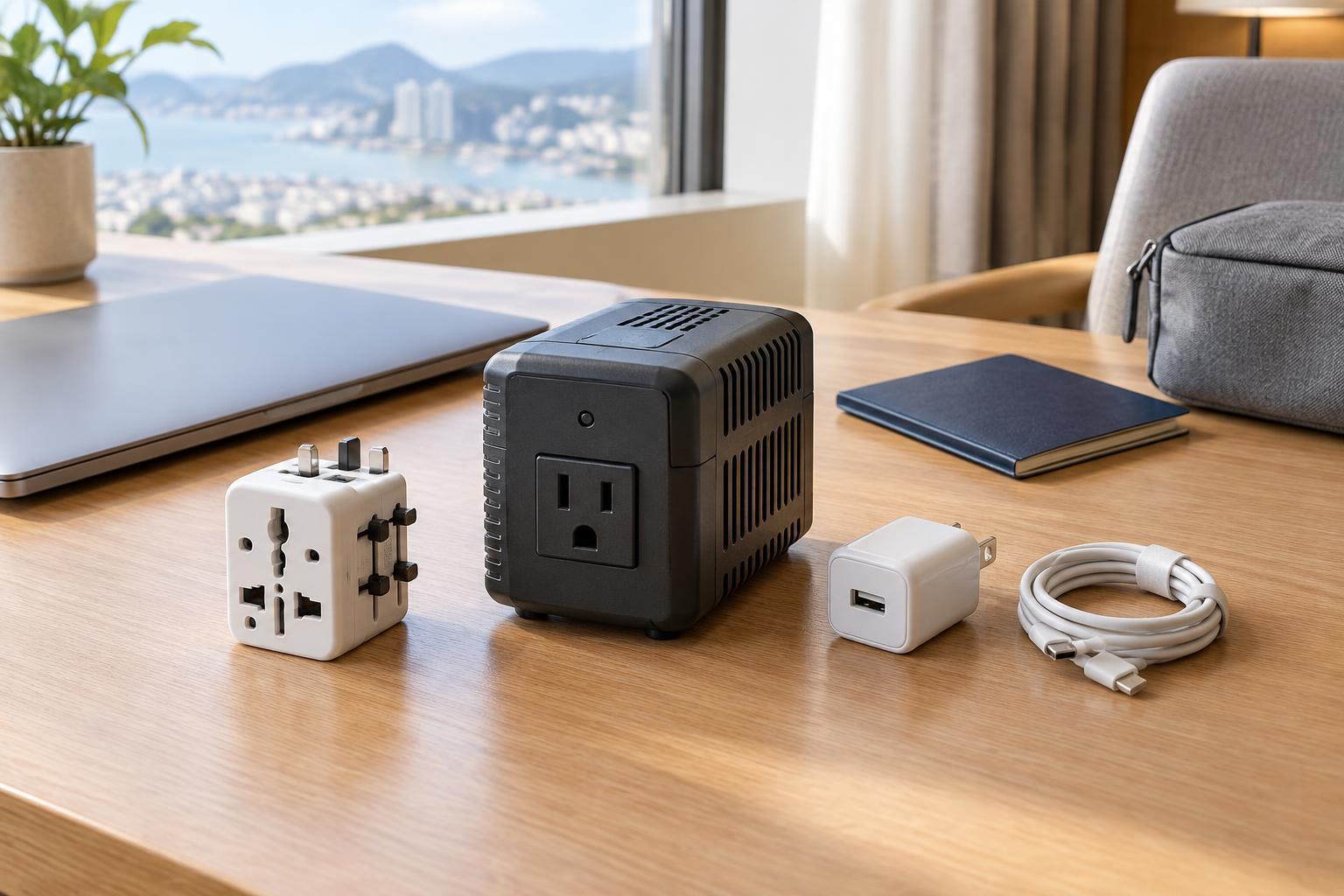
A travel plug adapter lets a plug fit a different style of wall socket. On its own, it does not change the voltage coming from that socket. A voltage converter is designed to change voltage, but it does not necessarily change the plug shape. If your device needs both a different plug shape and a different voltage, you need a setup that addresses both.
That distinction matters because countries can use different socket shapes and different electrical supplies. A plug fitting securely does not mean the device can safely use the available power. Before buying an accessory, check the electrical information printed on the device or its power supply, then check the outlet type and supply voltage at your destination. If a label is missing or unclear, do not guess based on the plug alone.
Read the input label before you pack
Look for the word “Input” on the charger, power brick or appliance. A label such as “100–240 V, 50/60 Hz” indicates that the item accepts a broad range of common household voltages and frequencies. If your destination’s supply falls within that range, you generally need only a suitable plug adapter. This is common on many laptop and phone chargers, but check each charger you plan to bring rather than assuming they are all alike.
The input label belongs to the item that connects to the wall. For a laptop, that is usually its separate power supply. The output label describes what that supply delivers to the laptop; it is not the number to compare with the wall outlet. For an appliance with a fixed cord, check the appliance itself. Some devices have a manual voltage switch: if yours does, follow its instructions and set it correctly before plugging it in.
When a voltage converter may be necessary
A device marked for only 120 V should not be connected directly to a 230 V outlet through a basic plug adapter. Likewise, an item marked only for 230 V may not operate properly from a 120 V outlet. In these cases, a compatible step-down or step-up converter may be an option. The direction matters: step-down lowers voltage, while step-up raises it.
Converters also have power limits, usually stated in watts. Check the appliance’s wattage and the converter’s instructions, including whether its rating is for continuous use. Motors and some other appliances may demand extra power when starting. A converter may not change the electrical frequency, and some devices do not work well with certain converter designs. For a high-power or unfamiliar appliance, buying or borrowing a version made for local power can be simpler than traveling with a converter.
Pay extra attention to heat and USB charging
Hair dryers, curling tools, kettles and similar heating appliances can draw substantial power. A small converter intended for electronics is unlikely to be suitable for them. Even a product advertised as “dual voltage” needs its label and instructions checked: it may require a switch setting, and its performance can differ between supplies. Do not use an adapter or converter if its instructions exclude the type of appliance you have.
Some travel plug adapters include USB charging ports. Those ports contain their own power supply, so check the adapter’s input rating and the USB output specifications separately. A USB-C port does not automatically provide the charging power a laptop requires. If you already own a suitable wide-range USB charger, a simple plug adapter may be more useful than relying on the ports built into a travel adapter.
Choose a safe, manageable travel setup
Make a short list of what you will plug into a wall outlet: perhaps a phone charger, laptop power supply, camera-battery charger and styling tool. Read each input label. For wide-range devices, choose a plug adapter that fits the destination’s sockets and accommodates your plug. For a single-voltage device, decide whether an appropriately rated converter is practical or whether to leave that item at home.
Check whether your equipment requires a grounded connection, and choose an adapter that preserves it when the local socket supports it. Do not remove a ground pin or assume that every universal adapter provides grounding. Avoid overloading an adapter with several high-power devices, and follow the ratings on every component in the setup. A few minutes spent checking labels can keep your packing list smaller and help you use your devices with confidence.