Start with the devices you need to charge
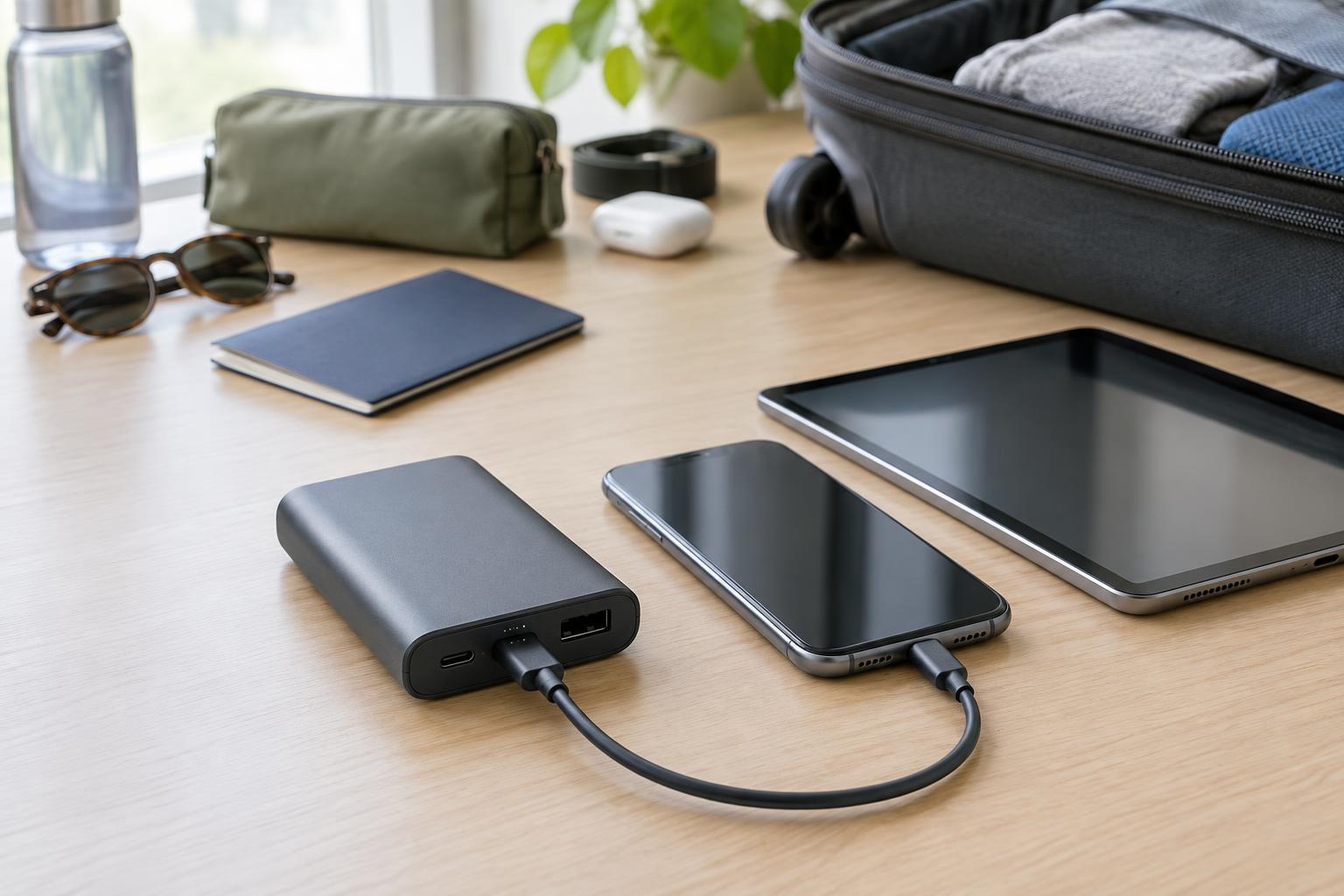
Before comparing power banks, list the devices you expect to charge away from an outlet. A phone top-up during a commute calls for a different accessory than a day spent charging a phone, earbuds and tablet. If you also want to charge a laptop, check that the laptop accepts charging through its USB-C port; some models require a particular charger or use a separate power connector.
Think about when you will use the power bank, too. A slim model may be easier to carry every day, while a larger one may make sense for long journeys. More capacity generally means more weight and a longer wait to recharge the power bank itself. The best choice is one you are willing to carry that can cover your usual time away from an outlet.
Read capacity in watt-hours, not just milliamp-hours
Power bank capacity is often advertised in milliamp-hours (mAh). That figure describes the cells inside, but it does not directly tell you how many times the bank will charge your phone. Energy is a better point of comparison: watt-hours (Wh) account for both capacity and voltage. If a listing gives mAh and the battery’s nominal voltage, divide mAh by 1,000 and multiply by that voltage to estimate Wh. For example, 10,000 mAh at 3.7 volts is about 37 Wh.
Do not expect to deliver every advertised watt-hour to a device. Converting the battery’s voltage to USB output, charging circuitry and heat all use some energy. Your phone may also be running while it charges. For a rough comparison, look at the power bank’s Wh rating alongside your device battery’s Wh rating, then allow a margin for these losses. Be wary of a precise promise of charging cycles unless it explains the conditions behind the estimate.
Capacity labels matter especially for air travel. If you cannot find a clear Wh rating or enough information to calculate it, that power bank may be awkward to assess against an airline’s battery limit. A legible rating on the product is useful when packing.
Match ports and power output to your devices
Check both the connector and what the port can do. USB-C is common on newer devices, but a USB-C-shaped port is not, by itself, a promise of fast charging. Look for the port’s stated output in watts and, where relevant, support for the charging standard your device uses, such as USB Power Delivery (USB PD). A laptop may need substantially more power than earbuds or a phone. If the bank’s output is below what a device expects, charging may be slow or may not work reliably while the device is in use.
Count ports according to how you actually charge. One USB-C port may be enough for a single phone. Multiple ports help when sharing a bank or charging accessories together, but the listed maximum output may apply only when one port is in use. Check the per-port ratings and the total output when several ports are active.
Input matters as well: it determines how quickly the bank can be recharged from a wall charger. Confirm which port accepts input and whether your charger and cable can support the stated input power. For a simple kit, choose a bank that works with cables you already carry, or budget for an appropriately rated cable. A high-output power bank cannot provide its full capability through a cable or device that does not support it.
Check travel rules before you pack
Power banks are spare lithium batteries for air-travel purposes. They generally belong in carry-on baggage, not checked baggage. If your carry-on is taken at the gate for checking, remove the power bank and keep it with you. Protect its ports and contacts from damage or short circuits, and do not travel with a battery that is swollen or damaged.
Many airline rules use a 100 Wh threshold for spare batteries, while batteries above 100 Wh and up to 160 Wh may require airline approval. Limits on quantity and use during a flight can also vary. These are general guideposts, not a guarantee that a particular power bank is permitted: check the rules of your airline and relevant authorities before departure, especially for a high-capacity model or an itinerary with multiple carriers. Use the power bank’s labeled Wh figure when checking rather than relying on its advertised mAh alone.
Make the final choice practical
For everyday phone backup, prioritize a manageable size, a suitable USB-C output and enough capacity for your routine. For several devices, pay closer attention to total output and port layout. For a USB-C laptop, confirm the laptop’s charging requirements first, then choose a bank and cable rated to meet them.
Finally, compare the details that make the accessory pleasant to own: a readable capacity label, clear input and output specifications, a charge indicator you can understand and a shape that fits your bag. These basics are often more useful than an impressive capacity claim that leaves you guessing about charging speed or travel suitability.