Know what you are buying
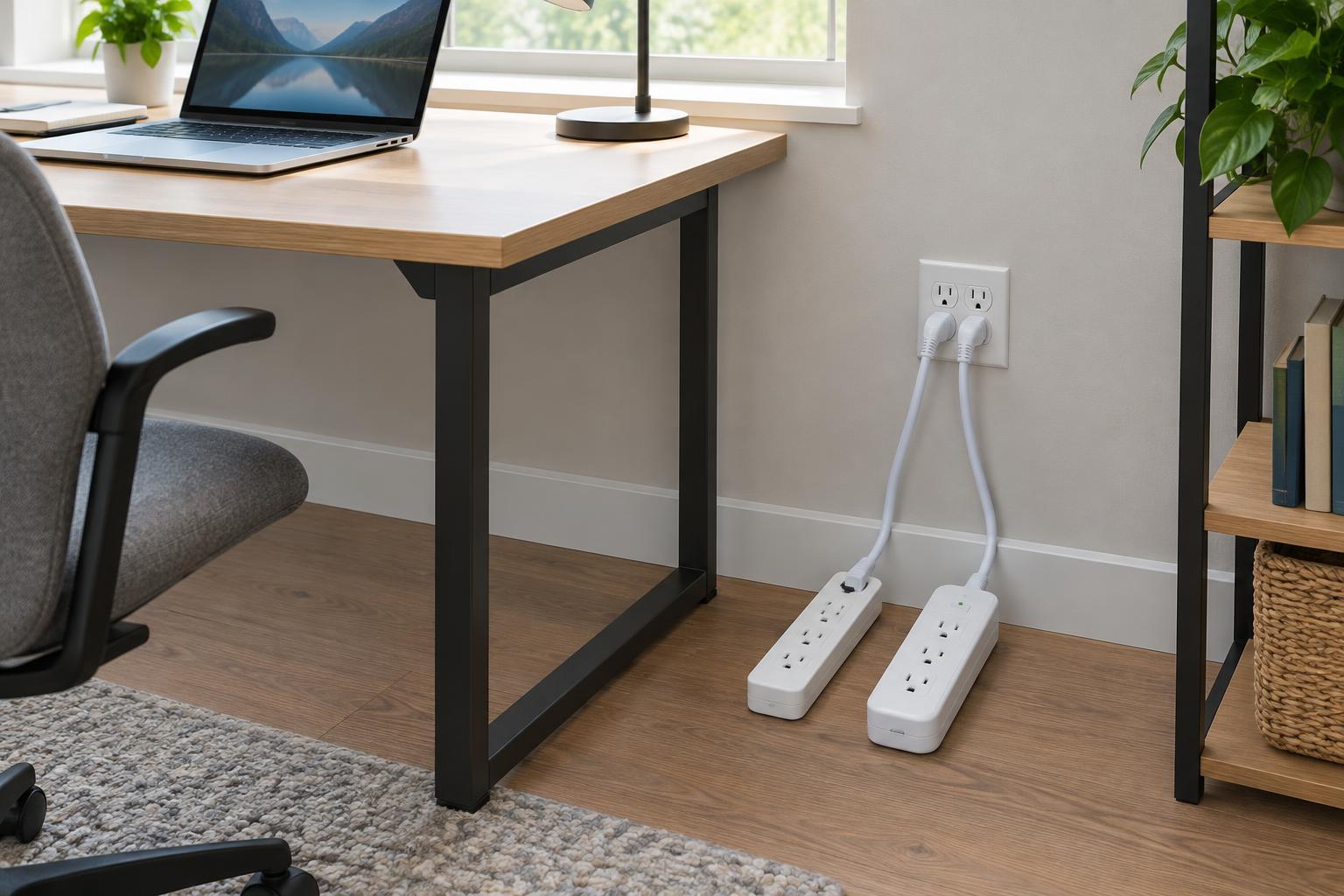
A basic power strip gives you more places to plug in devices. A surge protector also contains components designed to divert or limit some brief voltage spikes before they reach connected equipment. The two can look nearly identical, so do not rely on the number of outlets, a lighted switch or a “protected” appearance. Check the packaging or product label for an explicit surge-protection claim and its specifications.
Surge protection is not a guarantee against every electrical problem. It does not keep devices running during an outage, and a plug-in protector may not prevent damage from a nearby or direct lightning event. If uninterrupted power matters for a computer or network device, a battery backup serves a different purpose. Choose according to the problem you need to solve rather than assuming one accessory does everything.
Read the ratings before counting the outlets
Start with the strip’s electrical rating. Its maximum current or wattage applies to the whole unit, not to each outlet separately. Check the ratings of the devices you plan to connect and stay within the strip’s stated limit. Several small chargers may be suitable for one strip, but having spare sockets does not mean there is spare electrical capacity. Check the product instructions for any restrictions on the types of appliances it can supply.
For a surge protector, look for a recognized safety certification appropriate to where you live, along with clear surge-protection specifications. A joule rating describes the amount of surge energy a protector is designed to absorb under specified conditions; it is not a simple promise of how many years it will last. Other specifications, such as the voltage protection rating, can help compare products, but their meaning depends on the applicable testing standard. If the label provides little more than a marketing phrase, consider a product with clearer documentation.
Put it where it can be used safely
Plug the strip or protector directly into a suitable wall outlet, following its instructions. Avoid connecting strips to other strips or extension cords. Keep the unit accessible, uncovered and away from water, rugs and places where its cord could be pinched or damaged by furniture. Do not fasten a cord with staples or run it through a doorway where it will be repeatedly crushed. A cord that cannot reach safely is a reason to rethink the setup, not to hide a chain of adapters.
High-power appliances deserve particular care. Portable heaters, air conditioners and similar devices can place substantial demands on an outlet; follow each appliance’s instructions, which may require a direct wall connection. If an outlet is loose, frequently trips a breaker or shows signs of overheating, stop using it and have the problem assessed by a qualified electrician. A surge protector cannot correct faulty wiring, and equipment that requires a grounded outlet should not be used with an adapter to bypass that requirement.
Decide which devices need protection
A plain strip can be a practical choice when you simply need accessible outlets for compatible, modest-load devices. Consider a surge protector for equipment you would find costly or inconvenient to repair or replace, such as a desktop computer, monitor or home-network device. Check whether the product offers protection for any other connections you actually use, such as a cable line; protecting only the power cord may leave another connected path unaddressed.
Think of the desk or media cabinet as a complete setup. Leave enough space for bulky plugs without straining them, keep cords identifiable and make sure you can reach the switch and plug. Before buying, compare the strip’s cord length, plug orientation, outlet spacing and mounting instructions with the location where it will sit. These everyday details often matter as much as an extra socket.
Replace it when protection or condition is in doubt
Surge-protection components can wear as they handle electrical spikes. If a protector’s indicator says protection is no longer active, replace the unit; an ordinary power light only tells you that power is present. Follow the maker’s guidance after a significant electrical event, and replace a protector if you cannot confirm that it is still functioning as intended. There is no single replacement age that fits every product and installation.
For either type of strip, stop using it if the cord or housing is damaged, outlets no longer grip plugs firmly, or you notice unusual heat, discoloration, buzzing or a burning smell. Do not treat a damaged strip as a repair project. When you replace one, take a moment to check its rating, certification and intended location again. The safest choice is a sound product that fits both your devices and the way you will actually use it.