Start with the job the drive needs to do
A portable SSD and an external hard drive can both give you room for photos, videos, project files and backups without replacing your computer. The better choice depends less on which technology is newer than on what you will carry, how often you will move files and how much space you need.
If you routinely copy large folders between devices or work from files stored on the drive, a portable SSD is usually the more convenient option. If you mainly want to store a large collection and access it occasionally, an external hard drive may give you more capacity for your budget. Make a rough estimate of the files you have now, then allow room for the collection to grow. A drive that is nearly full leaves little space for new transfers.
Compare speed in the context of your setup
SSDs store data on flash memory and generally transfer files faster than hard drives, which use spinning disks and moving parts. The difference can be especially noticeable when you open many small files, browse a large folder or repeatedly move projects back and forth. A hard drive can still be a sensible choice for copying files that you rarely need to revisit.
The speed printed on a drive’s box is not a promise for every transfer. Your computer’s port, the drive’s connection, the cable or adapter, and the device at the other end can all limit performance. Check the specifications of both your computer and the drive rather than assuming that a USB-C connector guarantees a particular speed. For a one-time archive, paying extra for the fastest drive may offer little benefit; for daily transfers, shorter waits may be worth it.
Think about what travel does to a drive
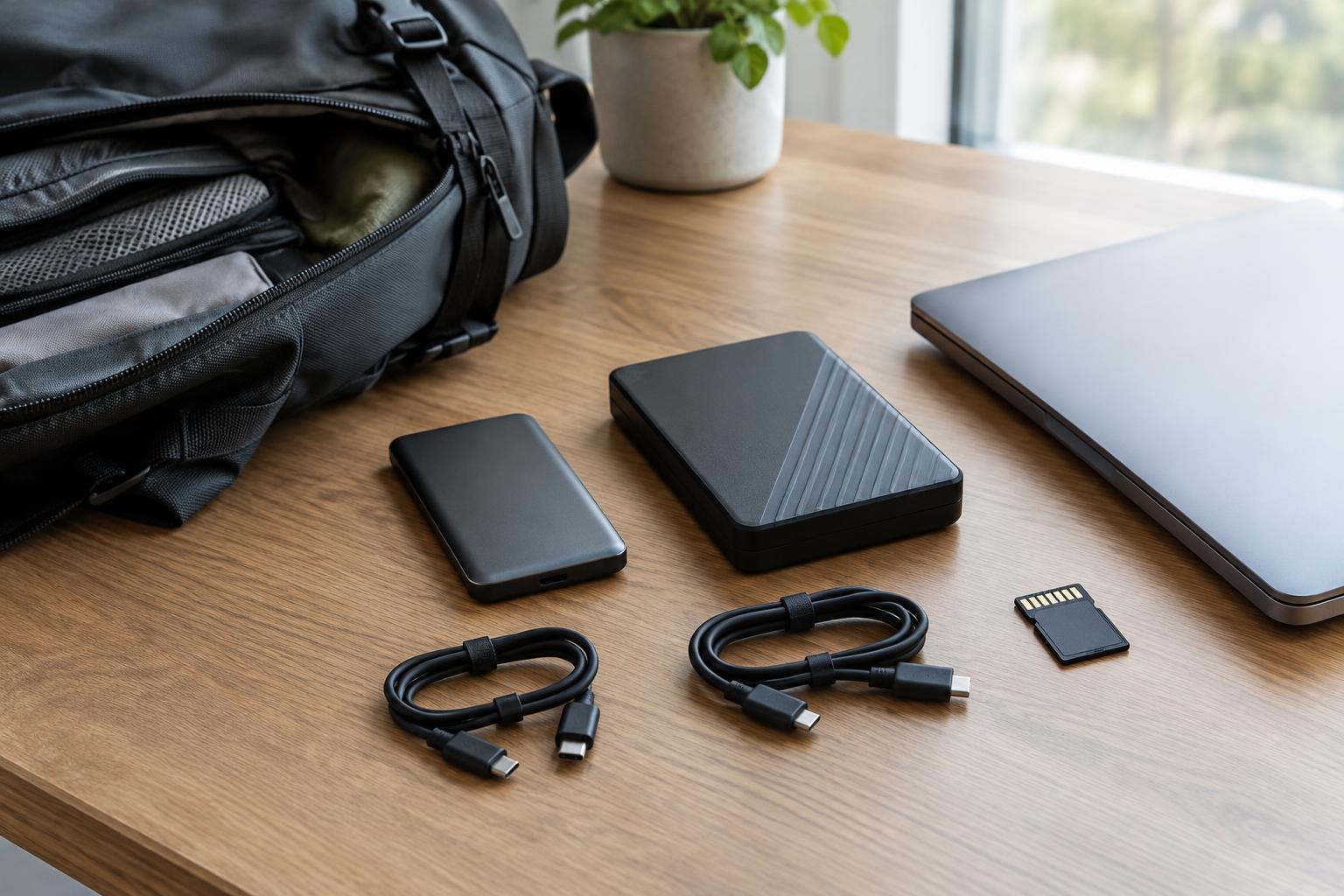
Portable SSDs are typically smaller and have no spinning mechanism, making them easier to pack and generally better suited to movement while in use. External hard drives need more care around drops and bumps, particularly while they are running. Neither type is immune to damage, so carry the drive in a protective sleeve and avoid leaving it loose with keys or other hard objects.
Check how the drive gets power before relying on it away from your desk. Many portable models draw power through their data cable, but some drives have different requirements. Also consider whether you can replace a misplaced cable easily. A drive with a connection that matches your laptop directly can be simpler to use in a hotel room or on a train than one that depends on an adapter you might forget.
Check compatibility before the first trip
A drive is most useful when every device you plan to use can read and write to it. Computers may come with different ports, and devices may support different file systems. Before loading the drive, confirm that its format works with the computers or tablets in your workflow. Reformatting can erase existing files, so copy anything important elsewhere first. If you plan to connect the drive to a phone or tablet, check that device’s support for external storage and power requirements as well.
Pack the cable you have actually used with the drive, not just one that looks compatible. Test a complete transfer before traveling: connect the drive, copy a representative folder, open a few files and confirm they are where you expect. When finished, use your device’s eject or safely remove option before unplugging. These small checks can prevent an avoidable surprise when the files are needed.
Choose a transfer drive and a backup plan separately
A travel drive is handy for carrying a working copy, but carrying your only copy creates a risk whether you choose an SSD or a hard drive. Drives can fail, be lost or be stolen. Keep important originals or another backup somewhere separate from the bag you travel with, and verify that you can open the copied files. For sensitive material, consider device or drive encryption and make sure you can recover access if you forget a password.
For frequent travel and active projects, choose a portable SSD with enough capacity and a connection your devices can use. For a sizable collection that mostly stays at home or is moved only occasionally, an external hard drive can be a practical value. You might use both: an SSD for the files in your current bag and a larger hard drive for a separate backup. That distinction helps you buy for the task rather than treating either drive as a complete storage strategy.