Decide what you need from each document
Before scanning a stack of paper, decide how you expect to use the files. A searchable PDF is often a good choice for letters, receipts, manuals and forms because it preserves the page layout while adding text that you can search or copy. If you need to revise the wording extensively, an editable text document may be more useful. Keep in mind that converting a page to editable text can change its formatting.
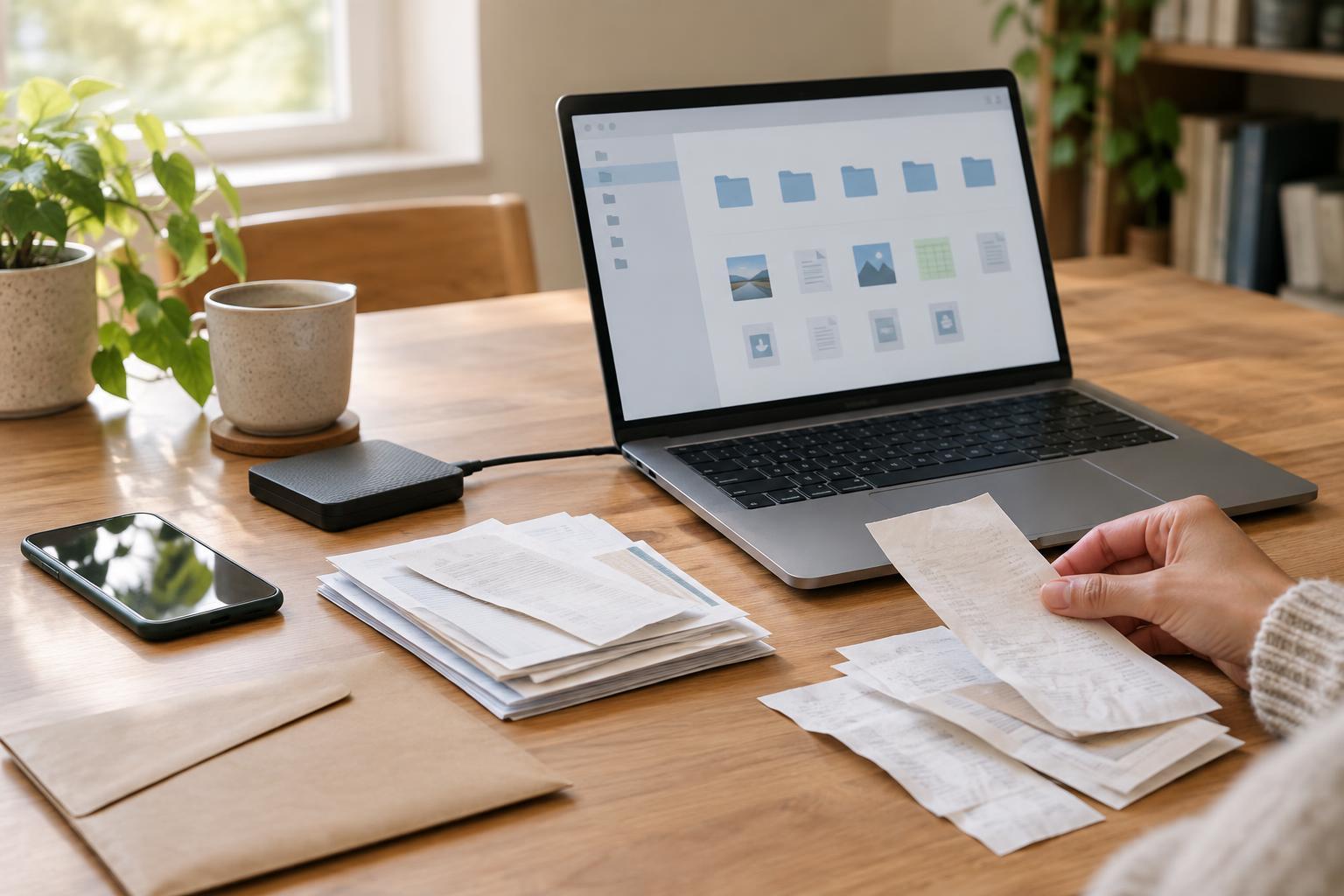
Sort the papers into small groups and remove staples or folded corners. Check whether any pages have writing on the back, and put multi-page documents in order. Set aside delicate originals, unusual page sizes and papers you may need to retain physically. Scanning creates a useful copy, but it does not necessarily replace an original.
Capture pages clearly
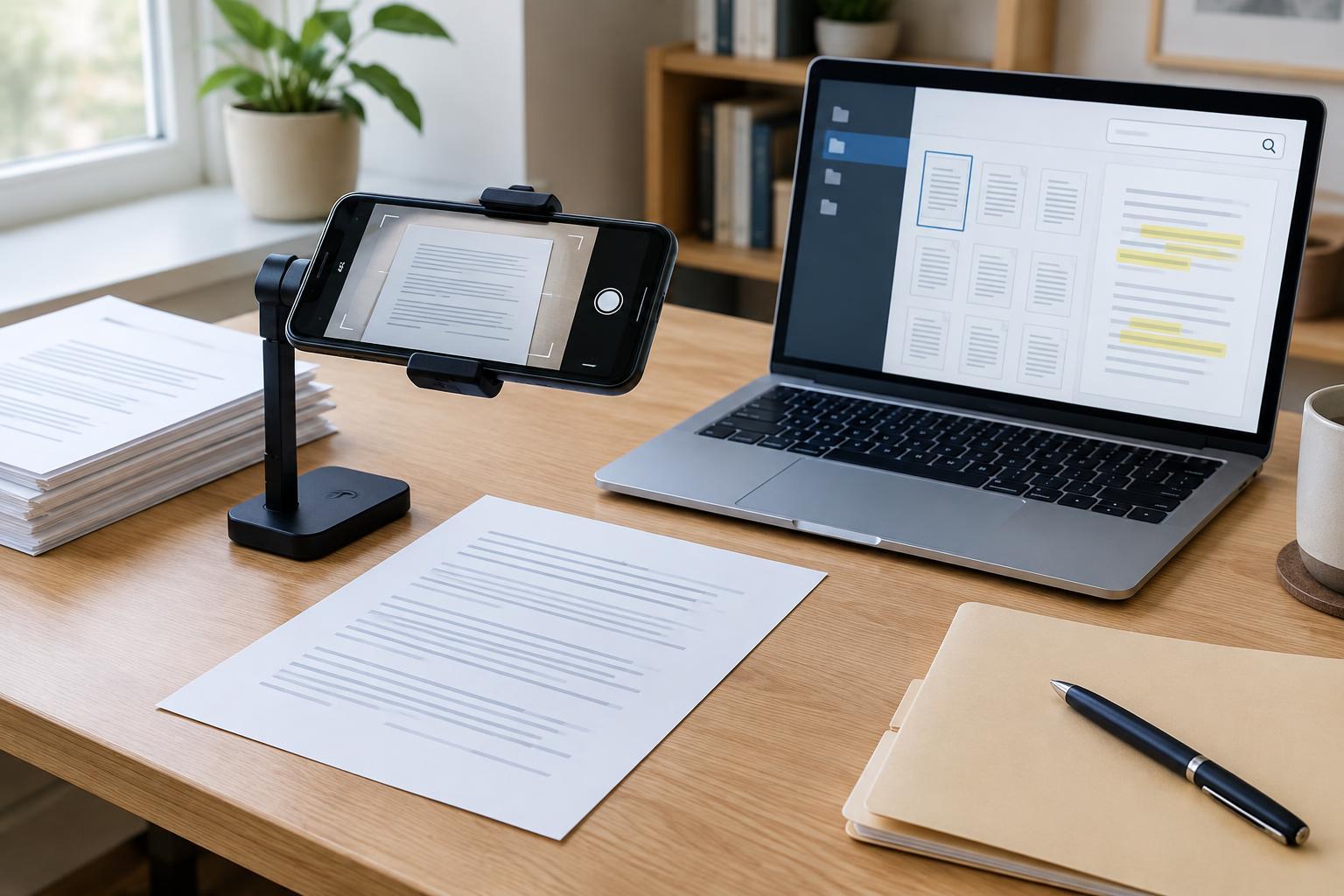
A phone scanning app works well for occasional pages. Place the document on a flat surface with even light, avoid casting a shadow, and hold the camera square to the page. Let the app find the page edges, then inspect its crop before saving. A flatbed scanner is helpful for fragile pages or materials that will not lie flat; a document feeder can save time with a large, uniform stack.
Choose settings that keep small print legible without creating unnecessarily large files. Color helps preserve highlights, colored marks and photographs, while grayscale may be sufficient for ordinary text. Make a test scan before processing a whole batch. Zoom in on the smallest print and check that the page is sharp, upright and complete. OCR cannot reliably recover letters that were cut off or blurred during capture.
Run OCR and check the result
Optical character recognition, or OCR, identifies text in an image of a page. Many scanning apps, scanner utilities and PDF tools offer it as a processing step. Look for an option such as “recognize text” or “searchable PDF,” rather than assuming that saving a page as a PDF makes it searchable. Some tools process files on your device; others upload them for processing, so check where a tool handles your files before using it for sensitive papers.
After OCR finishes, search within the file for a distinctive word from the first page and another from a later page. Try selecting a sentence to see whether the recognized text follows the original. Handwriting, faint print, unusual fonts, tables and skewed pages may produce errors. If a particular page matters, read the recognized text against the scan before relying on copied passages or search results. Keep the page image available so you can inspect the original wording.
Name and file documents so you can find them
OCR makes the contents searchable, but clear filenames make a collection easier to browse. Use a consistent pattern that suits your needs, such as a document date, sender or subject, and document type. For example, “2024-04 Appliance Manual Dishwasher.pdf” tells you more than “Scan 17.pdf.” If the date is uncertain, avoid guessing; use a descriptive name instead. Put related pages in one file when they belong to the same document.
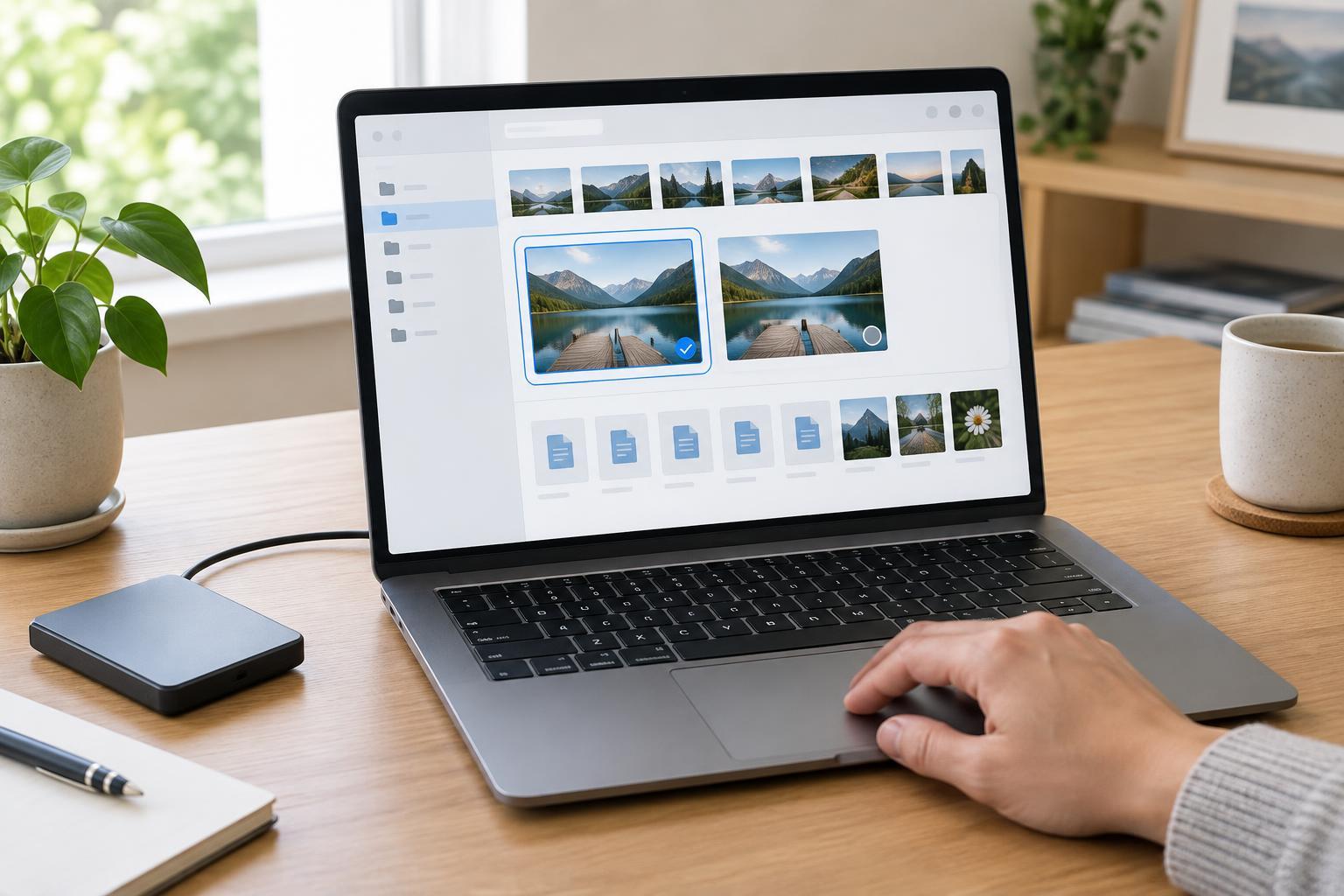
Choose a few broad folders rather than a deep hierarchy you will struggle to maintain. Household, purchases and personal records may be enough to start. If your storage app supports tags, use them sparingly for files that fit more than one category. Test your system by trying to retrieve a document using both its filename and a phrase printed on the page. If either route fails, fix the file while you still have the paper nearby.
Protect the files and maintain the collection
Scanned documents can contain addresses, account details and other private information. Review sharing settings before placing them in a cloud folder, and use a device lock and account protection appropriate to your setup. Consider whether a scanning app needs ongoing access to your documents after the job is done. Keep a separate backup so that a lost device or accidental deletion does not wipe out your only digital copy.
A short review routine prevents a digital pile from replacing the paper one. Confirm that each scan opens, includes every page and can be found by search before you file or discard its paper counterpart. For an ongoing stream of mail, set aside a regular time to scan, name and file a manageable batch. The goal is not to digitize everything at once; it is to create files you can read, trust and retrieve later.