Start with the laptop’s charging requirements
Before shopping, find the laptop’s exact model number and look up its charging requirements in the manufacturer’s documentation. The label on the original charger can also be useful: note its output voltage, current and wattage, along with the connector type. If the original charger is missing, do not guess from a similar-looking laptop. Requirements can differ between models in the same product family.
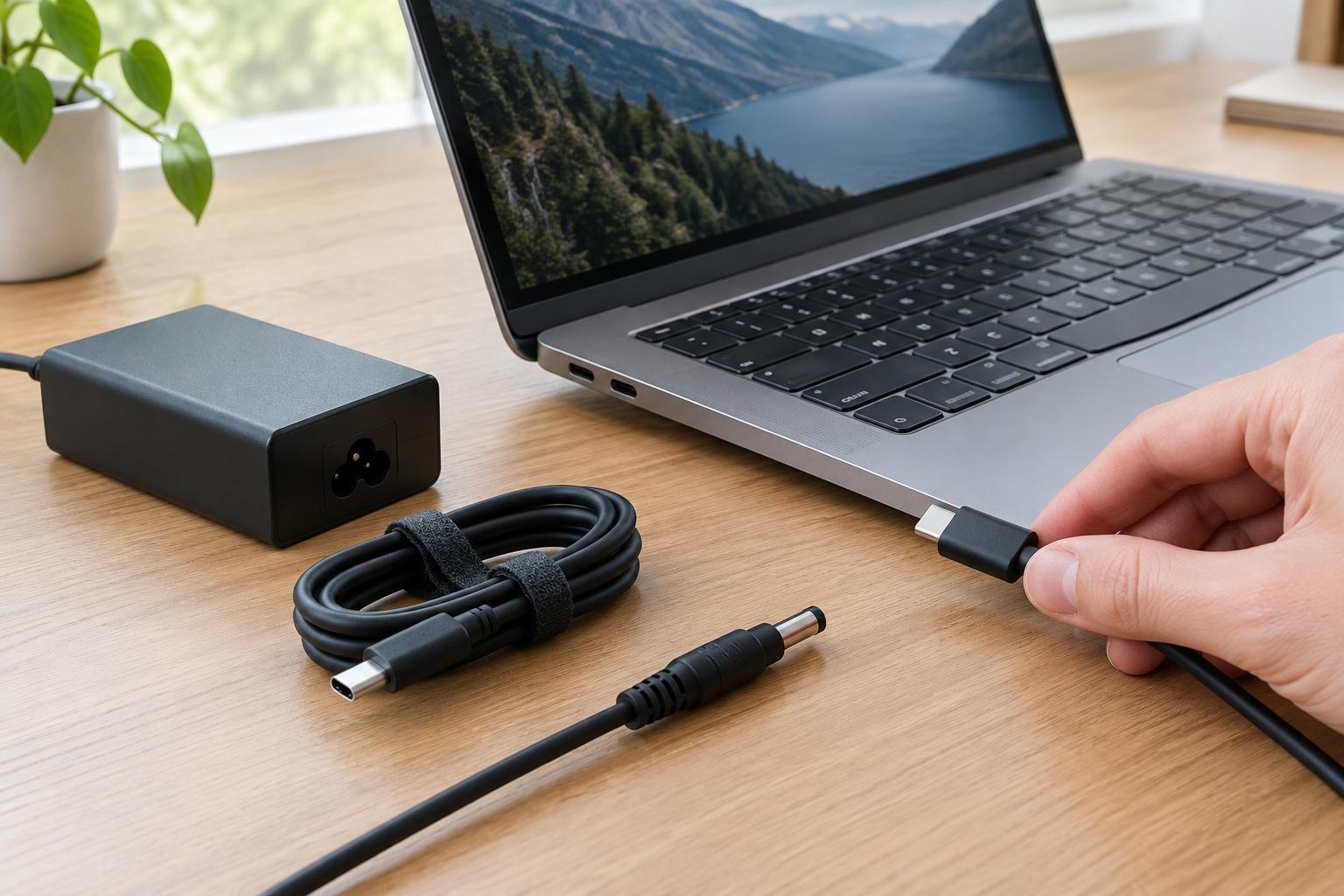
Check whether the laptop charges through USB-C, a dedicated round or rectangular connector, or more than one port type. A USB-C port does not automatically accept power; some ports are for data or video only. If the laptop has multiple USB-C ports, confirm which ones support charging. These details narrow the choices before you compare price, size or the number of ports on a charger.
Match the connector and charging method
For a laptop with a proprietary charging connector, look for a replacement listed as compatible with the exact model. A plug that fits physically may still have the wrong electrical specifications or lack a feature the laptop uses to identify the charger. Check the manufacturer’s guidance before considering a third-party option, and avoid forcing a connector that does not insert smoothly.
For USB-C charging, confirm that both the laptop and charger support USB Power Delivery at a suitable power level. A charger described only as “USB-C” may provide too little power or use charging features intended for other devices. If you want one charger for several devices, compare each device’s requirements with the charger’s stated output profiles. The devices negotiate an available power level, so a charger’s maximum rating is not a promise that every connected laptop will charge at that rate.
Choose enough power for how you use the laptop
Wattage describes the charger’s maximum power output. The original charger’s rating is a useful starting point for a replacement. A charger rated below the laptop’s recommended level may charge slowly, charge only while the laptop is asleep, or fail to keep up during demanding work. Some laptops display a low-power warning or reduce performance when the available power is insufficient.
A charger with a higher maximum wattage is not necessarily a problem when it uses the correct charging standard and is compatible with the laptop: the laptop requests the power it can use. Still, verify compatibility rather than choosing on wattage alone. On a multi-port charger, read the output table carefully. Its headline wattage may apply only when one port is occupied, while the power available to the laptop drops when you connect a phone or tablet.
Check the cable, not just the charging brick
If the charger has a detachable USB-C cable, that cable is part of the charging setup. Check its stated power capability against the power your laptop needs. Some higher-power USB-C charging arrangements require a cable rated for that level; a lower-rated cable can limit the power available even when the charger itself is capable. Cable labels are not always clear, so product specifications are more useful than appearance or thickness.
Also consider practical fit. A cable should comfortably reach the outlet without being pulled tight across a doorway or work surface. An angled connector may help in a cramped space, but check that it does not block neighboring ports or put strain on the laptop’s socket. Avoid damaged cables and loose connections, and keep the charger’s vents unobstructed if its design includes them.
Make the final purchase decision
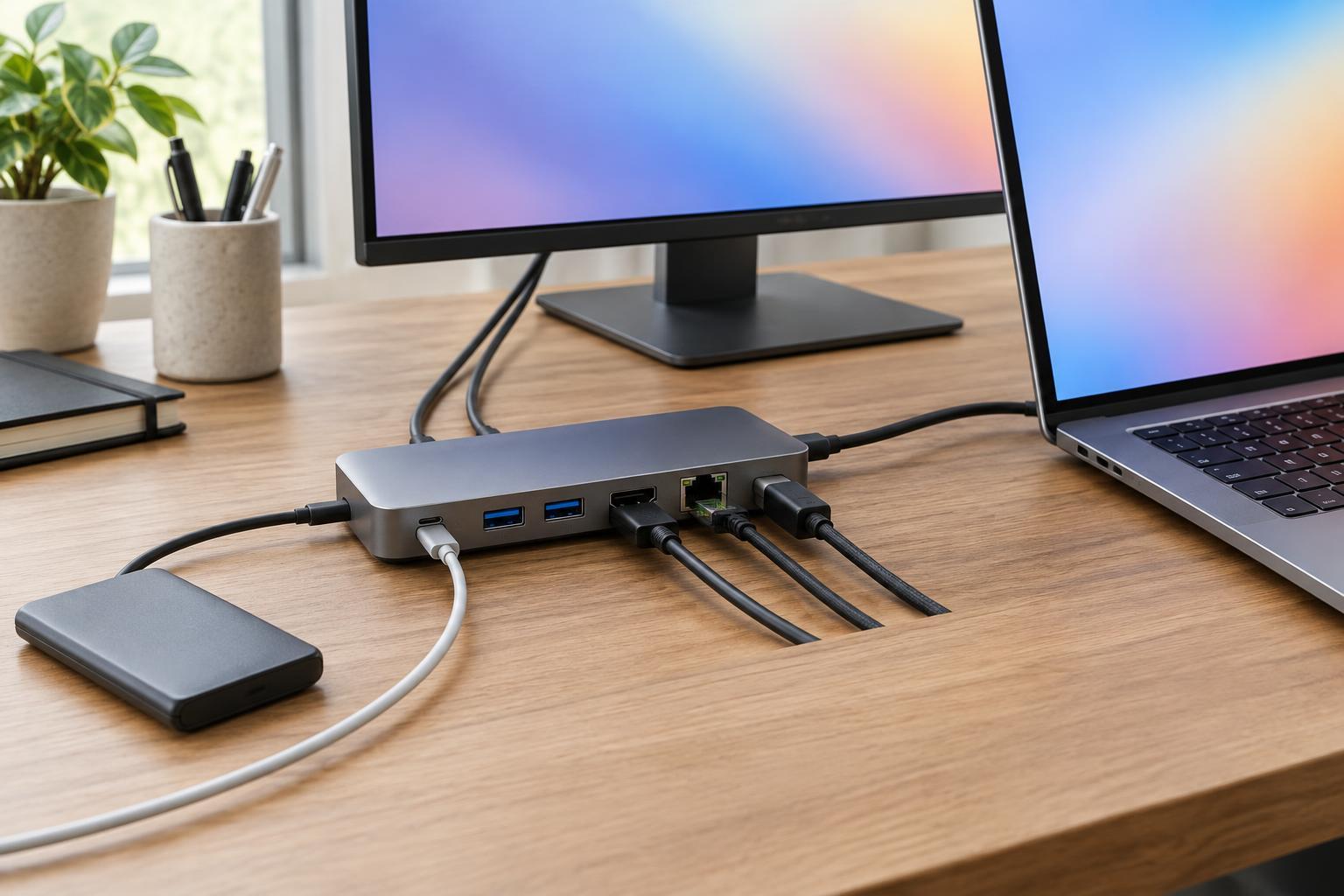
Compare a short list using the laptop’s documented requirements: connector, charging method, suitable output and, for detachable cables, cable capability. Then consider everyday conveniences such as a replaceable cable, a compact shape, port placement and whether the included cable is long enough. If you plan to share the charger, check the power available with your usual combination of devices connected.
Buy from a seller that provides clear specifications, model compatibility information and a workable return policy. Be cautious of vague listings that promise to charge every laptop without showing supported outputs. Once the charger arrives, confirm that its markings match the listing and that the laptop recognizes it. A good replacement is one whose specifications you can verify and whose connector, cable and power output suit the way you actually use your laptop.