Start with what deserves your attention
A notification is useful when it tells you something you need to know at a helpful time. It becomes a distraction when it interrupts you for information you would have found the next time you opened an app. Before changing settings, think about which alerts need an immediate response, which can wait, and which you would rather not receive at all.
A simple sorting method is to put calls and time-sensitive messages from people you rely on in the first group. Delivery updates, calendar reminders and account activity might belong in a second group, depending on your routine. Promotions, social reactions and recommendations can often wait until you choose to check the app. The right categories are personal: a group chat that is essential to one household may be casual conversation in another. For another perspective on how people communicate and make sense of everyday choices, browse Culture and Understanding · Akceptor Living.
Change one app at a time
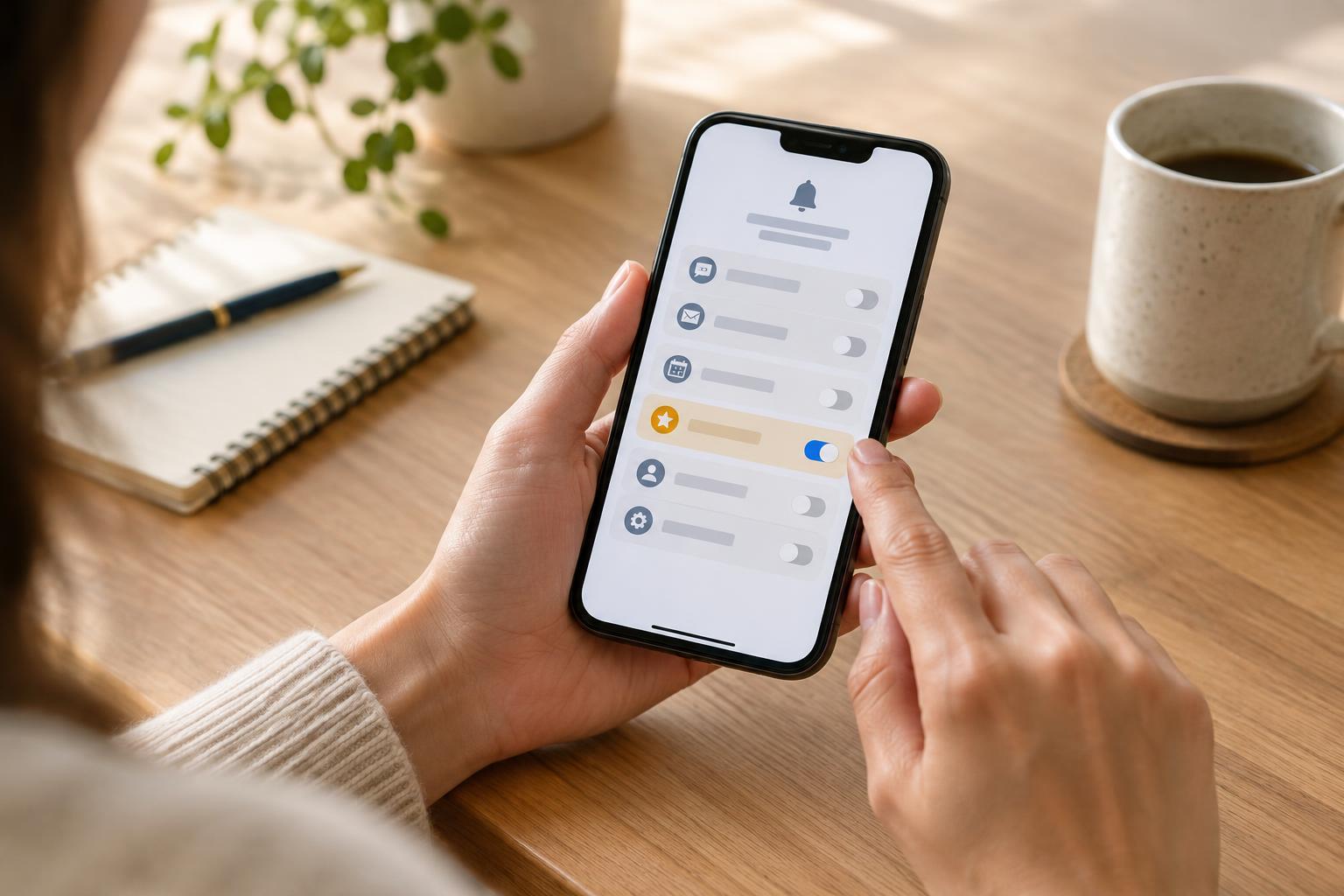
Open your phone’s notification settings and review the apps that have sent alerts recently. Menu names vary by device, but most phones let you turn notifications off for an app or adjust some types of alert within it. Begin with an app that interrupts you often. If its updates are rarely useful, turn its notifications off and keep using the app when you want to. You can change the setting again later.
For apps you want to keep, look for separate controls for categories such as messages, reminders, offers or activity updates. An app may also have its own notification controls, so check inside it if the phone’s settings are too broad. Change only a few settings at once. That makes it easier to notice whether you have accidentally silenced something useful or left a noisy category enabled.
Choose how alerts appear, not just whether they arrive
An alert does not always need a sound. Depending on your phone, you may be able to keep it in the notification list while removing its sound, vibration or lock-screen appearance. A quiet alert can be a good fit for information you want to review later. For more urgent items, a sound or vibration may still be appropriate, especially if you do not look at your screen frequently.
Consider privacy as well as noise. A lock-screen preview may reveal part of a message to anyone nearby. If that bothers you, look for a setting that hides message contents until the phone is unlocked. Also check whether repeated banners are necessary; seeing the same alert on your lock screen and again as a pop-up may add interruption without adding information. People notice alerts in different ways, so it can be helpful to browse Inclusive Design · Akceptor Living while thinking about a setup that works for your needs.
Use focus modes with a clear escape route
Focus or do-not-disturb modes can quiet your phone during sleep, work or other periods when you want fewer interruptions. Instead of enabling one and hoping for the best, review which people and apps it allows through. If your phone offers exceptions for repeated calls, decide whether that behavior suits your circumstances. Check alarms separately rather than assuming they follow the same rules as ordinary notifications.
Try a short, low-stakes session before relying on a focus mode for an important day. Ask someone you trust to send a test message or call, then check what you hear, see and find waiting afterward. You can also set a schedule if your quiet time is predictable, but keep the controls easy to reach for days when your plans change. For more ideas about adapting everyday routines to different preferences, browse Akceptor Living.
Review the results after using your phone normally
Use your new settings for a few days, then notice what happened. Did you miss a reminder you needed? Did an app still interrupt you with updates you never act on? Adjust that specific setting rather than turning every alert back on or silencing the whole phone. If a conversation matters only at certain times, consider whether your phone or messaging app offers a way to adjust alerts for that conversation.
Notification management is not a one-time cleanup. New apps may request permission, and existing apps may add alert types. When a prompt appears, you do not have to agree immediately; you can decide after you understand what the app wants to send. The goal is not a completely silent phone. It is a phone whose interruptions are worth your attention.