Start with a comfortable baseline
An e-reader’s default layout is only a starting point. The most comfortable settings depend on the screen size, the type of book and how you hold the device. Before changing everything at once, open a familiar book in the place where you usually read. Sit at a natural distance, then notice whether you are leaning closer, losing your place between lines or repeatedly shifting the device to avoid glare.
Change one setting at a time and read a few pages before deciding whether it helps. This makes it easier to tell which adjustment matters. Many e-readers save display preferences, but some books or file types may not allow every change. If a control seems to have no effect, try it in a different book before assuming the device lacks the feature.
Choose text you can read without effort
Font size is the most useful place to begin. Increase it until individual words are easy to recognize without squinting, then consider whether each page still holds enough text to read smoothly. A very large font is helpful for some readers, but it also creates more page turns and can break up paragraphs. There is no ideal size to copy from someone else’s device.
Next, compare a few built-in typefaces if your e-reader offers them. Look at ordinary paragraphs rather than a title or menu: are similar letters easy to distinguish, and does the weight of the text feel clear without looking crowded? Some devices also offer a boldness or font-weight control. A small increase can improve legibility without requiring a much larger font, though heavy text may feel dense during a long session. Keep the combination that feels easiest to follow, not merely the one that looks best in a settings preview.
Use spacing to make the page easier to follow
Line spacing affects how easily your eyes move from the end of one line to the start of the next. If lines seem to run together, add a little space. If the page feels fragmented and you keep losing the flow of a paragraph, try a tighter setting. Make these changes after choosing a font size, because larger letters can change how crowded the page feels.
Margins and page width matter too. Wider margins create shorter lines, which some readers find easier to track, particularly on a larger screen. Narrower margins fit more words on each page. Try a middle setting first, then adjust based on whether your eyes travel comfortably across each line. If alignment controls are available, compare the options in a paragraph with long words; one layout may have fewer distracting gaps than another. The useful choice is the one that lets you follow the text without noticing the layout.
Match front lighting to the room
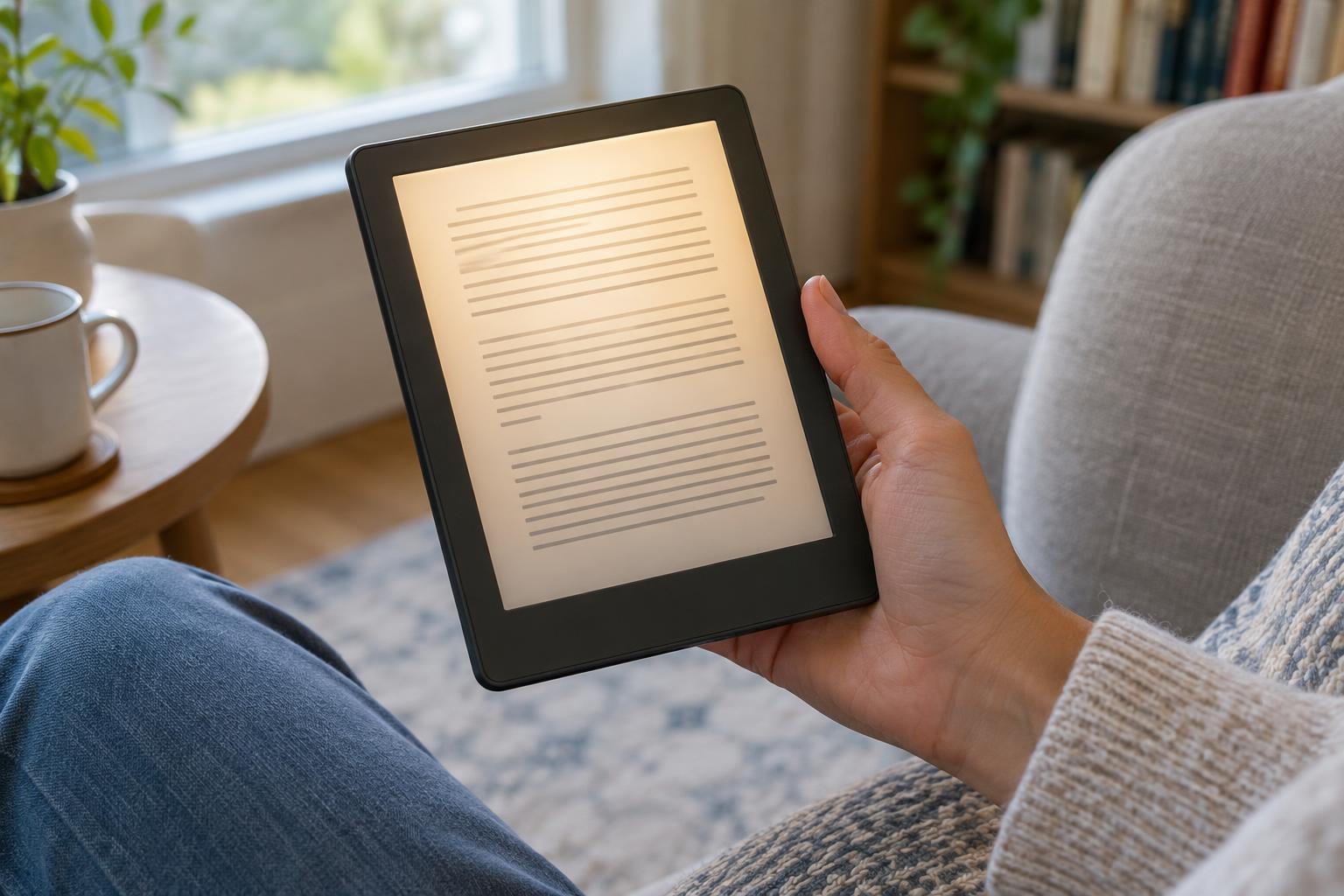
A front light illuminates an e-reader’s display for use when ambient light is limited. In a bright room or outdoors, you may need little or no front lighting, depending on the device and conditions. In a dim room, begin at a low level and raise it only until the text is clear. If the screen draws your attention more than the words do, the light may be brighter than you need.
Some e-readers let you change the light from cooler to warmer tones. If yours does, compare both while reading the same page in your usual evening environment. A warmer tone may feel gentler to you, while another reader may prefer a cooler, whiter page. If the device offers automatic brightness or a lighting schedule, treat it as a convenience rather than a final setting: check whether its choices still suit the room. Also consider a nearby lamp, which can make the surrounding space less dark than the page.
Recheck your setup as conditions change
A layout that works at a desk may not be as comfortable while reading in bed or on a moving vehicle. You do not need to fine-tune every control each time you pick up a book. Keep a reliable everyday setup, then make a quick brightness adjustment or move up one font-size step when the environment changes. If your device supports reading profiles or saved presets, they can reduce repeated setup.
After a longer reading session, ask a simple question: were you absorbed in the book, or were you managing the screen? Frequent rereading, losing your place or changing your grip may be signs to revisit text size, spacing, lighting or the way you hold the device. Adjustments are reversible, so experiment patiently. The goal is not to maximize the amount of text on a page; it is to make reading feel natural enough that the settings fade into the background.