What battery health means
Most smartphones use rechargeable lithium-ion batteries. As a battery ages, it generally holds less energy than it did when new. That can mean a shorter time between charges even if your screen time and apps have not changed. A heavily worn battery may also struggle to supply power during demanding tasks, especially when it is cold or nearly empty.
Some phones show a battery-health percentage or a service message in their settings. Treat that reading as a useful estimate, not a complete diagnosis. What matters most is whether the phone lasts long enough for your day and works reliably. Before blaming the battery for a sudden change, check whether screen brightness, mobile signal, background activity or a recently installed app is using more power than usual.
Build charging habits you can live with
You do not need to wait until your phone reaches zero before charging it. Small top-ups are fine, and repeatedly running it flat offers no battery-health advantage. If it is convenient, spending less time at a full charge or nearly empty may reduce wear over the long term. But a charging routine that makes your phone dependable is more valuable than following a rigid percentage rule.
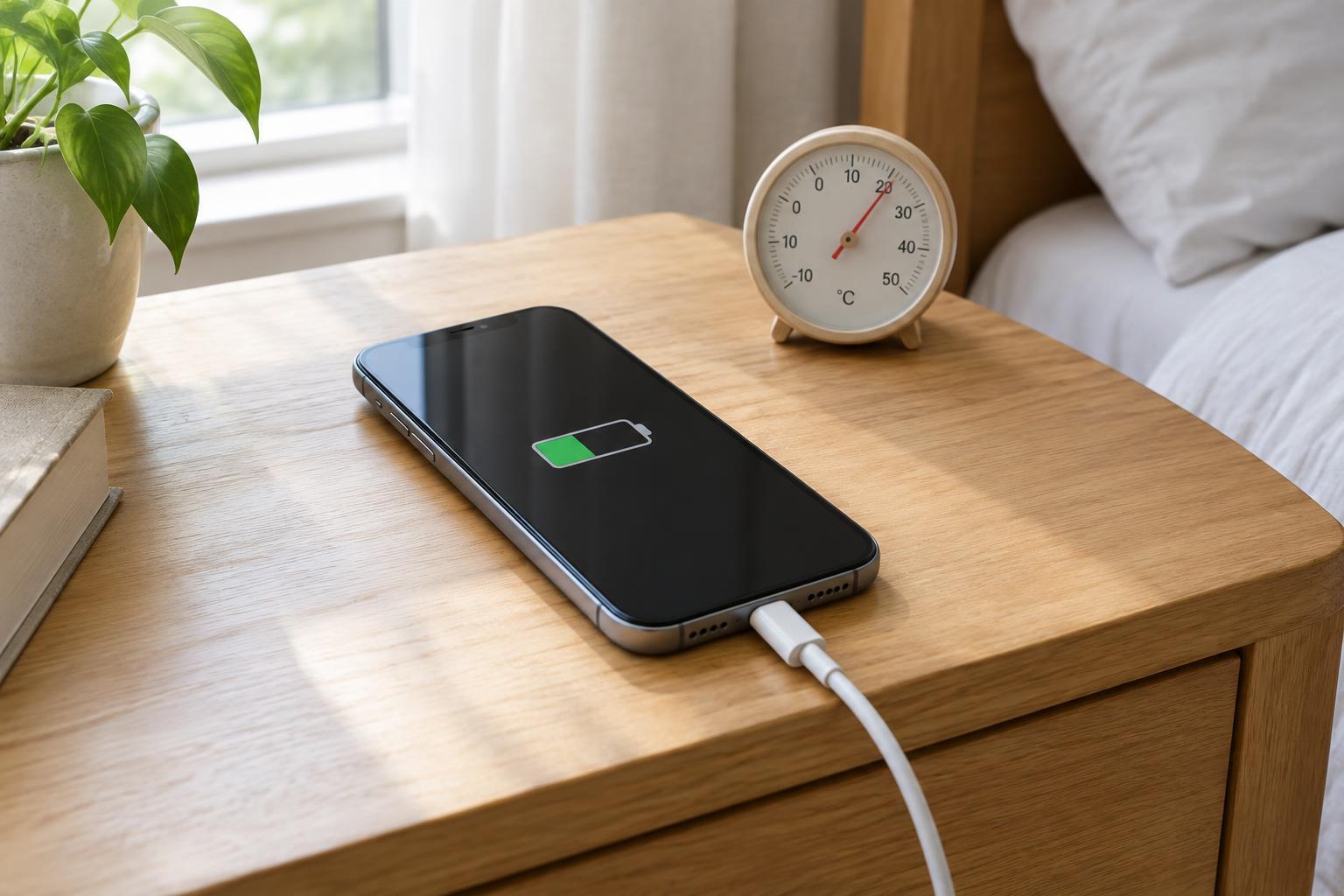
Look for an optimized charging or charge-limit setting if your phone offers one. These features may delay the final part of a charge or stop at a chosen level when you do not need a full battery. Charging overnight is generally a practical choice with a modern phone and suitable charger; the phone manages charging rather than endlessly forcing power into a full battery. Place it where heat can escape, instead of under bedding or other insulating materials.
Use a charger and cable that suit your phone and are in good condition. Faster charging is convenient, but it can produce more heat under some conditions. If you are not in a hurry, a slower compatible charger is a reasonable option. Avoid damaged cables, loose connections and accessories that become unusually hot.
Pay attention to heat
Heat is one of the more useful things to manage because it can add to battery wear. A phone may warm up while charging, navigating, recording video, gaming or updating software. Warmth alone is not necessarily a problem, but sustained high temperatures deserve attention. Leaving a phone in a hot car or in direct sun can be harder on it than ordinary charging.
If the phone gets uncomfortably hot, stop demanding tasks, move it out of the sun and let it cool naturally. You can unplug it while it cools and remove a thick case if that is easy to do. Do not put it in a refrigerator or expose it to moisture to cool it quickly. If overheating warnings appear repeatedly during light use, check for software updates and battery information, then consider asking a repair provider to inspect it.
Decide whether replacement is worthwhile
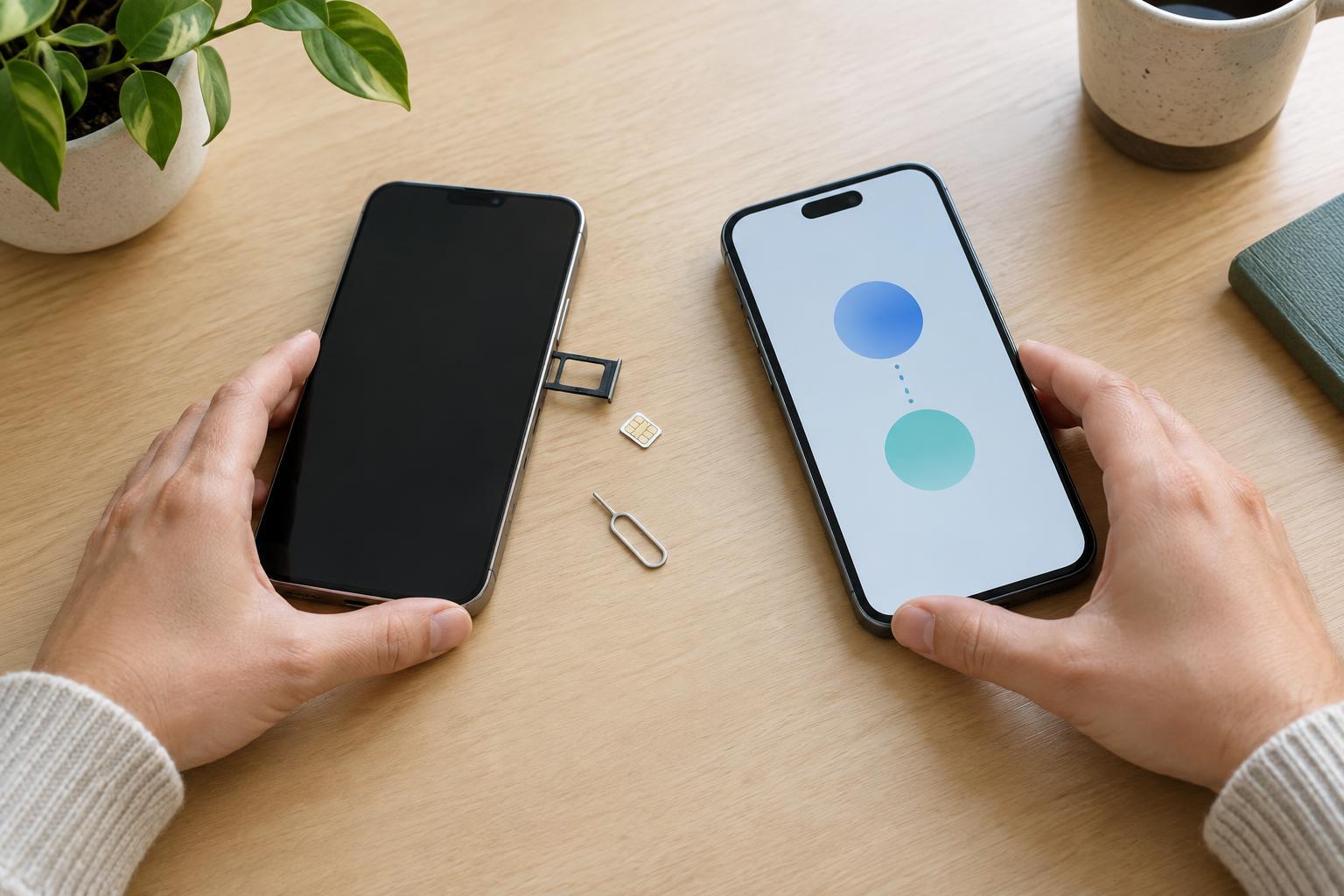
A battery replacement makes sense when reduced runtime or unreliable performance interferes with how you use an otherwise suitable phone. Frequent unexpected shutdowns, a battery-service notification or a health reading that has fallen substantially can strengthen that case. Compare the repair cost with the phone’s remaining usefulness: if the screen, storage and software still meet your needs, replacing the battery may be more practical than replacing the whole device.
Back up your phone before arranging service, and check the repair provider’s process, parts and warranty terms. Battery replacement is not a good casual do-it-yourself task for a sealed phone: opening it can damage components, and a punctured battery can be hazardous. If the battery appears swollen, the screen is lifting or the phone has a chemical smell, stop using and charging it and seek qualified service promptly.
Keep the goal simple
Battery health is about maintaining a useful phone, not preserving a perfect number in settings. Charge when it fits your day, use available charging controls if they suit you, and avoid unnecessary heat. If runtime declines, check for changes in power use before deciding that the battery has worn out. When the battery no longer supports reliable everyday use, a professional replacement is a sensible option to consider.