The difference is in how the plan reaches your phone
A physical SIM is a removable card that connects a compatible phone to a mobile plan. An eSIM is a digital SIM profile installed on a phone that supports it. Both can provide calls, texts and mobile data, depending on the plan and device. Neither format automatically gives you a better signal: coverage and performance also depend on the network, phone and location.
With a physical SIM, activation often involves inserting the card and following the carrier’s instructions. With an eSIM, you typically add a plan through the phone’s settings, a carrier app, a QR code or another carrier-supported method. The exact process varies by carrier and device. Before ordering a plan, check that your phone supports the offered SIM format, is compatible with the carrier and is unlocked if you intend to use a different carrier.
What changes during activation
A physical SIM gives you an object to handle: the card must be the right size, arrive if ordered by mail and be placed in the phone’s SIM tray. An eSIM avoids the card and tray, which can make remote activation convenient. You may, however, need internet access to download the profile and access to an app, email or account to complete the setup. Keeping a Wi-Fi connection available can help if mobile service is not yet working.
If you are moving an existing number to a new carrier, that number transfer is separate from the SIM format. Your new carrier may ask for account details from your old carrier and tell you when to activate the new line. Avoid cancelling the old service before confirming the transfer steps; doing so can complicate the move. If you are simply replacing a SIM on the same account, ask the carrier whether the old SIM or eSIM will stop working as soon as the replacement activates.
Switching phones: a card move or a profile transfer
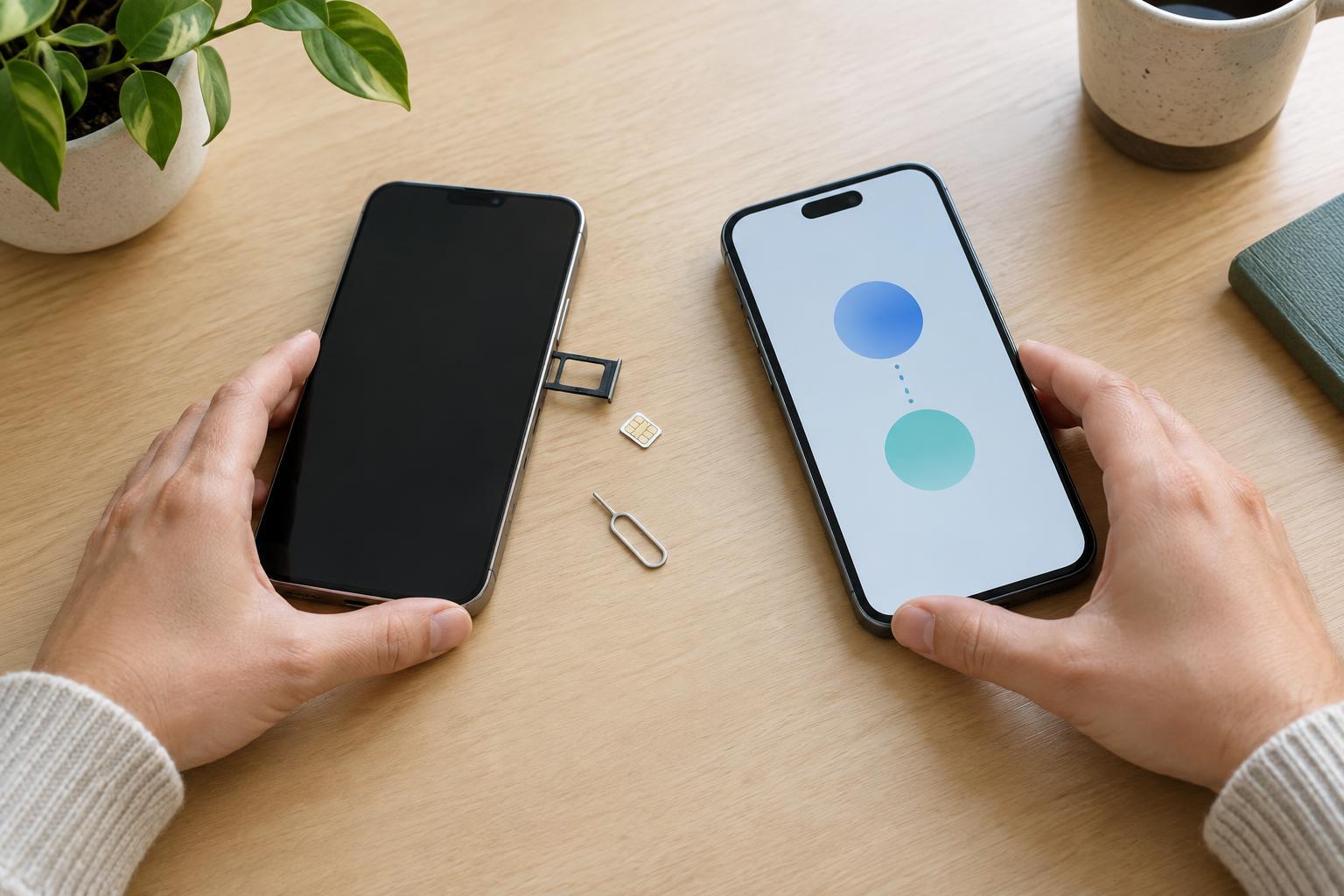
Moving a physical SIM can be straightforward: turn off the phones, move the card to the compatible new phone and check that calls, texts and data work. It is not guaranteed to be plug-and-play. The new phone must support that card and network, and some carriers may require an activation step or updated device details. Keep the old phone nearby until you have tested the new one.
An eSIM cannot be lifted out and inserted into another device. Some phone and carrier combinations offer a guided eSIM transfer during setup. Others require you to request a replacement eSIM or activate the line again through your carrier. Do not erase or trade in the old phone until the new phone has working service and you have confirmed any required account sign-in or verification steps. Also transfer your photos, messages and apps separately: changing a SIM does not, by itself, copy your personal files.
Using two lines and traveling
Many phones can store more than one eSIM profile, while some support a physical SIM alongside an eSIM. Storing multiple profiles does not necessarily mean all lines can be active at once. Check your phone’s dual-SIM capabilities and your carrier’s terms before relying on two numbers for work, travel or family use. In the phone’s settings, you can usually choose which line handles mobile data and set defaults for calls and messages.
For travel, an eSIM can let you add a compatible travel plan without removing your everyday SIM. A physical travel SIM remains an option if your phone has a tray. Either way, check whether the phone is unlocked, where the plan provides service and how your phone handles data roaming. If you leave your usual line active for calls or texts, it may still incur charges under your plan. Review the line settings before departure rather than assuming that selecting a travel data line disables everything else.
Choose the format that makes your next change easier
A physical SIM may suit you if you regularly move one line between compatible phones and prefer a card you can remove. An eSIM may suit you if you want to activate without waiting for a card, use a phone without a SIM tray or keep a second plan available. Neither choice removes the need to protect your carrier account: account access and identity checks matter when someone requests a replacement SIM or transfers a line.
Before changing phones, confirm the new device’s SIM options, carrier compatibility and activation method. Make sure you can sign in to your carrier account, keep a working internet connection available and back up the data you care about. Once the new line works, test a call, a text and mobile data before retiring the old setup. Those checks matter more than whether the plan arrived on plastic or as a downloaded profile.