Give your inbox one clear job
Think of your inbox as a place to notice new messages and decide what to do with them, not as a permanent filing cabinet. A message can be read and still need a reply, while another can be worth keeping without needing attention. Separating those two cases makes the inbox easier to scan.
Start by choosing a small set of actions you can apply to most messages: reply, set a reminder, archive, delete or report as spam. Archive messages you may need later but do not need to see every day. Delete messages with no lasting value. If your email service offers snoozing or reminders, use them for messages you cannot act on yet; otherwise, leave them in a clearly named action label. You do not need to process years of old mail before this approach becomes useful. Begin with new arrivals and the recent messages that still matter.
Create labels around decisions, not every subject
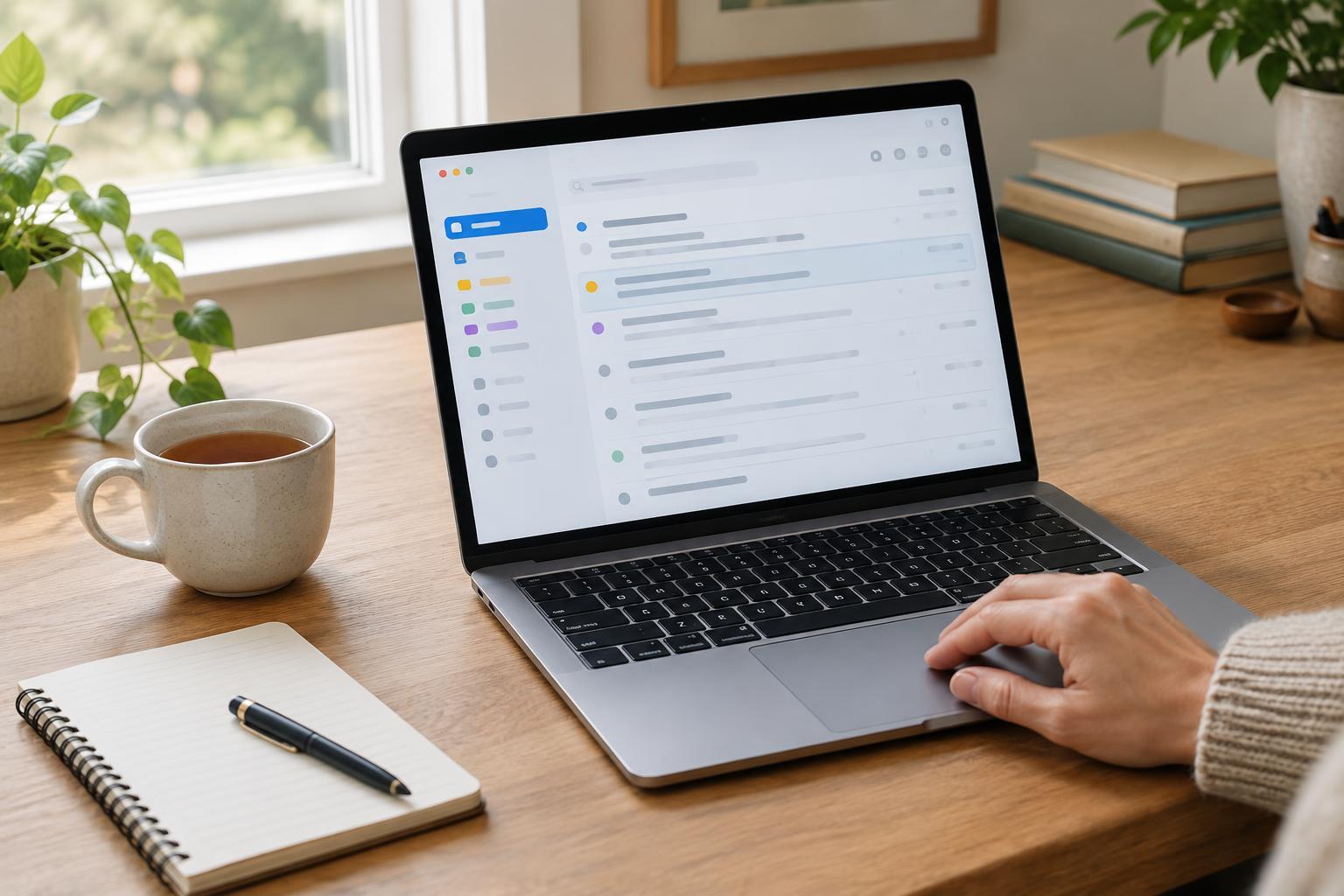
Labels are most helpful when they answer a question such as “What needs my attention?” or “Where would I look for that receipt?” Begin with a few broad labels: Action Needed, Waiting For, Receipts and Reference could be enough. Add a label only when a recurring type of message is difficult to find through search. A long list of rarely used labels creates another filing task without necessarily making email easier to use.
Keep the difference between status and topic in mind. Action Needed and Waiting For describe what is happening now; Receipts and Reference describe why a message is worth keeping. A single message may fit both kinds of label if your service allows it. After you reply to an Action Needed message, remove that label and, if appropriate, add Waiting For. You can then archive the conversation while keeping its status easy to find.
Before creating a new label, try searching for the sender, a distinctive phrase or an order number. Email search is often faster than remembering a precise folder name. Labels are best reserved for groups you revisit, not used as a substitute for search.
Use filters to remove predictable work
Filters can apply a label, archive a message or take another action when incoming mail matches conditions you choose. Good first candidates are predictable, low-priority messages: newsletters you want to read later, routine account notifications or receipts from a familiar sender. You might label newsletters as Reading and keep them out of the inbox, while labeling receipts but leaving them visible until you confirm a purchase.
Make each rule as specific as it needs to be. A filter based only on a broad word such as “order” may catch a personal message or an important problem with a purchase. Check the sender address and other available conditions, and review a few matching messages before enabling automatic archiving. Email services differ in what their filters can do, so use the options your service actually provides rather than trying to recreate someone else’s setup exactly.
Be especially cautious with rules for bills, security notices and messages from people. Avoid automatically deleting anything you might need to act on or keep as a record. After adding a filter, check its label and your inbox over the next few days. If important mail becomes harder to notice, change or remove the rule.
Build a routine you can repeat
Pick one or two times during your day to process email when possible, rather than treating every notification as a request for an immediate decision. During each session, scan for urgent or time-sensitive messages first. Then answer quick messages you can finish, mark longer tasks as Action Needed, and archive or delete the rest. If a reply requires work outside your inbox, put that work on your task list or calendar so the message is not your only reminder.
Once a week, review Action Needed and Waiting For. Close out items that no longer matter, follow up where appropriate and remove outdated labels. Check your Reading label only when you have time for it; it does not need to become a second inbox. If you routinely skip that label, unsubscribe from senders you no longer value. A shorter flow of incoming mail usually helps more than a more elaborate sorting system.
Keep the system small enough to maintain
The aim is not to reach inbox zero every evening. It is to know where to look for work, what can wait and how to find useful records later. If you cannot remember what a label means, rename or remove it. If you keep rescuing messages from a filter, make the filter less aggressive. Your system should change as your email habits change.
A good setup passes a simple test: you can open your inbox, identify what needs a decision and leave without wondering whether an important message has disappeared. Start with a few labels, add one cautious filter and follow a brief routine. Refine each part only when a recurring problem gives you a reason to.