Start with the pages you actually need
Bookmarks are easy to save and easy to forget. Before building a new folder system, look through what you already have. Delete links you no longer need, including old product pages, finished projects, and duplicate copies of the same site. If a page no longer opens, check whether you still need the information before spending time finding its replacement.
You do not have to sort everything in one sitting. Begin with the bookmarks bar and the folders you open most often. Move anything you are unsure about into a temporary folder called “Review later.” That gives you a cleaner starting point without forcing a decision about every saved link.
Choose a small number of useful folders
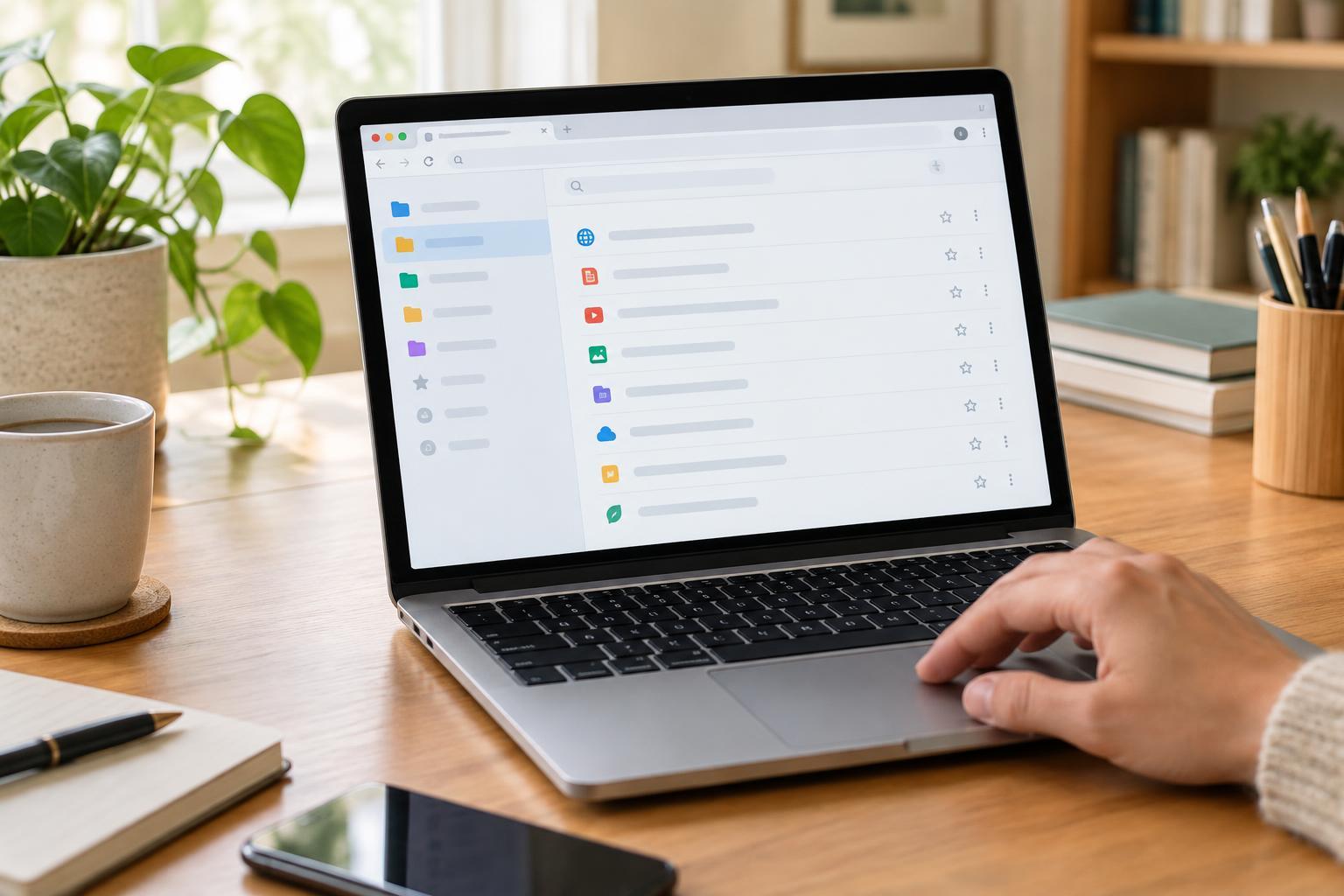
Organize bookmarks around the reason you return to them, rather than trying to describe every website perfectly. Folders such as “Accounts,” “Home,” “Learning,” “Projects,” and “Reference” may be enough. Your names should reflect your own routines: a recipe collection might deserve a folder if you use it often, while occasional recipes can live in a broader “Home” folder.
Keep the top level short enough to scan. Too many folders create another search problem, and several layers of subfolders can make a link feel hidden. Add a subfolder when a category becomes crowded and you can give the new group a clear name. If you regularly hesitate over where a page belongs, the categories may be too similar. Combine them, or pick one consistent rule for sorting.
Use the bookmarks bar for a few destinations you open frequently, not as a display of everything you have saved. Pages you visit occasionally can remain in folders or be found through bookmark search.
Rename links for recognition, not completeness
A bookmarked page often inherits a long title that includes a site name, a slogan, or words that do not help you identify it later. Rename important links with the terms you would think to search for. “Router setup guide” is more useful than a generic “Support” label if you have several support pages saved. For a project, include its name so related links are easier to spot.
Short names also make the bookmarks bar easier to read. You can remove repeated site names when the remaining words still identify the destination. Avoid shortening every label into an abbreviation you may not recognize in six months. A good bookmark name answers a simple question: what would I call this page if I needed it again?
If your browser lets you edit a bookmark’s address, take care not to change the URL while renaming it. After a larger cleanup, open a few important links to make sure they still lead where you expect.
Give temporary links an exit route
Not every saved page belongs in a permanent collection. Articles you mean to read, options for an upcoming purchase, and instructions for a one-time task can go into a single “To review” folder. Keep it separate from your reference folders so unfinished decisions do not bury pages you rely on.
When you revisit that folder, decide what happens to each link: read it, move it to a lasting category, or delete it. A bookmark is most valuable when it has a purpose. If you only need a page once and can easily find it again through your usual search terms, you may not need to save it at all. For information you must retain even if a page changes or disappears, consider keeping your own notes rather than relying on a bookmark alone.
Maintain the system with a quick check-in
A bookmark system stays useful when you give it occasional attention. When a folder feels crowded, scan it for duplicates and pages tied to completed tasks. Check the temporary folder before adding another batch of links. You can also move a frequently used page to a more visible location and move rarely opened pages off the bookmarks bar.
Browser sync can make bookmarks available across devices, but check the account and sync settings on each device before assuming changes will appear everywhere. On a shared device, consider whether synced bookmarks could expose personal destinations. If you are making major changes to a large collection, your browser’s export option may provide a backup you can keep until you are satisfied with the new arrangement.
The goal is not a perfect archive. It is a collection small and clear enough that you can find a useful page when you need it.