Give each calendar a clear purpose
Multiple calendars are useful when they separate different parts of life: work meetings, personal plans, family commitments or appointments shared with a partner. Problems start when the same event appears in several places without a clear original. You may move one copy while another stays unchanged, or dismiss an alert because you assume someone else updated the plan.
Decide which calendar owns each type of event. A work meeting might live in your work calendar, while a household appointment belongs on a shared family calendar. If you need to see a commitment elsewhere, use a calendar view that displays both calendars rather than creating a second editable copy. When a duplicate is unavoidable, make a habit of checking the original before changing either entry.
Build one view of your available time
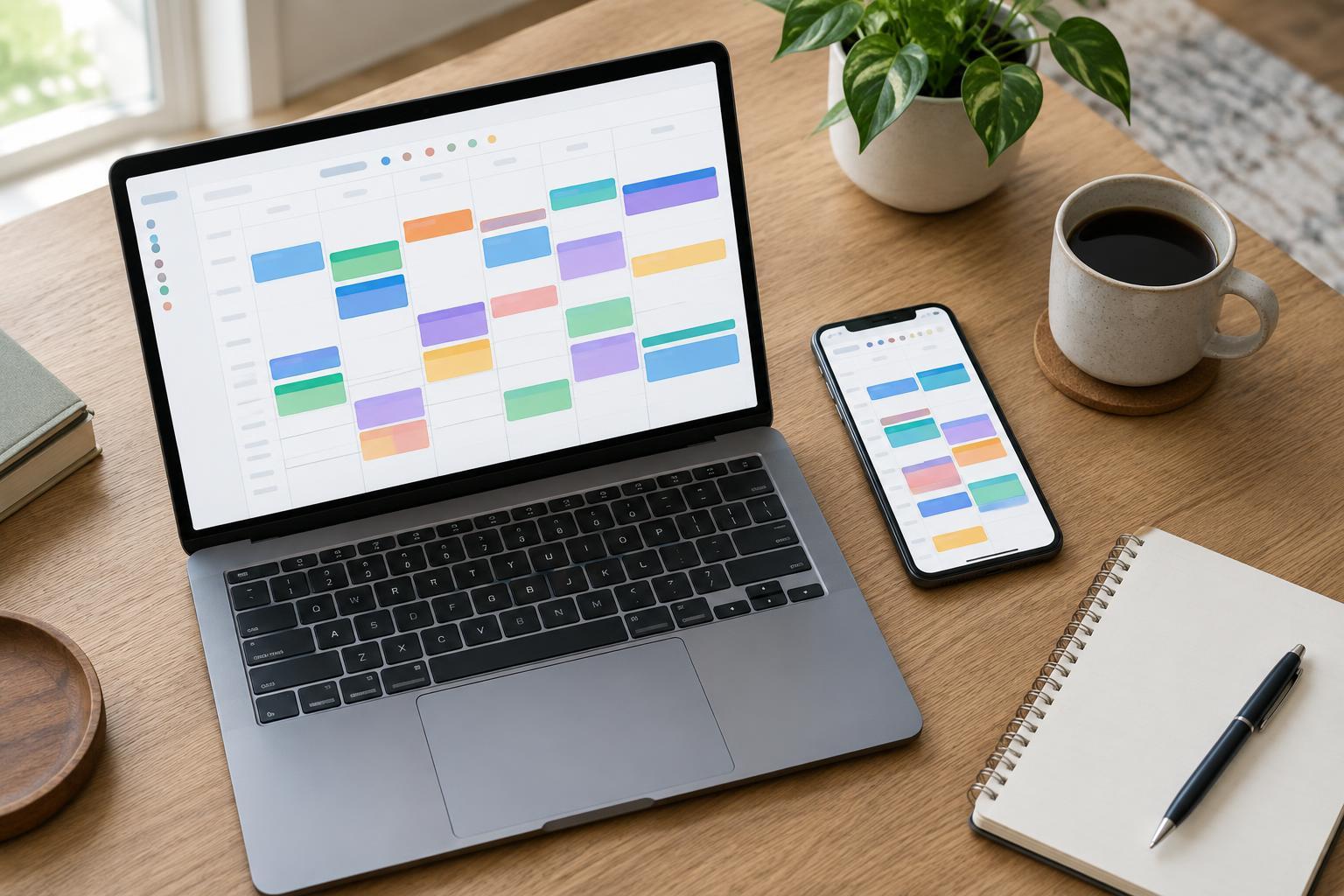
Choose a calendar app or screen where you can see your important calendars together. Many calendar services let you display other accounts or subscribe to shared calendars, though the available controls depend on the service and any workplace rules. Start by adding only calendars that affect your availability. A crowded view filled with optional events can make a genuine conflict harder to spot.
Use distinct, consistent colors so you can tell at a glance whether an event is work, personal or shared. Color is a visual aid, not a substitute for a descriptive title. “Dentist — Sam” is clearer than “Appointment,” especially if several people use the same calendar. Check how each calendar appears on your phone and computer; a setup that works on one device is not much help if you usually check the other.
Record the details you will need later
When you add an event, include the location or meeting link, the correct start and end times, and any preparation you need to do. For an in-person appointment, allow for travel and parking by adding separate travel time or by blocking a little space around the event. For a video call, check that the link is in the event you will actually open. These small details reduce last-minute searching.
Pay particular attention to time zones when arranging calls or travel. Confirm the time zone shown in an invitation before accepting it, and check how your calendar displays events away from home. For repeating appointments, review the recurrence rule instead of assuming it matches what you intended. An event set for every week is easy to overlook when it should occur only on certain weeks.
Make reminders useful, not constant
More notifications do not necessarily mean fewer missed appointments. If every calendar sends alerts for the same event, it becomes easier to ignore them all. Choose a sensible default reminder for ordinary events, then adjust important ones individually. An appointment that requires travel may need an earlier alert than a call you can join from your desk.
Review notification permissions on the devices you rely on. A reminder configured in a calendar may not be noticeable if the app cannot send notifications, the device is in a focus mode, or alerts are going to an old device. Test your setup with a low-stakes event. For especially important commitments, consider a second cue, such as a task to prepare documents the day before, rather than several identical alerts at the last minute.
Use a short review routine to catch gaps
Spend a few minutes at the start of each week looking across all calendars. Check for overlapping events, missing travel time and invitations you have not answered. Then glance at the next day’s schedule each evening or morning. This is also a chance to confirm locations and links, especially for events added by someone else.
When plans change, update the calendar that owns the event and tell affected people if the change will not reach them automatically. If you use a shared calendar, agree on who enters appointments and what information should go in the title. Finally, remove old calendars you no longer need to watch. A reliable system is not the one with the most calendars or alerts; it is the one you can check quickly and trust.