Give each space a clear job
The Downloads folder is a landing spot for files you get from a browser, email or an app. The desktop is best treated as a small workspace for things you need to see or open soon. Neither needs to be perfectly empty. The goal is to make it obvious which files still need attention and where finished files belong.
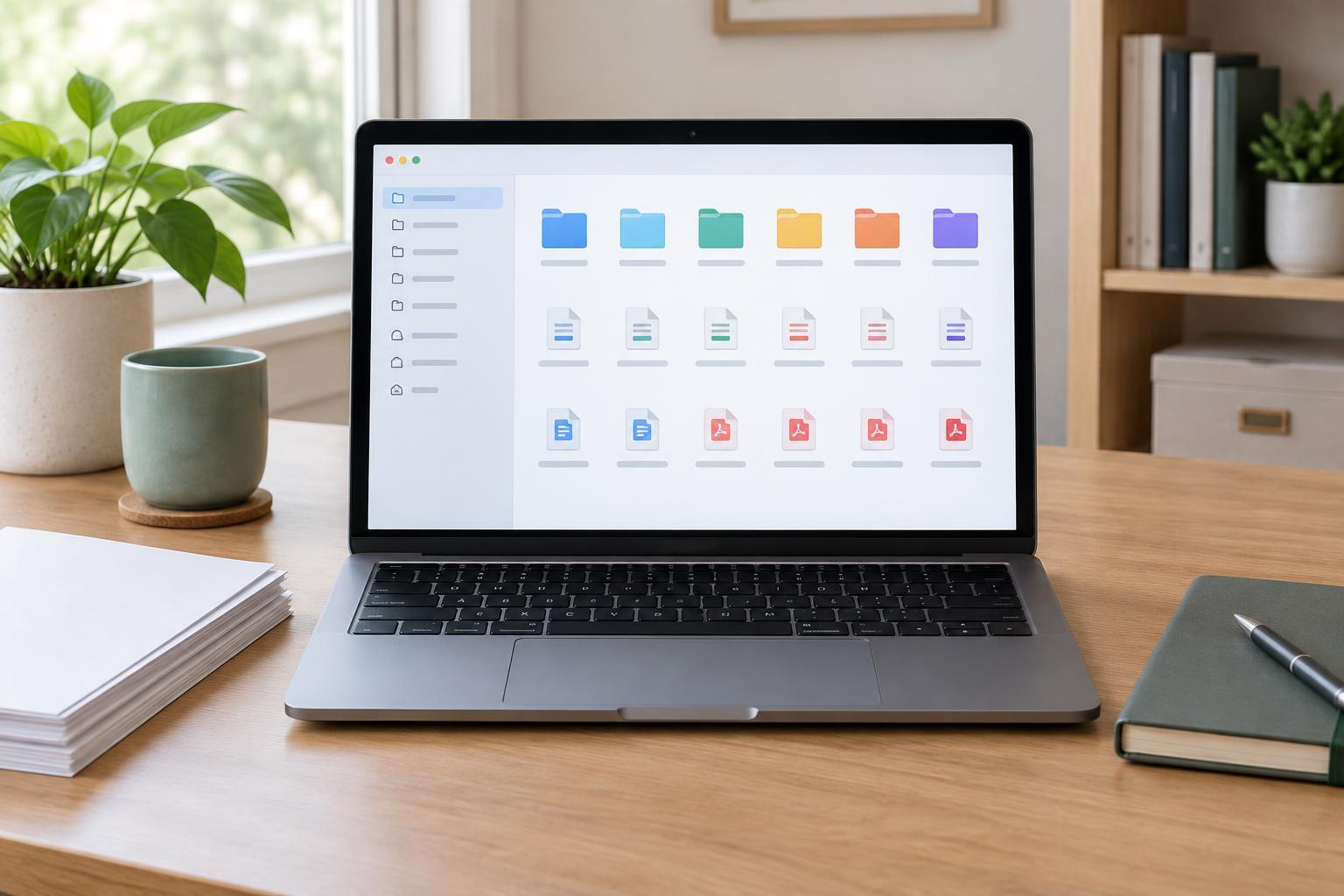
Start by choosing a handful of permanent destinations, such as Documents, Photos and a folder for ongoing projects. Use names that describe how you look for things, not an elaborate system you will have to memorize. If you regularly save household records, for example, a Household folder may be more useful than several narrowly named folders you rarely open.
Sort what is there before setting new rules
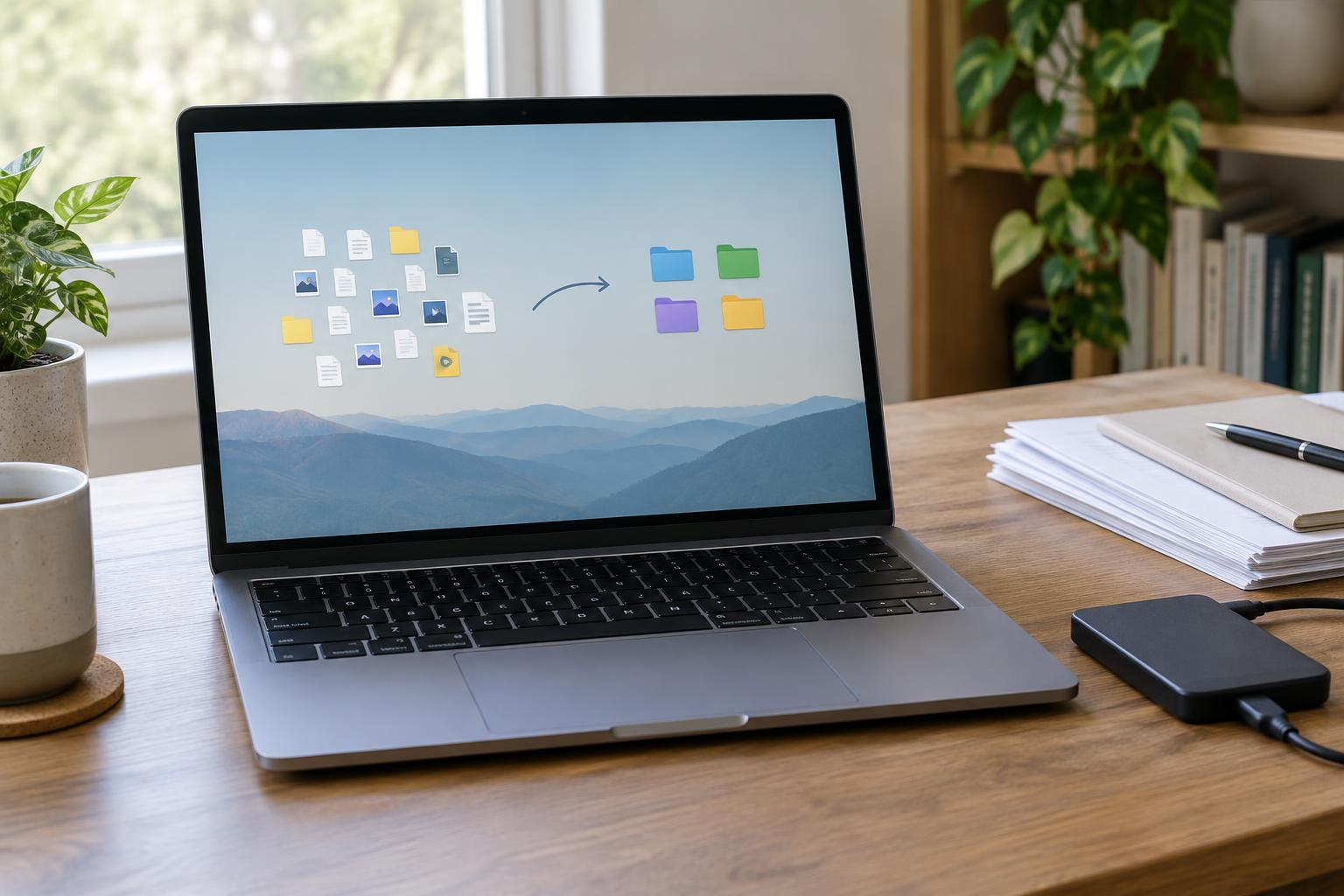
Set aside a short session to review Downloads and the desktop separately. Sort by date or file type to bring similar items together, then open files you cannot identify from their names. Move anything worth keeping to its permanent folder. If you are unsure where an item belongs, put it in a clearly named To Sort folder rather than leaving it mixed with everything else.
Look for duplicate downloads, old installers and files you no longer need. Before deleting an unfamiliar item, check that it is not the only copy of something important. Be especially careful with a desktop that syncs to cloud storage: moving or deleting a file there may affect what appears on your other devices. You can leave uncertain files for a later pass; a safe cleanup is more useful than a fast one.
Once the first pass is done, give the remaining desktop items a purpose. Keep only active work and a few shortcuts you actually use. A shortcut points to a file, folder or app; it is not necessarily the file itself. Check what an icon represents before removing it.
Make file names do some of the organizing
A useful file name tells you what the item is without requiring you to open it. Replace vague names such as document-final or image-3 with a subject and, when helpful, a date or version. For recurring records, use the same pattern each time, such as Household electricity 2026-03. A year-month-day order is handy when you want names to sort chronologically.
Keep names short enough to scan and avoid creating several files called final, final-new and final-revised. If you are editing a document over time, decide whether you need separate versions at all. When you do, use a consistent label so you can identify the latest one. Renaming a downloaded file as you move it is often easier than trying to identify it months later.
Build a small routine around new downloads
When you download something, decide what happens next: open it and discard it, move it to a permanent home, or keep it temporarily for an active task. This decision can take only a few seconds. If you frequently lose files because they land in different places, check your browser’s download settings and choose a location you will remember. You can also set a browser to ask where to save each file if that fits the way you work.
Once a week or at another interval you can maintain, scan Downloads for completed tasks and remove or file their leftovers. Do the same for the desktop. If files tend to pile up during busy periods, schedule a slightly longer review rather than trying to sort every item the moment it appears. The routine matters more than the exact schedule.
Keep the system easy to recover and use
Organization should make files easier to find, not harder to access. Test your setup by searching for a few documents you know you will need again. If you cannot predict which folder holds them, simplify your categories or improve their names. Pinning frequently used folders in your file manager may save more time than adding more desktop icons.
Before a major cleanup, make sure important files are backed up in a way you understand. Syncing can help files appear across devices, but it does not always protect against an accidental deletion that syncs everywhere. After the initial tidy-up, let the desktop and Downloads folder act as temporary spaces again—with a regular review that stops temporary from becoming permanent.