A save is not the same thing as an installed game
An installed game contains the files needed to run it. A save holds information about your progress, such as completed levels, choices or settings. Deleting a game installation does not necessarily delete its save, but you should check the options on your console before removing anything. Consoles often show game software and saved data as separate items in their storage settings.
Saves are commonly tied to a console user profile. If several people play on the same console, each may have separate progress even when everyone launches the same installed game. A digital purchase, the game files and a save can also have different rules for moving between devices. Owning the game on a new console does not, by itself, guarantee that your progress will appear there.
Local saves: progress stored on the console
A local save is stored on the console’s internal storage or another location the platform permits for saved data. It lets you continue playing without relying on a cloud connection. The trade-off is that progress stored only on one device may be lost if that device is reset, damaged or replaced before you make a supported backup or transfer.
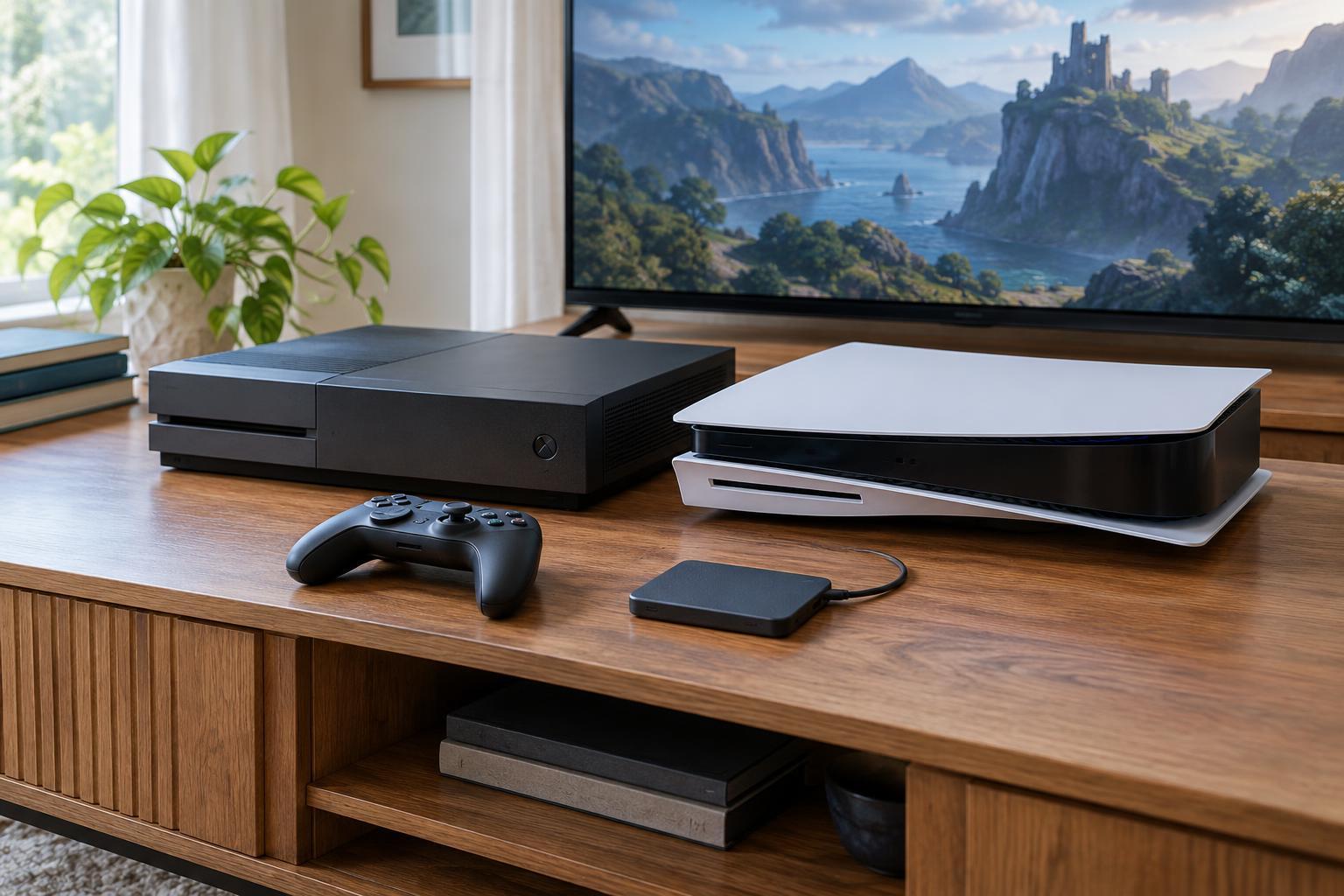
Storage expansion can be confusing here. An external drive or memory card may hold installed games without holding their saves, depending on the console. Some platforms restrict where saved data can be stored or whether it can be copied to removable media. To find out what is protected, look at the console’s saved-data settings rather than assuming that moving a game installation also moves your progress.
Cloud saves: a second copy that needs to sync
Cloud saving generally copies eligible saved data from a console to an online service associated with your account. That can make it easier to resume on another console or recover progress after replacing one. Availability varies by platform, game and account: some features require a subscription, some games do not support cloud saves, and certain games handle progress through their own online accounts instead.
A cloud save is useful only if the copy you need has uploaded and the other console has downloaded it. If you play offline, a newer local save may not have reached the cloud. If you play on two consoles, each could end up with different progress. When a console asks which version to keep, compare the displayed times or progress carefully; choosing an older copy may overwrite newer work. After a play session, allow time for syncing and check its status when the platform offers one.
Transfers and game accounts are separate paths
A console-to-console transfer moves supported data directly between devices, sometimes over a local network. Other platforms offer a backup-and-restore process or a way to download saves after signing in on the new console. These methods are not interchangeable: a transfer might require both consoles to be available, while a cloud download depends on an eligible uploaded save. Follow the instructions for your particular console rather than relying on a general rule about where saves go.
Some online games store important progress on the game publisher’s servers. Signing in to the correct game account may matter more than copying a console save. Account linking can also determine whether progress carries between console families, and cross-progression is not universal. Before changing devices, check whether the game uses a console save, a publisher account or both. Keep track of which console profile and game account you use.
A safer routine before switching consoles
Start on the old console while it still works. Save and fully close the game, connect to the internet if you use cloud saves, and check for an upload or sync status. Confirm that you are signing in to the intended console profile on the new device. Then use the platform’s supported transfer or download method and open the game to verify that your expected progress is present.
Avoid wiping, selling or giving away the old console until you have checked several important saves on the new one. If a save seems missing, do not immediately start a new game or repeatedly accept overwrite prompts. Check the active profile, cloud status, game version and any linked publisher account first. A little time spent confirming where each save lives is more reliable than assuming every game uses the same system.