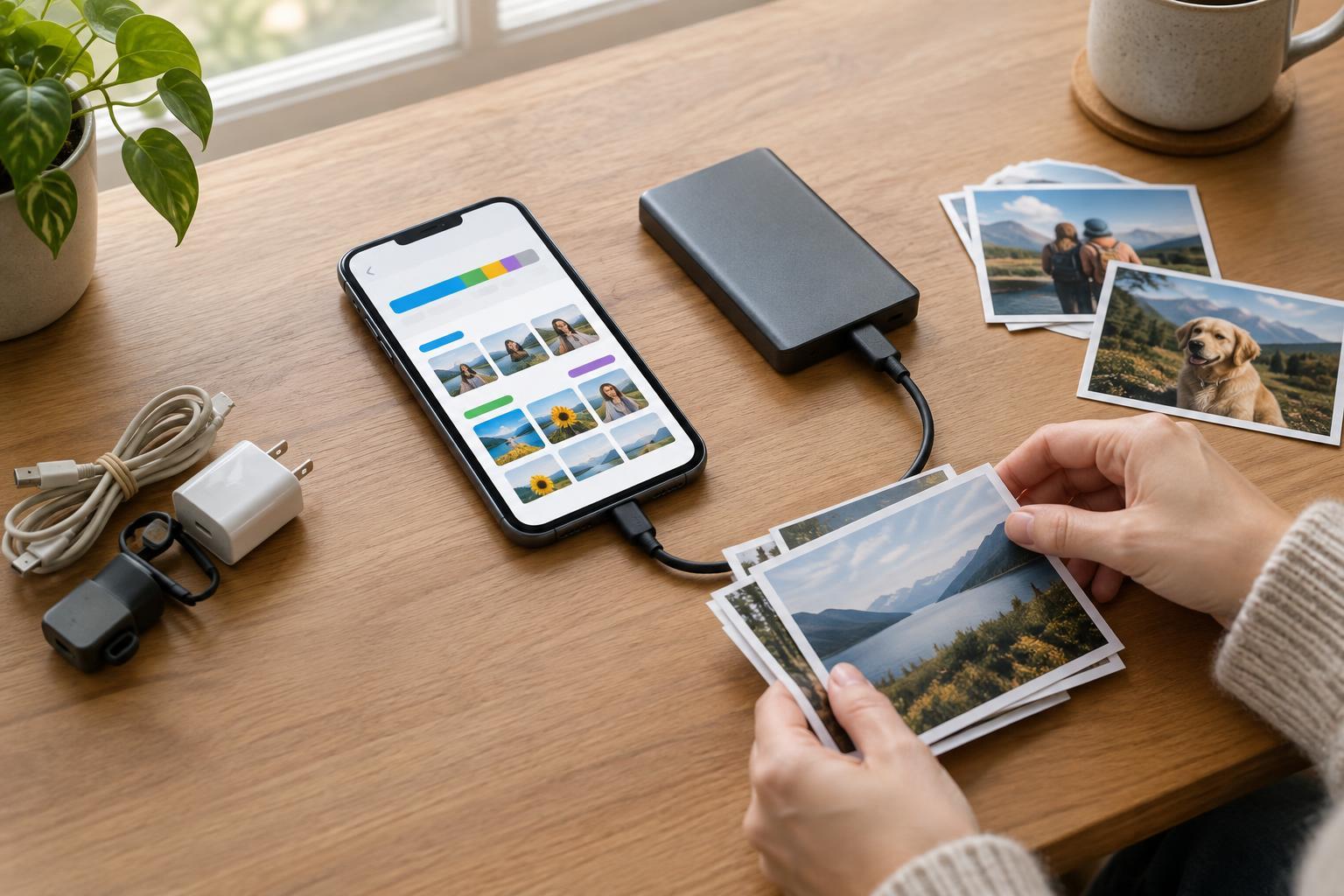
Make a list of what you need to keep
Before changing plans or closing an account, list the information you would miss if it disappeared. Depending on the service, that might include photos, documents, messages, contacts, calendar events, playlists, saved locations, purchase records, or settings. Look beyond the main screen: attachments, shared folders, drafts, and items in an archive can be easy to overlook.
Decide what you want to do with each type of data. A copy you can read later may be enough for old messages, while contacts or calendar events may need to be imported into another app. This distinction helps you choose between a readable download, such as a PDF, and a structured file intended for transfer. If other people share an account or workspace with you, check which files belong to you and which may need to remain accessible to them.
Find the export option and choose useful formats
Look in account settings for labels such as “Download your data,” “Export,” or “Data and privacy.” Some services place export controls inside individual products, so a photo library and a contacts list may require separate downloads. An export request may take time to prepare, and its download link may expire. Keep the account active until you have received and checked everything you need.
When format choices are available, think about where the information will go next. CSV is often useful for simple lists, while formats such as vCard and ICS are designed for contacts and calendars. Photos and documents are usually easiest to reuse in common file formats. A proprietary archive may preserve more service-specific details but be harder to open elsewhere. If the service offers both a transfer-friendly format and a more complete archive, consider keeping both.
Check whether your export includes original files, metadata, folder structure, or only a simplified copy. A photo download, for example, might place descriptions or other details in separate files. An export may not capture every feature of an account, such as recommendations or the arrangement of a custom dashboard. Note anything you may need to recreate manually.
Download securely and verify the result
Use a device and network you trust, and save the export somewhere you can find it. Large accounts may arrive as several archive files rather than one download. Wait until every part has finished before moving or extracting it. Avoid placing a sensitive export in a shared downloads folder or leaving a temporary copy on a borrowed computer.
Do not assume that a completed download is a complete export. Open the archive and spot-check several categories: can you view a few documents and photos, and do the contact or calendar files contain entries you recognize? Compare broad counts or date ranges with what you can see in the service, where practical. If files are missing or unreadable, review the export options and try again before closing the account.
An export is also a valuable copy of sensitive information. Store it in a protected location, and consider keeping a second copy on a separate device or storage service. If you encrypt the archive, keep its password somewhere reliable but separate from the file. Delete unneeded temporary copies after you have confirmed that your stored version works.
Test the move before you close the account
If you are switching services, import a small sample first. Check whether names, dates, attachments, and formatting appear as expected. An import can succeed while still losing useful context, such as tags or shared permissions. Keep your original export untouched so you can retry with different options if necessary.
Update any workflows that depend on the old account. Change the email address used for sign-ins or recovery where needed, move important shared links, and tell collaborators where to find replacement files. Saved content may remain tied to the old service even if you have exported a copy, so make sure the new arrangement works for everyday tasks before you leave.
Close out deliberately
Once you have verified your files and tested any move, review the service’s cancellation and account-deletion options. Stopping a paid plan, deleting stored content, and deleting an account may be separate actions. Read the on-screen descriptions rather than assuming one step does all three, and save any confirmation you may need later.
Finally, review the copy you kept. An export made for a move does not have to become a permanent pile of forgotten files: give it a clear name, record what it contains, and decide how long you need it. A careful export is not just a download. It is a usable, protected copy that lets you leave a service without losing track of what matters.